Compare the best Chrome extensions for recruiters to source candidates, find emails, scrape profiles, enrich contacts, and build hiring pipelines faster.
by Adriaan 20 min read
Share
Adriaan
20 min read
Share this article
Recruiters spend too much time switching between LinkedIn, GitHub, company websites, job boards, spreadsheets, ATS tools, and email finders. The right Chrome extension can remove a lot of that friction by helping you source candidates, extract profile data, find contact details, enrich records, and save candidates into your hiring workflow faster.
But the best Chrome extension for recruiters depends on what you need. Some extensions are built for contact finding. Some are designed for sourcing from LinkedIn. Others help you scrape profiles from any website, enrich candidate records, or push profiles directly into an ATS.
This guide compares the 12 best Chrome extensions for recruiters in 2026. We’ll look at what each tool does best, where it fits in a recruiting workflow, and what limitations to watch for before you install it.
Quick Recommendation: Best Recruiter Chrome Extension by Use Case
If you are comparing recruiter Chrome extensions, start with the workflow bottleneck you want to fix. A sourcer building candidate lists from public websites needs a different tool from a recruiter who mainly needs verified emails or an ATS user who wants one-click profile saving.
Use case
Best type of extension
Good fit
Extract candidate profiles from any website
AI profile scraper
ProfileSpider
Find candidate emails and phone numbers
Contact finder
ContactOut, Lusha, RocketReach, Swordfish AI
Find company-domain emails
Email finder
Hunter
Recruit from LinkedIn and run outreach sequences
Sales/recruiting intelligence extension
Apollo.io
Source across social platforms
Multi-platform sourcing extension
SignalHire
AI sourcing and talent discovery
Recruiting intelligence extension
hireEZ
Technical recruiting
Tech talent intelligence extension
AmazingHiring
Save profiles directly into an ATS
ATS-native extension
Workable
What Makes a Good Chrome Extension for Recruiters?
A good recruiting extension should save time without creating more admin work. The best tools fit naturally into your browser workflow and help you move from candidate discovery to outreach or ATS entry with fewer manual steps.
When evaluating Chrome extensions for recruiting, look at:
Source coverage: Does it work only on LinkedIn, or can it also handle GitHub, company websites, directories, portfolios, and niche communities?
Data captured: Can it collect names, job titles, companies, profile URLs, emails, phone numbers, social links, and notes?
Contact accuracy: Does it verify emails and phone numbers, or only guess them?
Workflow fit: Can you save candidates into lists, export to CSV/Excel, sync to an ATS, or push to a CRM?
Privacy and permissions: Does the extension ask for reasonable permissions and explain how candidate data is handled?
Account safety: Does it support controlled sourcing, or does it encourage aggressive automation that could create platform risk?
For a broader view of sourcing and enrichment workflows, see our guide to the best data enrichment tools.
1. ProfileSpider: The Universal One-Click Profile Scraper
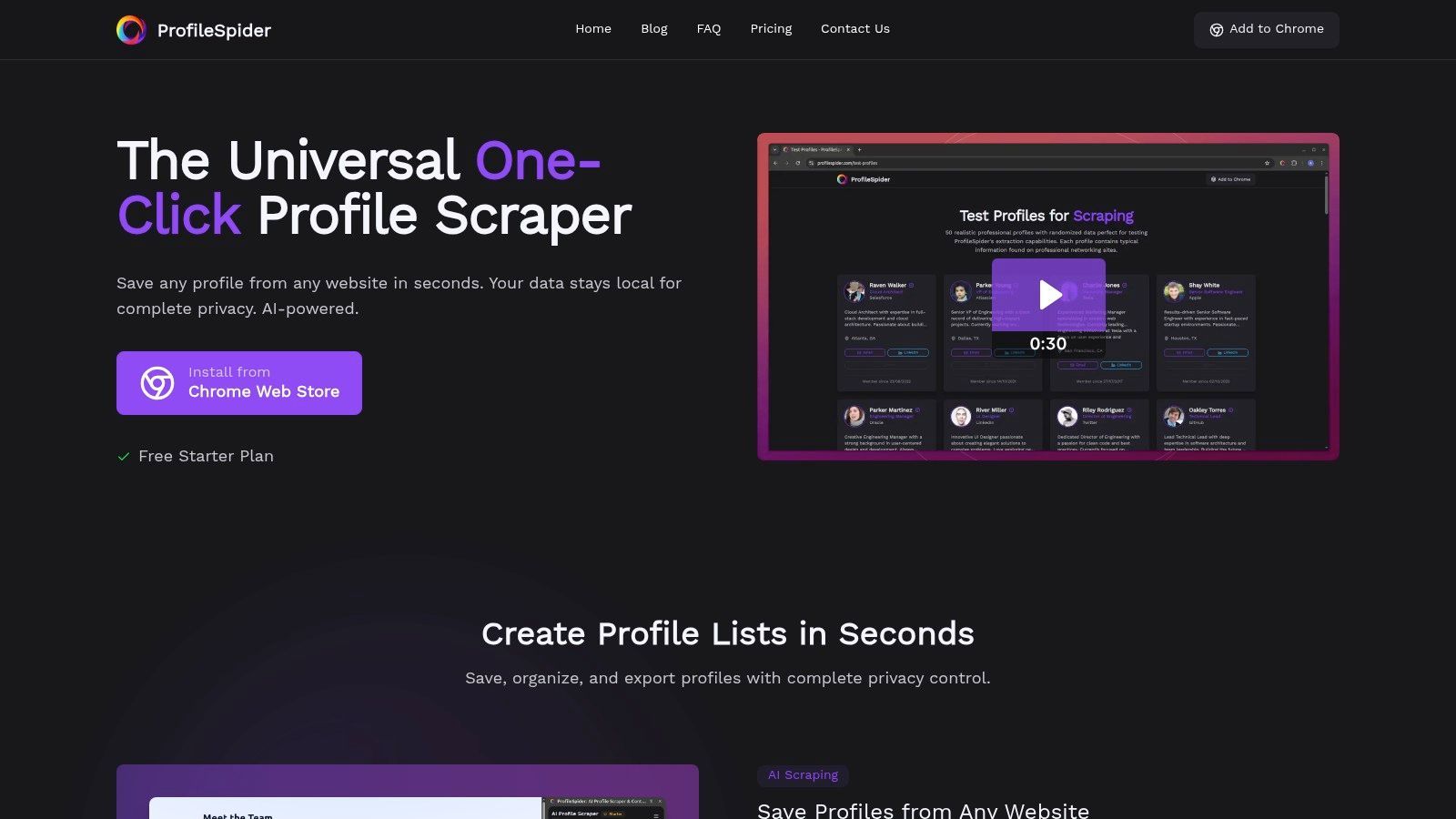
ProfileSpider distinguishes itself as a modern no-code alternative to traditional scraping and manual candidate research. While many recruiter extensions are limited to specific platforms, ProfileSpider helps recruiters extract structured candidate and company profiles from many types of websites with a single click.
This is useful when candidates are not only on LinkedIn. Recruiters often find talent on GitHub, company team pages, conference speaker lists, university pages, agency directories, niche communities, portfolio websites, and public profile pages. ProfileSpider’s AI-powered engine detects visible profile data and turns it into structured candidate records without requiring selectors, scraping recipes, or technical setup.
ProfileSpider also includes a lightweight candidate workspace inside the browser. Recruiters can save profiles into lists, add notes and tags, merge duplicates, enrich missing details, find emails where enough profile or company data is available, and export to CSV, Excel, or JSON for ATS or spreadsheet workflows.
Key Strengths & Use Cases
One-Click Profile Extraction: Capture visible candidate and company profiles from web pages instantly, without building a scraper.
Universal Website Compatibility: Go beyond LinkedIn and source from GitHub, company websites, directories, event pages, portfolio pages, and niche recruiting sources.
Candidate List Management: Organize sourced profiles into lists, add notes and tags, merge duplicates, and keep projects separated.
Enrichment Workflow: Visit profile or company pages to fill in missing details where available.
Email Finding: Find business emails when enough candidate or company data is available.
ATS/CRM-Friendly Export: Export organized candidate lists to CSV, Excel, or JSON for ATS, CRM, spreadsheet, or outreach workflows.
ProfileSpider is a strong fit for recruiters who want to build proprietary candidate lists from sources beyond traditional databases. For more detail on the scraping workflow, see our guide on how to scrape leads with AI.
Pricing & Availability
ProfileSpider uses a flexible credit-based model. Recruiters can start with a free plan and upgrade to paid tiers for higher usage and larger profile extraction limits.
Free Plan: Lets users test the core profile extraction workflow.
Paid Plans: Starter, Pro, and Power plans increase profiles-per-page limits and monthly credits.
Top-Up Credits: Extra credits are available for occasional high-volume sourcing.
2. Chrome Web Store: The Safest Place to Review Extensions
Before installing any recruiting extension, the Chrome Web Store is still the safest starting point. It is not a recruiting extension itself, but it is where recruiters can review extension permissions, user ratings, privacy practices, update history, and developer information before adding a tool to their browser.
This matters because recruiter extensions often handle sensitive candidate data. Some tools request broad permissions, access profile pages, read page content, or sync data with third-party systems. Before installing anything, recruiters should understand what access they are granting.
Key Features & Recruiter Use Cases
Centralized Discovery: Search for sourcing, contact finding, ATS, scraping, productivity, and recruiting extensions in one place.
User Reviews and Ratings: Check recent reviews from other users before installing a tool.
Permissions Transparency: Review what the extension can access before adding it to Chrome.
Privacy Practices: Check whether the developer explains data collection, sharing, and storage practices.
For recruiter safety, avoid extensions with vague privacy practices, poor recent reviews, or permissions that seem unrelated to the tool’s stated purpose. This is especially important when working with LinkedIn, candidate profiles, or personal contact data. For more background, read our guide on why Chrome extensions get blocked on LinkedIn.
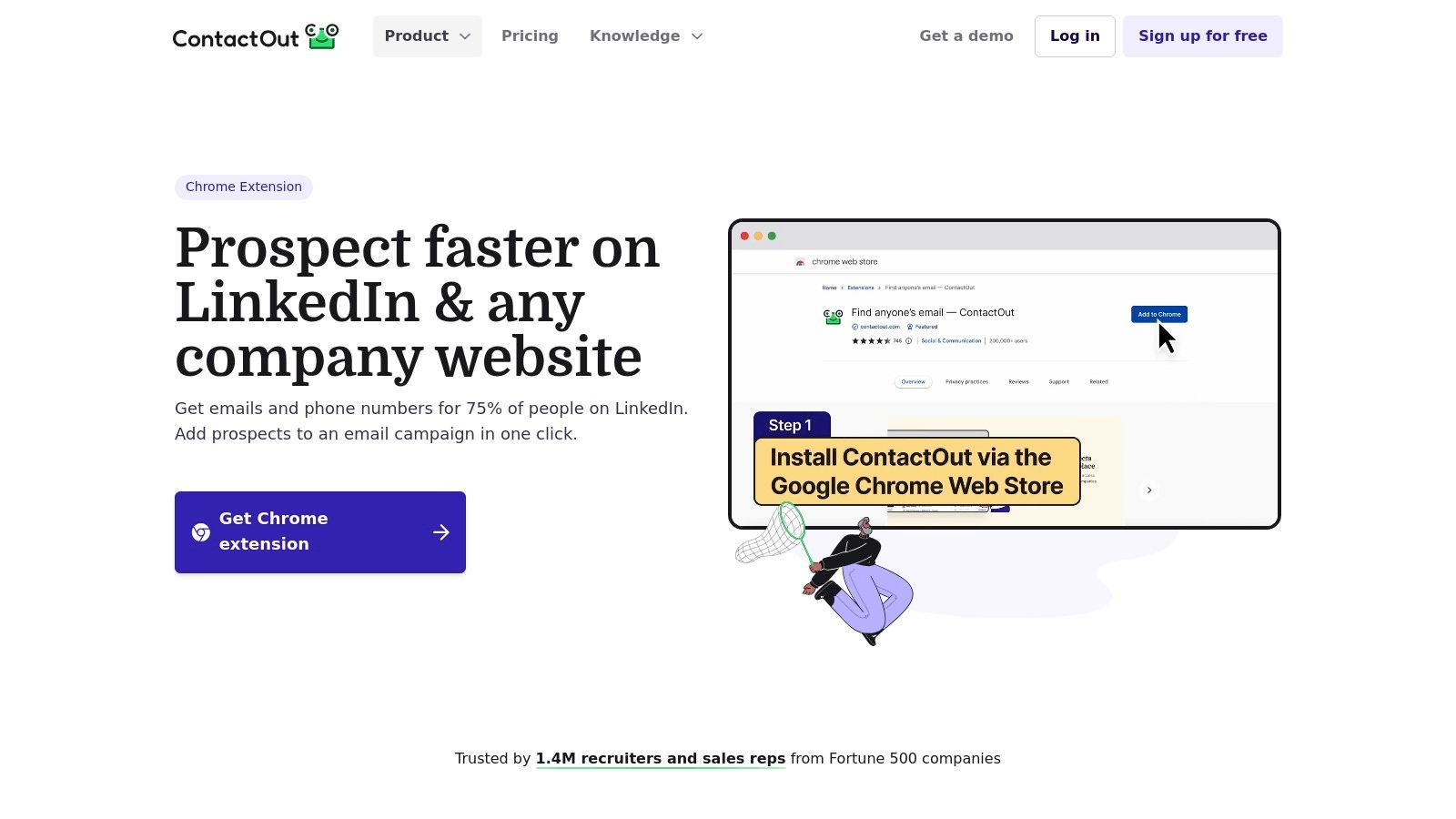
ContactOut is a contact-finding extension designed for recruiters who need candidate emails and phone numbers. Its strongest use case is sourcing passive talent from LinkedIn, LinkedIn Recruiter, and Sales Navigator, where it can reveal contact details directly on candidate profiles.
ContactOut is useful when you already know which candidate you want to contact but still need reliable outreach details. It can also support list building and ATS/CRM workflows, depending on plan and integration setup.
Key Features & Recruiter Use Cases
LinkedIn Contact Reveal: Find work emails, personal emails, and phone numbers from candidate profiles.
ContactOut Anywhere: Look for contact details from company websites and other pages.
ATS/CRM Sync: Save candidate details into recruiting or sales systems where supported.
Bulk Reveal: Enrich multiple candidates when running larger sourcing campaigns.
The main limitation is credit usage. High-volume recruiting teams can burn through credits quickly, especially when phone numbers are part of the workflow. Recruiters should also use contact details responsibly and follow applicable privacy and outreach rules.
Lusha is a popular B2B contact data extension used by recruiters, sales teams, and sourcers who need fast access to candidate emails and phone numbers. It integrates with LinkedIn, company websites, and CRMs, helping users reveal contact data without leaving the browser.
The extension is useful when a recruiter has identified a relevant candidate and needs direct outreach details. Its simple credit model and free allowance make it easy to test before committing to a paid plan.
Key Features & Recruiter Use Cases
One-Click Contact Reveal: Find emails and phone numbers from supported profile pages and company websites.
Bulk Reveals: Enrich multiple records from supported lists or workflows.
CRM and ATS Integration: Push enriched contact data into recruiting and sales systems.
Data Enrichment: Add missing fields to existing candidate or prospect records.
The main limitation is cost at scale. Phone numbers typically consume more credits than emails, which can become expensive for recruiters who rely heavily on calling. Lusha is best for targeted contact lookup rather than broad candidate discovery.
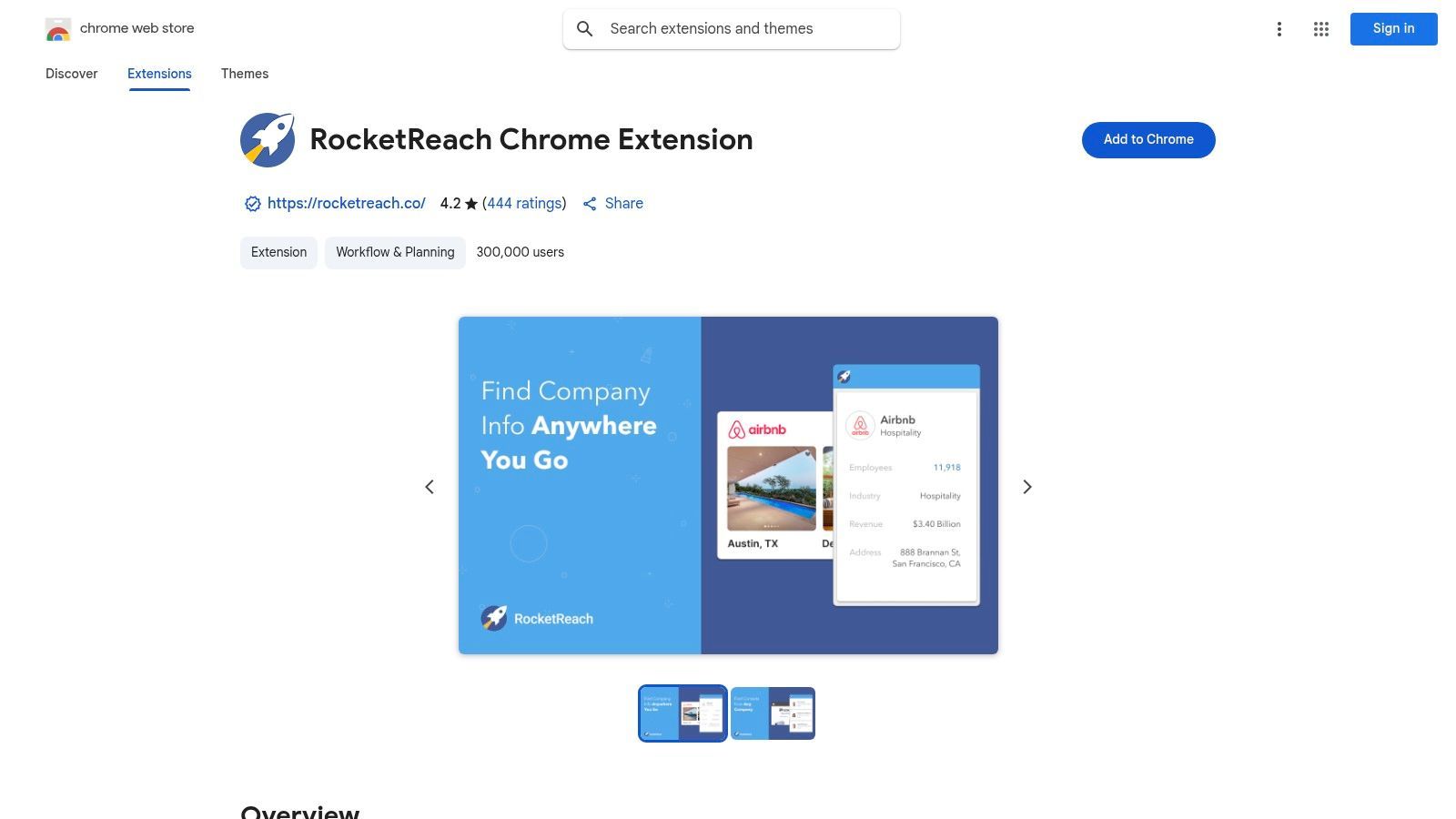
RocketReach is a contact-finding extension that helps recruiters find emails, phone numbers, and company information while browsing candidate profiles and company websites. It is useful for recruiters who need quick contact discovery with additional company context.
RocketReach can be helpful for both individual sourcing and larger list enrichment. Recruiters can use it to validate emails, identify likely contacts, and enrich candidate or hiring manager records before outreach.
Key Features & Recruiter Use Cases
Real-Time Contact Sourcing: Find professional emails and phone numbers from supported profile pages.
Company Insights: Research companies, departments, and possible hiring managers.
Bulk Lookups: Enrich larger lists using names, domains, or profile URLs.
API and Integrations: Use RocketReach data in recruiting or sales workflows depending on plan.
The most valuable data, especially direct-dial phone numbers, may require higher-tier plans. As with all contact tools, recruiters should test data accuracy in their own market before scaling usage.
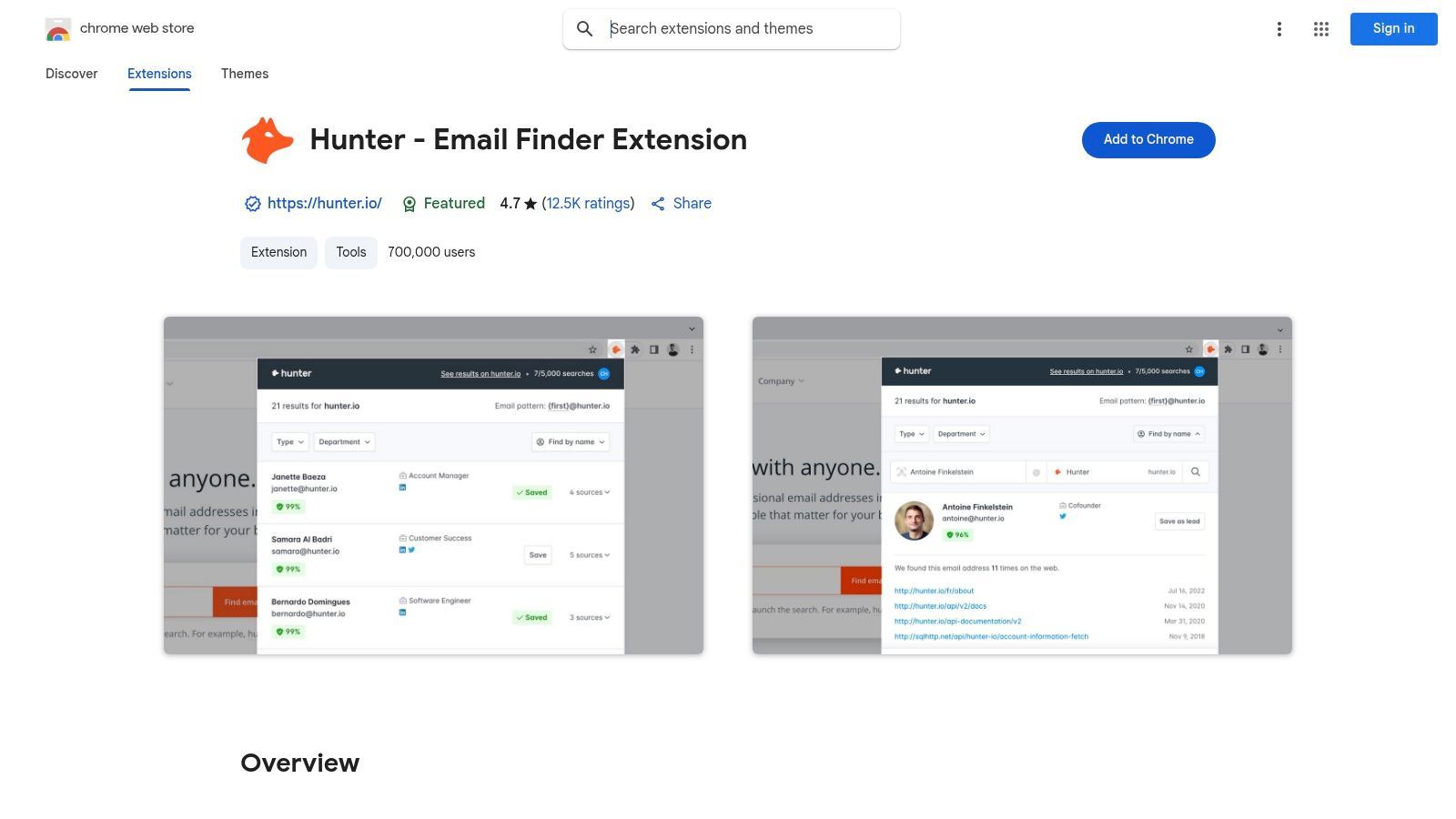
Hunter is a strong option for recruiters who use company-first sourcing. Instead of starting with a candidate profile, Hunter lets you visit a company domain and discover email addresses associated with that company. This is useful for mapping teams, finding hiring managers, or reaching candidates at target companies.
Hunter is especially useful for corporate recruiting, agency recruiting, partnerships, and business development workflows where email deliverability matters. It also includes verification features to help reduce bounced outreach.
Key Features & Recruiter Use Cases
Domain Search: Visit a company website and find email addresses associated with that domain.
Email Verification: Verify emails before adding them to your ATS or outreach sequence.
Confidence Scores: Prioritize emails with stronger evidence and higher confidence.
List Building: Save contacts into Hunter lists or export for outreach workflows.
Hunter is excellent for email discovery, but it is not designed for full candidate profile extraction or phone number sourcing. For broader email workflows, see our guide on how to find business email addresses.
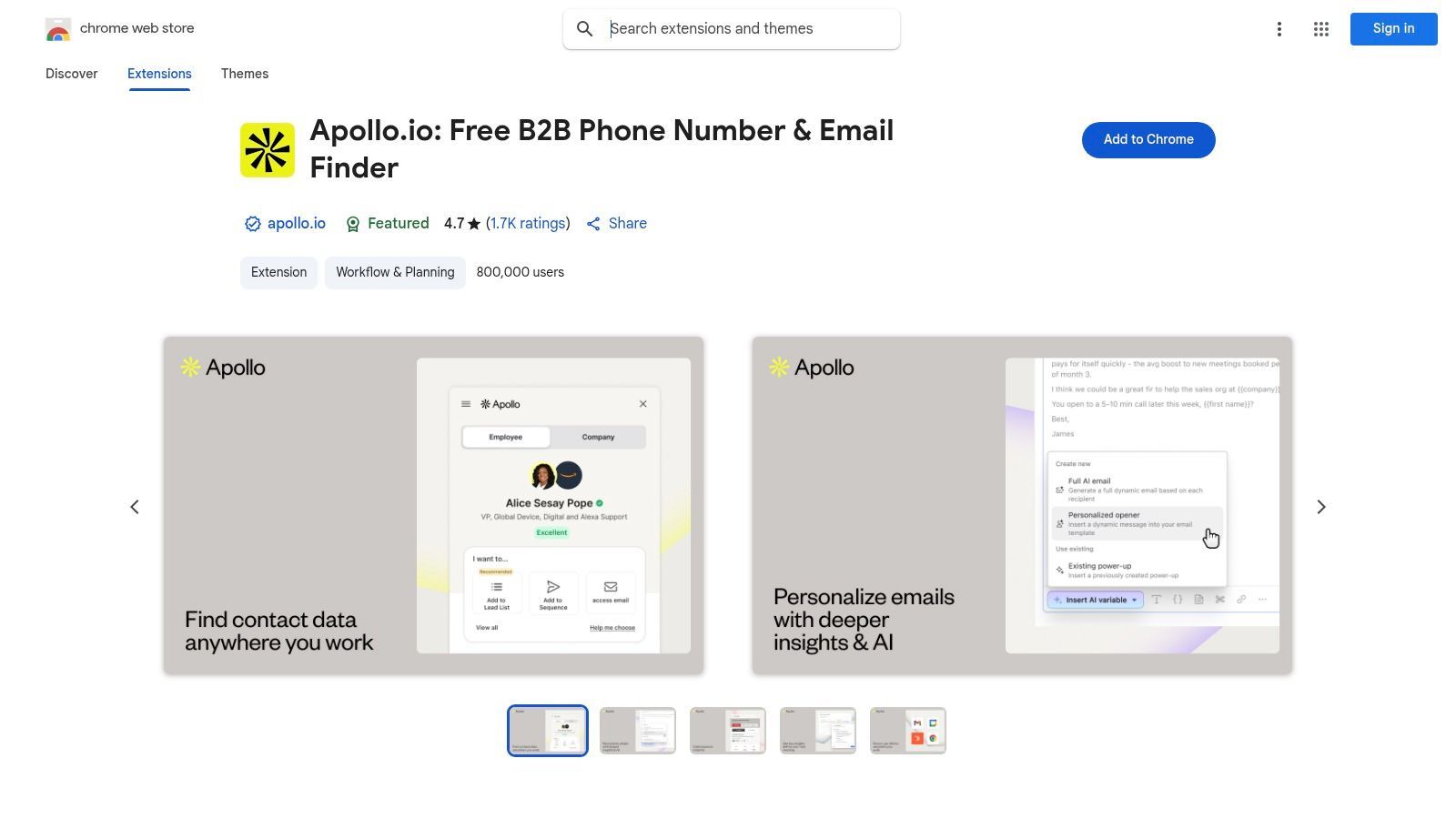
Apollo.io is best known as a sales intelligence platform, but its Chrome extension is also useful for recruiters who run proactive sourcing and outbound workflows. It can reveal contact data, save candidates to lists, and support outreach sequences from the Apollo platform.
For recruiters, Apollo is most useful when hiring workflows resemble outbound sales: build a list, find contact details, send personalized outreach, and follow up through sequences. It is less recruiting-specific than hireEZ or AmazingHiring, but useful for teams that already use Apollo for GTM workflows.
Key Features & Recruiter Use Cases
LinkedIn and Website Capture: Reveal contact details and save profiles from supported sources.
AI-Powered Personalization: Generate personalized outreach copy based on candidate or company context.
Sequence Building: Create multi-step outreach workflows for candidates or prospects.
CRM Integration: Sync data with CRM systems and related workflows.
The main limitation is complexity. If you only need contact lookup, Apollo may feel heavier than a dedicated recruiter extension. If you need outreach sequences and database access, it can be useful. For a detailed comparison, see ProfileSpider vs Apollo.
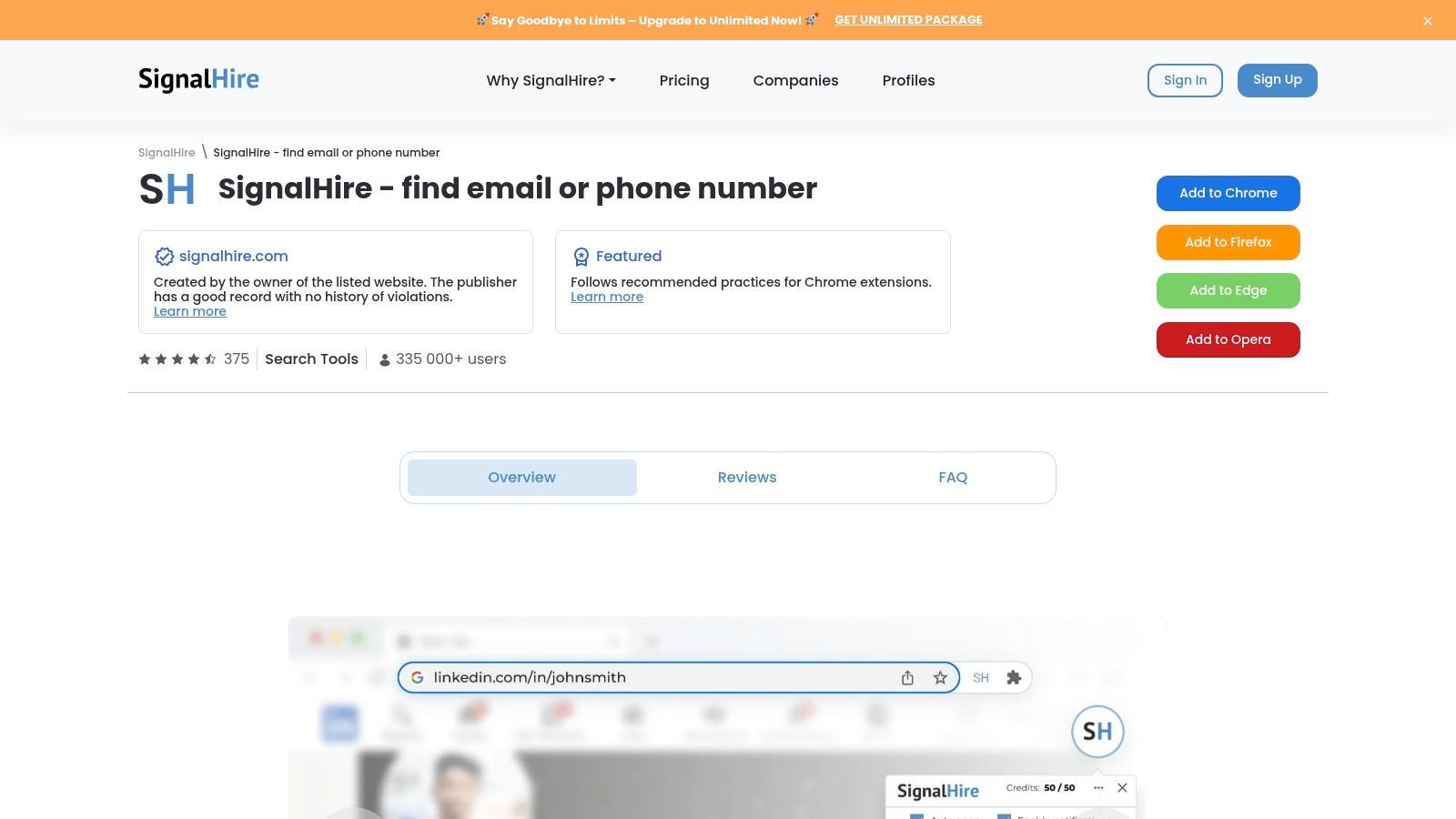
SignalHire expands recruiter sourcing beyond LinkedIn by supporting contact discovery across multiple social and professional platforms. It can help find emails, phone numbers, and social profile links from sources such as LinkedIn, GitHub, Facebook, and other online profiles.
This makes SignalHire useful for recruiters who source across many channels, especially when candidates are more active outside traditional job boards. Technical recruiters may use it to connect public developer profiles with contact details.
Key Features & Recruiter Use Cases
Multi-Platform Sourcing: Find candidate contact details across LinkedIn, GitHub, Facebook, Meetup, and other sources.
ATS/CRM Export: Export candidate records into supported recruiting and sales systems.
Team Collaboration: Use shared credits, team lists, and collaborative workflows depending on plan.
The main limitation is that contact accuracy can vary by industry, region, seniority, and source. Recruiters should use free credits or trial access to test accuracy in their hiring market.
hireEZ, formerly Hiretual, is an AI sourcing platform with a Chrome extension built specifically for recruiters. It supports sourcing from professional profiles, social platforms, and technical communities, while connecting web research back into the broader hireEZ platform.
The extension is useful for recruiters who want more than contact lookup. It can help enrich candidate profiles, find similar profiles, build projects, and support AI-assisted sourcing workflows.
Key Features & Recruiter Use Cases
AI-Powered Sourcing: Find and enrich candidate profiles from supported web sources.
Boolean Builder: Generate Boolean search strings from job descriptions or sourcing requirements.
Find Similar Profiles: Discover candidates with similar skills, experience, or profile patterns.
Project Syncing: Add candidates from web profiles into hireEZ projects.
The main limitation is that the extension is most powerful when paired with the paid hireEZ platform. Smaller teams may find the full system more than they need if they only want lightweight profile capture or contact finding.
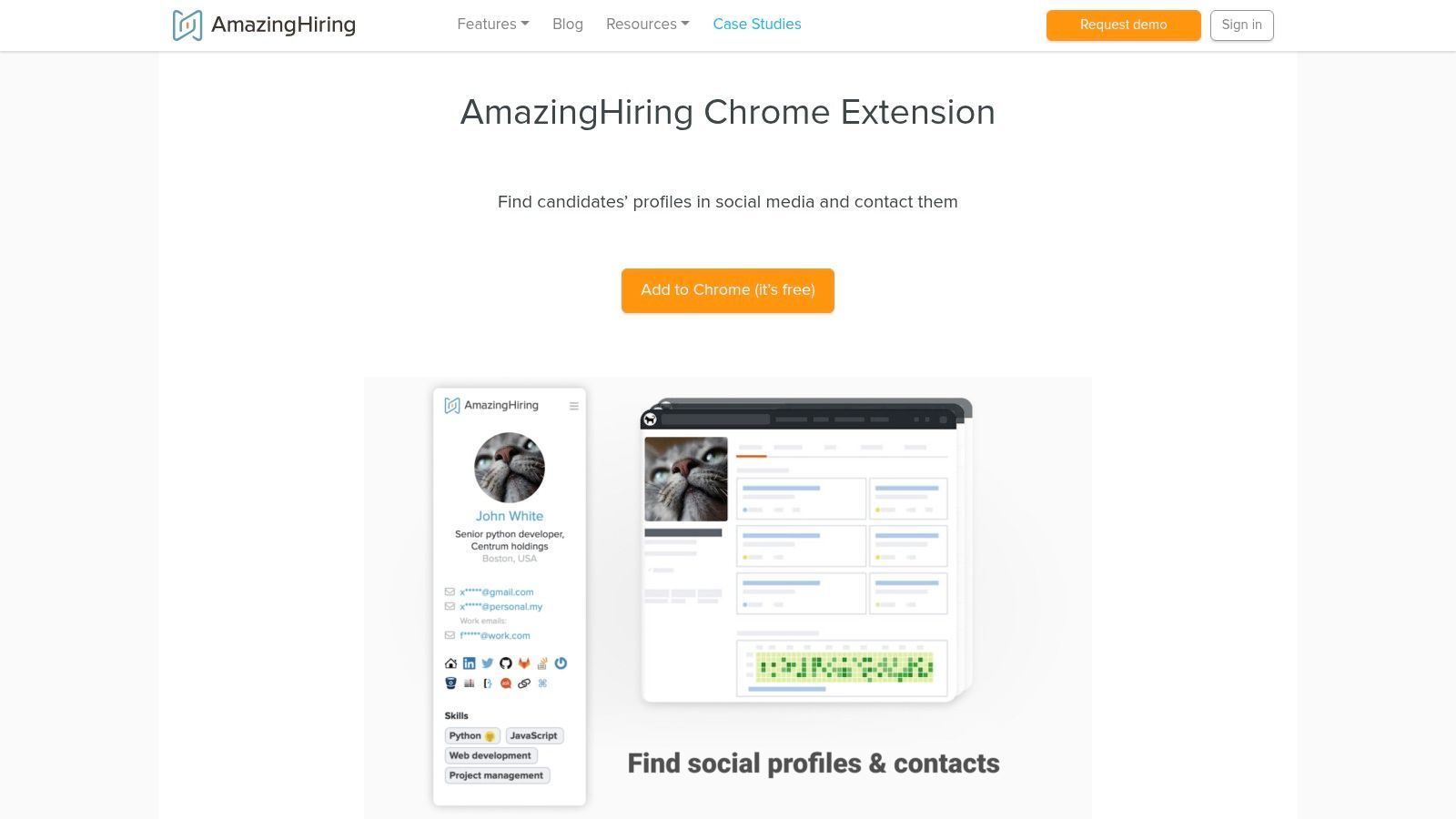
AmazingHiring is built for technical recruiters who need to understand a candidate’s full technical footprint. It aggregates profile signals from platforms such as GitHub, Stack Overflow, Kaggle, and other developer or design communities.
Instead of only showing contact details, AmazingHiring helps recruiters evaluate technical presence, contributions, and public activity. This makes it valuable for sourcing engineers, data scientists, UX designers, and other technical specialists.
Key Features & Recruiter Use Cases
Aggregated Technical Footprint: View public candidate activity across coding, professional, and community platforms.
Tech-Specific Sourcing: Find and assess developers, data professionals, and technical talent based on public signals.
Profile Hover Reveal: Quickly access consolidated profile information while browsing supported sources.
AmazingHiring is highly specialized. It is strong for tech recruiting but less useful for general corporate recruiting, high-volume hourly hiring, or non-technical roles.
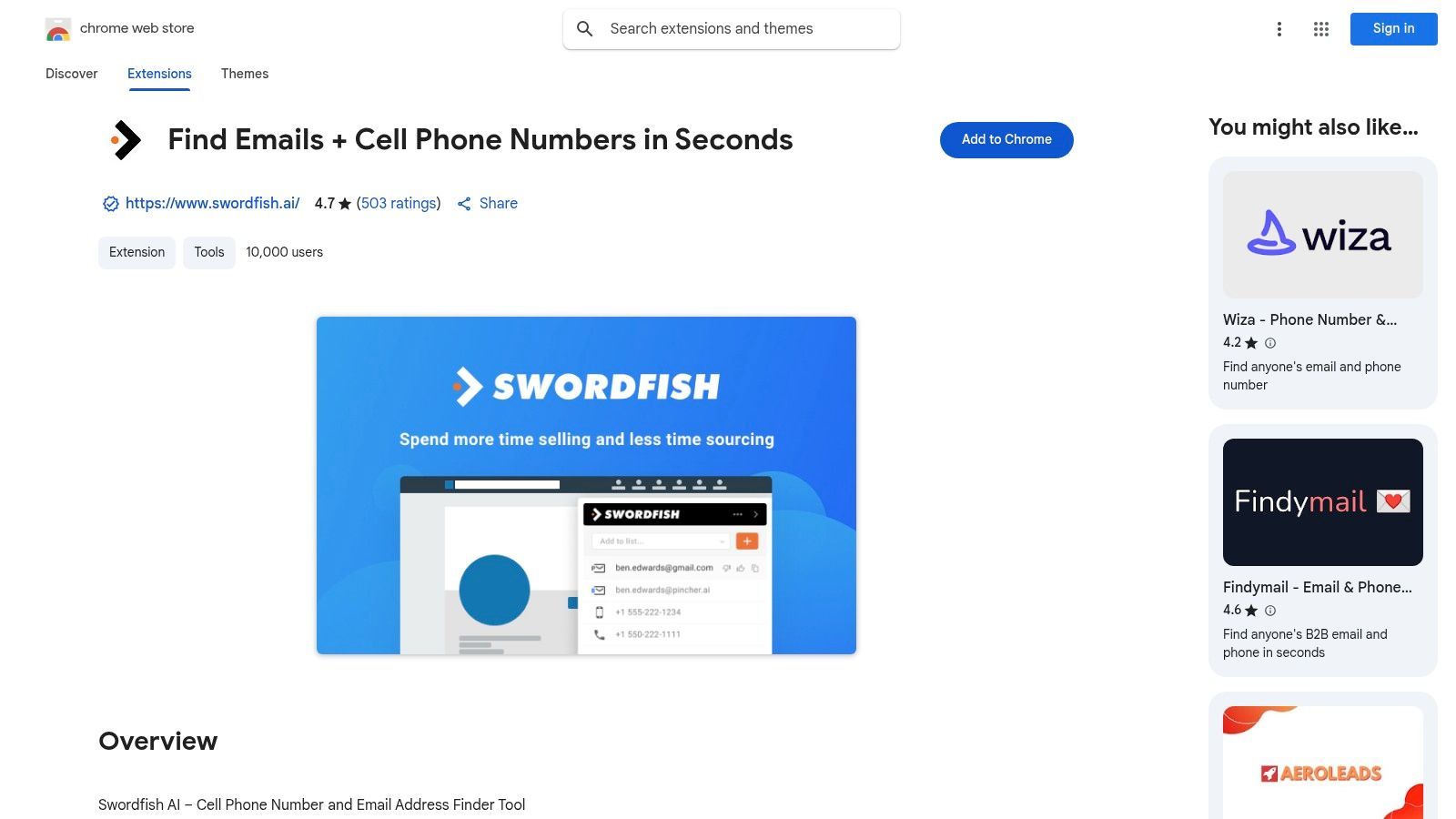
Swordfish AI is a contact-finding extension with a strong focus on direct-dial and mobile phone numbers. It is useful for recruiters who rely on phone outreach to reach passive candidates faster than email-only workflows allow.
Swordfish AI works across platforms such as LinkedIn, Twitter/X, Facebook, GitHub, and search results, helping recruiters find contact details directly from candidate pages.
Key Features & Recruiter Use Cases
Phone Number Discovery: Find direct-dial and mobile numbers for high-priority candidates.
Real-Time Validation: Validate contact details to reduce wasted outreach.
Multi-Platform Sourcing: Search for contact data across multiple social and professional platforms.
Bulk Enrichment: Upload candidate lists and enrich them with phone numbers and emails.
Swordfish AI is useful for phone-heavy recruiting, but recruiters should be careful with privacy rules and calling regulations when using direct numbers. It is best for targeted outreach rather than mass calling.
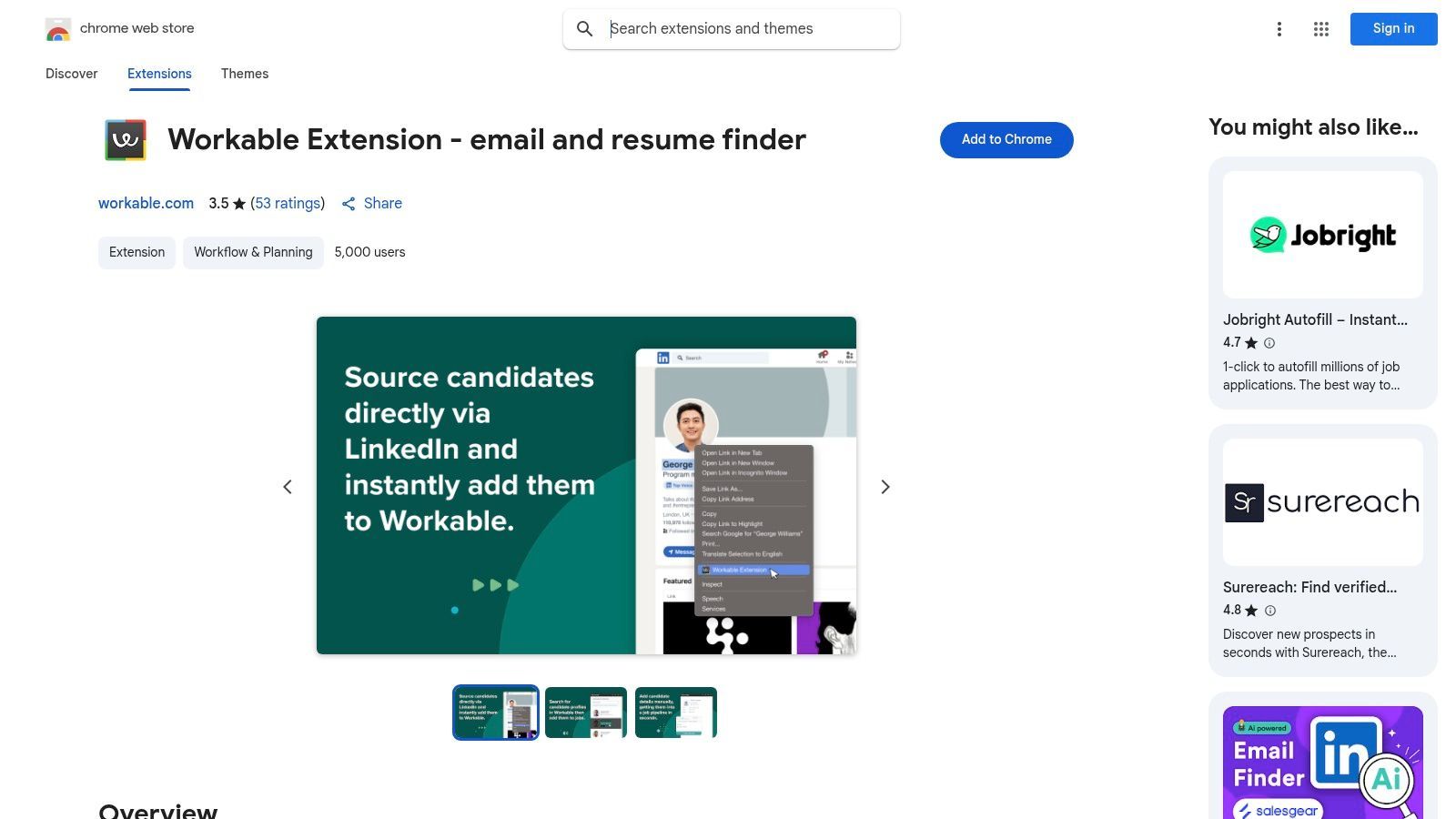
The Workable Chrome extension is useful for recruiting teams already using Workable as their ATS. It is not a standalone sourcing or contact-finding tool. Instead, it helps recruiters save profiles from external websites directly into Workable job pipelines.
This solves a common recruiter problem: finding a candidate on LinkedIn, GitHub, Twitter/X, Dribbble, or another platform, then manually copying details into the ATS. Workable’s extension makes that transfer faster and keeps the ATS as the source of truth.
Key Features & Recruiter Use Cases
Direct ATS Saving: Add profiles from external sources directly to a job in Workable.
Duplicate Checking: Check whether a candidate already exists before adding them again.
Centralized Sourcing: Keep sourced candidates inside the ATS for reporting, collaboration, and compliance.
The main limitation is ecosystem dependency. If your team does not use Workable, the extension is not useful. It also does not replace a contact finder, profile scraper, or enrichment tool.
Top 12 Recruiter Chrome Extensions — Quick Comparison
Tool
Best for
Type
Pricing style
ProfileSpider 🏆
Extracting candidate profiles from any website
AI profile scraper
Free plan + credits
Chrome Web Store
Reviewing extension permissions, ratings, and privacy practices
Extension marketplace
Free
ContactOut
Finding candidate emails and phone numbers
Contact finder
Credit-based
Lusha
Fast email and phone lookup
Contact intelligence extension
Free plan + credits
RocketReach
Contact lookup and company insights
Email and phone finder
Free trial + paid plans
Hunter
Company-domain email discovery
Email finder
Free plan + credits
Apollo.io
Recruiting-style outbound sequences and contact data
Sales intelligence extension
Free plan + paid tiers
SignalHire
Multi-platform candidate contact discovery
Sourcing extension
Credit-based
hireEZ
AI sourcing and similar candidate discovery
Recruiting intelligence extension
Platform subscription
AmazingHiring
Technical recruiting and developer footprint research
Tech talent sourcing extension
Platform subscription
Swordfish AI
Mobile phone and direct-dial discovery
Contact finder
Subscription
Workable
Saving sourced profiles into Workable ATS
ATS-native extension
Included with Workable
Best Recruiting Extension Workflow: From Source to Candidate Pipeline
The strongest recruiting workflow usually combines several extension types. One tool may help you find profiles, another may reveal emails, and another may push candidates into your ATS.
Find candidates: Use LinkedIn, GitHub, Google search, company team pages, directories, portfolio sites, event pages, or niche communities.
Capture profile data: Save names, roles, companies, profile URLs, social links, locations, and visible context.
Enrich missing details: Find work emails, phone numbers, social links, or company details where appropriate.
Organize candidates: Use lists, tags, notes, projects, or ATS stages.
Deduplicate: Avoid contacting the same candidate twice through different tools.
Export or sync: Move curated candidates to your ATS, CRM, spreadsheet, or outreach system.
Reach out responsibly: Use relevant, personalized messaging and respect privacy, opt-outs, and platform rules.
For sourcing beyond LinkedIn, ProfileSpider can help with the capture and organization stage. For verified contact data, tools like ContactOut, Lusha, RocketReach, Hunter, or Swordfish AI can help fill missing outreach details. For ATS workflows, Workable and similar ATS-native extensions keep candidate records centralized.
Choosing the Right Extension for Your Recruiting Workflow
The modern recruiting workflow spans many platforms: LinkedIn, GitHub, company websites, event pages, directories, job boards, portfolios, spreadsheets, ATS tools, and email. The best Chrome extensions for recruiters reduce manual work across those steps.
The key is not to install every extension. Too many overlapping extensions can slow down your browser, create privacy risk, and make your workflow messier. Instead, build a small toolkit where each extension solves a clear problem.
Building Your Personal Recruiting Toolkit
Use this decision framework:
If your biggest problem is building candidate lists: Use ProfileSpider to extract profiles from LinkedIn, GitHub, company team pages, directories, event pages, and public websites.
If your biggest problem is finding emails and phone numbers: Use ContactOut, Lusha, RocketReach, SignalHire, or Swordfish AI.
If your workflow is company-domain email discovery: Use Hunter.
If you want outbound sequences: Use Apollo.io or a dedicated outreach tool.
If you recruit technical talent: Use AmazingHiring, hireEZ, GitHub sourcing, and portfolio research.
If your ATS is the center of your workflow: Use your ATS-native extension, such as Workable.
Safety and Compliance Considerations
Recruiting extensions can be powerful, but they also require care. Candidate data is personal data, and some platforms restrict automation or scraping. Before using any extension at scale, review permissions, privacy policies, and the rules of the websites you use.
Final Thoughts: From Automation to Candidate Connection
The goal of using recruiter Chrome extensions is not to collect more data for the sake of it. The goal is to build better candidate pipelines with less manual work.
The right extension should help you find relevant candidates, capture accurate profile data, enrich missing contact details, keep records organized, and move qualified people into your hiring workflow. Once that repetitive work is handled, recruiters can spend more time on the work that actually wins candidates: relevant outreach, better conversations, and stronger relationships.
If your current bottleneck is turning web profiles into candidate lists, try ProfileSpider: open a page with relevant profiles, extract the candidates, save them into lists, enrich missing details, find emails, and export when you are ready.