

Lead generation automation works best when it connects a clear trigger to a useful next action. A new form submission might create a CRM record and start a welcome sequence. A pricing-page visit might increase a lead score. An unanswered inquiry might trigger a follow-up task for sales.
The goal is not to automate every interaction. It is to remove repetitive work, respond faster, keep lead data organized, and ensure qualified opportunities reach the right person at the right time.
This guide covers seven practical lead generation automation workflows for lead scoring, email nurture, CRM routing, webinar follow-up, chatbot qualification, account-based marketing, and re-engagement. Each workflow includes the trigger, the core automation logic, and the conditions that help prevent irrelevant or excessive outreach.
For many outbound and account-based workflows, the first step is building a relevant prospect list. ProfileSpider helps sales, recruiting, marketing, and research teams extract publicly available profile and company information from webpages, organize the results into lists, and export the data as CSV, Excel, or JSON.
For a full breakdown of how a B2B lead generation funnel works and where automation fits, see our B2B lead generation funnel guide.
This article is part of our broader guide to lead scraping. For the complete end-to-end process—including lead sources, extraction, enrichment, data quality, activation, and compliance—read the Lead Scraping Guide: How to Scrape, Enrich, and Convert Leads at Scale.
1. Lead Scoring and Nurture Automation
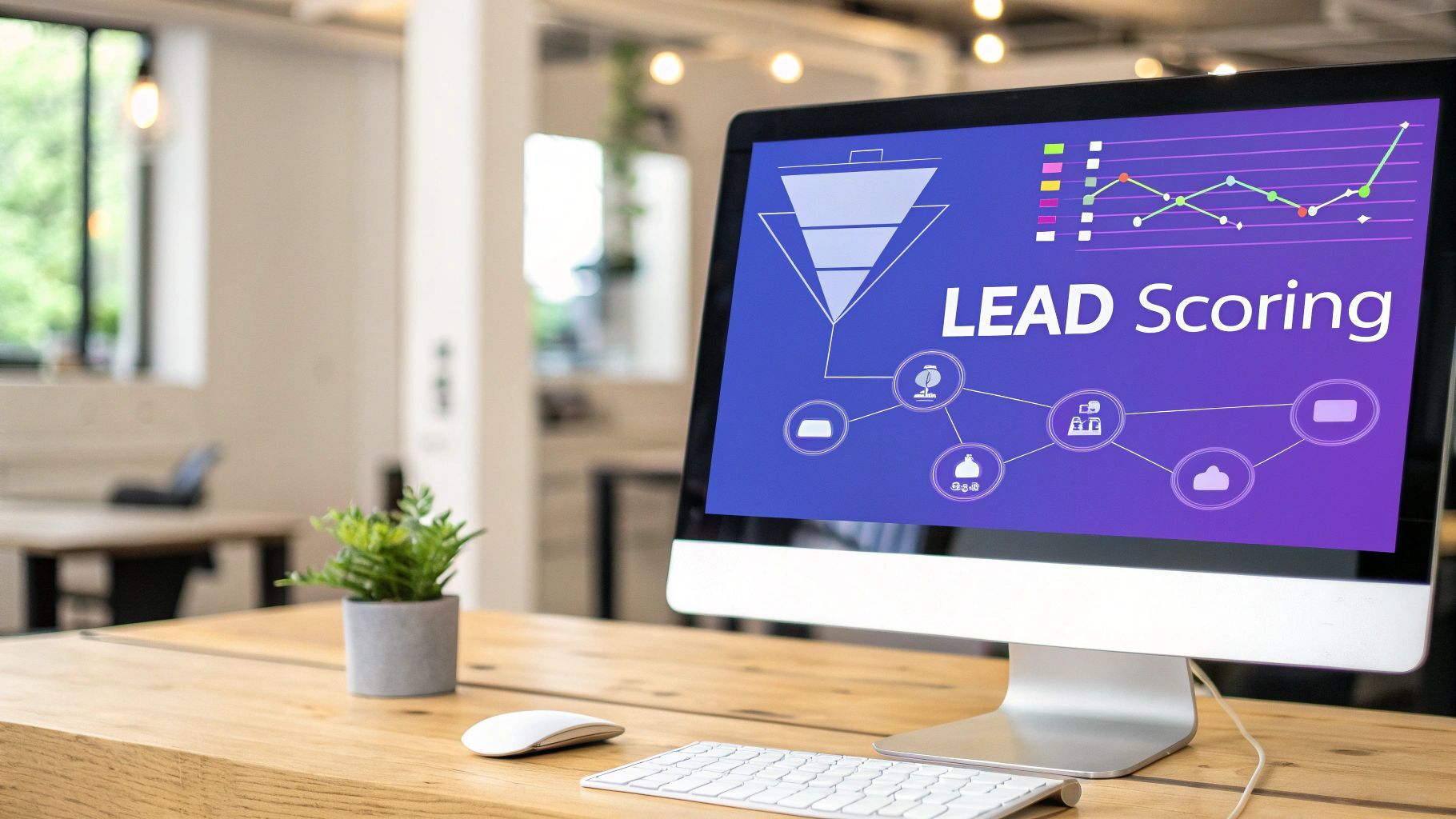
Not every lead is ready for a sales conversation. A lead scoring and nurture workflow helps distinguish leads showing meaningful buying signals from people who are still researching.
The workflow assigns points or categories based on two types of information:
- Fit data: Job title, seniority, company size, industry, location, and other ideal-customer-profile attributes.
- Engagement data: Form submissions, email clicks, product-page visits, webinar attendance, demo requests, and other observable actions.
When a lead reaches a defined threshold, the automation can update its CRM status, assign an owner, create a sales task, or notify an account executive. Leads below the threshold can remain in an educational nurture sequence until their behavior indicates stronger intent.
Why This Workflow Can Improve Conversion
- Sales teams spend more time on qualified opportunities. Clear routing rules reduce the need to inspect every new lead manually.
- Early-stage leads continue receiving relevant information. They are not forced into a sales conversation before they are ready.
- Marketing and sales use the same qualification criteria. A shared model reduces inconsistent handoffs.
Platforms such as HubSpot and Salesforce support scoring, lifecycle stages, automated assignment, and nurture workflows. The model still needs regular review because a high score does not automatically mean that a lead is genuinely qualified.
Actionable Takeaways
- Start with a small scoring model: Use five to seven signals that are strongly associated with qualified opportunities.
- Separate fit from intent: A well-matched company with no engagement is different from an engaged visitor who does not match your target market.
- Define the handoff: Specify what happens when a lead reaches the threshold, who owns it, and how quickly follow-up should occur.
- Add lead decay: Reduce the score when engagement becomes old or a lead remains inactive.
- Review closed deals: Compare the original scores of won and lost opportunities and adjust the model accordingly.
ProfileSpider can support the initial list-building stage by extracting available professional information from relevant webpages. You can organize profiles into lists, add tags such as “target industry” or “decision-maker,” add notes, and export the results for use in a CRM or another workflow. Saved profiles, lists, tags, and notes are stored locally in the browser.
You can find more examples in our guide to marketing automation workflows.
2. Email Drip Campaign Sequences
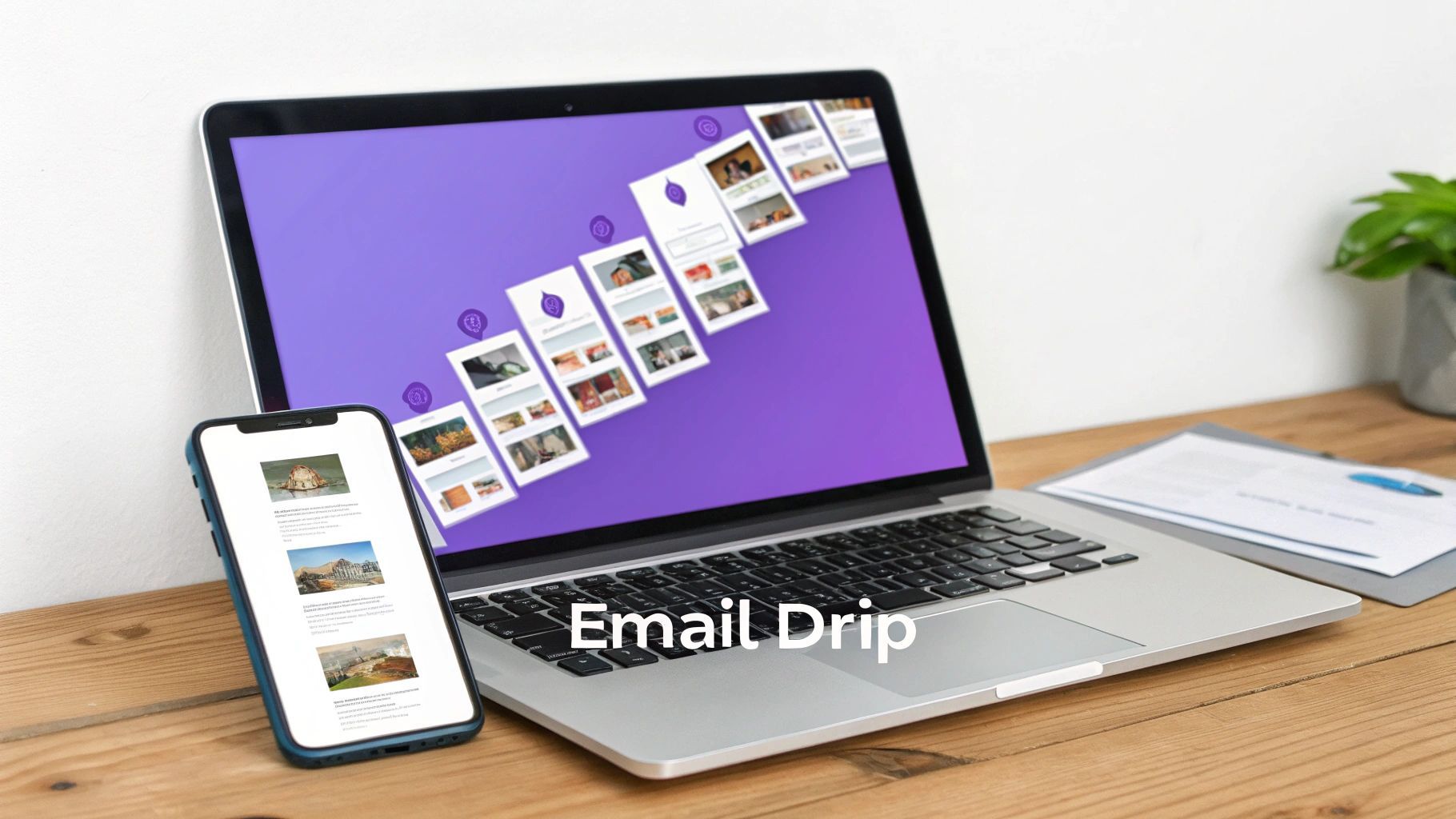
An email drip campaign is a series of messages sent according to a schedule or a lead’s behavior. Common triggers include a newsletter signup, content download, webinar registration, free-trial start, form submission, or CRM-stage change.
A basic sequence might send a welcome email immediately, a practical guide two days later, a customer example after several more days, and a relevant call to action once the recipient has received enough context.
If you are still building the foundation, create a clear lead magnet and welcome sequence before designing a complex branching workflow.
Why This Workflow Can Improve Conversion
- It maintains consistent follow-up. New leads do not depend on someone remembering to send the next message manually.
- It allows source-specific messaging. A webinar registrant can receive a different sequence from someone who downloaded a checklist.
- It creates measurable progression. Opens, clicks, replies, conversions, and exits can be tracked by step.
Platforms such as ActiveCampaign, ConvertKit, HubSpot, and many CRM systems support scheduled and trigger-based email sequences. The effectiveness depends on the relevance of the content, list quality, timing, and deliverability.
Actionable Takeaways
- Give each sequence one main objective: Examples include booking a meeting, starting a trial, completing onboarding, or returning to an abandoned process.
- Segment by lead source and intent: Avoid placing every contact into the same sequence.
- Use behavior-based branches: A clicked pricing link should trigger a different action from repeated non-engagement.
- Set exit criteria: Remove contacts after purchase, booking, unsubscribe, rejection, or another terminal event.
- Limit frequency: Coordinate overlapping sequences so one person does not receive several automated messages at once.
A sequence is only useful when the recipients are relevant and the outreach has an appropriate basis. ProfileSpider can help structure publicly available professional information from webpages into a targeted list, but it does not replace consent, lawful-basis, deliverability, or outreach-quality requirements.
For more on the list-building stage, see how to build email lists.
3. Landing Page + Form to Lead Database Automation
A landing-page and form workflow connects a visitor’s submission directly to a CRM, lead database, marketing platform, or sales process.
When someone downloads a guide, requests a quote, books a demo, or registers for an event, the automation can:
- Create or update the contact record.
- Record the original lead source and campaign.
- Assign the lead to the correct team or territory.
- Send a confirmation or welcome email.
- Create a follow-up task.
- Add the lead to an appropriate nurture sequence.
This removes the delay and inconsistency associated with exporting form submissions and importing them manually.
Why This Workflow Can Improve Conversion
- It responds while interest is current. The promised resource or confirmation can be delivered immediately.
- It reduces lost submissions. Every valid form submission follows the same processing rules.
- It improves attribution. Source, campaign, landing page, and form data can be stored with the lead record.
- It enables routing. High-intent or high-value submissions can be assigned differently from general inquiries.
Tools such as HubSpot, Leadpages, Unbounce, form builders, CRM platforms, and workflow tools can support this process without requiring a fully custom system.
Actionable Takeaways
- Ask only for necessary information: Additional fields can reduce completion rates and create unnecessary data-handling obligations.
- Match fields to the next action: Collect company size only when it affects qualification or routing.
- Add duplicate handling: Decide whether matching email addresses should update an existing contact or create a new record.
- Preserve attribution: Store the landing page, campaign, referrer, and submission timestamp.
- Create failure alerts: Notify someone when a form-to-CRM integration stops creating records.
ProfileSpider is more relevant before or alongside this workflow than inside the form itself. For example, a sales or recruiting team can extract a targeted list from a public directory, company team page, association website, or conference page, then use that list for research and appropriate outreach that directs relevant prospects to a landing page.
For more on connecting structured lead data with sales systems, read our guide to feeding a sales pipeline with web data.
4. Webinar Registration to Sales Funnel Automation
A webinar workflow automates the process from registration through reminders, attendance tracking, follow-up, and sales handoff.
When someone registers, the workflow can create or update a CRM contact, record the webinar source, send confirmation, and schedule reminders. After the event, registrants can be segmented according to attendance, engagement, questions, poll responses, replay views, or requested next steps.
Why This Workflow Can Improve Conversion
- Attendees receive timely follow-up. The recording, slides, related content, or next step can arrive while the topic is still fresh.
- No-shows are not discarded. They can receive the replay and a lighter follow-up sequence.
- High-engagement attendees can be routed to sales. Questions, polls, and calls to action can provide stronger intent signals than registration alone.
Webinar platforms and CRM tools can pass registration, attendance, and engagement information into automated workflows. The exact data available depends on the webinar platform and integration.
Actionable Takeaways
- Separate attendees and no-shows: Their follow-up context is different.
- Use multiple reminder points: Confirmation, advance reminder, and same-day reminder are common starting points.
- Follow up promptly: Send the promised recording or resources soon after the event.
- Use engagement signals: Prioritize people who asked questions, answered polls, watched a substantial portion, or visited a relevant page afterward.
- Define the sales threshold: Attendance alone should not automatically make every registrant sales-qualified.
ProfileSpider can help with the audience-research stage. For example, you can extract relevant professionals from public conference, association, company, or directory pages, organize them by role or industry, and use that research to inform appropriate webinar promotion. Do not assume that extracting a public profile automatically gives permission to add someone to an email campaign.
5. Chatbot Qualification and Lead Capture Automation
A chatbot qualification workflow engages website visitors, answers common questions, gathers relevant information, and routes qualified conversations to a person, calendar, form, or sales process.
The trigger is usually a page visit, button click, chat message, or identified behavior. The workflow may ask a small number of qualifying questions, provide relevant resources, create a CRM record, offer a booking link, or notify a sales representative.

Why This Workflow Can Improve Conversion
- It shortens response time. Visitors can receive an immediate answer or next step.
- It filters routine inquiries. Sales teams can focus on conversations that meet defined qualification criteria.
- It captures context. The visitor’s answers can be included in the CRM record or sales notification.
- It supports after-hours lead capture. Visitors can submit information or book a meeting when the team is unavailable.
Platforms such as Intercom, HubSpot, Drift, and other conversational tools support chat-based qualification and routing. A chatbot should not pretend to understand more than it does, and complex or sensitive inquiries should have a clear route to a person.
Actionable Takeaways
- Keep the first interaction short: Ask only the questions needed to determine the next step.
- Offer access to a person: Do not trap users in a closed automated loop.
- Pass conversation context: Include answers and relevant page history when handing the lead to sales.
- Handle existing contacts: Decide whether the chatbot updates an existing CRM record or creates a new one.
- Test fallback behavior: Review what happens when the chatbot cannot classify an answer.
ProfileSpider can support separate account and contact research by helping you build lists of relevant decision-makers from public webpages. It does not identify anonymous website visitors or automatically make a chatbot recognize a specific visitor. Any chatbot personalization must come from the chatbot, CRM, account-identification, or consented first-party data systems you use.
6. Account-Based Marketing (ABM) Personalization Workflows
Account-based marketing starts with a defined set of target companies rather than a broad pool of individual leads. The workflow identifies relevant accounts, maps decision-makers, tracks account-level engagement, and coordinates outreach across sales and marketing.
A typical ABM workflow may include:
- Selecting companies that match the ideal customer profile.
- Finding relevant functions and decision-makers.
- Grouping contacts by company and buying role.
- Creating company-specific messaging or content.
- Triggering tasks when multiple contacts from one account engage.
- Tracking progress at account level rather than only by individual lead.
Why This Workflow Can Improve Conversion
- Resources are concentrated on best-fit accounts. Teams spend less time on companies unlikely to buy.
- Messaging can reflect company context. Industry, size, technology, hiring activity, and strategic priorities can inform outreach.
- Sales and marketing work from one account list. This reduces duplicated or conflicting activity.
- Buying committees can be addressed together. The process does not rely on a single contact carrying the entire opportunity.
Platforms such as Demandbase, 6sense, Terminus, CRM systems, advertising platforms, and sales-engagement tools can support different parts of an ABM workflow.
Actionable Takeaways
- Define the ideal customer profile: Use factors that actually correlate with successful customers.
- Start with a limited account list: A focused pilot is easier to research and measure.
- Map buying roles: Identify potential users, champions, technical evaluators, economic buyers, and decision-makers.
- Coordinate channels: Avoid sending disconnected messages from several teams at once.
- Measure account-level engagement: Track the number and quality of engaged contacts within each company.
ProfileSpider can help build the research layer for an ABM workflow. Open a public company team, leadership, department, association, or event page, extract the available profiles, and organize them into account-specific lists with tags and notes. The resulting data can then be exported for review and use in an appropriate CRM or ABM process.
7. Lead Retargeting and Re-engagement Automation
A re-engagement workflow identifies leads that have stopped responding or engaging and sends a limited sequence designed to determine whether they still have a relevant need.
The trigger might be a defined period without an email click, reply, website visit, meeting, opportunity update, or product activity. The automation can then send updated content, ask whether the topic remains relevant, create a sales-review task, or suppress the contact when there is no continued interest.
Why This Workflow Can Improve Conversion
- It revisits previously demonstrated interest. The lead already knows the company or product.
- It helps distinguish inactive from unsuitable contacts. Repeated non-engagement can be used as a suppression signal.
- It keeps lead data cleaner. Old contacts can be reviewed, updated, archived, or removed from active sequences.
- It reduces unnecessary acquisition spending. Some dormant opportunities may be recoverable without starting from zero.
The workflow should be limited and respectful. Continuing to message inactive contacts indefinitely can damage deliverability and brand trust.
Actionable Takeaways
- Define inactivity clearly: Use a period and set of behaviors that make sense for your sales cycle.
- Segment by original interest: Reference the product, content, event, or problem that initially attracted the lead.
- Provide new value: Use an updated guide, relevant feature, case study, or useful change rather than a generic “we miss you” message.
- Set a final exit: Suppress or archive contacts after the sequence when they remain inactive.
- Review changed roles: A contact may have moved company or no longer be relevant to the original opportunity.
ProfileSpider can help research whether an old contact has a current public professional profile or appears on a new company website. You can then update your internal research and decide whether renewed outreach is relevant and appropriate. ProfileSpider does not automatically update CRM contacts or find every person’s new role.
For more related examples, see these marketing automation workflow examples.
7 Lead Generation Automation Workflows Compared
| Workflow | Implementation Complexity | Core Requirements | Primary Outcome | Ideal Use Cases | Main Advantage |
|---|---|---|---|---|---|
| Lead Scoring and Nurture Automation | High | CRM, agreed qualification criteria, engagement data, sales alignment | Prioritized leads and more consistent handoffs | Inbound B2B funnels, high lead volume, sales-led teams | Reduces manual qualification and routing |
| Email Drip Campaign Sequences | Medium | Email platform, segmented lists, useful content, exit criteria | Consistent nurture and follow-up | Welcome flows, educational nurture, onboarding, re-engagement | Scales repeatable communication |
| Landing Page + Form to Lead Database Automation | Medium | Landing page, form, CRM integration, attribution fields | Immediate record creation and response | Demo requests, gated content, event registration, quote forms | Removes manual entry and routing delays |
| Webinar Registration to Sales Funnel Automation | Medium–High | Webinar platform, CRM, reminder and follow-up content | Segmented post-event nurture and sales routing | Product education, demonstrations, thought leadership | Uses attendance and engagement as intent signals |
| Chatbot Qualification and Lead Capture Automation | Medium–High | Chat platform, qualification logic, CRM or calendar integration | Faster response and structured qualification | Website inquiries, after-hours capture, high-intent pages | Provides an immediate next step |
| Account-Based Marketing Personalization | High | Target account data, contact research, coordinated messaging, CRM | Focused engagement across high-value accounts | Enterprise sales, strategic accounts, buying committees | Concentrates resources on best-fit companies |
| Lead Retargeting and Re-engagement Automation | Medium | Reliable inactivity rules, segmentation, suppression logic | Reactivated or correctly archived dormant leads | Inactive trials, old opportunities, lapsed subscribers | Reuses existing lead data responsibly |
From Workflows to Results: Making Automation Work
These seven workflows cover different stages of the lead lifecycle: capture, qualification, nurture, routing, follow-up, account engagement, and reactivation.
The strongest workflow is not necessarily the most advanced one. It is the workflow that solves a clearly defined bottleneck, uses reliable data, has understandable trigger conditions, and produces a measurable next action.
The Unifying Thread: Reliable Lead Data
Every workflow depends on the quality of the underlying lead data. Incorrect titles, duplicated records, missing attribution, outdated contacts, and inconsistent fields can cause automation to route the wrong lead, send irrelevant messages, or create duplicate tasks.
ProfileSpider can support the initial research and list-building stage by extracting available profile and company information from public webpages. Users can organize profiles into lists, add tags and notes, enrich selected URLs, and export the resulting dataset as CSV, Excel, or JSON.
Extraction does not guarantee that every field is accurate or current. Review important records against the original source before using them in automated sales or marketing processes.
Strategic insight: Automation does not repair weak data or unclear strategy. It executes the rules and information you provide, including their mistakes.
Actionable Next Steps
- Identify the largest manual bottleneck: Decide whether the main problem is slow response, inconsistent follow-up, qualification, routing, or stale leads.
- Select one workflow: Build and test one useful process before combining several automations.
- Define the trigger: Specify exactly what event starts the workflow.
- Define the actions: Document every status change, message, delay, task, assignment, and notification.
- Add exit and suppression rules: Prevent converted, rejected, unsubscribed, or inactive contacts from continuing through irrelevant sequences.
- Test with a small dataset: Use test records or a limited pilot group before applying the workflow broadly.
- Measure business outcomes: Track qualified opportunities, replies, meetings, handoff time, conversion, and errors—not only email opens.
Build Automation Around the Customer Journey
Effective lead generation automation should make the experience more relevant and responsive, not merely increase the number of automated touches.
Start with one clear workflow, use reliable data, monitor what happens at every step, and adjust the logic when real behavior differs from your assumptions. The result should be a process that helps marketing and sales respond more consistently while reducing unnecessary manual work.