What Makes an AI Lead Generation Scraper Different?
Traditional scrapers usually need rules, selectors, templates, or a fixed website structure. AI lead generation scrapers are more flexible. They can recognize profile cards, company blocks, contact fields, social links, and messy page layouts without requiring users to define every field manually.
AI can help at different stages of the lead generation workflow:
- Extraction: Detect names, roles, companies, profile links, bios, locations, and other useful lead data from unstructured pages.
- Enrichment: Fill in missing fields such as company domains, emails, phone numbers, social links, and firmographic data.
- Qualification: Score or segment prospects based on title, company size, industry, seniority, intent signals, or other criteria.
- Personalization: Generate outreach context, opening lines, or account research based on scraped and enriched data.
- Automation: Connect scraping, enrichment, list building, CRM sync, and outreach into a repeatable workflow.
If your main goal is to scrape leads from visible web pages, an AI browser scraper is often the fastest starting point. If your main goal is to buy verified B2B contacts, a database-first sales intelligence platform may be a better fit. For a deeper workflow explanation, see our guide on how to scrape leads with AI.
1. ProfileSpider
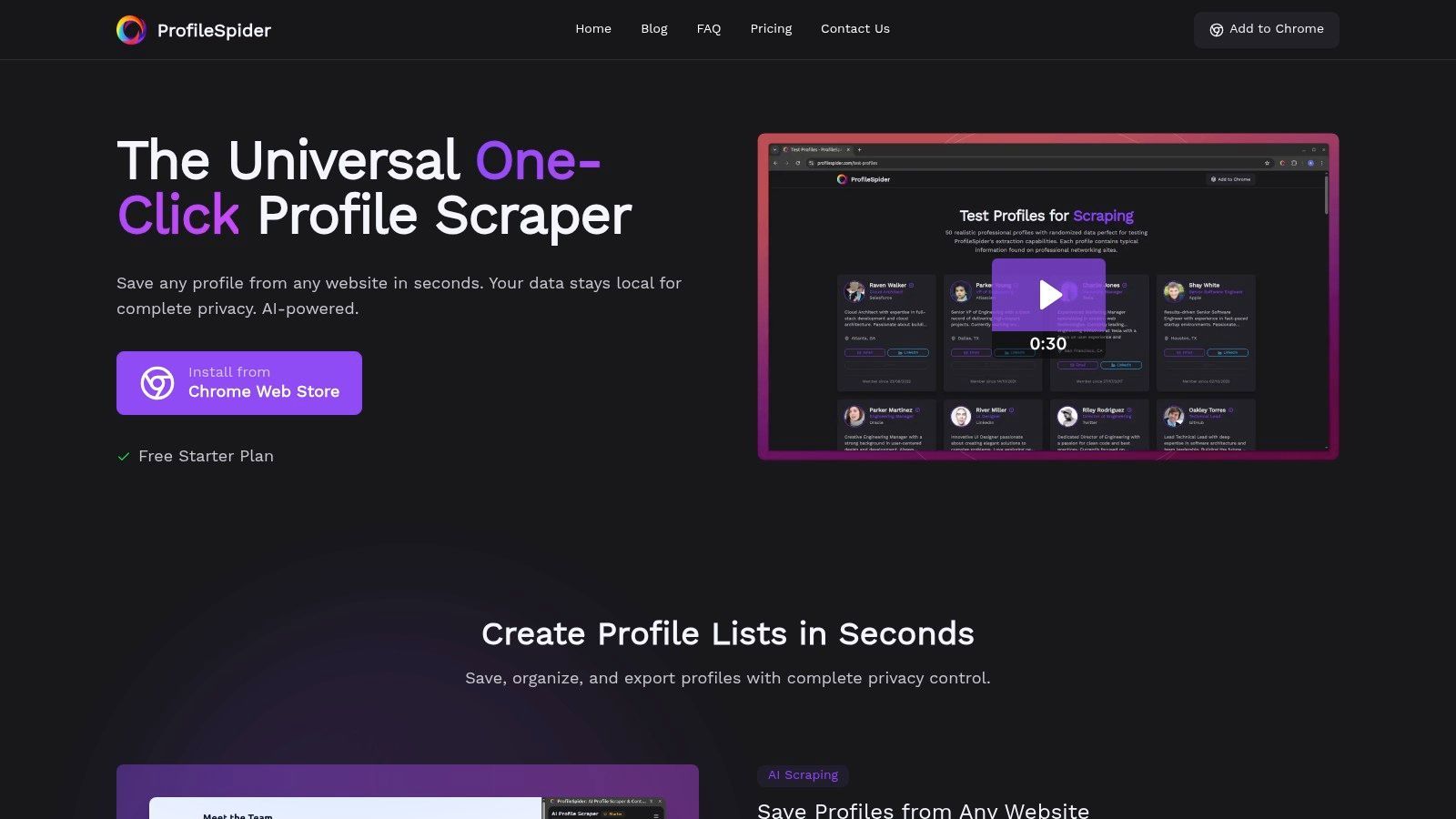
ProfileSpider distinguishes itself as a premier choice among the best AI lead generation scrapers by offering a powerful, no-code solution built for speed and privacy. Designed for recruiters, sales professionals, and marketers, it operates as a Chrome extension that transforms webpages with visible people or company profiles into structured lead lists with a single click.
This is especially useful when your leads are not sitting inside one fixed database. ProfileSpider can help you extract profiles from company team pages, online directories, public profile pages, event speaker lists, search results, niche communities, and other profile-heavy websites. Its AI detects useful lead fields without requiring users to build complex scrapers, configure selectors, or write code.
The platform's core strength lies in its practical browser-based workflow. You can find a relevant page, extract visible profiles, save leads into lists, enrich missing details, find business emails where possible, and export the final list to your CRM, ATS, spreadsheet, or outreach tool. For more on the broader process, see our guide to lead scraping best practices.
Key Features & Use Cases
ProfileSpider's feature set is designed for practical, real-world business workflows, moving beyond simple data extraction to offer a lightweight contact management system right in your browser.
- AI-Powered Universal Scraping: The tool’s AI can parse complex page structures on sites like LinkedIn, corporate team pages, online directories, and event attendee lists. It can extract multiple profiles per page depending on your plan.
- Bulk Management & Organization: Users can process entire pages of profiles at once, then organize the extracted data with custom tags and notes. It also includes a function to merge duplicate entries, keeping your lead lists clean and actionable.
- Built-in Enrichment Workflow: ProfileSpider can help enrich leads by visiting profile or company pages and filling in missing details where available.
- Email Finding: After collecting leads, users can move toward contact discovery by finding business emails where enough profile or company data is available. For more background, see this guide on how to find business email addresses.
- Flexible Data Export: Extracted contacts can be exported into CSV, Excel, or JSON formats, ensuring seamless integration with CRMs, ATS tools, spreadsheets, or marketing automation platforms.
A recruiter, for example, could visit a company’s "About Us" page, extract the entire team's profiles in one click, tag relevant engineering candidates, and export the list directly into their applicant tracking system. Similarly, a sales professional could quickly build a prospect list from a conference speaker directory or niche B2B directory.
For an in-depth analysis of how it stacks up against a large database-first sales platform, you can explore this ProfileSpider vs. Apollo comparison.
Pricing & Availability
ProfileSpider operates on a flexible credit-based model accessible to various users, from individuals to larger teams.
- Free Plan: A free plan is available without requiring a credit card, allowing users to test the core functionality.
- Paid Plans: Subscription tiers offer a monthly allotment of credits and increase the number of profiles you can process per page.
- Top-Up Credits: For high-volume needs, users can purchase extra credits to supplement their monthly plan.
The platform is available as an extension for Chrome and Chromium-based browsers.
| Feature Summary |
Details |
| Best For |
Recruiters, sales teams, marketers, founders, researchers |
| Tool Type |
AI browser scraper and lead list builder |
| Setup Required |
None; one-click AI extraction |
| Best Sources |
Directories, team pages, search results, public profile pages, event pages |
| Export Formats |
CSV, Excel, JSON |
| Pricing |
Free plan, monthly subscriptions, and top-up credits |
Pros:
- One-click, AI-driven extraction works on many profile-heavy websites with zero setup.
- Useful for niche lead sources that are not covered well by large databases.
- Bulk extraction and management with tagging, notes, and duplicate merging.
- Flexible export options for CRM, ATS, spreadsheet, and outreach workflows.
Cons:
- Available only as a Chrome/Chromium extension.
- High-volume users need enough credits for their scraping workflow.
Website: https://profilespider.com
2. Apollo.io
Apollo.io transcends basic scraping, positioning itself as an all-in-one sales intelligence and engagement platform. While not a traditional "scraper" in the sense of targeting any website, it excels at extracting contact and company data from its large proprietary B2B database. Its AI capabilities shine in functions like lead scoring, intent data analysis, and generating personalized email copy, making it one of the best AI lead generation scrapers for integrated sales teams.
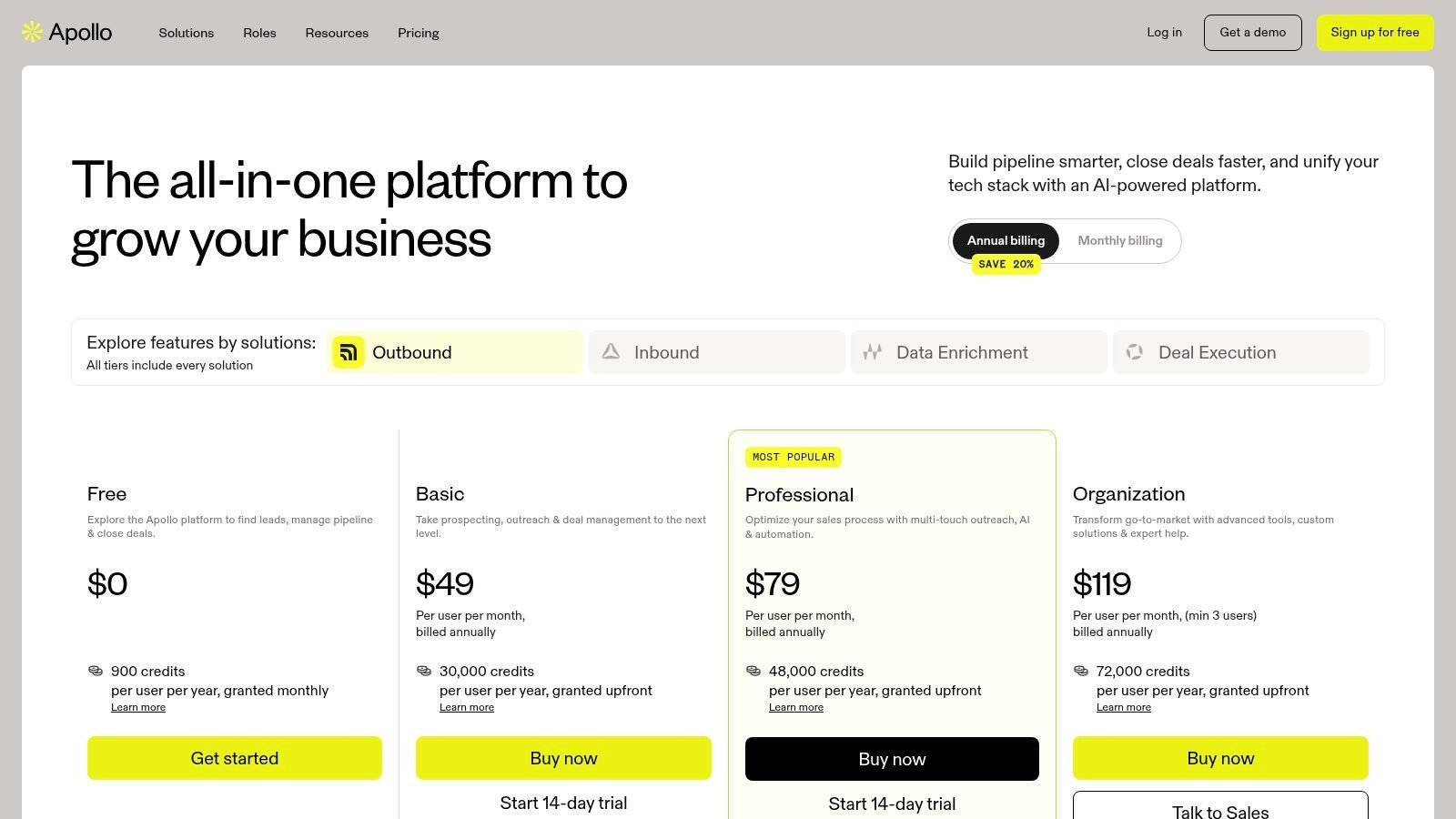
The platform is designed for users who need a seamless workflow from prospecting to outreach. You can build highly specific lists using filters like job title, company size, and technology used, then reveal verified emails and mobile numbers. From there, you can enroll prospects into automated email "Sequences" or use the built-in dialer, all within the same interface. This removes the friction of exporting lists to separate tools.
Key Features & Use Case
- AI-Powered Prospecting: Utilizes AI to surface leads based on buying intent signals and job change alerts, helping you reach out at the right moment.
- Integrated Engagement: Combines data enrichment with outreach tools like a dialer, sequencer, and AI email writer.
- CRM Integration: Pushes lead data directly into Salesforce, HubSpot, and other popular CRMs, ensuring data hygiene and workflow continuity.
A common use case involves a sales team identifying companies that recently received funding. They use Apollo's filters to find key decision-makers, enrich the contacts with verified phone numbers, and use the AI writer to draft initial outreach emails referencing the funding news.
Pricing
Apollo offers a free plan and paid plans that scale by user seats, credits, and feature access. Exact limits and pricing can change, so users should review the current pricing page before committing.
| Pros |
Cons |
| All-in-one platform from discovery to outreach |
Credits can be consumed quickly at scale |
| Large B2B contact database |
Key features are gated behind higher tiers |
| Strong AI features for intent and personalization |
Less flexible than a pure web scraper |
Website: https://www.apollo.io/pricing
3. ZoomInfo
ZoomInfo is a premium, enterprise-grade B2B intelligence platform that operates on a massive scale. While it functions less like a traditional scraper and more like a comprehensive data provider, its AI-driven capabilities for enriching, scoring, and surfacing leads make it a cornerstone for many large sales and marketing teams. It excels at delivering deep contact and company data, especially for organizations requiring compliance, scale, and data integrity.
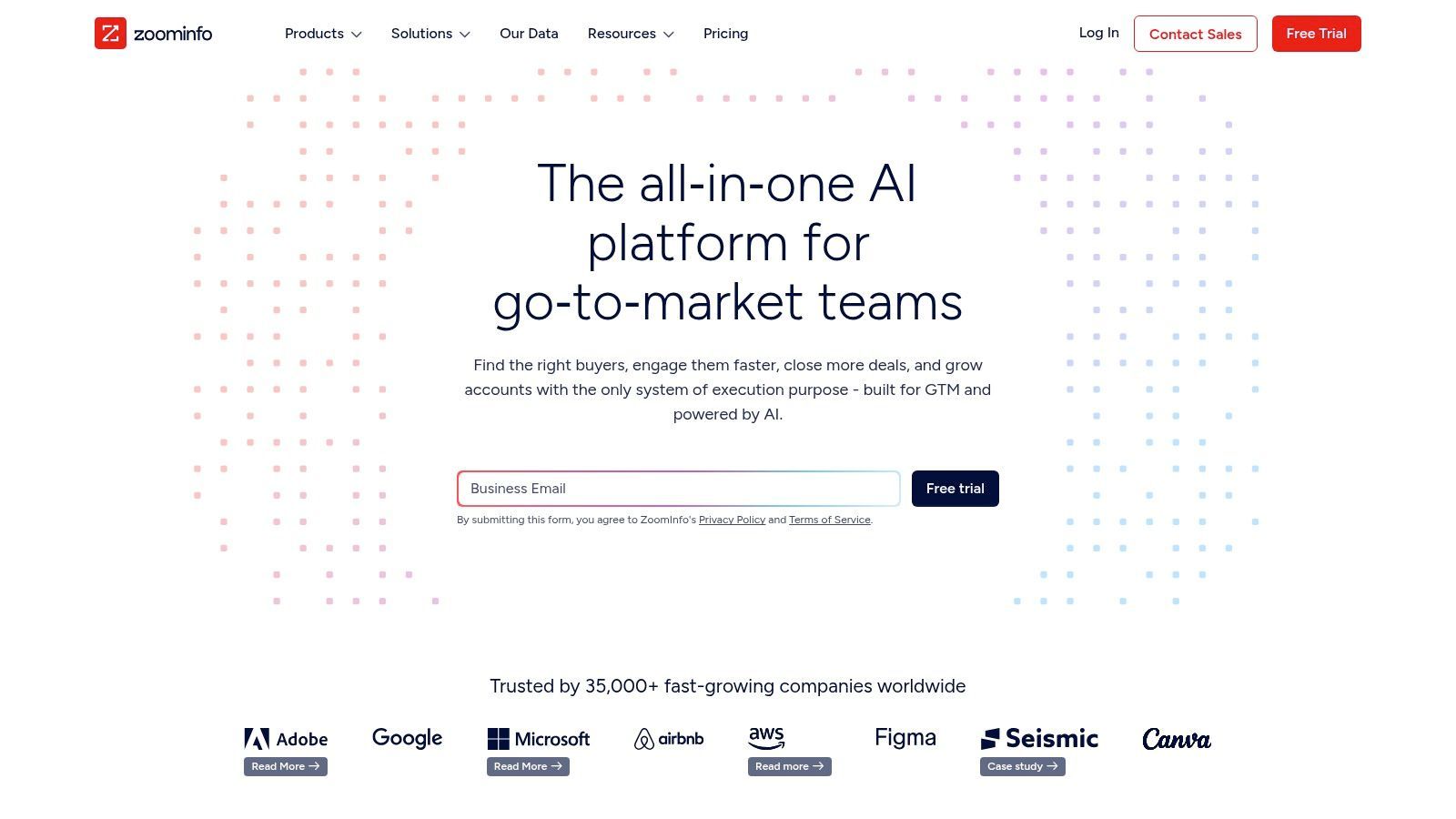
The platform is built for complex, large-scale sales motions where data accuracy is paramount. Users can leverage its extensive filters to build precise lists of target accounts and contacts, enriched with direct dials, verified email addresses, and detailed firmographic information. Its AI-powered intent data helps teams identify companies actively researching solutions like theirs, allowing for timely and relevant outreach.
Key Features & Use Case
- Deep B2B Data: Offers extensive, compliance-focused data on companies and professionals, including org charts and mobile numbers.
- AI-Driven Intent Signals: Identifies accounts showing purchase intent based on online content consumption, signaling when to engage.
- Workflow Automation: Triggers actions in connected CRMs or marketing platforms based on data changes, like a new executive hire at a target account.
A common use case is an enterprise software company targeting Fortune 500 businesses. They use ZoomInfo’s intent data to monitor which target accounts are researching competitor products, then identify and verify decision-makers for personalized outreach.
Pricing
ZoomInfo’s pricing is customized based on data needs, user count, and feature access. It is geared towards the enterprise and mid-market, typically requiring annual contracts. Prospective customers must contact their sales team for a custom quote.
| Pros |
Cons |
| Strong data depth and account intelligence |
High price point, not suitable for small businesses |
| Enterprise-grade integrations |
Annual contracts are typically required |
| Powerful intent data and workflow features |
Add-on features can significantly increase total cost |
Website: https://www.zoominfo.com
4. Lusha
Lusha simplifies B2B prospecting by focusing on one core function: providing verified direct-dial phone numbers and email addresses. It operates primarily through a user-friendly browser extension that overlays on platforms like LinkedIn and company websites, allowing users to reveal contact information with a single click. While its AI is more focused on data verification and accuracy than lead scoring, its simplicity and free plan make it a useful tool for sales reps and recruiters who need reliable contact data fast.
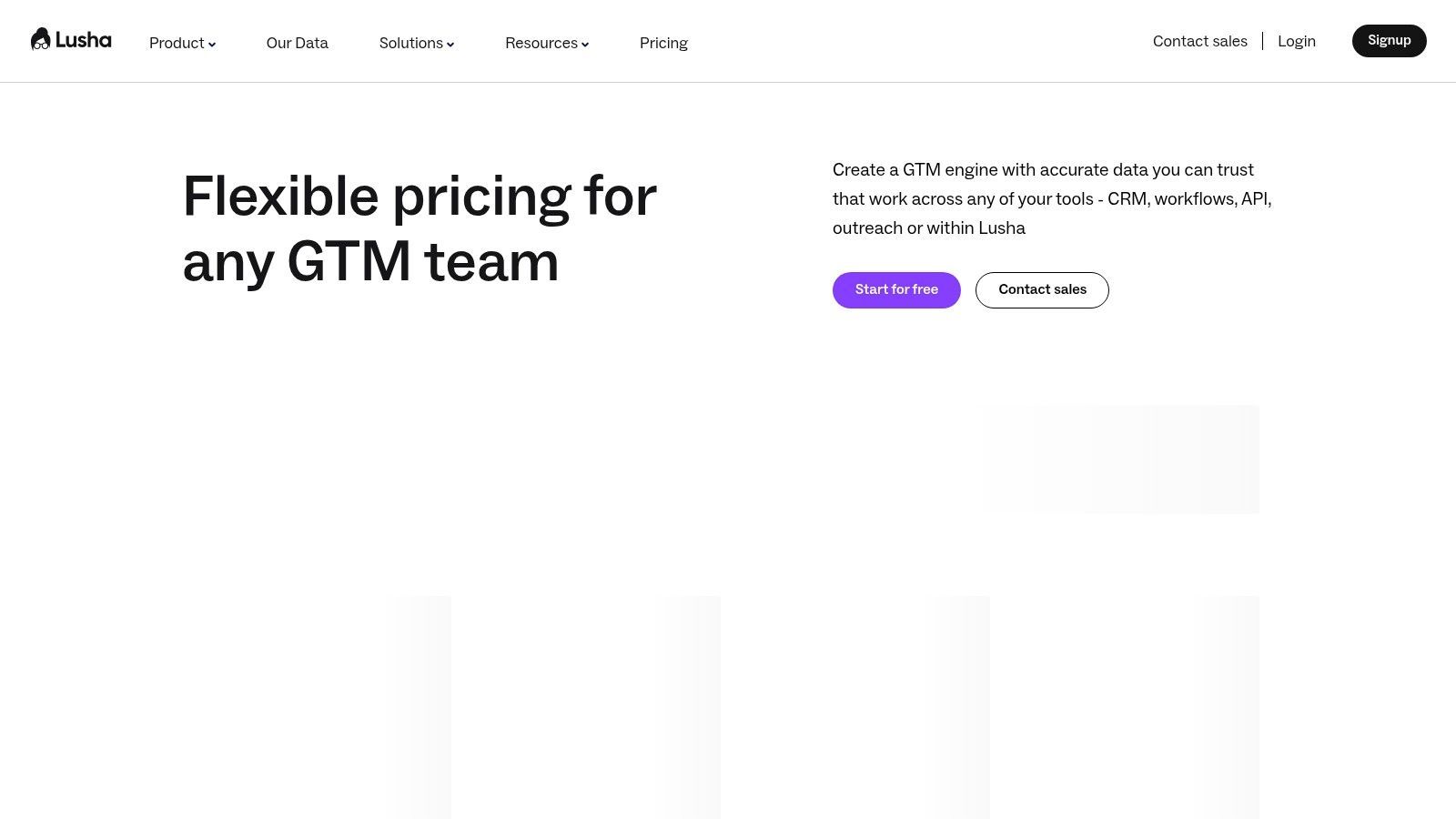
The platform’s strength lies in its straightforward, credit-based system and ease of use. There is no steep learning curve; users can install the extension and start enriching profiles immediately. This makes it one of the best AI lead generation scrapers for individuals or small teams needing a quick, on-demand solution without committing to a complex, all-in-one sales platform.
Key Features & Use Case
- Browser Extension: Instantly reveals contact data on LinkedIn, Salesforce, and company websites for frictionless prospecting.
- Data Accuracy: Uses validation processes to improve the reliability of emails and direct dials.
- API Access: Allows for bulk enrichment of existing contact lists and integration into custom workflows for larger teams.
A typical use case involves a recruiter identifying a promising candidate on LinkedIn. They use the Lusha extension to pull contact details and enable direct outreach.
Pricing
Lusha offers a free plan with limited monthly credits. Paid plans provide more credits, team features, and CRM integrations. Users should check the current pricing page for exact credit allowances and plan limits.
| Pros |
Cons |
| Extremely easy to install and use |
Phone numbers can cost more credits than emails |
| Useful for fast contact lookup |
Lacks advanced AI features like intent data/scoring |
| Good for individuals and small teams |
Advanced admin and CRM features are on higher tiers |
Website: https://www.lusha.com/pricing
5. Cognism
Cognism stands out as a premium sales intelligence platform focused on delivering accurate, phone-verified contact data, particularly for European and US markets. It distinguishes itself with its "Diamond Data" feature, which consists of manually phone-verified mobile numbers, increasing connect rates for sales teams. While it operates on a closed-database model like its competitors, its AI capabilities are geared towards surfacing timely sales triggers and supporting compliance-conscious data workflows.
The platform is engineered for B2B sales organizations that cannot afford to waste time on inaccurate phone numbers. Its core value lies in its data quality and compliance, especially with GDPR in Europe. Cognism's AI-powered signals alert users to key buying triggers such as job changes, company funding events, and technology adoption.
Key Features & Use Case
- Diamond Data®: Provides access to phone-verified mobile numbers, confirmed by an in-house data research team.
- Sales Trigger Alerts: AI-driven signals notify teams about events like funding rounds, new hires, and technology changes.
- Global Compliance: A strong focus on GDPR and CCPA compliance, making it a reliable choice for teams operating in strict regulatory environments.
A common use case involves a UK-based SaaS company expanding into the US. The sales team uses Cognism to build a list of VPs of Sales at tech companies, filtering specifically for contacts with verified mobile numbers and relevant sales triggers.
Pricing
Cognism operates on a quote-based pricing model tailored to specific needs, such as the number of users and desired data packages. It is generally positioned for serious sales teams rather than casual users.
| Pros |
Cons |
| Strong mobile number accuracy positioning |
Pricing is not transparent and requires a sales call |
| Good data coverage for EU, UK, and US |
Can be expensive for small businesses |
| Strong emphasis on data compliance |
Less of a pure scraper, more of a data provider |
Website: https://www.cognism.com/pricing
6. Clay
Clay operates less like a scraper and more like a powerful, interconnected data workspace. It excels by aggregating many different data providers into a single, spreadsheet-like interface. This allows users to build customized and transparent data enrichment workflows. Its AI agent capabilities can perform web research, scrape specific data points from websites, and draft personalized outreach messages based on findings, cementing its place among the best AI lead generation scrapers for complex prospecting.
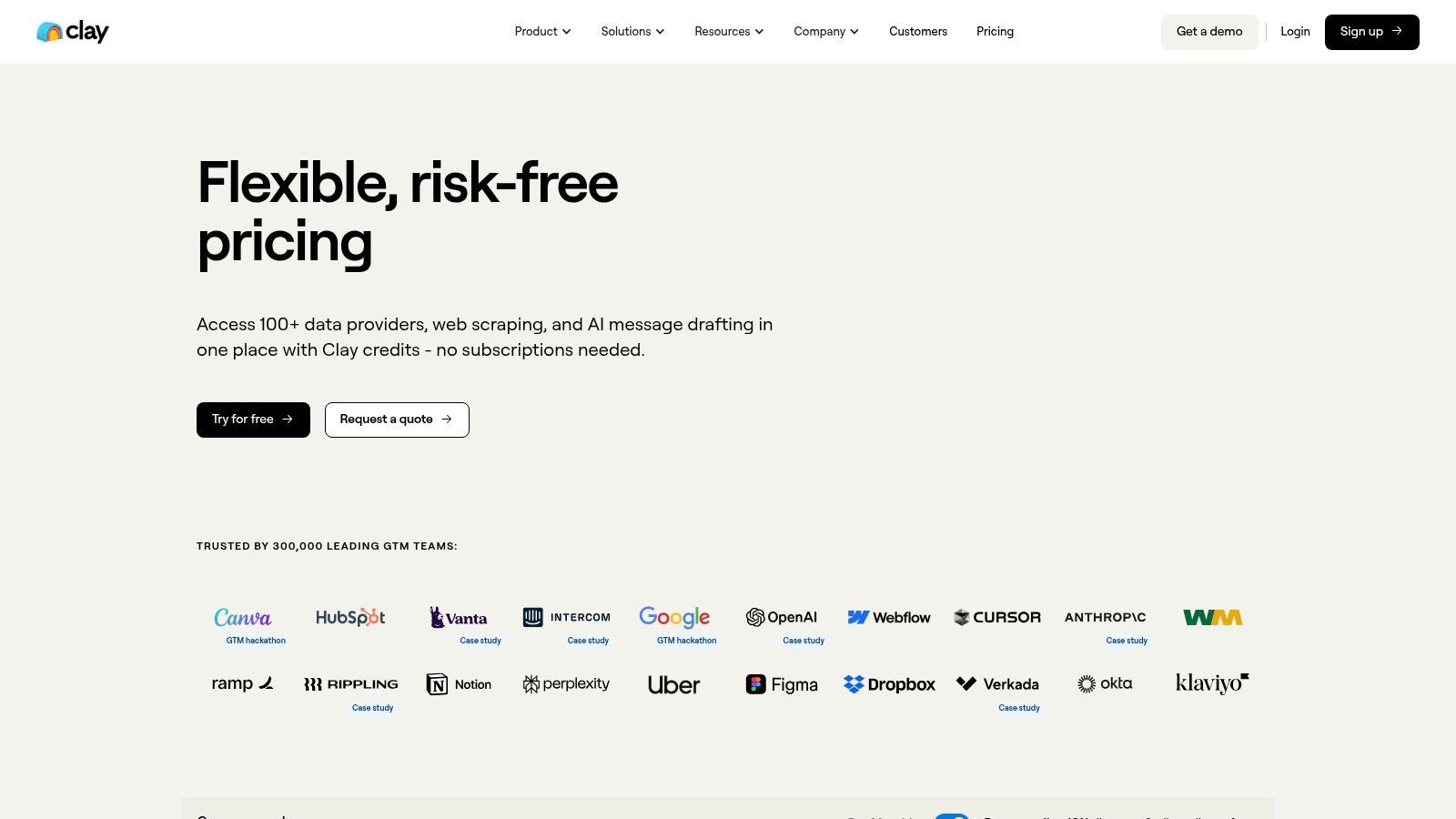
The platform is designed for technical marketers and sales operations teams who want granular control over their data sources. Instead of relying on a black-box database, you can chain together different providers and AI actions to find, verify, enrich, and personalize information. For a deeper look at this category, see our guide to the best data enrichment tools.
Key Features & Use Case
- AI Agent: Deploys AI to browse live websites, scrape specific information, and perform research tasks to personalize outreach.
- Data Provider Marketplace: Integrates many data sources and enrichments, allowing users to build flexible workflows.
- Waterfall Enrichment: Automatically tries multiple data sources in sequence until it finds the required information, maximizing data fill rates.
A common use case is for a growth team to upload a list of target accounts, find relevant contacts, enrich them with firmographic data, and use AI to create personalized outreach based on company-specific research.
Pricing
Clay offers a free plan and paid plans based on credits, integrations, and feature access. Because costs depend on workflow design and enrichment usage, teams should model expected credit consumption before scaling.
| Pros |
Cons |
| Flexible and transparent data aggregation |
Requires setup and operational sophistication |
| Well-suited for advanced, custom workflows |
Cost planning is needed for large-scale runs |
| Strong AI research and personalization capabilities |
Can be overwhelming for beginners |
Website: https://www.clay.com/pricing
7. Snov.io
Snov.io is a versatile and budget-friendly sales automation platform that combines lead generation with outreach tools. While it functions as a multichannel prospecting suite, its strength as an email finder and verifier makes it a strong contender among the best AI lead generation scrapers. The platform is designed for users who need an affordable, all-in-one solution to find, validate, and engage prospects without juggling multiple subscriptions.
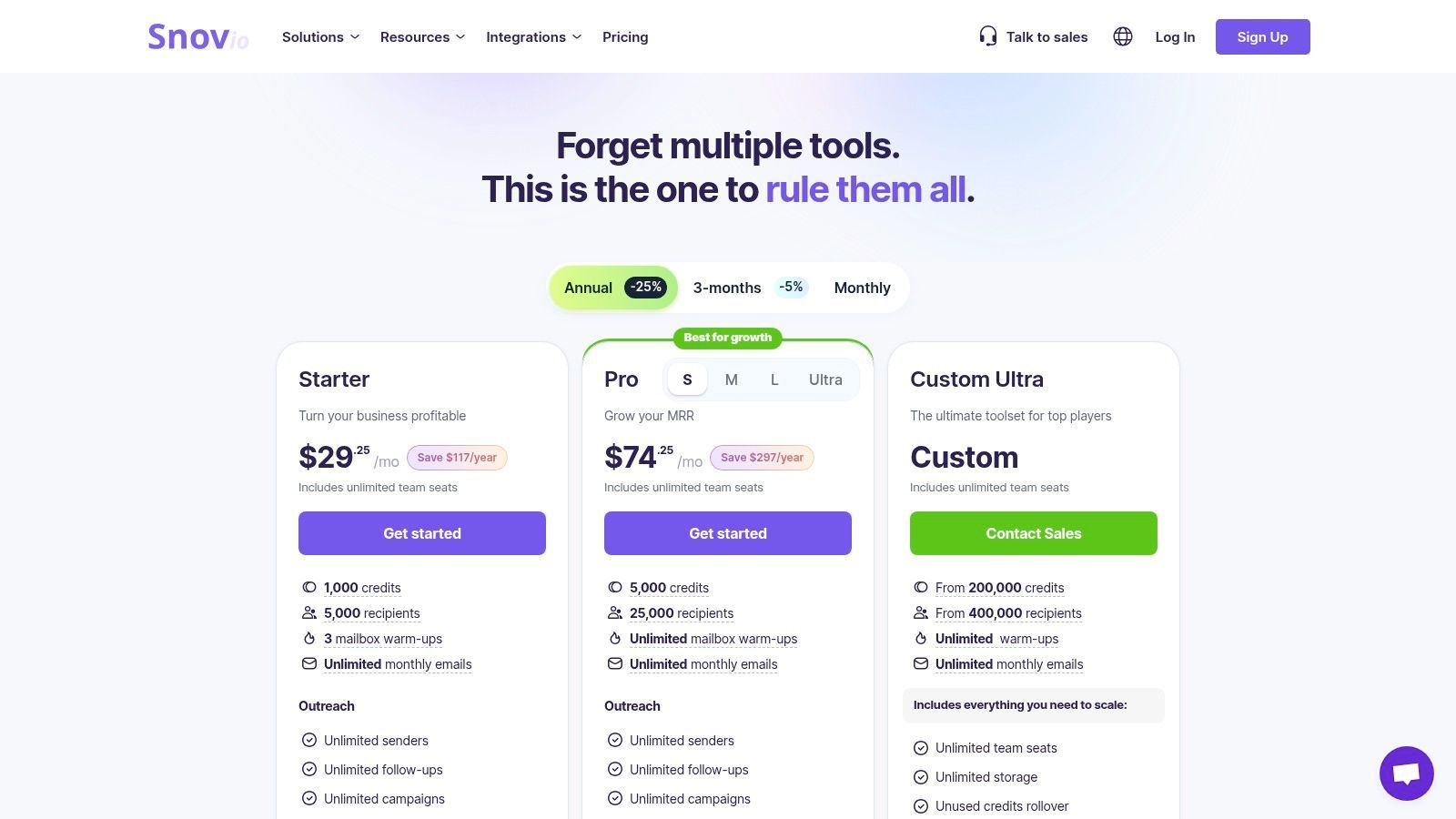
The platform's core value lies in its credit-based system, which covers a range of actions from email discovery to verification and sending email drip campaigns. Its Chrome extension allows users to find email addresses from websites and professional networks on the fly. This integration streamlines the initial prospecting phase, letting sales teams quickly build targeted lists and transition them into automated outreach sequences.
Key Features & Use Case
- Email Finder & Verifier: Offers a suite of tools to find and validate email addresses in bulk or individually, helping improve deliverability.
- Automated Drip Campaigns: Allows users to create and send personalized email sequences to nurture leads directly within the platform.
- LinkedIn Prospecting Add-On: Provides an optional extension for finding and extracting leads from LinkedIn profiles.
A common use case involves a marketer using the Snov.io Chrome extension to collect emails of potential partners from industry-specific blogs, verify the list, and enroll valid contacts into a personalized email campaign.
Pricing
Snov.io offers a free trial and paid plans based on credits, recipients, and outreach features. Users should check how credits are consumed across finding, verification, and outreach actions.
| Pros |
Cons |
| Low entry price point for comprehensive tools |
Credits are consumed for multiple actions |
| Combines email discovery, verification, and outreach |
LinkedIn automation may require an add-on |
| Multiple integrations with popular CRMs |
The interface can feel less modern than rivals |
Website: https://snov.io/pricing
8. Hunter.io
Hunter.io is a highly focused and popular tool primarily known for its powerful email-finding capabilities. While it doesn't fit the mold of an all-encompassing AI engagement platform, its specialization makes it an indispensable asset for teams whose primary goal is to quickly and accurately find and verify professional email addresses. Its strength lies in its simplicity and reliability, offering a straightforward workflow from domain search to list building.
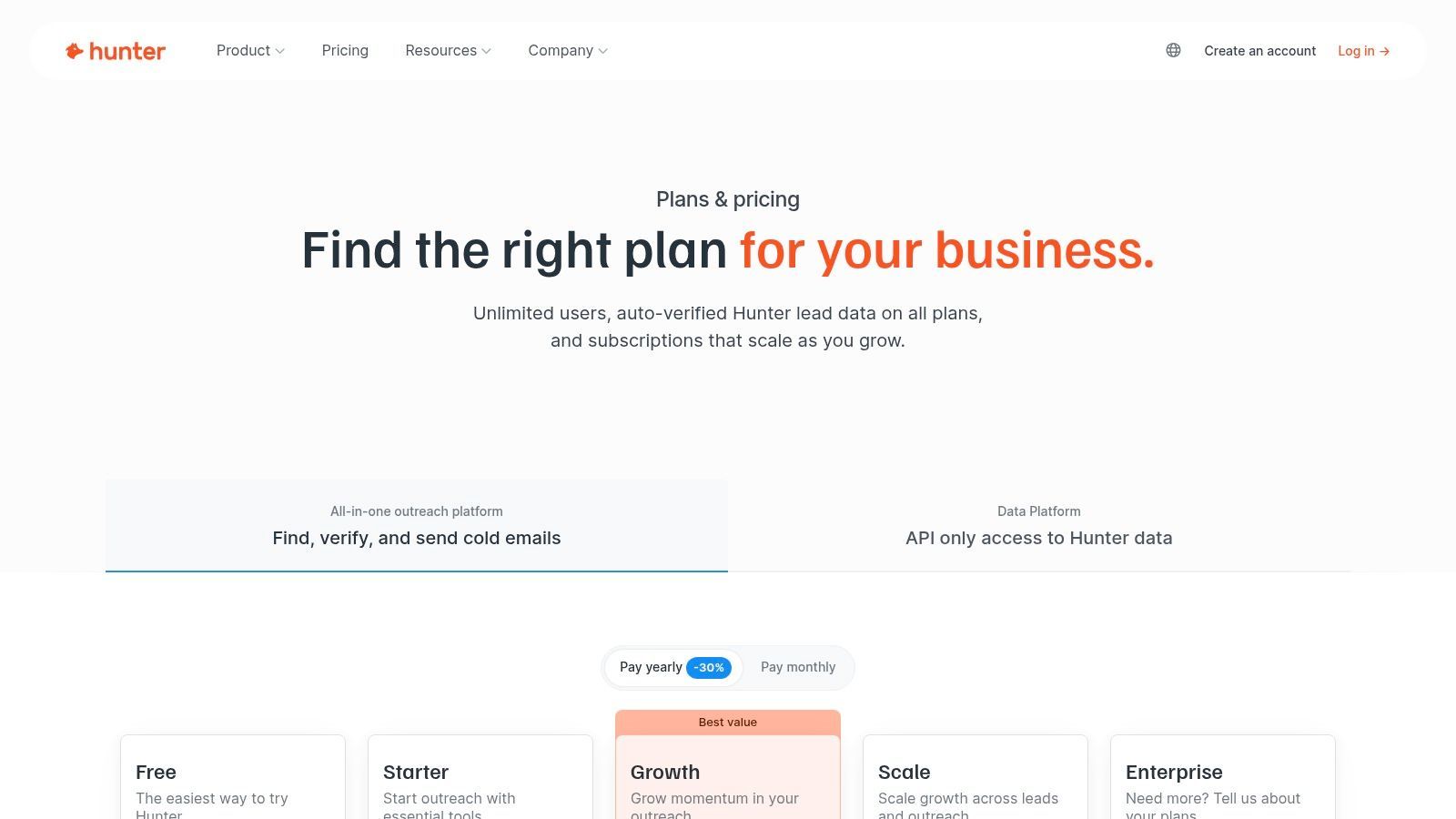
The platform operates on a simple premise: enter a company domain, and Hunter returns known email addresses associated with it, often with confidence scores and sources. Its Chrome extension is particularly useful, allowing users to find contacts directly from a company's website or a professional profile. This makes it one of the most efficient tools for targeted email discovery after you already know the company or prospect you want to reach.
Key Features & Use Case
- Domain Search & Email Finder: Quickly find email addresses associated with a specific company domain.
- Email Verifier: Confidence scoring and verification tools help clean existing lists and reduce bounce rates.
- Browser Extension & API: Its Chrome extension and API allow for integration into existing prospecting and outreach workflows.
A common use case involves a marketer identifying key accounts and using Domain Search to find contacts in specific departments. They then use verification before launching a campaign.
Pricing
Hunter offers a free plan and paid plans based on search and verification volume. It is generally easier to evaluate than complex sales intelligence suites because the workflow is narrow and clear.
| Pros |
Cons |
| Exceptionally simple and fast to use |
Focused almost exclusively on email addresses |
| Useful verification and confidence scoring |
Lacks advanced outreach and AI sequencing features |
| Good fit for low-volume users and small teams |
Phone numbers and deeper company data are not a focus |
Website: https://hunter.io/pricing
9. Seamless.AI
Seamless.AI operates as a real-time B2B search engine, designed to help sales and marketing teams find and verify contact information instantly. It stands out by using AI to validate emails and phone numbers in real time, aiming to provide high-accuracy data directly from available sources. This makes it one of the best AI lead generation scrapers for professionals who need reliable data on demand without relying only on a static, pre-built database.
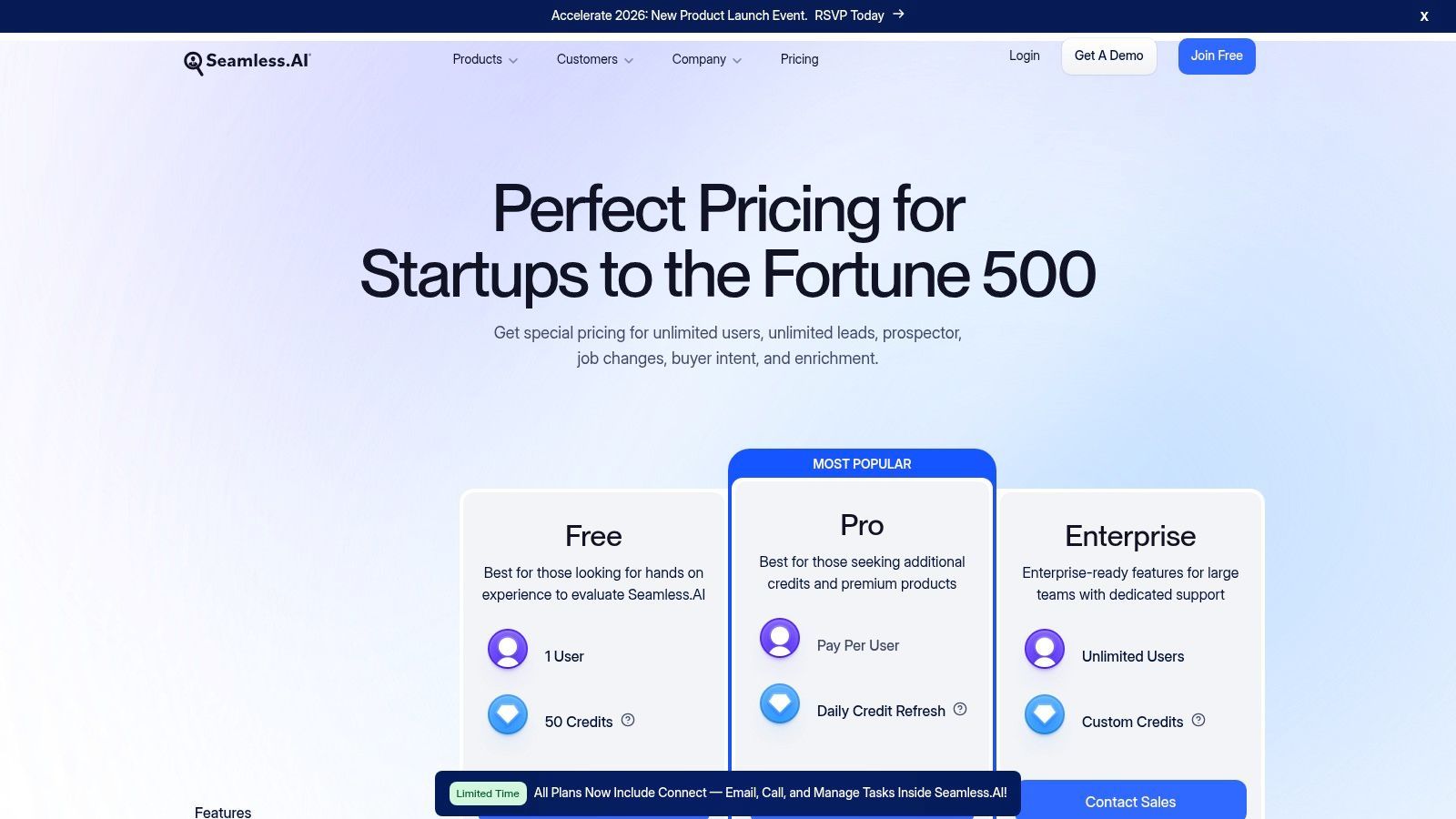
The platform is built for speed and integration into existing workflows. Its Chrome extension allows users to find contact details while browsing LinkedIn profiles or company websites, adding prospects to lists with a single click. The platform’s AI Assistant further helps automate list-building and can draft personalized outreach copy, while optional buyer intent data signals when target accounts are actively researching solutions.
Key Features & Use Case
- Real-Time Search Engine: AI-powered engine finds and verifies contact information on demand.
- AI Assistant: Automates tasks like list building and helps write personalized emails to improve outreach efficiency.
- Data Enrichment & Job Change Alerts: Keeps CRM data current by enriching contacts and notifying you when a prospect changes roles.
A typical use case involves a sales representative using the Chrome extension on a prospect's LinkedIn profile, capturing contact details, drafting an introductory email, and syncing the contact to their CRM.
Pricing
Seamless.AI offers a free plan and sales-driven paid plans. Exact pricing and limits depend on package, credits, and feature access.
| Pros |
Cons |
| Useful for fast contact discovery |
Exact pricing for paid tiers is sales-driven |
| Browser extension fits sales workflows |
Credit limits and features vary widely by tier |
| Broad integrations with popular CRMs |
Intent data may be an add-on |
Website: https://www.seamless.ai/pricing
10. LeadIQ
LeadIQ is a modern lead capture and sales prospecting platform focused on streamlining the top-of-funnel workflow for sales teams. While its core function is to capture contact data from LinkedIn and company websites, its AI-powered features for message generation and intent signal tracking secure its place among the best AI lead generation scrapers. It excels at quickly finding verified work emails and mobile numbers, reducing the time spent on manual research.
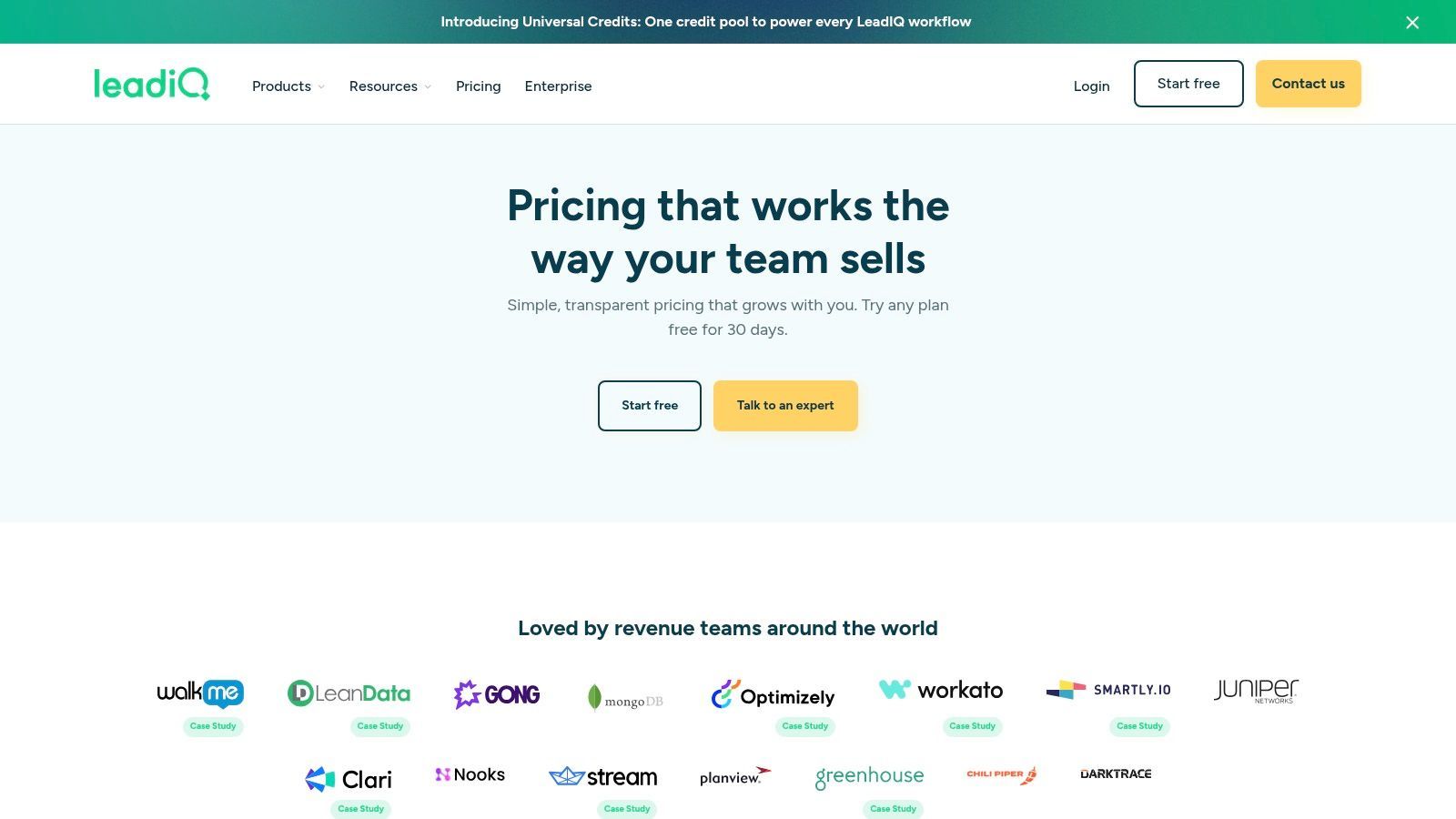
The platform is built around an efficient Chrome extension that allows users to capture and enrich prospect data quickly. Its features help sync leads and enrich existing contacts in your CRM, preventing duplicates and data decay. The AI component, particularly the outbound message writer, helps reps craft personalized outreach by analyzing a prospect's profile and context.
Key Features & Use Case
- AI Message Generation: Creates personalized outreach copy based on a prospect's profile and job title to improve response rates.
- Signals and Intent Data: Tracks job changes, company news, and other timely reasons to connect.
- CRM Enrichment & Sync: Integrates with Salesforce and HubSpot to capture, enrich, and sync contact data.
A common use case is an SDR targeting VPs of Marketing. Using the LeadIQ extension, the SDR captures profiles, reveals verified contact details, and uses the AI writer to generate personalized outreach.
Pricing
LeadIQ offers a free plan and paid tiers based on credits, user seats, and feature access. Higher tiers unlock more advanced sales workflow and AI capabilities.
| Pros |
Cons |
| Modern UI and efficient sales workflows |
Advanced features are on higher-priced tiers |
| Helpful job-change and intent alerts |
Credit allowances can be limiting |
| Good fit for SDR and sales workflows |
Less of a pure web scraper, more a sales platform |
Website: https://leadiq.com/pricing
11. PhantomBuster
PhantomBuster is a no-code automation and data extraction platform that empowers users to generate leads from many corners of the web. It operates using "Phantoms," which are individual, pre-built automations designed to perform specific tasks like scraping profiles, finding professional emails, or monitoring social media activity. By chaining these Phantoms together into flows, users can create powerful custom lead-generation workflows without writing code.
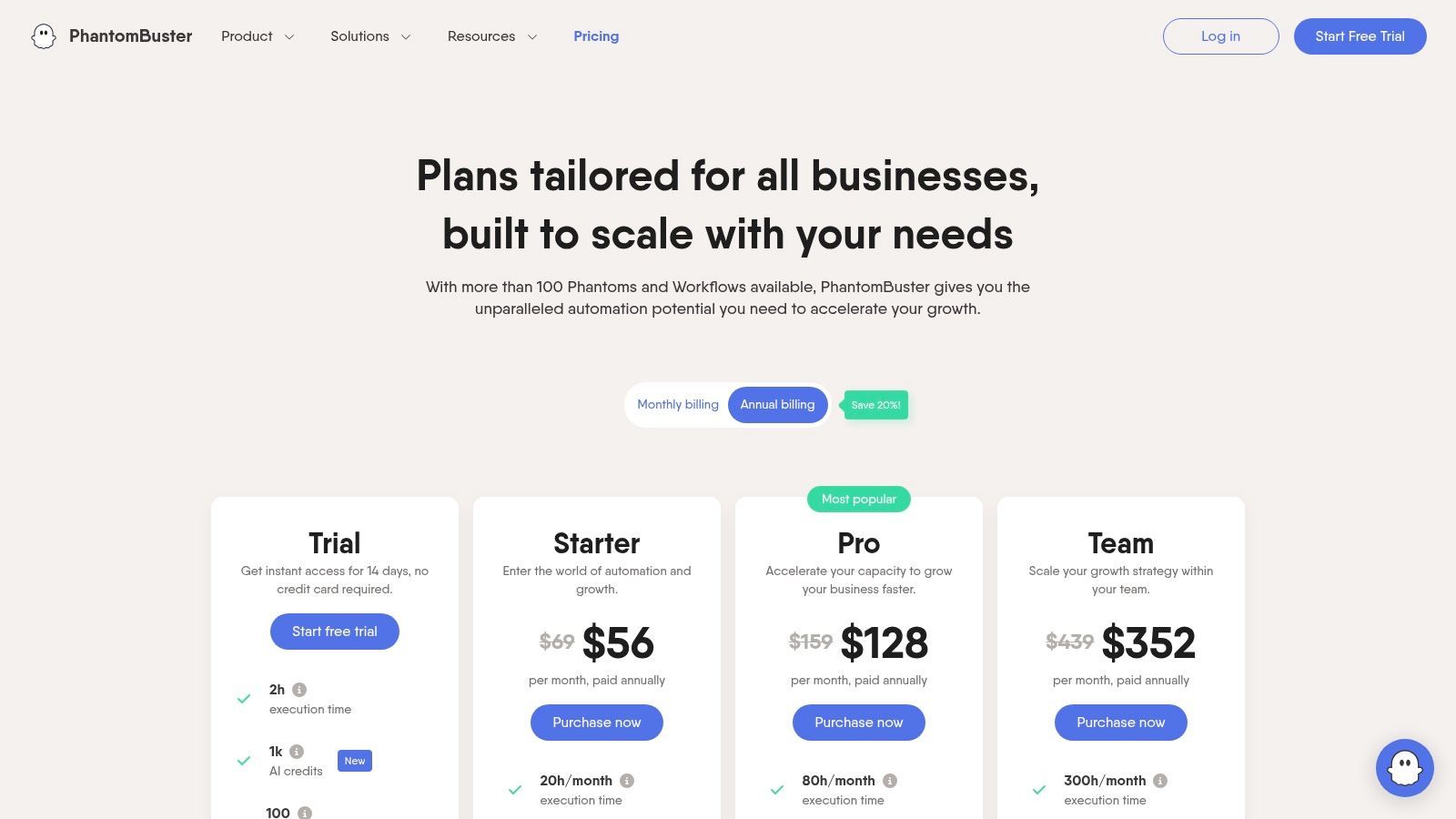
The platform stands out for its flexibility. Unlike tools tied to a single database, PhantomBuster can interact with many web and social platforms. Its email discovery service can help find and verify professional email addresses from a person's name and company domain, allowing users to build a lead pipeline and enrich it on the fly.
Key Features & Use Case
- Extensive Automation Library: Access many pre-built automations for major platforms and common prospecting tasks.
- No-Code Workflow Builder: Chain multiple Phantoms together to create custom, multi-step automation sequences that run on a schedule.
- Cloud-Based Execution: Automations run from the cloud, so scheduled tasks can execute automatically.
A popular use case is for a sales development representative to gather a list of prospects from a search, scrape profile details, enrich the list with email data, and export it to a CRM.
Pricing
PhantomBuster offers trial access and paid plans based on execution time, automation slots, and usage limits. Users should be mindful of platform rules and account safety when automating third-party websites.
| Pros |
Cons |
| Extremely flexible for custom lead flows |
Cloud execution time quotas can be limiting on lower plans |
| Large library of pre-built automations |
Requires care to avoid violating third-party platform terms |
| Integrates with many CRMs and sales tools |
The learning curve can be steeper than one-click scrapers |
Website: https://phantombuster.com/pricing
12. Octoparse
Octoparse is a powerful visual web scraping tool designed for users who need to extract data without writing code. It excels at building custom crawlers to pull structured information from directories, listings, and complex websites that require interaction like logins or pagination. While its AI is more focused on smart pattern detection and anti-blocking measures rather than lead scoring, its ability to create bespoke scrapers makes it a flexible solution for targeted B2B lead generation from public web sources.
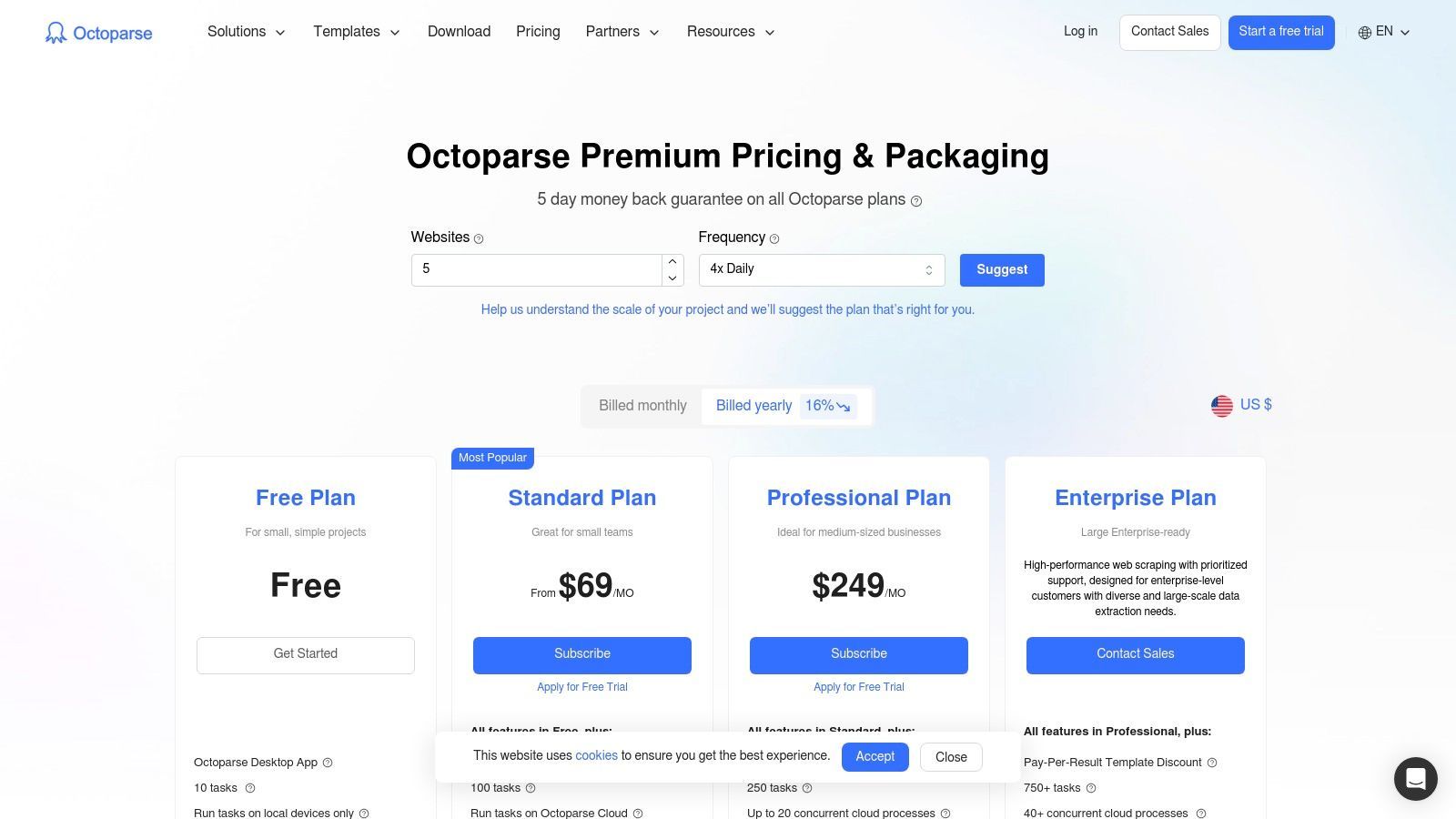
The platform operates on a point-and-click interface where users build a task workflow that mimics human browsing behavior. You can configure it to navigate through pages, click on elements, and extract specific data fields. This makes it one of the best AI lead generation scrapers for teams that need to build their own lead lists from industry-specific directories or online communities where traditional databases fall short.
Key Features & Use Case
- Visual Workflow Builder: A no-code, point-and-click interface to create scraping tasks for almost any website structure.
- Advanced Scraping Features: Supports pagination, clicks, scheduled runs, and more complex extraction scenarios.
- Cloud-Based Extraction: Run tasks on Octoparse's cloud platform, depending on plan and workflow requirements.
A common use case involves a marketing team targeting exhibitors from an online trade show directory. Using Octoparse, they can build a crawler that navigates the directory, clicks on exhibitor profiles, and extracts company names, websites, and contact details.
Pricing
Octoparse offers a free plan and paid plans for higher volume, cloud extraction, scheduling, and advanced features. Users should expect more setup work than with a dedicated AI profile scraper.
| Pros |
Cons |
| Handles complex websites and extraction scenarios |
Steeper learning curve compared to one-click tools |
| Offers local and cloud-based runs |
Task speed can be slow on lower-tier plans |
| Useful for directories, listings, and structured pages |
Advanced features and add-ons can become expensive |
Website: https://www.octoparse.com/pricing
Top 12 AI Lead Generation Scrapers — Quick Comparison
| Tool |
Best for |
Type |
Pricing style |
| ProfileSpider 🏆 |
Scraping visible profiles from websites, directories, and search results |
AI browser scraper |
Free plan + credits |
| Apollo.io |
B2B database prospecting and outbound sales workflows |
Sales intelligence platform |
Free plan + paid seats/credits |
| ZoomInfo |
Enterprise B2B data, intent signals, and account intelligence |
Enterprise data platform |
Quote-based |
| Lusha |
Quick email and phone lookups for known prospects |
Contact lookup tool |
Credit-based |
| Cognism |
Verified mobile numbers and compliant B2B prospecting |
Sales intelligence platform |
Quote-based |
| Clay |
Advanced enrichment, AI research, and personalized outbound workflows |
AI enrichment workspace |
Credit-based |
| Snov.io |
Email finding, verification, and email outreach |
Email outreach platform |
Credit-based |
| Hunter.io |
Finding and verifying business emails from domains |
Email finder |
Free plan + search credits |
| Seamless.AI |
Real-time B2B contact discovery for sales teams |
Contact database/search tool |
Free plan + sales-driven paid plans |
| LeadIQ |
Sales prospecting, lead capture, and CRM sync |
Sales prospecting extension |
Free plan + paid seats/credits |
| PhantomBuster |
No-code automation and recurring lead generation workflows |
Automation platform |
Execution-time based |
| Octoparse |
Custom scraping from directories, listings, and complex websites |
Visual web scraper |
Free plan + subscriptions |
Best AI Lead Generation Workflow: From Page to Pipeline
The best AI lead generation scraper is only useful if it fits into a practical workflow. Raw extracted data is not enough. You need to move from source discovery to clean, segmented, usable lead lists.
- Find a relevant source: Use directories, company team pages, search results, event pages, public profiles, B2B databases, or niche communities.
- Extract lead data: Capture names, roles, companies, websites, profile URLs, social links, and visible contact fields.
- Clean and deduplicate: Remove duplicates, irrelevant contacts, incomplete profiles, and low-quality records.
- Enrich missing fields: Add company domains, emails, phone numbers, firmographics, and other useful context where appropriate.
- Segment the list: Use tags, notes, filters, source labels, seniority, role, industry, or campaign stage.
- Export or activate: Send the cleaned list to CSV, Excel, CRM, ATS, or an outreach platform.
This is where the distinction between tools matters. A database tool helps when you want pre-existing B2B contacts. An enrichment tool helps when you already have partial records. A scraper like ProfileSpider helps when your leads are visible on websites and you want to turn those pages into usable lists quickly.
Making Your Final Choice: Which AI Scraper Is Right for You?
Navigating the crowded market of AI-powered lead generation tools can feel overwhelming. We've explored a dozen of the most powerful platforms, from all-in-one sales intelligence giants to nimble, specialized automation tools. Each offers a unique approach to the fundamental challenge of finding, enriching, and engaging potential customers.
The key takeaway is that the "best" AI lead generation scraper isn't a one-size-fits-all solution. It’s the one that aligns with your specific lead source, workflow, budget, and strategic goals.
A Quick Decision Framework: Matching Tools to Your Needs
To simplify your choice, consider which of these user profiles best describes you. This will help you filter the list and focus on the most relevant contenders.
For fast website-to-list workflows: Choose ProfileSpider if you want to open a page, extract visible profiles, save leads into lists, enrich missing details, find emails, and export without building a custom scraper.
For database-first prospecting: Choose Apollo.io, ZoomInfo, Cognism, or Seamless.AI if you want to search a large B2B database and activate contacts through sales workflows.
For email discovery: Choose Hunter.io or Snov.io if your main need is finding and verifying business emails.
For advanced enrichment: Choose Clay if you want to combine multiple providers, AI research, enrichment steps, and personalization into one workflow.
For custom automation: Choose PhantomBuster or Octoparse if you need scheduled automations or custom scraping workflows and are comfortable with more setup.
Final Considerations Before You Commit
Before making your final purchase, take a moment to evaluate these critical factors. They will ensure the tool you choose not only meets your immediate needs but also scales with you in the future.
- Source fit: Does the tool work with the places where your leads actually appear?
- Ease of use: Can your team use it without technical setup, or will it require training and maintenance?
- Data quality: Does it give you complete, accurate, and usable records?
- Enrichment: Can it fill in missing emails, company data, profile details, or other useful context?
- Export and activation: Can you move the final list into your CRM, ATS, spreadsheet, or outreach tool?
- Cost model: Are you paying per page, per credit, per user, per contact, per email, per automation run, or through an annual contract?
- Compliance and control: Do you understand where the data is stored and what responsibilities you have when using it?
The right AI lead generation scraper is more than just a tool; it is a strategic asset that can turn manual prospecting into a repeatable pipeline-building process. Start with your lead source, choose the tool that fits that source, enrich only what you need, and export clean lists into the systems where your team actually works.
If you want the fastest way to test the workflow, try ProfileSpider: open a page with relevant profiles, extract the leads, save them into a list, enrich missing details, and export when you are ready.