

Modern websites are harder to scrape because the data you want often is not present in the initial HTML. Instead, it appears only after JavaScript runs, a user scrolls, clicks a filter, opens a modal, or hits a “Load more” button. That is why basic scrapers, page-source tools, and manual copy-paste workflows often fail on sites like LinkedIn, event platforms, member directories, and React-based company pages.
If you need to extract visible profile data from these pages, the practical solution is a scrape dynamic website Chrome extension that works inside the browser and reads the fully rendered page, not just the raw source code.
What Makes a Website Dynamic?
A dynamic website is a site where content is loaded or changed after the page first appears. Instead of sending all data in the initial HTML response, the site uses JavaScript to fetch and render information in the browser.

This is the core issue in dynamic scraping. A person looking at the page can clearly see names, job titles, company names, or profile cards, but a static scraper may only see an empty shell or a few placeholder elements.
JavaScript-Rendered Pages Change the Scraping Problem
On a static page, the data is usually present in the source from the start. On a dynamic page, the browser has to do extra work before the useful content appears. That content may load:
- after the page finishes rendering with JavaScript
- when you scroll down the page
- after you click “Load more”
- when you apply a filter or search
- inside tabs, popups, or modal windows
- on linked subpages rather than in the list view
That is why older scraping methods break so often. They capture the initial document, but not the final rendered result that the user actually sees.
Key idea: If the content only appears after the browser does extra work, you need a scraping method that can work with the rendered page, not just the page source.
Why This Matters for Sales, Recruiting, and Research
Many high-value lead sources now rely on dynamic interfaces. Professional networks, conference speaker lists, searchable directories, and company team pages often use JavaScript frameworks and interactive elements to present data.
For non-technical users, this creates a frustrating gap. The profiles are clearly visible on screen, but traditional scraping methods return incomplete results, broken exports, or nothing at all. If your current data scraper is not working on a modern site, dynamic content is often the reason.
Why Static Scrapers Fail on Dynamic Websites
Most entry-level scraping methods are built for simpler websites. They assume the data is available in the original HTML and can be extracted immediately. That assumption no longer holds for many modern websites.
1. The Data Is Not in the Initial Page Source
A static scraper often reads the raw HTML returned by the server. But on dynamic sites, the useful data may only be inserted later by JavaScript. That means the scraper runs too early and captures a page before the profiles, companies, or listings have even appeared.
2. Infinite Scroll Hides Most of the Dataset
Many websites load only the first batch of results. More entries appear only when the user scrolls further down. A static scraper that does not simulate scrolling will miss most of the page.
3. Lazy-Loaded Elements Appear Only When Needed
Some sites load content only when a section becomes visible. Images, profile cards, or metadata may remain hidden until the browser reaches a certain part of the layout. That makes simple source-based extraction unreliable.
4. Filters, Tabs, and Buttons Reveal Additional Content
Important data is often hidden behind interactions. Clicking a department filter, opening a modal, or expanding a collapsed profile can reveal fields that never appear in the default HTML.
5. Popups and Overlays Interrupt Manual Collection
Cookie banners, sign-up walls, floating chat widgets, and popups make manual copy-paste workflows even more fragile. Even when the data is technically visible, collecting it by hand becomes slow and inconsistent.
The old answer was to learn developer tooling and use frameworks like modern web scraping tools. That can work, but it is often too technical and time-consuming for teams that just want the rendered data in a usable format.
Signs a Page Is JavaScript-Rendered or Dynamic
If you are not sure whether a page is dynamic, there are several easy signs to look for.
- The data appears after a delay: You open the page and see placeholders or blank areas before profiles load.
- Scrolling reveals more results: The page keeps adding items as you move downward.
- “Load more” changes the page without a full refresh: New entries appear instantly in the same layout.
- Page source looks empty: You can see the data on screen, but not in the source code.
- Filters update the list without reloading: The interface changes dynamically in place.
- Important details live behind clicks: You have to open cards, tabs, or modals to see the full information.
These are all signals that the browser is actively rendering or fetching data after the initial load. In those cases, a dynamic scraping workflow is usually required.
How a Chrome Extension Helps with Dynamic Content
The easiest way to scrape a dynamic site without coding is to use a browser extension that runs inside Chrome. This matters because the browser is already doing the hard work of rendering JavaScript, loading additional content, and displaying the page as a user sees it.
Instead of trying to reconstruct that process from outside the browser, a scrape dynamic website Chrome extension can work directly with the visible, rendered page.
Why Extension-Based Scraping Works Better
A browser extension has a practical advantage over static scraping methods:
- it sees the final rendered content
- it works with visible page elements
- it can handle scrolling-based loading more naturally
- it fits into a no-code workflow for non-technical users
That is exactly why tools like ProfileSpider are useful on dynamic sites. Rather than asking the user to understand selectors, APIs, or browser automation, the extension reads the page in the state it is already in and turns that into structured output.
A modern scraping extension works with the browser, not against it. It waits for the content you can see, then extracts that rendered data into a clean list.
You can learn more about ProfileSpider's capabilities in our deep dive if you want to see how this fits into a real extraction workflow.
How to Scrape Dynamic Pages with a Chrome Extension
The process is much simpler than most people expect because the goal is not to reverse-engineer the website. The goal is to extract the data that is already visible in the rendered browser view.
Once the extension is installed, the workflow looks like this:
Step 1: Open the Dynamic Page and Let It Fully Load
Go to the page you want to scrape. This might be a company team page, a conference speaker directory, a LinkedIn results page, or a searchable member listing. If the site uses infinite scroll or lazy loading, scroll until the relevant content is visible.
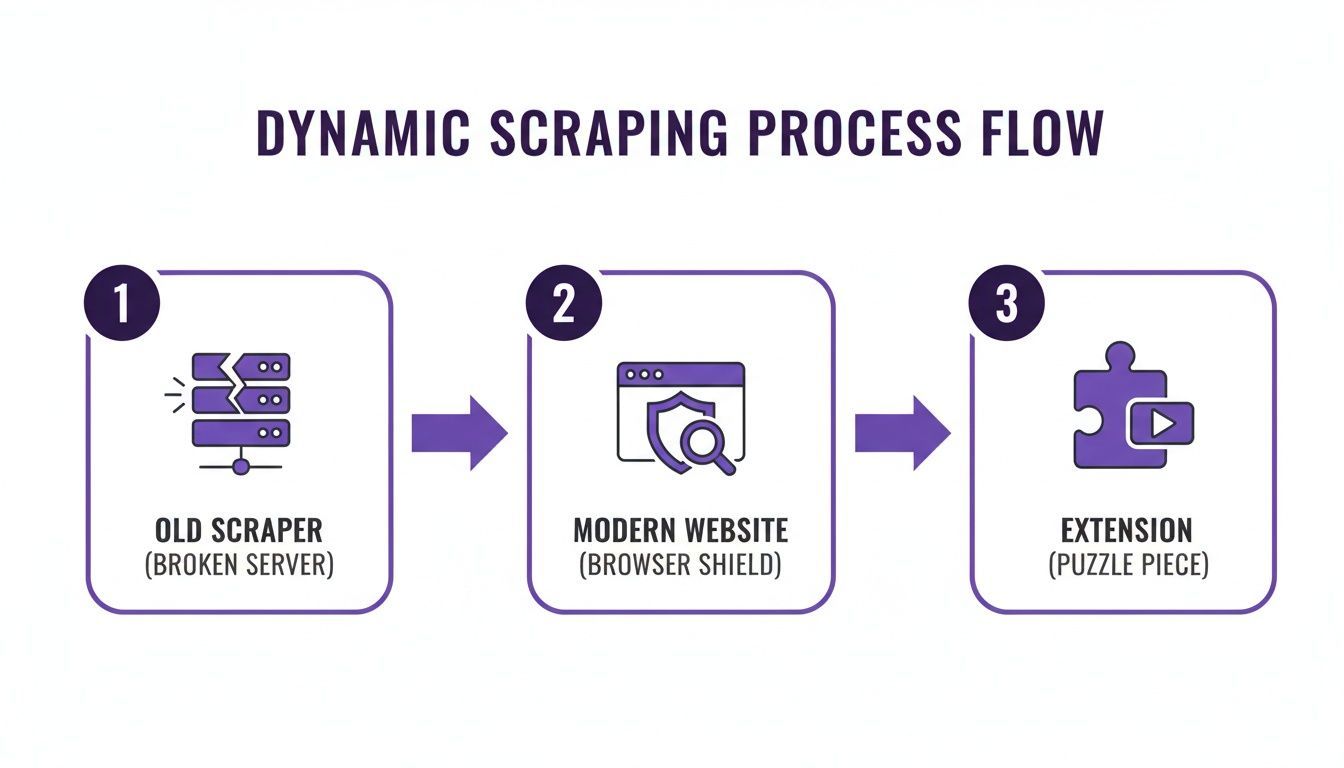
This is where dynamic scraping differs from static extraction. You are not capturing the page too early. You are letting the browser render the content first.
Step 2: Extract the Rendered Profiles or Listings
Open the extension and click “Extract Profiles.” Instead of requiring custom setup, the extension analyzes the visible content and identifies repeated patterns such as profile cards, company listings, names, titles, and links.
This is the major operational difference between old and new scraping workflows. The extension works on the final user-visible page state, which is exactly why it succeeds where page-source methods fail.
Step 3: Review the Structured Data
Within seconds, the extracted records are organized into a structured list. You can review the results before exporting them and confirm that the relevant fields were captured.
Step 4: Enrich Deeper Pages If Needed
Dynamic list pages often show only summary information. The full contact details may live on linked subpages or profile pages. In those cases, an enrichment step can follow the discovered links and add more information where available.
This is especially useful when a results page shows only names, titles, and companies, but the detailed bio page contains emails, phone numbers, social links, or portfolio URLs. To see how this works at scale, check out our guide on how to batch extract profiles.
Step 5: Export the Data to CSV or Excel
Once the rendered data has been extracted and reviewed, the final step is export. You can download the results and move them into your spreadsheet, CRM, ATS, or outreach workflow.
This is also where the page connects cleanly to your broader scraping workflow. Dynamic extraction solves the “hard website” problem first, and structured export turns that result into something usable. If your main goal is spreadsheet-ready output, the next step is often a CSV workflow like the one covered elsewhere on your site.
Manual Scraping vs. Using a Chrome Extension on Dynamic Websites
| Task | Manual or Static Method | Chrome Extension Workflow | Why It Matters |
|---|---|---|---|
| Initial Extraction | Reads page source or requires copy-paste. | Extracts the rendered content visible in the browser. | Captures data that appears only after JavaScript runs. |
| Infinite Scroll | Misses results that appear later on the page. | Works after you load more visible results. | Lets you collect larger datasets from scrolling interfaces. |
| Hidden Detail Pages | Requires opening each profile manually. | Can follow profile links during enrichment. | Saves time on finding deeper contact information. |
| Export | Requires manual spreadsheet cleanup. | Exports structured data to CSV or Excel. | Makes the output usable immediately. |
Common Dynamic-Site Problems a Browser Workflow Can Handle
Not every difficult page fails for the same reason. Dynamic websites usually become hard to scrape because one or more of these problems are present.
Infinite Scroll
The page reveals more profiles only as you move downward. If you do not scroll, most of the dataset never loads.
Lazy-Loaded Content
Elements appear only when they enter the visible viewport. This often affects cards, avatars, and profile details.
Popups and Overlays
Cookie banners, sign-in prompts, and newsletter popups can interrupt extraction and make manual scraping much slower.
Hidden or Collapsed Sections
Some data is tucked behind “Read more,” tabs, accordions, or expandable profile cards. Static extraction may miss it entirely.
Content Spread Across List and Detail Views
The list page shows summary information, while the linked profile page contains the richer data. That is where enrichment becomes especially useful.
Practical takeaway: Dynamic scraping is not just about JavaScript. It is about handling the real interface patterns modern websites use to hide, delay, or fragment data.
This also explains why some tools perform better than others on monitored platforms. If you work on professional networks, it is worth understanding why Chrome extensions get blocked on LinkedIn and how conservative workflows reduce risk.
When to Export the Results to CSV
Once you have extracted the rendered data from a dynamic page, the next logical step is export. CSV is usually the most flexible format because it works with Excel, Google Sheets, CRM imports, and sales or recruiting tools.
That means this page should own the “hard website” problem, while your broader CSV page can own the “spreadsheet-ready export” workflow. In practice, the sequence looks like this:
- Open the dynamic page.
- Load the visible content.
- Extract the rendered records with the extension.
- Optionally enrich deeper profile pages.
- Export the structured data to CSV or Excel.
This keeps the page tightly focused on dynamic websites, JavaScript-rendered content, infinite scroll, and why browser-based extraction works, while still preserving the export step in context.
Real-World Use Cases for Dynamic Scraping
Dynamic scraping is especially relevant in workflows where the data source is modern, interactive, and frustrating to collect manually.
Recruiting
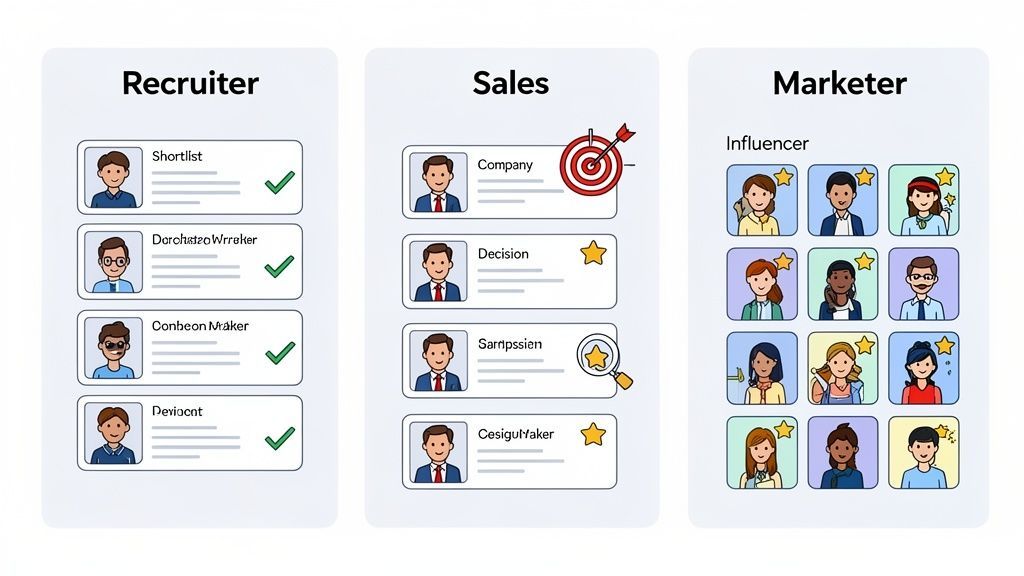
Recruiters often work with professional networks, company team pages, conference speaker lists, and member directories that use lazy loading, filters, or expanding cards. A browser extension can capture visible profiles far faster than manual collection.
Sales Prospecting
Sales teams can extract decision-maker lists from leadership pages, exhibitor directories, industry communities, and company websites where dynamic interfaces would otherwise slow down research.
Market Research and PR
Marketers and researchers can gather structured lists from directories, event sites, and public profile pages without relying on developer-built scraping scripts.