12 Best Data Enrichment Tools for Sales, Recruiting & Lead Lists in 2026
Compare the best data enrichment tools for sales, recruiting, email finding, CRM enrichment, APIs, and scraped lead lists in 2026.
by Adriaan 21 min read
Share
Adriaan
21 min read
Share this article
Incomplete lead and candidate records slow down every sales and recruiting workflow. A name and company are useful, but they are rarely enough if you still need a verified email, phone number, job title, company domain, location, firmographics, or CRM-ready profile.
Data enrichment tools fill those gaps. They take partial records and append missing information, either from large B2B databases, CRM-native enrichment systems, APIs, or browser-based tools that help you collect and enrich profiles from the web.
But the best data enrichment tool depends on your workflow. A sales team enriching Salesforce records needs something different from a recruiter sourcing candidates from public profiles, or a developer building enrichment into an internal app.
This guide compares the 12 best data enrichment tools for sales, recruiting, marketing, APIs, and scraped lead lists. We’ll look at which tools are best for CRM enrichment, email and phone enrichment, recruiting enrichment, company enrichment, API workflows, and no-code browser-based lead collection.
This article is part of our broader guide to lead scraping. If you want the complete end-to-end workflow—including lead sources, scraping methods, enrichment, data quality, CRM activation, and compliance—see: Lead Scraping Guide: How to Scrape, Enrich, and Convert Leads at Scale.
Quick Recommendation: Best Data Enrichment Tool by Use Case
If you are comparing data enrichment tools, start with the workflow you need to improve. Some tools enrich records inside a CRM. Others provide APIs. Some are better for email finding, recruiting workflows, or enriching lead lists collected from websites.
Use case
Best type of tool
Good fit
Enrich scraped lead lists from websites and directories
Browser-based extraction and enrichment tool
ProfileSpider
Enterprise CRM enrichment and GTM data
Sales intelligence platform
ZoomInfo, Cognism, D&B
HubSpot-native enrichment
CRM-native enrichment
HubSpot Breeze Intelligence
Sales prospecting plus enrichment
B2B database with outreach tools
Apollo.io, UpLead
Email and phone enrichment for recruiters and SDRs
Contact lookup tool
Lusha, Cognism, Apollo.io
Developer/API enrichment
API-first data provider
People Data Labs, Lusha, Melissa
Data warehouse enrichment
Cloud data marketplace
Snowflake Marketplace, AWS Data Exchange
Address and identity data hygiene
Data quality and verification platform
Melissa
What Is Data Enrichment?
Data enrichment is the process of improving incomplete records by adding missing or verified information from other sources. In sales, recruiting, and marketing, this usually means turning a partial contact or company record into something your team can actually use.
Common enrichment fields include:
Contact data: email addresses, phone numbers, profile URLs, social links, and job titles.
Company data: company name, domain, industry, size, revenue range, location, and technology stack.
Recruiting data: current role, seniority, skills, location, profile links, employment history, and candidate context.
Data quality fields: address validation, duplicate detection, identity matching, and confidence scores.
In a practical lead generation workflow, enrichment usually comes after sourcing. You first find or scrape relevant leads, then enrich them with missing fields, then export or sync them to your CRM, ATS, spreadsheet, or outreach tool. For the full workflow, see our guide on how to scrape leads with AI.
If you came from a search like recruiting enrichment API, candidate enrichment, or ATS enrichment, here is how to think about the options.
You have engineers and want API enrichment at scale: Prioritize People Data Labs, Lusha, Apollo.io, Cognism, or ZoomInfo. These are better fits when you need bulk or real-time enrichment inside an ATS, CRM, data warehouse, or internal sourcing product.
You enrich while sourcing on the web: A browser-based tool like ProfileSpider may be a better fit. You can capture profiles from pages you are reviewing, keep the workflow controlled, and export only the records you actually want to use.
You live inside one CRM: HubSpot Breeze Intelligence, ZoomInfo, Cognism, and D&B Connect are better suited for always-on CRM enrichment than one-off sourcing workflows.
You mainly need verified emails: Use a focused email/contact enrichment tool or combine a scraper with email finding. For background, see our guide on how to find business email addresses.
Honest takeaway: there is no single best recruiting enrichment API or sales enrichment platform for every team. The right choice depends on how you source leads, how technical your team is, where the enriched data needs to land, and how much control you need over privacy and cost.
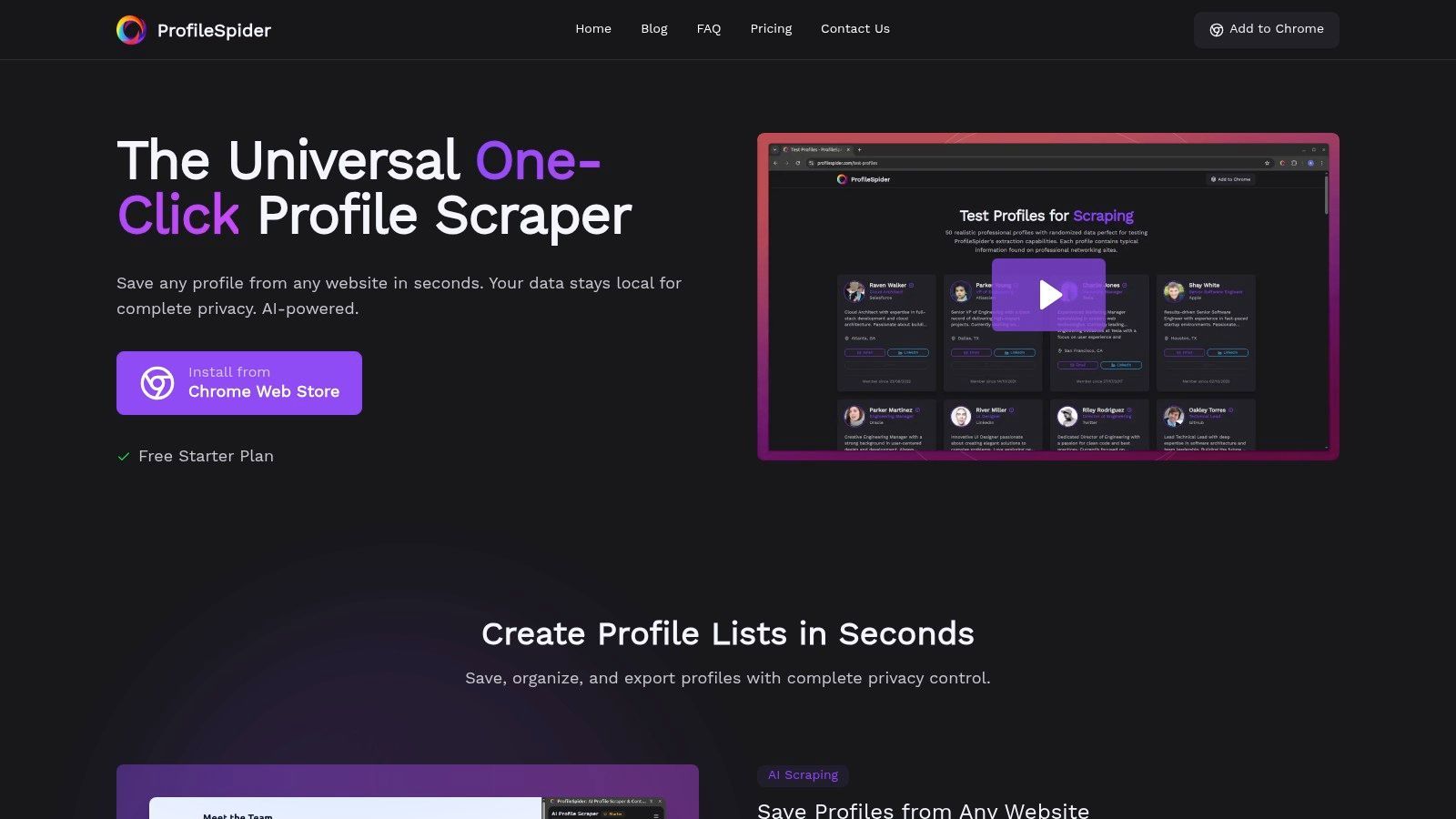
1. ProfileSpider
ProfileSpider stands out among data enrichment tools because it starts earlier in the workflow. Most enrichment platforms assume you already have a list of people or companies. ProfileSpider helps you build that list first by extracting visible profiles from websites, directories, search results, public profile pages, event pages, and company team pages.
Delivered as a Chrome extension, ProfileSpider turns pages with people or company listings into structured, exportable lead lists with a single click. This makes it useful for recruiters, salespeople, marketers, founders, agencies, and researchers who need fresh lead data without building a scraper or buying a broad database.
Unlike traditional cloud enrichment platforms that often require you to upload lists, ProfileSpider is designed around a controlled browser workflow. You choose the source page, extract visible profiles, save them into lists, enrich missing details where appropriate, find emails when enough data is available, and export the final list to CSV, Excel, or JSON.
Core Features & Use Cases
ProfileSpider is designed for practical, real-world lead and candidate workflows.
One-Click AI Profile Extraction: Capture professional or company profiles from websites without configuring selectors or writing code.
Universal Website Compatibility: Works on many types of pages with profile information, including directories, team pages, event pages, public profiles, and search results.
Contact Enrichment Workflow: Enrich saved leads by visiting profile or company pages and filling in missing fields where available.
Email Finding: Move from profile collection to contact discovery by finding business emails when enough profile or company data is available.
Smart Organization: Create lists, add notes and tags, merge duplicates, and manage leads before export.
Professional Export Options: Export organized lists to CSV, Excel, or JSON for CRMs, ATS tools, spreadsheets, or outreach systems.
This makes ProfileSpider one of the best data enrichment tools for non-technical users who need speed, flexibility, and control. It is especially useful when traditional databases are too broad, too expensive, or missing the niche sources your team actually cares about. For a related workflow, see our guide to using ProfileSpider as a B2B lead enrichment service.
Is ProfileSpider a recruiting enrichment API? No. ProfileSpider is not a public REST enrichment API like People Data Labs or Lusha. It is a no-code, browser-based extraction and enrichment workflow for profiles you find on the web, with structured export to CSV, Excel, and JSON for ATS, CRM, spreadsheet, or outreach workflows.
Pricing & Availability
ProfileSpider uses a flexible credit-based model and is available for Chrome and Chromium-based browsers.
Free Plan: Lets users test the core extraction and enrichment workflow.
Paid Plans: Starter, Pro, and Power tiers increase credit allowance and profiles-per-page limits.
Credit System: Credits are used when pages are processed, with top-up credits available for extra usage.
Pros:
Extracts and enriches profiles from web pages, not just pre-existing lists.
No-code workflow for sales, recruiting, marketing, and research teams.
Useful for niche sources that large B2B databases may miss.
Built-in lists, notes, tags, deduplication, enrichment, email finding, and export.
Cons:
Available only as a Chrome/Chromium extension.
Not a public enrichment API for developers.
Works best on pages with visible profile or company data.
ZoomInfo is an enterprise-grade B2B intelligence platform known for its extensive contact and company database, primarily focused on larger sales and marketing teams. It functions as a go-to-market data platform, embedding directly into sales and marketing workflows to append and refresh critical account and contact fields.
Unlike tools focused on single-page extraction, ZoomInfo is designed for system-wide data governance. Its strength lies in CRM enrichment, buyer intent signals, organizational charts, company data, and administrative controls. This makes it one of the best data enrichment tools for organizations that need a comprehensive enterprise solution with deep integrations.
Key Features and Considerations
Enrichment Types: Firmographic data, contact data, job titles, direct dials, emails, technographics, intent data, and account intelligence.
Integration: Deep integrations with major CRMs and marketing automation platforms for bulk and real-time enrichment.
Pricing: Enterprise-style pricing, usually based on contracts, credits, features, and user seats.
Best For: Mid-market and enterprise GTM teams that need automated CRM enrichment and have budget for a premium platform.
For businesses already operating within HubSpot, Breeze Intelligence offers a convenient native data enrichment solution. It is integrated directly into the CRM, helping append and refresh company and contact records without requiring a separate enrichment platform.
The main value is seamlessness. HubSpot users can enrich records and use that data directly inside workflows, routing, scoring, segmentation, and personalization. This makes it one of the best data enrichment tools for teams already committed to HubSpot as their CRM and marketing automation platform.
Key Features and Considerations
Enrichment Types: Company and contact enrichment inside HubSpot, including firmographic and contact fields depending on availability.
Integration: Native HubSpot integration with workflows, CRM records, scoring, routing, and segmentation.
Pricing: Uses HubSpot’s credit model and depends on HubSpot plan, usage, and enrichment needs.
Best For: Marketing, sales, and operations teams already using HubSpot heavily.
Apollo.io combines a large B2B database with sales engagement tools, positioning itself as an end-to-end go-to-market platform. It is particularly popular among startups and mid-market teams because it bundles data enrichment with prospecting, email sequencing, calling, and CRM sync.
Unlike pure-play data providers, Apollo’s value lies in its integrated workflow. A sales representative can identify a company, find relevant contacts, enrich those records with emails or phone numbers, and immediately add them to outreach sequences.
A common recruiting enrichment pattern is to use Apollo’s database, Chrome extension, API, or CRM sync to keep prospect or candidate records more complete for outbound workflows. For a direct comparison, see ProfileSpider vs Apollo.
Key Features and Considerations
Enrichment Types: Firmographic data, contact data, verified emails, phone numbers, job titles, technographics, and intent data on higher tiers.
Integration: Chrome extension, CRM integrations, API access, and built-in sales engagement tools.
Pricing: Self-serve pricing with free and paid plans. Credits are used for data lookups and exports.
Best For: Startups, SMBs, and mid-market sales teams that want database prospecting and outreach in one platform.
Lusha is a B2B contact data provider known for simplicity and fast contact lookup. It is popular among SDRs, recruiters, and small teams because its Chrome extension can reveal direct-dial phone numbers and verified email addresses while users browse professional profiles or company websites.
Unlike broad enterprise suites, Lusha focuses on delivering contact details with minimal friction. Its API also supports programmatic enrichment and bulk workflows for teams that need to push enriched contacts into an ATS, CRM, or internal app.
Key Features and Considerations
Enrichment Types: Contact data such as emails, phone numbers, direct dials, and basic firmographic fields.
Integration: Chrome extension, CRM integrations, and API access for custom workflows.
Pricing: Credit-based model with a free plan and paid tiers based on credit volume and features.
Best For: Individuals and small to mid-sized sales or recruiting teams that need fast contact lookup and enrichment.
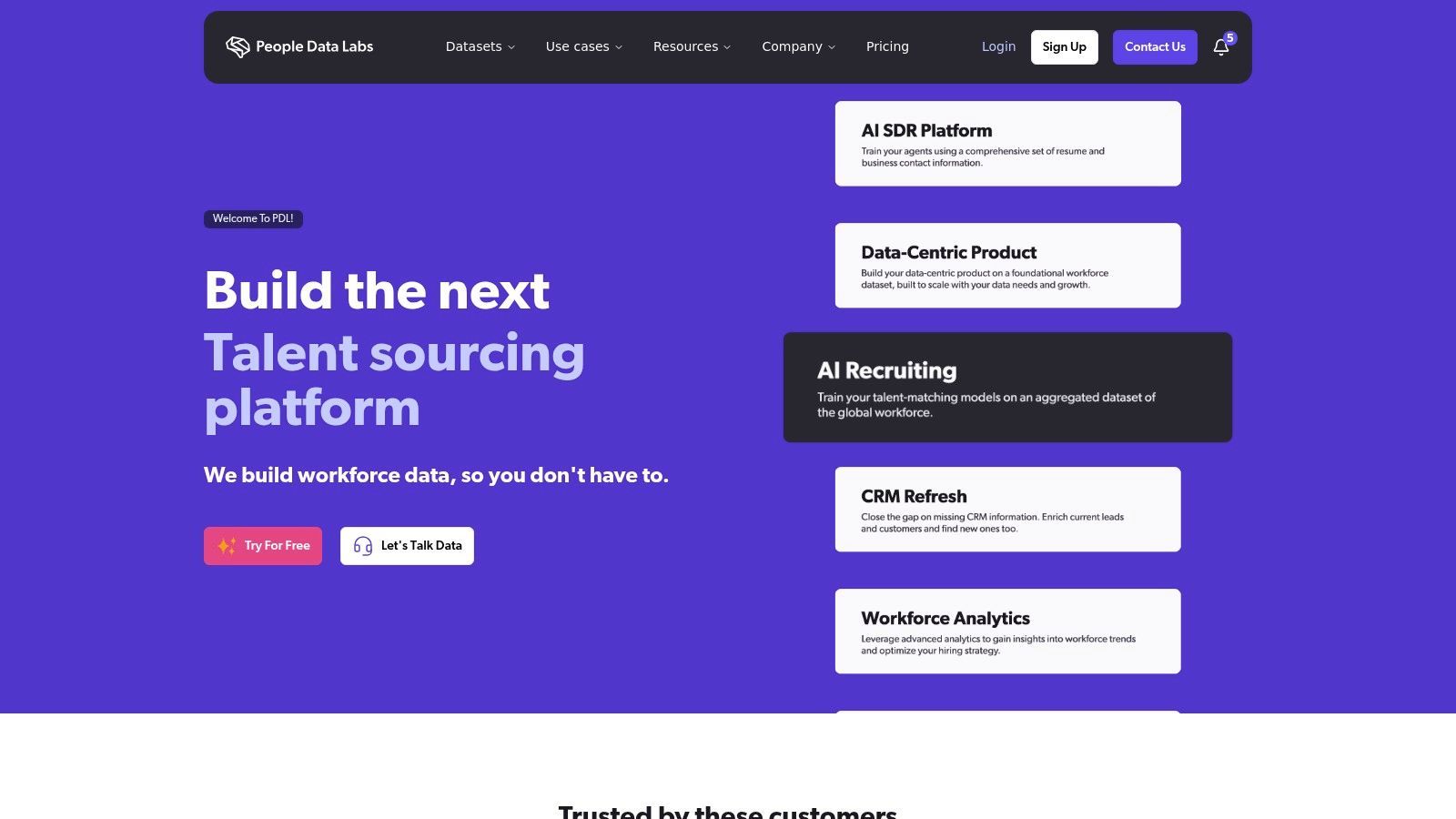
People Data Labs, often shortened to PDL, offers APIs for technical teams that need to build custom person and company enrichment workflows. Unlike all-in-one platforms, PDL provides programmatic access to person and company data for engineering, data science, product, and internal tooling teams.
This API-first approach makes PDL one of the best data enrichment tools for companies embedding enrichment directly into products, internal tools, data warehouses, or custom recruiting systems. It is a strong fit when your team wants to build a recruiting enrichment API workflow on top of a large person and company data layer.
Key Features and Considerations
Enrichment Types: Person and company data, including professional history, education, skills, firmographics, technographics, and identity matching.
Integration: API-driven. Requires engineering resources and custom implementation.
Pricing: Usage-based pricing, often based on successful matches or endpoint usage.
Best For: Developer-led teams building custom applications, internal tools, product features, or enrichment pipelines.
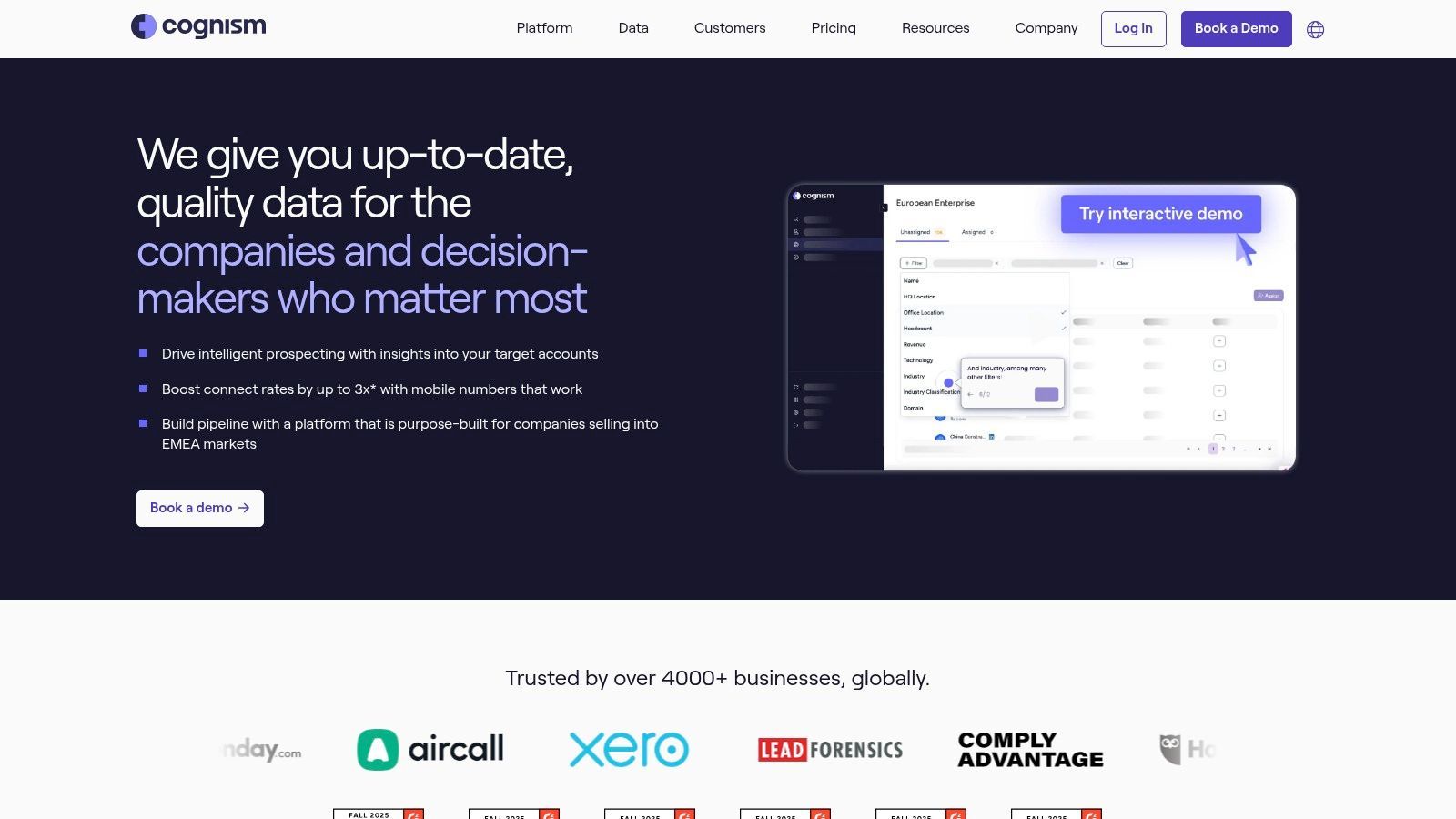
Cognism is an enterprise B2B data enrichment provider with a strong emphasis on compliance and high-quality contact data, especially phone-verified mobile numbers. It has strong positioning for teams operating across EMEA, the UK, Europe, and North America.
Unlike many email-first providers, Cognism is often chosen by teams that rely heavily on direct phone outreach. This makes it one of the best data enrichment tools for mid-market and enterprise teams that need phone numbers, compliant data workflows, and CRM enrichment.
Key Features and Considerations
Enrichment Types: Contact data, firmographics, verified mobile numbers, business emails, and location data.
Integration: CRM integrations, CSV workflows, and API enrichment depending on package.
Pricing: Quote-based annual subscription model based on user seats, data access, and volume.
Best For: Mid-market and enterprise teams that need accurate phone data and compliance-conscious enrichment.
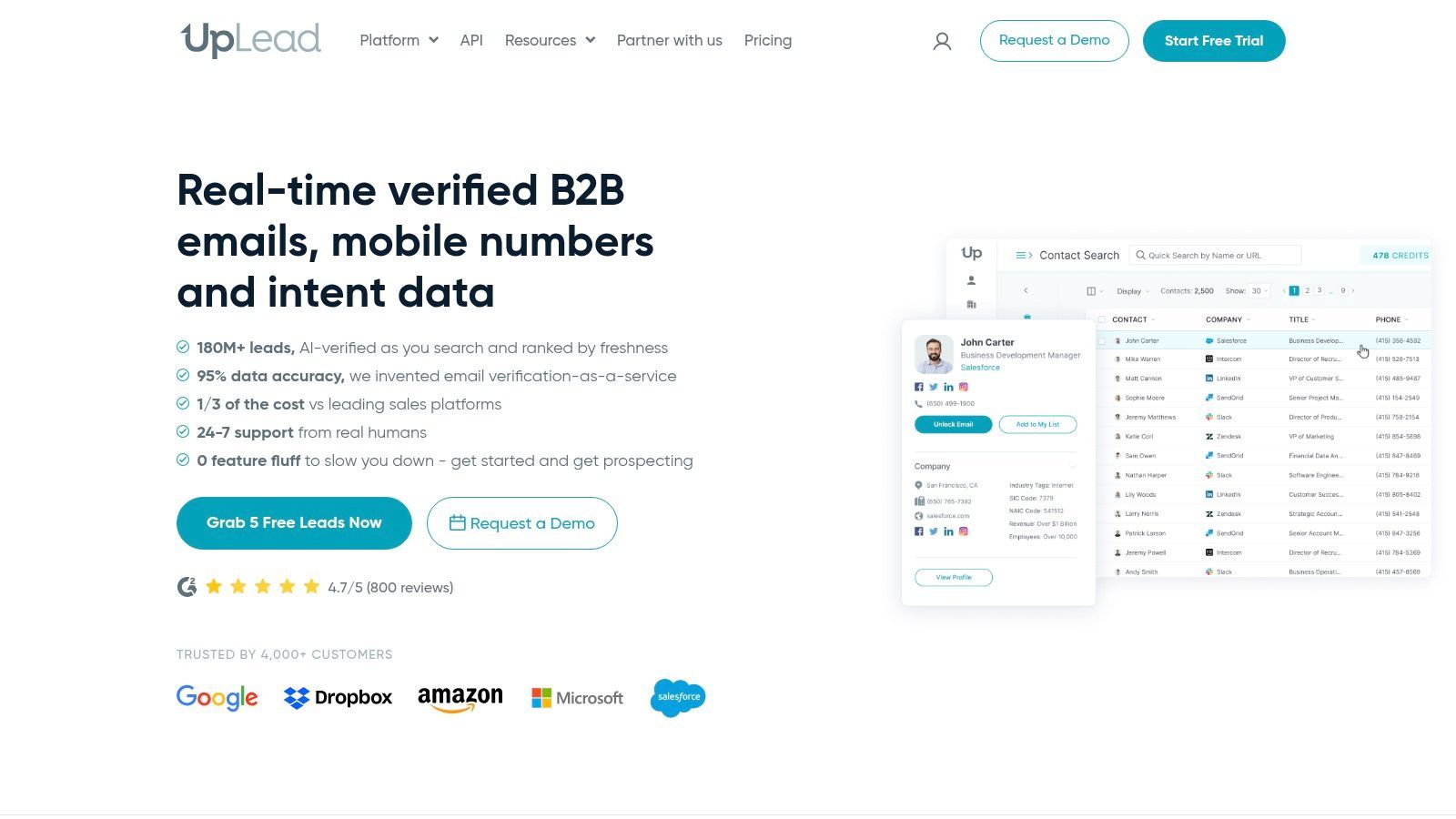
UpLead positions itself as a user-friendly B2B data provider for small to mid-sized businesses. It offers a clean interface for prospecting and enriching company and contact information, with transparent credit-based pricing compared with many enterprise tools.
UpLead combines prospecting and enrichment features. Users can search for contacts, upload existing lists, and append missing data points such as job titles, industries, emails, phone numbers, and company details. This makes it a practical option for growing teams that want self-serve enrichment without enterprise contracts.
Key Features and Considerations
Enrichment Types: Firmographic data, contact data, verified emails, phone numbers, company size, and technographics.
Integration: CRM integrations and API access on higher-tier plans.
Pricing: Credit-based monthly and annual plans with visible pricing and trial access.
Best For: SMBs and sales teams that want transparent pricing and self-serve B2B enrichment.
Snowflake Marketplace offers a different approach to enrichment for companies already using Snowflake. Instead of exporting data to a third-party enrichment tool, teams can access third-party datasets directly inside their Snowflake environment and join them with internal data.
The core benefit is governed, warehouse-native enrichment. Data teams can enrich customer, account, product, or market datasets using SQL without building separate ETL pipelines for every provider. This makes Snowflake Marketplace useful for organizations that already treat Snowflake as their central data platform.
Key Features and Considerations
Enrichment Types: Firmographics, demographics, IP intelligence, financial data, geospatial data, industry datasets, and more depending on the provider.
Integration: Native Snowflake environment with ready-to-query datasets and marketplace listings.
Pricing: Varies by data provider and listing. Snowflake compute costs also apply.
Best For: Data teams on Snowflake that need governed enrichment at warehouse scale.
AWS Data Exchange is a marketplace for third-party datasets inside the Amazon Web Services ecosystem. It is not a traditional enrichment app, but it can support enrichment workflows for organizations already running analytics, data pipelines, and machine learning systems on AWS.
Teams can subscribe to datasets and deliver them into AWS services such as S3, Athena, Redshift, and SageMaker. This gives technical teams flexibility but also requires engineering and data operations resources.
Key Features and Considerations
Enrichment Types: Broad marketplace categories including financial, retail, marketing, demographic, firmographic, public sector, and industry data.
Integration: Native AWS delivery and integration with AWS analytics and data services.
Pricing: Varies by data provider. Includes free datasets and paid subscriptions.
Best For: AWS-native data teams that need specialized datasets and can manage the data pipeline themselves.
Melissa is a data quality and enrichment provider focused on verification and enhancement of contact information, especially address data. It is widely used for postal-quality address cleaning, identity verification, demographics, geocoding, and contact data hygiene.
Unlike sales intelligence tools, Melissa is strongest in operational data quality. It is useful for companies that need accurate addresses, verified identities, compliance workflows, mailing data, or customer database cleanup.
Key Features and Considerations
Enrichment Types: Address verification, geocoding, identity verification, contact data hygiene, demographics, property data, and firmographics.
Integration: REST/SOAP APIs, batch tools, plugins, and integrations with CRM, ecommerce, and enterprise systems.
Pricing: Credit-based and pay-as-you-go options, with enterprise plans available.
Best For: Logistics, ecommerce, finance, healthcare, direct mail, and data operations teams that need reliable data hygiene.
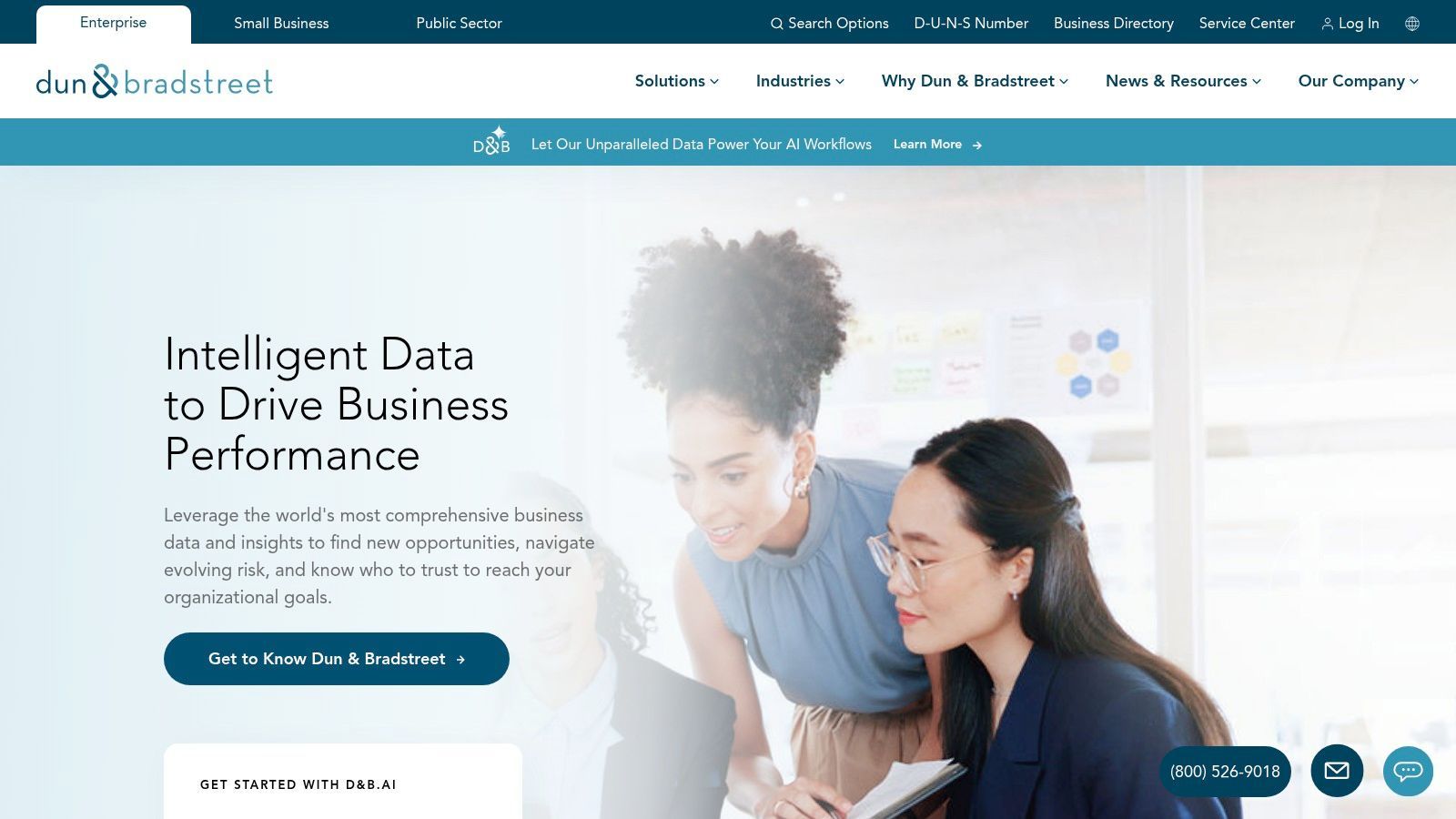
Dun & Bradstreet is a long-standing authority in commercial data, especially firmographic enrichment and company identity. Through products such as D&B Hoovers and D&B Connect, it helps enterprises enrich account records, understand company hierarchies, and use D-U-N-S Numbers for business identification.
Unlike real-time contact lookup tools, Dun & Bradstreet is strongest for foundational company data, corporate linkage, account scoring, territory planning, and risk assessment. This makes it one of the best data enrichment tools for large organizations that need authoritative business data.
Key Features and Considerations
Enrichment Types: Firmographics, corporate hierarchies, D-U-N-S linkage, industry codes, revenue estimates, employee counts, and compliance metadata.
Integration: Enterprise APIs, CRM enrichment, and D&B Connect for CRM data management.
Pricing: Quote-based enterprise pricing depending on data scope, platform use, and integrations.
Best For: Large enterprises, finance teams, strategic sales teams, analytics teams, and global account planning workflows.
Enriching lead lists collected from websites, directories, and public profiles
Browser-based extraction and enrichment
Free plan + credits
ZoomInfo
Enterprise CRM enrichment, intent data, and GTM intelligence
Sales intelligence platform
Quote-based
HubSpot Breeze Intelligence
Native enrichment inside HubSpot CRM
CRM-native enrichment
HubSpot credits
Apollo.io
Sales prospecting, contact enrichment, and outreach
B2B database + engagement platform
Free plan + paid seats/credits
Lusha
Fast email and phone enrichment for known contacts
Contact lookup tool
Credit-based
People Data Labs
Developer-led person and company enrichment
API-first data provider
Usage-based
Cognism
Phone-verified B2B contacts and compliant enrichment
Sales intelligence platform
Quote-based
UpLead
Self-serve B2B contact and company enrichment
B2B database
Credit-based
Snowflake Marketplace
Warehouse-native enrichment for Snowflake users
Data marketplace
Provider-specific
AWS Data Exchange
Dataset enrichment inside AWS workflows
Cloud data marketplace
Provider-specific
Melissa
Address, identity, and contact data hygiene
Data quality platform
Credit-based
Dun & Bradstreet
Enterprise firmographic data and company hierarchies
Commercial data platform
Quote-based
Best Data Enrichment Workflow: From Raw Lead to Usable Record
The tool matters, but the workflow matters more. Enrichment should not be random. You need a clear process for deciding which records to enrich, which fields matter, and where the final data should go.
Start with a relevant source: Use a CRM, ATS, spreadsheet, scraped website, directory, public profile page, event list, or B2B database.
Collect or import partial records: Start with names, companies, domains, profile URLs, emails, or other identifiers.
Decide what fields matter: Do not enrich everything. Choose the fields needed for your sales, recruiting, marketing, or research workflow.
Run enrichment: Add missing emails, phone numbers, company domains, firmographics, technographics, job titles, or profile links.
Validate and deduplicate: Remove duplicates, stale records, incomplete matches, and low-confidence data.
Segment and activate: Use tags, lists, CRM fields, ATS stages, or outreach segments to make the enriched data usable.
Export or sync: Send the final data to your CRM, ATS, spreadsheet, warehouse, or outreach platform.
If your workflow starts from web sourcing, a tool like ProfileSpider helps you collect and enrich leads from the pages where they already appear. If your workflow starts from CRM data, a platform like HubSpot, ZoomInfo, Cognism, or D&B may be a better fit.
Frequently Asked Questions: Data Enrichment, Recruiting Enrichment & APIs
What is a data enrichment tool?
A data enrichment tool adds missing or verified information to existing records. For sales and recruiting, this often means adding emails, phone numbers, job titles, company domains, firmographics, profile URLs, or other fields that make a lead or candidate record more useful.
What is a recruiting enrichment API?
A recruiting enrichment API is usually a vendor endpoint that accepts an identifier you already have, such as an email, profile URL, company domain, or name plus company, and returns extra candidate or company fields. These fields can then be stored in an ATS, CRM, internal sourcing app, or data warehouse.
Do I need an API for recruiting enrichment?
Not always. APIs are useful when you need to enrich thousands of records automatically or embed enrichment inside a product. Browser-based tools are often better when enrichment is tied to web sourcing and you want more control over what you collect before exporting.
Is ProfileSpider a recruiting enrichment API?
No. ProfileSpider is not a public enrichment API like People Data Labs or Lusha. It is a no-code, browser-based extraction and enrichment tool for profiles you find on the web, with structured export to CSV, Excel, and JSON for ATS, CRM, spreadsheet, or outreach workflows.
What is the best data enrichment tool for scraped lead lists?
If you already scraped or collected a list of profiles from websites, the best tool depends on what is missing. Use ProfileSpider if you want to collect, organize, enrich, find emails, and export leads from web pages. Use a contact enrichment tool like Lusha, Apollo.io, or Cognism if you already have names and companies and mainly need emails or phone numbers. Use People Data Labs if you need API-based enrichment at scale.
What is the difference between data enrichment and lead scraping?
Lead scraping is the process of collecting lead data from websites, directories, profiles, or databases. Data enrichment is the process of improving those records with missing fields. In practice, the two workflows often work together: scrape or collect leads first, enrich them second, then export or activate the final list.
Choosing the Right Enrichment Tool for Your Workflow
Navigating the landscape of data enrichment tools can feel overwhelming, but the best tool is rarely one-size-fits-all. Your ideal choice depends on your team's lead source, technical resources, budget, CRM or ATS setup, data privacy requirements, and outreach workflow.
Traditional platforms like ZoomInfo, Cognism, D&B, and HubSpot solve data decay at scale for organizations with embedded CRM systems. They provide large databases and deep integrations, but they often come with higher costs, annual contracts, or a dependency on centralized third-party data sources.
API-first tools like People Data Labs and Melissa work best when engineers are building enrichment into a product, data warehouse, or internal workflow. Browser-based tools like ProfileSpider work best when recruiters, sales reps, marketers, or founders are sourcing from the open web and want a faster way to turn visible profiles into usable lists.
Key Factors in Your Decision-Making Process
Before committing to a platform, ask these questions:
What is your source of truth? Are you enriching CRM records, ATS records, spreadsheets, scraped pages, public profiles, or a data warehouse?
Do you need a database or a workflow? Some tools give you access to a large database. Others help you collect and enrich leads from the web.
How technical is your team? API tools need engineering resources. Browser-based tools and CRM-native tools are easier for non-technical users.
What fields do you actually need? Emails, phone numbers, job titles, company domains, firmographics, technographics, addresses, and intent data are different enrichment problems.
Where should the data land? CRM, ATS, spreadsheet, warehouse, CSV, Excel, or outreach tool?
How important is privacy and control? Some workflows require uploading lists to a third-party cloud. Others let you keep more control over collection and export.
How will costs scale? Compare credits, seats, API calls, successful matches, enrichment actions, and contract commitments.
The Modern, No-Code Alternative for Sales & Recruiting
For many professionals in sales, recruiting, and marketing, the primary challenge is not maintaining a global database. It is efficiently building accurate, context-rich lists from the pages and sources they already use.
This is where ProfileSpider fits differently from traditional enrichment platforms. Instead of forcing you to start with a pre-existing database, it helps you turn relevant web pages into structured lead lists. You can extract visible profiles from directories, company team pages, search results, event lists, niche websites, and public profile pages, then enrich and export the records you actually want to use.
Ultimately, the goal of data enrichment is to enable smarter outreach, better recruiting, cleaner CRM records, and more complete lead lists. Whether you choose an enterprise platform, an API, a CRM-native enrichment tool, or a browser-based workflow, the goal is the same: turn incomplete data into records your team can act on.
If you want to start with web-sourced leads, try ProfileSpider: extract visible profiles, save them into lists, enrich missing details, find emails, and export when you are ready.