What Are AI Prospecting and Sales Intelligence Tools?
AI prospecting tools help you find, qualify, enrich, and contact potential customers or candidates. They use databases, web data, AI research agents, enrichment providers, intent signals, and automation to reduce the manual work involved in building a pipeline.
Sales intelligence tools are broader. They usually help teams understand companies, accounts, contacts, decision-makers, buying signals, firmographics, technographics, and engagement signals. In practice, many modern platforms combine AI prospecting and sales intelligence in the same workflow.
Common AI prospecting workflows include:
- Lead discovery: Find people, companies, decision-makers, candidates, or accounts that match your target criteria.
- Contact discovery: Find business emails, phone numbers, profile URLs, company domains, and direct contact paths.
- Data enrichment: Add missing emails, phone numbers, company domains, firmographics, technographics, job titles, seniority, and profile links.
- Intent detection: Identify accounts showing buying signals, website visits, job changes, funding events, hiring activity, technology usage, or topic interest.
- AI research: Summarize company information, prospect context, recent news, pain points, or personalization hooks.
- Lead scoring: Prioritize prospects by fit, intent, role, seniority, company size, region, and campaign relevance.
- Outreach activation: Push leads into email sequences, CRMs, ATS tools, spreadsheets, or outbound workflows.
The right tool depends on where your prospects come from. If you want a large prebuilt database, choose a sales intelligence platform. If you already have names or companies and need emails, choose an enrichment or email-finding tool. If your best prospects appear on niche websites, directories, public profiles, or event pages, a browser-based AI scraper may be the fastest starting point.
How to Choose the Best AI Prospecting Software
Before comparing AI prospecting tools, define your main bottleneck. A tool that is excellent for database search may be weak for fresh web extraction. A tool that is powerful for Clay-style enrichment workflows may be too complex for a small team that simply wants verified contacts. A platform with strong enterprise data may be overkill if you only need to build targeted lead lists from public sources.
| Question |
What it tells you |
Tool type to consider |
| Do you need fresh leads from websites? |
Your prospects live in directories, team pages, event lists, or public profiles. |
AI scraper / browser prospecting tool |
| Do you need a large searchable B2B database? |
You want to search by job title, company size, industry, region, and seniority. |
Sales intelligence database |
| Do you already know who to contact? |
You mainly need emails, phone numbers, or missing fields. |
Contact intelligence / enrichment tool |
| Do you need buyer intent signals? |
You want to prioritize accounts based on timing and demand signals. |
Intent data / account intelligence platform |
| Do you need custom AI research workflows? |
You want to combine sources, APIs, AI prompts, enrichment, and routing. |
AI data operations platform |
| Do you need outreach built in? |
You want prospecting, sequencing, and engagement in one platform. |
Sales engagement + intelligence suite |
| Do you need CRM-native enrichment? |
Your main workflow lives in HubSpot, Salesforce, or another CRM. |
CRM enrichment platform |
For most teams, the best setup is not one tool that does everything. It is a stack where each tool solves a specific stage: source discovery, extraction, enrichment, qualification, intent, outreach, and CRM activation.
1. ProfileSpider
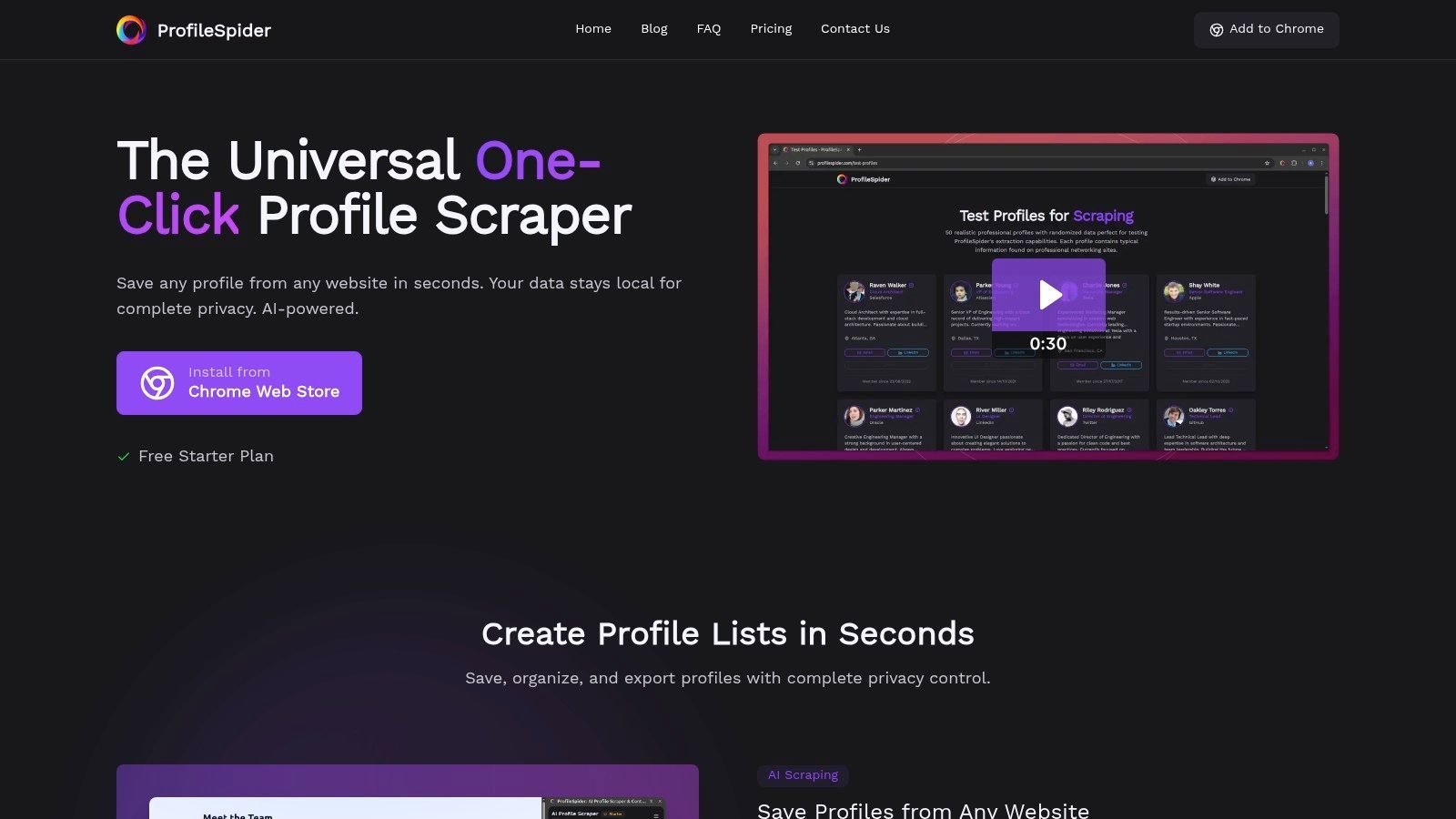
ProfileSpider stands out as an AI prospecting tool because it helps users build fresh lead lists from the web, rather than relying only on a prebuilt B2B database. It operates as a one-click Chrome extension that uses AI to identify and extract person and company profiles from websites, directories, search results, public profile pages, event pages, and company team pages.
This makes it useful for sales teams, recruiters, marketers, agencies, founders, and researchers who need targeted prospect data from sources that may not be covered well by large databases. Instead of configuring CSS selectors or building a scraper, users open a relevant page, click the extension, and turn visible profiles into a structured list.
Core Features & Use Cases
ProfileSpider is more than a simple extractor. It combines AI profile extraction, list building, enrichment, email finding, deduplication, notes, tags, and export into one browser-based workflow.
- Universal AI Extraction: Extract visible people and company profiles from many types of web pages without setup, selectors, or coding.
- Lead List Building: Save extracted prospects into lists, add tags and notes, merge duplicates, and keep projects organized.
- Enrichment Workflow: Enrich saved profiles by visiting profile or company pages and filling in missing details where available.
- Email Finding: Find business emails when enough profile or company data is available, helping users move from research to outreach.
- Flexible Export Options: Export curated lists to CSV, Excel, or JSON for CRMs, ATS tools, spreadsheets, and outreach platforms.
For sales teams, ProfileSpider is useful for building prospect lists from industry directories, agency lists, partner pages, conference speaker pages, local business directories, niche B2B websites, and search results. For recruiters, it can help source candidates from public portfolio pages, company team pages, professional communities, and public profile lists.
If your prospecting workflow starts with a name, company, or domain and you need to locate public profile URLs first, the ProfileSpider Social Link Finder can help fill in missing social links before extraction or outreach.
Pricing & Availability
ProfileSpider uses a flexible credit-based model. Users can start with a free plan and upgrade to paid tiers for more credits and higher profiles-per-page limits.
- Free Plan: Lets users test the core workflow.
- Paid Plans: Increase monthly credits and extraction limits.
- Top-Up Credits: Extra credits are available for occasional high-volume work.
- Availability: Works on Chrome and Chromium-based browsers.
Pros & Cons
| Pros |
Cons |
| No-code AI extraction: Works on many websites without scraper setup. |
Browser-extension only: Limited to Chrome and Chromium-based browsers. |
| Fresh web-sourced leads: Useful for niche sources that databases may miss. |
Not a full outreach platform: Exports to other tools instead of replacing them. |
| Built-in lead workspace: Lists, tags, notes, deduplication, enrichment, and export. |
Credit-based usage: High-volume users need enough credits for their workflow. |
| Flexible exports: CSV, Excel, and JSON for CRM, ATS, and spreadsheet workflows. |
Best for visible web data: It works best when useful profile or company data appears on public pages. |
Website: https://profilespider.com
2. Apollo.io
Apollo.io is one of the most popular all-in-one sales intelligence and engagement platforms. It combines a large B2B contact database with prospecting, enrichment, email sequencing, calling, AI-assisted messaging, and CRM integrations.
The main advantage is workflow consolidation. A sales team can search for companies, find contacts, reveal emails or phone numbers, enrich records, and launch outreach sequences from the same platform. This makes Apollo a strong fit for teams that want one system for prospecting and outbound sales.
Core Features & Use Cases
- B2B Contact Database: Search contacts and companies by title, industry, location, company size, technology, seniority, and other filters.
- AI-Powered Workflows: Use AI-assisted features for list building, lead scoring, and personalized email copy.
- Integrated Engagement Tools: Launch email sequences and call workflows directly inside the platform.
- Data Enrichment: Enrich CRM or prospect records with emails, phone numbers, job titles, and company data.
- CRM Integrations: Sync prospect and activity data with sales systems.
Pricing & Limitations
Apollo offers free and paid plans based on user seats, credits, exports, and feature access. The main limitation is that credits and export limits can matter at scale, especially for teams building large outbound lists. Apollo is also database-first, so it is less flexible than a web extraction tool when your prospects live in niche directories, public profile lists, event pages, or custom sources.
To compare Apollo with a web-sourced prospecting workflow, see our ProfileSpider vs. Apollo comparison.
3. ZoomInfo SalesOS
ZoomInfo SalesOS is an enterprise-grade sales intelligence platform built for large GTM teams. It combines B2B contact data, company data, buyer intent, website visitor identification, organizational charts, CRM enrichment, and workflow integrations.
ZoomInfo is strongest when a company needs broad market coverage, account intelligence, and deep integration into sales and marketing systems. It is less of a lightweight prospecting tool and more of a complete enterprise data platform.
Core Features & Use Cases
- Enterprise B2B Database: Access company and contact intelligence with emails, direct dials, mobile numbers, and firmographic fields.
- Buyer Intent Signals: Identify accounts that may be researching relevant topics or categories.
- Website Visitor Identification: Identify companies visiting your website and route them to sales or marketing workflows.
- CRM Enrichment & Org Charts: Enrich CRM data and understand account hierarchies.
- Account-Based Sales Workflows: Support enterprise ABM, segmentation, routing, and territory planning.
Pricing & Limitations
ZoomInfo uses custom quote-based pricing and is generally positioned for mid-market and enterprise teams. The main limitation is cost and complexity. It can be overkill for smaller teams that only need simple prospecting, email finding, or web-sourced lead lists.
4. Cognism
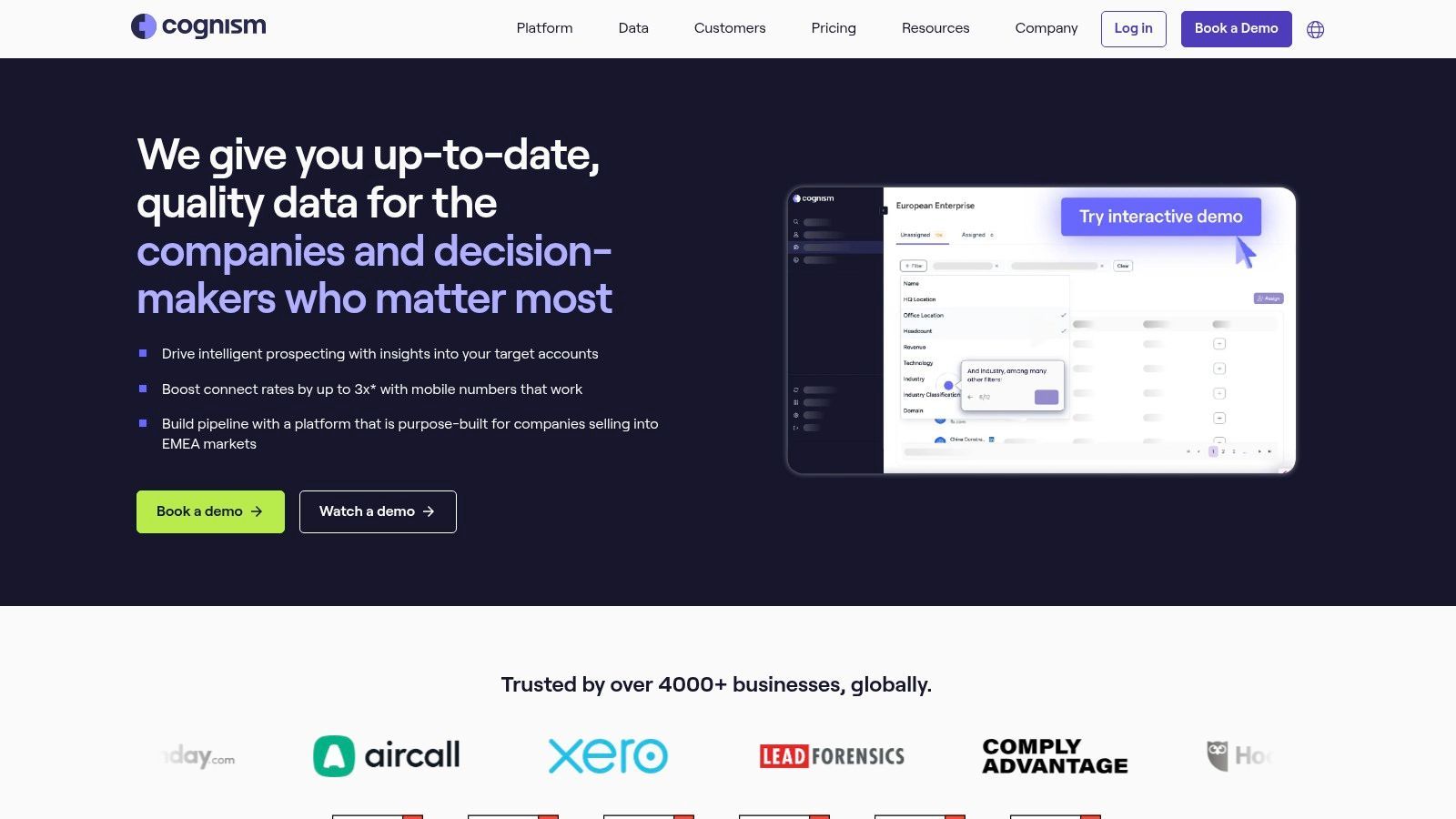
Cognism is a premium B2B data platform focused on accurate contact data, phone-verified mobile numbers, sales triggers, and compliance-conscious workflows. It is often considered by teams that need reliable phone outreach data across the US, UK, Europe, and other markets.
The platform combines contact data with intent and technographic signals, helping sales teams prioritize accounts and prospects based on fit and timing. It is a strong fit for outbound teams that rely on direct dials and want high-confidence contact information.
Core Features & Use Cases
- Phone-Verified Contact Data: Access verified mobile numbers and direct dials for sales outreach.
- Intent and Technographic Data: Prioritize accounts based on buying signals and technology usage.
- Global Data Coverage: Build targeted lists across multiple regions and markets.
- CRM and Sales Tool Integrations: Push contact and company data into Salesforce, HubSpot, and other sales tools.
Pricing & Limitations
Cognism uses custom pricing and is generally aimed at sales teams rather than individual users. Costs can increase with data packages, add-ons, phone verification, and intent data. It is best suited to teams that can justify premium phone and compliance-focused data.
5. Lusha
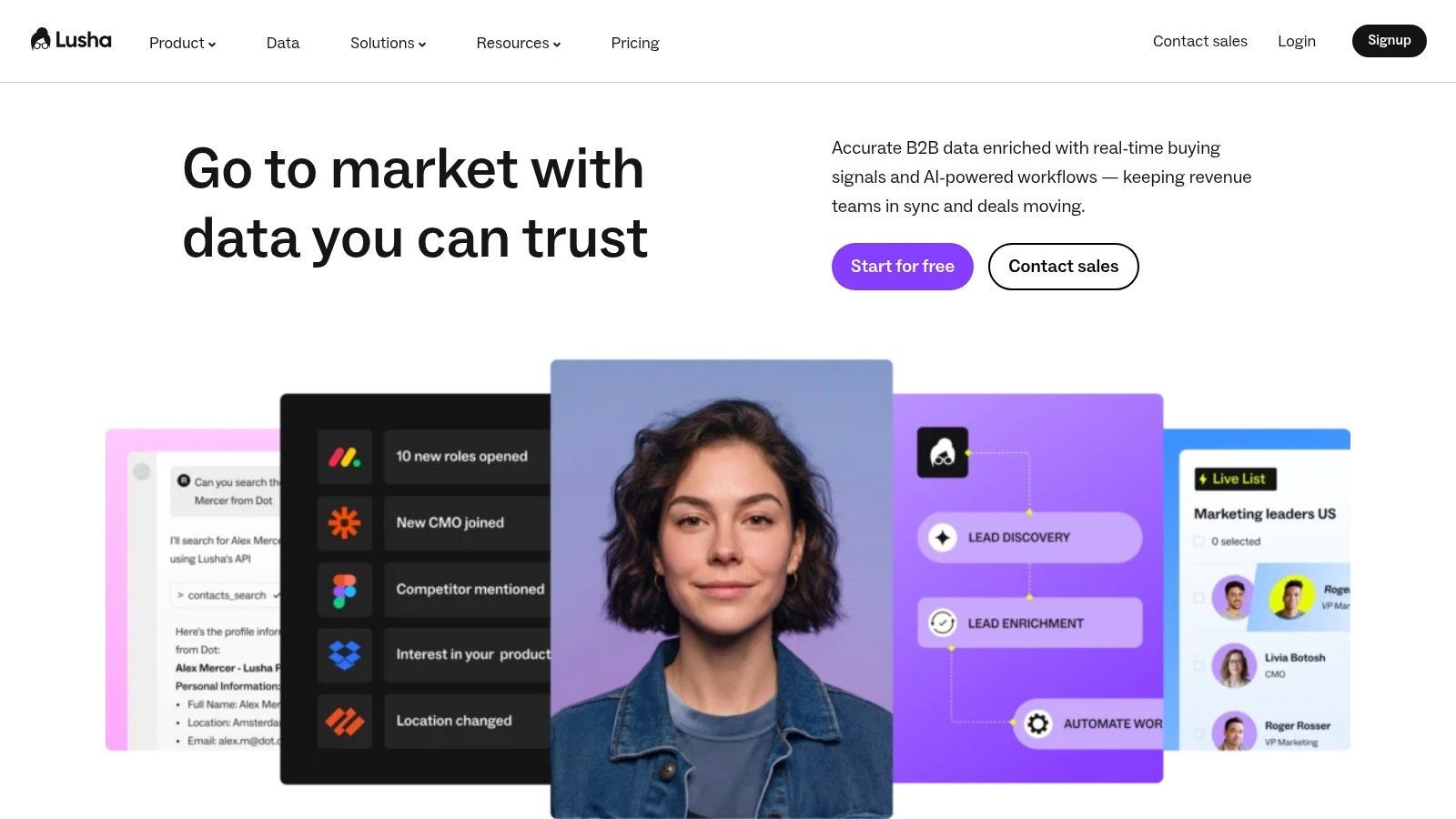
Lusha is a B2B contact intelligence platform focused on fast email and phone lookup. It is popular with SDRs, recruiters, founders, and small teams that need quick access to contact details without adopting a large enterprise sales intelligence platform.
The platform is built around a simple credit-based model and a Chrome extension that can reveal contact information while users browse professional profiles or company websites. This makes it a practical option for teams that already know who they want to contact and need missing details.
Core Features & Use Cases
- One-Click Contact Reveal: Reveal prospect emails and phone numbers from supported pages.
- Simple Credit System: Use credits to unlock contact details.
- CRM & ATS Integration: Sync contact data with Salesforce, HubSpot, Bullhorn, and other systems.
- API Access: Use Lusha data in custom enrichment workflows when needed.
- Fast Adoption: Suitable for teams that want a lightweight contact discovery tool.
Pricing & Limitations
Lusha offers free and paid plans based on credits and feature access. The main limitation is credit consumption, especially for phone-heavy workflows. It is also more focused on enriching known prospects than discovering fresh leads from arbitrary websites.
6. Clay
Clay is a data operations platform for GTM teams that need advanced enrichment, AI research, and personalized outbound workflows. It unifies many data providers, web scraping capabilities, AI agents, and workflow automations in a spreadsheet-like interface.
Clay is powerful because it lets users build custom prospecting pipelines. For example, a team can start with a list of companies, find relevant employees, enrich records through multiple providers, scrape websites for custom fields, detect buying signals, and use AI to write personalized outreach lines.
Core Features & Use Cases
- Unified Data Sources: Connect many enrichment providers and APIs inside one workflow.
- AI Agent Research: Use AI to research companies, prospects, websites, or custom data points.
- Web Scraping & Enrichment: Build workflows that gather and enrich prospect data from many sources.
- Workflow Automation: Push enriched records into CRMs, sales engagement tools, and outbound systems.
- Personalization at Scale: Generate custom outreach angles from company and prospect context.
For a simpler no-code scraping workflow, see our guide on how to use AI scraper tools to generate sales leads.
Pricing & Limitations
Clay uses a credit-based model. It is powerful, but the main limitation is operational complexity. Teams need to understand enrichment logic, data sources, workflows, AI prompts, and credit usage. It is best for growth teams, agencies, RevOps teams, and sales operations teams that are comfortable building custom systems.
7. LeadIQ
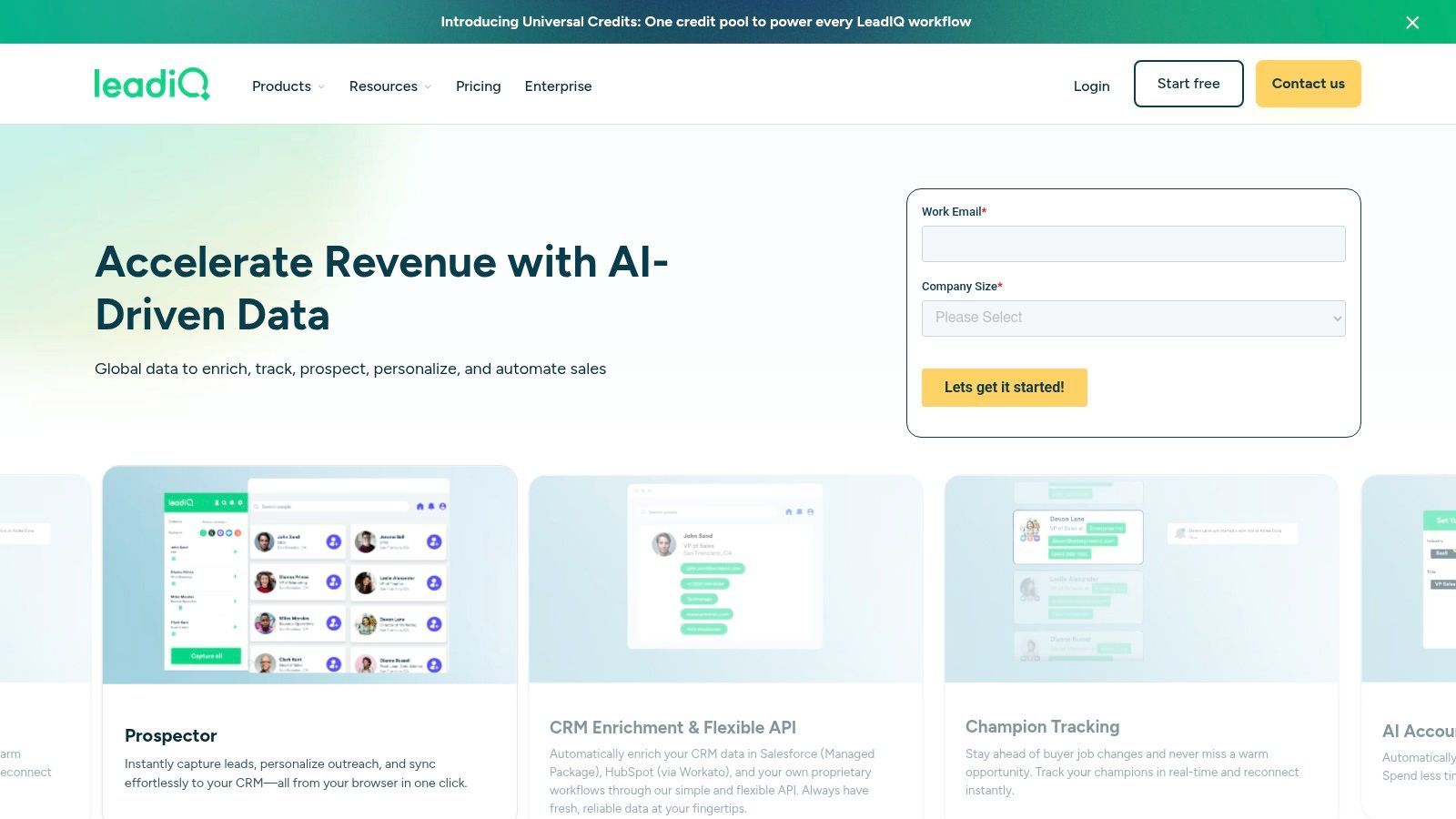
LeadIQ is a sales prospecting platform focused on capturing prospect data, verifying contact information, and helping reps move into outreach faster. It is commonly used by SDR and sales teams that prospect through LinkedIn, websites, and CRM workflows.
The platform combines contact capture with AI-assisted message writing, helping users go from prospect identification to outreach with less manual work. It is more focused than broad enterprise platforms and easier to adopt for outbound teams.
Core Features & Use Cases
- Verified Contact Capture: Capture emails, mobile numbers, direct dials, and prospect records from supported sources.
- AI Message Writer: Generate personalized outbound messages based on prospect context.
- Company & People Search: Identify prospects using company and people filters.
- Job Change Tracking: Track role changes that create timely sales opportunities.
- CRM Integration & Enrichment: Sync and enrich records in Salesforce, HubSpot, and related systems.
Pricing & Limitations
LeadIQ offers free and paid plans based on credits, features, and team needs. The main limitation is credit consumption for high-volume prospecting. Some advanced features, including deeper enrichment and job-change workflows, may require higher-tier plans.
8. Seamless.ai
Seamless.ai is a real-time sales intelligence search engine designed to help users find B2B emails, cell phones, and company information quickly. It is popular with individuals and sales teams that need a straightforward way to source contact data for outbound workflows.
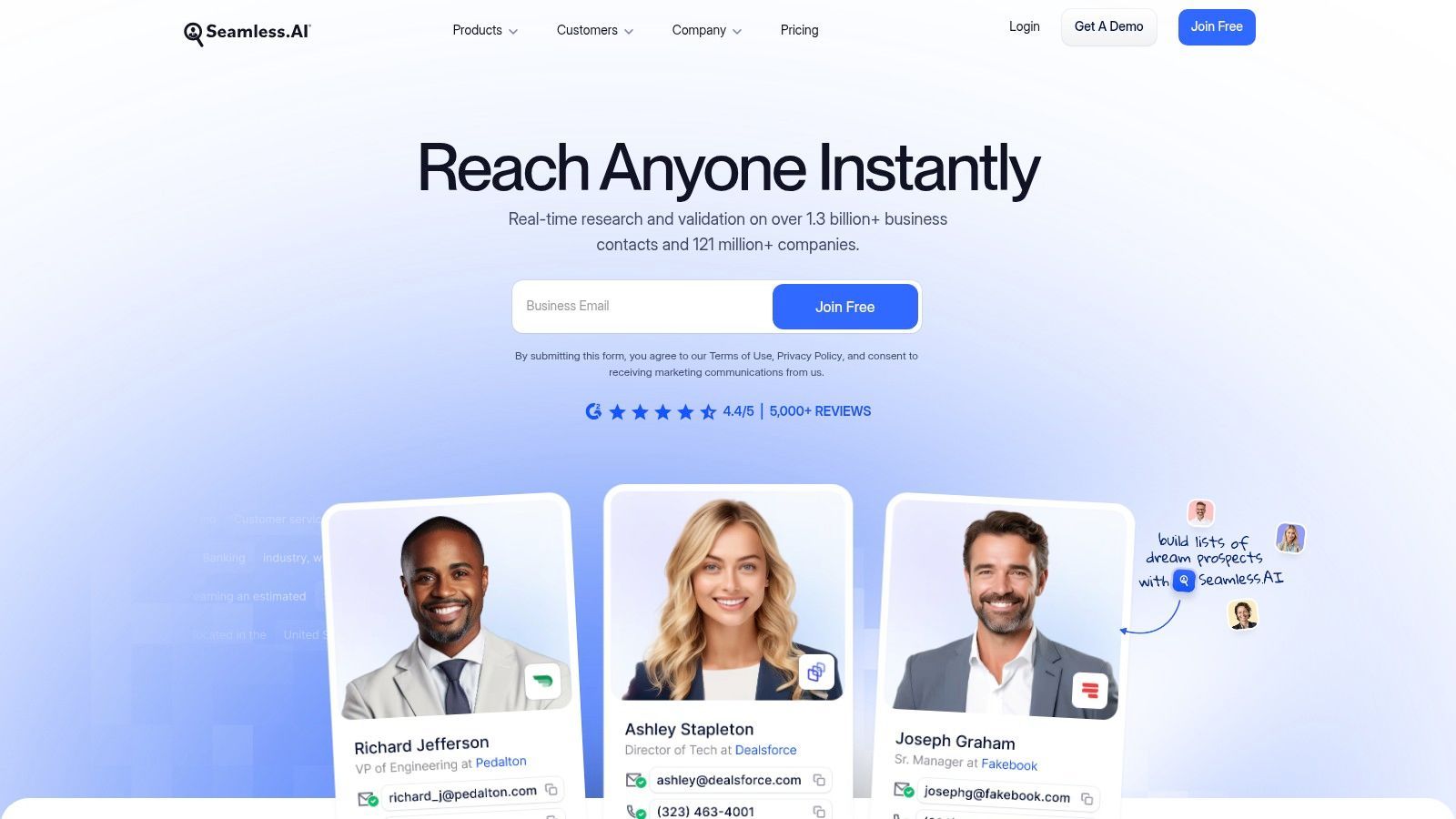
The platform uses AI-assisted search and verification to help reduce wasted outreach. Its Chrome extension allows users to find contact details while browsing professional profiles or company websites, then sync records to a CRM.
Core Features & Use Cases
- Real-Time Prospect Search: Find B2B emails, direct dials, cell phones, and company data.
- Chrome Extension: Capture contact data while browsing professional profiles and company websites.
- AI-Powered Verification: Validate contact information to improve data quality.
- Optional Add-ons: Add buyer intent, data enrichment, and automated list-building features depending on plan.
Pricing & Limitations
Seamless.ai offers a free plan and paid plans, but paid pricing often requires a sales conversation. The main limitations are pricing transparency, credit limits, and occasional data quality variation. Teams should test data quality against their own ICP before committing.
9. Hunter.io
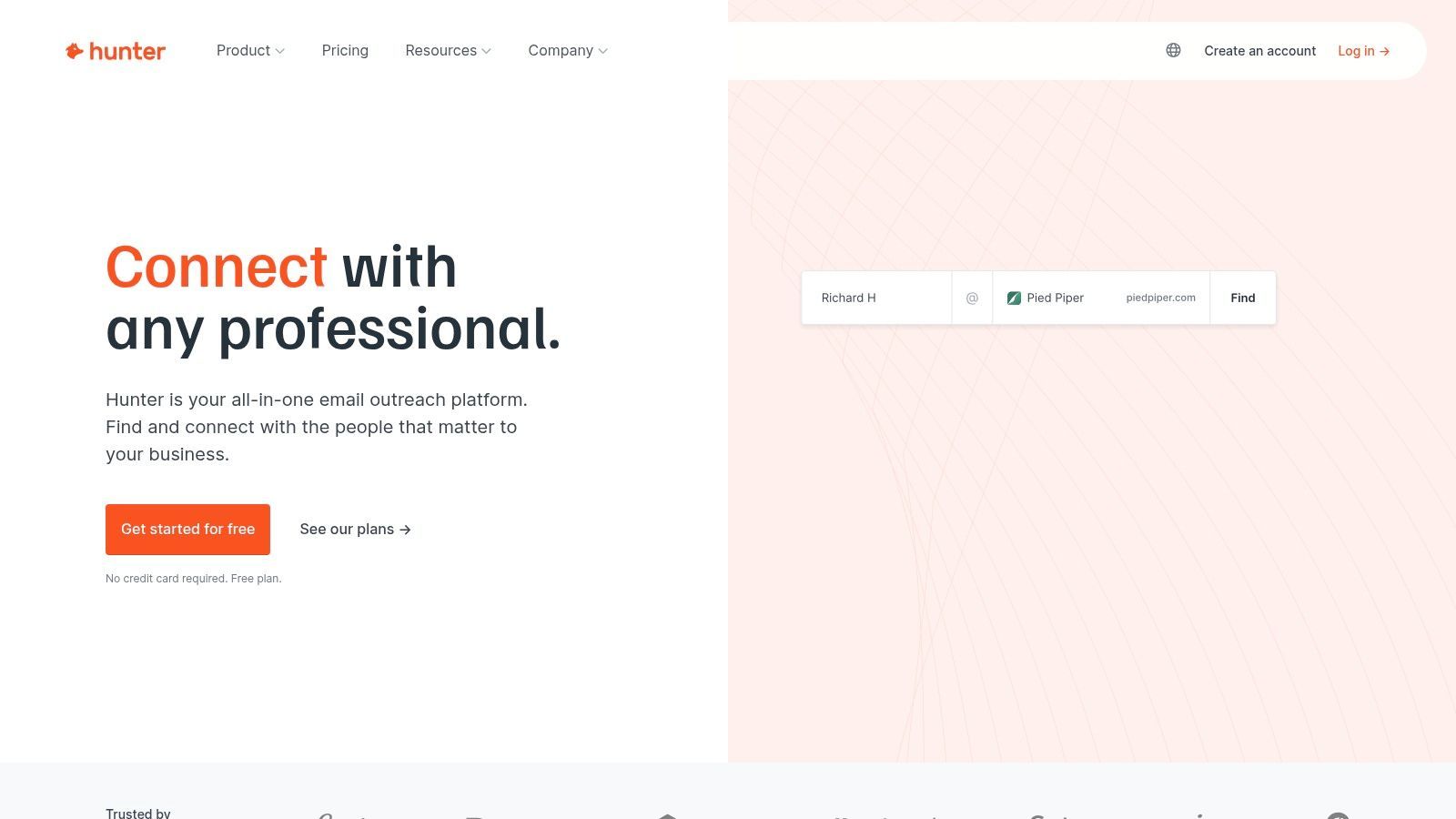
Hunter.io is a focused email prospecting tool. It is best for teams that need to find and verify professional email addresses rather than run a full sales intelligence or multi-channel prospecting platform.
Hunter combines domain search, email finding, bulk verification, basic outreach campaigns, and an API. This makes it useful for sales, marketing, PR, partnerships, recruiting, and founder-led outreach where email accuracy matters.
Core Features & Use Cases
- Email Finder & Domain Search: Find professional email addresses by person or company domain.
- Bulk Email Verifier: Clean and validate email lists to reduce bounce risk.
- Outreach Campaigns: Run simple email outreach sequences directly inside Hunter.
- API and Integrations: Connect email finding and verification into other workflows.
Pricing & Limitations
Hunter offers free and paid plans based on search and verification volume. Its main limitation is focus: it is excellent for email discovery, but it does not replace a broader sales intelligence platform if you need phone numbers, buyer intent, account intelligence, or advanced CRM workflows.
For a broader look at enrichment options, see our guide to the best data enrichment tools.
10. UpLead
UpLead is a B2B prospecting and data enrichment platform focused on verified emails, direct dials, firmographics, technographics, and buyer intent on higher tiers. It is often considered by teams that want a self-serve alternative to larger enterprise platforms.
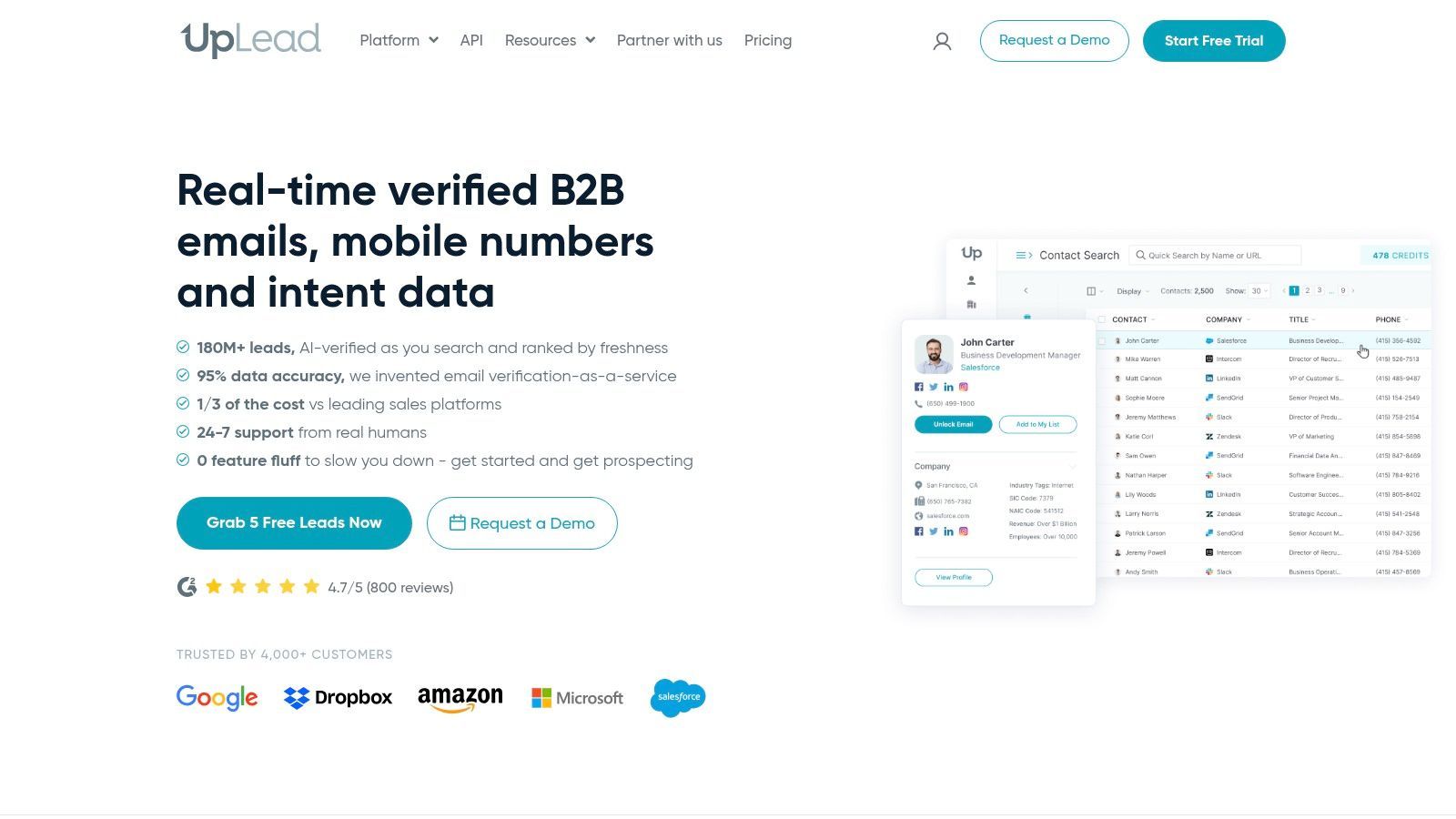
The platform includes filters for company size, industry, job title, location, technologies used, and more. This makes it useful for targeted list building and enrichment, especially for SMB and mid-market sales teams.
Core Features & Use Cases
- Verified Emails: Find and verify B2B email addresses before outreach.
- Technographics and Intent Data: Identify companies based on software usage and buying signals.
- Direct Dials: Access phone numbers for outreach workflows.
- Company & Contact Profiles: Build lists using firmographic and contact filters.
Pricing & Limitations
UpLead offers trial access and paid plans based on credits and feature access. Credits are consumed when viewing, exporting, or syncing data. The main limitation is that advanced features such as intent data and integrations may require higher-tier plans.
11. LinkedIn Sales Navigator
LinkedIn Sales Navigator is the premium prospecting layer built on LinkedIn’s professional network. It is not a traditional AI prospecting platform in the same sense as Apollo, Clay, or ZoomInfo, but it is a core sales intelligence tool because it provides advanced search, lead recommendations, account tracking, and relationship insights.
Sales Navigator is especially useful for account research, social selling, job change alerts, and identifying decision-makers. It is often paired with enrichment tools or lead scraping tools because LinkedIn itself limits export and large-scale external activation.
Core Features & Use Cases
- Advanced Lead & Account Search: Use filters such as seniority, company size, geography, function, and job changes.
- Real-Time Alerts: Track account news, job changes, profile activity, and relevant company updates.
- Lead & Account Recommendations: Get suggested prospects and accounts based on saved criteria.
- CRM Integration: Sync activities and records with supported CRM systems depending on plan.
Pricing & Limitations
Sales Navigator is sold on a seat-based subscription model. Its main limitation is that it is a walled-garden intelligence tool. You can research and save leads, but exporting lead lists and activating them outside LinkedIn is limited. This is why many teams pair it with enrichment, email finding, or controlled profile collection workflows.
To improve your LinkedIn sourcing workflow, see our guides on LinkedIn advanced search and LinkedIn Search Builder.
12. Clearbit by HubSpot
Clearbit, now part of HubSpot’s data and intelligence ecosystem, is best understood as a CRM-native enrichment and website reveal solution for HubSpot users. It helps enrich contacts and companies, identify anonymous website visitors, and route leads based on firmographic and behavioral data.
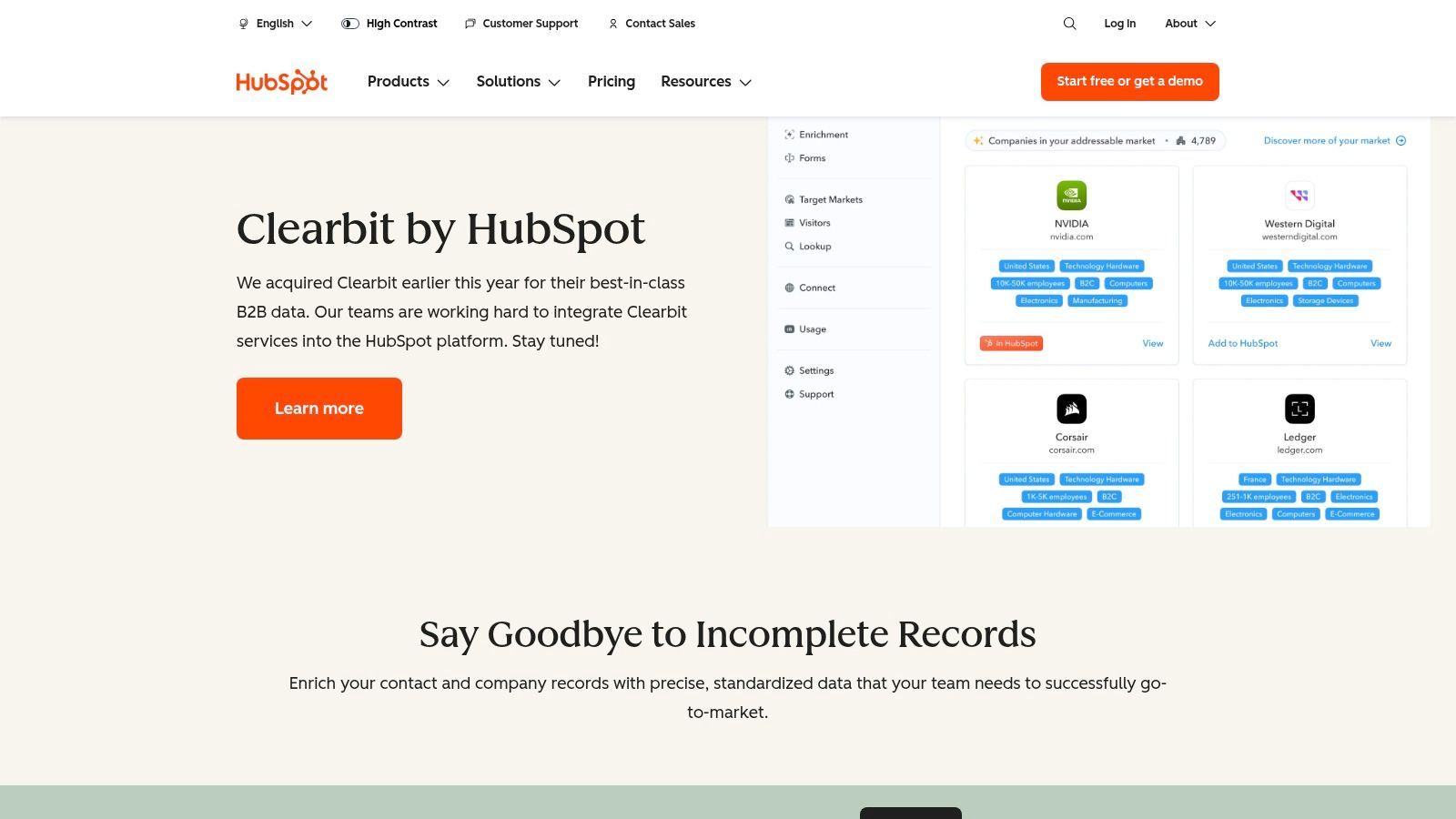
The main advantage is native HubSpot workflow integration. Teams can use enriched data for form shortening, segmentation, lead scoring, routing, personalization, and sales follow-up without leaving HubSpot.
Core Features & Use Cases
- Native HubSpot Enrichment: Enrich contact and company records inside HubSpot.
- Website Reveal & Intent: Identify companies visiting your website and trigger follow-up workflows.
- Inbound Conversion Optimization: Shorten forms while enriching records in the background.
- Lead Routing: Use enriched fields to route high-value leads to the right team member.
Pricing & Limitations
Clearbit is no longer positioned primarily as a standalone self-serve tool. Its main limitation is that it is best for HubSpot-centric teams. If you are not using HubSpot, other sales intelligence or enrichment tools may be a better fit.
Top 12 AI Prospecting Tools — Quick Comparison
| Tool |
Best for |
Type |
Pricing style |
| ProfileSpider 🏆 |
Extracting fresh prospect lists from websites, directories, and public profiles |
AI browser prospecting scraper |
Free plan + credits |
| Apollo.io |
B2B database prospecting and outbound engagement |
Sales intelligence + engagement platform |
Free plan + paid seats/credits |
| ZoomInfo SalesOS |
Enterprise GTM data, intent signals, and account intelligence |
Enterprise sales intelligence platform |
Quote-based |
| Cognism |
Phone-verified contacts and compliance-conscious prospecting |
B2B data platform |
Quote-based |
| Lusha |
Fast email and phone lookup for known prospects |
Contact intelligence tool |
Credit-based |
| Clay |
Advanced enrichment, AI research, and personalized outbound workflows |
AI data operations workspace |
Credit-based |
| LeadIQ |
Sales prospect capture, AI messaging, and CRM sync |
Sales prospecting platform |
Free plan + credits |
| Seamless.ai |
Real-time B2B contact search |
Sales intelligence search engine |
Free plan + sales-driven paid plans |
| Hunter.io |
Email finding, verification, and email-led outreach |
Email prospecting tool |
Free plan + search credits |
| UpLead |
Verified B2B contacts, technographics, and intent data |
B2B prospecting platform |
Credit-based |
| LinkedIn Sales Navigator |
LinkedIn lead research, account tracking, and social selling |
Professional network intelligence |
Seat-based subscription |
| Clearbit by HubSpot |
HubSpot enrichment, website reveal, and inbound qualification |
CRM-native enrichment |
HubSpot-based pricing |
Best AI Prospecting Workflow: From Lead Source to Outreach
The best AI prospecting tool is only useful if it fits your workflow. A strong prospecting system usually combines lead discovery, enrichment, qualification, intent detection, and activation.
- Define your ICP: Choose target roles, industries, company sizes, regions, technologies, use cases, and buying signals.
- Find prospect sources: Use databases, LinkedIn, Google search, directories, public profiles, company pages, event lists, partner pages, or niche communities.
- Collect the right records: Capture names, titles, companies, profile URLs, websites, emails, and source context.
- Enrich missing fields: Add verified emails, phone numbers, company domains, firmographics, technographics, seniority, and social links.
- Identify buyer signals: Look for hiring, funding, free trial availability, product launches, website changes, technology usage, event participation, or category interest.
- Qualify and segment: Use fit, intent, role, company size, source, region, and campaign relevance.
- Personalize outreach: Use AI research or manual context to write relevant messages.
- Export or sync: Move prospects to your CRM, ATS, spreadsheet, sales engagement tool, or outreach workflow.
If your workflow starts from public web sources, ProfileSpider can help with the discovery and collection stage. If your workflow starts from a CRM or database, tools like Apollo, ZoomInfo, Cognism, Clay, or HubSpot may fit better.
AI Prospecting Tools for Buyer Intent and Account Signals
Many teams do not just want more contacts. They want to know which accounts are worth contacting now. This is where buyer intent and account intelligence become important.
Buyer intent signals can include:
- Companies hiring for relevant roles
- Accounts visiting your website
- Businesses researching topics related to your category
- Recent funding, expansion, or leadership changes
- Technology usage or migration signals
- Free trial availability or product-led growth signals on SaaS websites
- Conference participation, sponsorships, or public event activity
- Compliance, security, or certification changes such as SOC 2 pages
Enterprise tools like ZoomInfo and Cognism are built around broader account intelligence and intent data. Clay is strong when you want to create custom workflows for detecting specific signals from websites, company pages, job postings, or third-party sources. ProfileSpider is useful when those signals are visible on public webpages and you want to collect the relevant companies or contacts into a structured list.
AI Prospecting Tools for Contact Discovery and People Search
Another major use case is finding the right person inside a target account. This includes decision-makers, department heads, founders, hiring managers, technical buyers, budget owners, and influencers.
For contact discovery, the right tool depends on what you already know:
| Starting point |
Best workflow |
Useful tool types |
| You have target companies |
Find relevant employees by title, seniority, function, and region |
Apollo, ZoomInfo, Cognism, Sales Navigator, Clay |
| You have public team pages or directories |
Extract visible profiles and enrich missing data |
ProfileSpider |
| You have names but no emails |
Find and verify business email addresses |
Hunter, Lusha, LeadIQ, Seamless.ai, UpLead |
| You have profile URLs |
Enrich records into usable contact and company data |
Clay, enrichment tools, ProfileSpider workflows |
| You need LinkedIn research |
Search, save, and monitor leads inside LinkedIn |
LinkedIn Sales Navigator |
For small teams, the practical question is often not “which tool has the biggest database?” but “which tool gets me from target account to usable contact list fastest?”
Free Trials and Transparent Pricing: What to Watch
AI prospecting and sales intelligence pricing can be difficult to compare because tools charge in different ways. Some charge per seat, some use credits, some charge for exports, some charge for email or phone reveals, and many enterprise platforms use custom pricing.
When comparing pricing, look beyond the headline plan and check:
- Seats: Does every team member need a paid account?
- Credits: What actions consume credits?
- Email reveals: Are credits charged for verified results only or for every attempt?
- Phone numbers: Are direct dials priced differently from emails?
- Exports: Are CSV or CRM exports limited?
- Enrichment actions: Are enrichment, verification, and AI research billed separately?
- Contract terms: Is the tool monthly, annual, or quote-based?
- Data freshness: How often is contact and company data updated?
For budget-conscious startups and small teams, free trials are useful, but they only matter if you test the tool with your real ICP. Run the same test across tools: choose 20 target accounts, identify the right contacts, enrich the data, check email validity, export the records, and measure how many usable prospects you actually get.
Making the Right Choice for Your GTM Strategy
The landscape of AI prospecting tools is broad. Some tools help you search massive B2B databases. Some enrich existing records. Some identify intent signals. Some write personalized messages. Others help you extract fresh leads from the websites and directories your competitors may not be using.
The right choice depends on your primary bottleneck. If you lack leads, choose a discovery or extraction tool. If your records are incomplete, choose an enrichment tool. If you have leads but need relevance, choose an AI research or personalization tool. If you need an all-in-one outbound system, choose a platform that combines data and engagement.
Key Takeaways for Selecting Your AI Prospecting Tools
- Database vs. fresh web extraction: Database tools like ZoomInfo, Cognism, Apollo, and UpLead are useful for broad B2B searches. Tools like ProfileSpider are useful when your best prospects appear on niche websites, directories, public profiles, or event pages.
- All-in-one vs. specialized: Apollo combines data and engagement. Clay specializes in enrichment workflows. Hunter specializes in email. ProfileSpider specializes in web-sourced lead extraction.
- Data control and workflow fit: Some tools keep you inside their platform. Others export clean lists to your CRM, ATS, spreadsheet, or outreach tool.
- Ease of use vs. power: One-click tools are faster for non-technical users. Data operations platforms are more powerful but require more setup.
- Cost model: Compare credits, seats, exports, phone reveals, enrichment actions, API calls, and contract commitments.
Your Actionable Next Steps
- Define your primary use case: Are you sourcing candidates, building sales lists, enriching CRM records, finding emails, identifying intent, or personalizing outreach?
- Audit your current stack: Check whether the tool needs to connect with HubSpot, Salesforce, Pipedrive, Bullhorn, your ATS, Google Sheets, or a sales engagement platform.
- Test with real prospects: Do not evaluate tools only on demo data. Test them on your own ICP, sources, and target accounts.
- Measure output quality: Compare usable records, valid emails, relevant contacts, export quality, and time saved.
- Consider a hybrid stack: Use LinkedIn Sales Navigator for research, Apollo or ZoomInfo for database coverage, Hunter or Lusha for contact details, Clay for advanced enrichment, and ProfileSpider for fresh web-sourced leads.
The best AI prospecting tool is the one that removes the biggest bottleneck in your go-to-market workflow. For some teams, that is database coverage. For others, it is enrichment, intent, or personalization. For many recruiters, sales teams, and founders, the bottleneck is simply turning relevant web pages into clean prospect lists.
If that is your workflow, try ProfileSpider: open a page with relevant profiles, extract the prospects, save them into lists, enrich missing details, find emails, and export when you are ready.
FAQ: AI Prospecting and Sales Intelligence Tools
What are AI prospecting tools?
AI prospecting tools help sales, recruiting, and marketing teams find, enrich, qualify, and contact potential prospects. They can use databases, web data, AI research, contact enrichment, intent signals, and automation to reduce manual prospecting work.
What is the best AI prospecting tool?
The best AI prospecting tool depends on your workflow. ProfileSpider is useful for extracting fresh leads from websites and directories. Apollo is useful for all-in-one sales prospecting and outreach. ZoomInfo and Cognism are stronger for enterprise sales intelligence. Clay is useful for advanced enrichment and AI research workflows.
What is the difference between AI prospecting and sales intelligence?
AI prospecting usually focuses on finding and qualifying new people or companies to contact. Sales intelligence is broader and can include company data, contact data, buyer intent, website visitors, firmographics, technographics, CRM enrichment, and account research.
Which AI prospecting tools offer free trials?
Many prospecting tools offer free plans or trial access, including ProfileSpider, Apollo, Lusha, Hunter, LeadIQ, Seamless.ai, and UpLead. Enterprise platforms such as ZoomInfo and Cognism usually use sales-led pricing and custom demos.
Which AI prospecting tools are best for finding contact information?
Tools like Lusha, Hunter, LeadIQ, Seamless.ai, Apollo, UpLead, ZoomInfo, and Cognism are commonly used for contact discovery. If your contacts are visible on public websites or directories, ProfileSpider can help extract them into a structured list before enrichment.
Which AI prospecting tools are best for buyer intent?
ZoomInfo, Cognism, Clay, Clearbit by HubSpot, and some sales intelligence platforms are commonly used for buyer intent and account signals. ProfileSpider can help when relevant intent signals are visible on public pages such as hiring pages, event pages, directories, product pages, or company websites.
What should I compare when choosing AI prospecting software?
Compare data coverage, data accuracy, pricing model, credits, exports, enrichment features, CRM integrations, buyer intent signals, ease of use, compliance fit, and whether the tool works with the sources your team actually uses.