12 Best Social Media Scrapers in 2026: No-Code, API & Automation Tools Compared
Compare 12 social media scrapers for lead generation, recruiting, profile extraction, automation, APIs, and enterprise data collection.
by Adriaan 25 min read
Share
Adriaan
25 min read
Share this article
Social media scraping tools are not all built for the same job. Some are simple browser extensions for extracting profiles and leads. Some are automation platforms for LinkedIn, Instagram, X/Twitter, TikTok, and other social platforms. Others are developer APIs or enterprise data platforms built for large-scale public data collection.
This guide compares the best social media scrapers in 2026 by actual workflow: lead generation, recruiting, no-code profile extraction, social automation, developer APIs, and enterprise data pipelines. Instead of treating every scraper as the same type of tool, we’ll show where each platform fits, who it is best for, and when you should avoid it.
If you want the fastest no-code option for extracting people and company profiles from websites, start with ProfileSpider. If you want to find profiles before extracting them, try the free ProfileSpider People Finder. If you want to discover target accounts first, use the Company Finder. If you need scheduled cloud automations, look at Apify, PhantomBuster, or TexAu. If you need APIs and scraping infrastructure, compare Bright Data, Zyte, Decodo, Oxylabs, and ScraperAPI.
Social scraping can be powerful, but it is not always the right approach. If you want a practical framework for deciding when scraping makes sense, see: When not to use lead scraping. If you want the broader system behind scraping, enrichment, validation, and outreach, read the Lead Scraping Guide.
You can also explore the free ProfileSpider tools to find people, companies, social profiles, email patterns, and LinkedIn search queries before saving leads with the browser extension.
Best Social Media Scrapers Compared
Tool
Best For
Type
No-Code?
Main Strength
ProfileSpider 🏆
Extracting profiles, leads, candidates, and contacts from websites
Chrome extension
Yes
One-click profile extraction with local data storage
Apify
Running ready-made cloud scrapers
Cloud scraper platform
Partly
Large marketplace of scraping actors
PhantomBuster
Social media automation workflows
Cloud automation platform
Yes
Pre-built LinkedIn, Instagram, and X/Twitter automations
TexAu
Growth automation and social scraping workflows
Automation platform
Yes
Cloud and desktop automation recipes
Octoparse
Visual no-code scraping workflows
Desktop/cloud scraper
Yes
Point-and-click scraper builder
WebScraper.io
DIY browser-based scraping
Browser extension + cloud
Yes
Affordable custom scraping setup
Data Miner
Simple scraping with pre-built recipes
Browser extension
Yes
Large public recipe library
Bright Data
Enterprise-scale public web data
Data platform / API
No
Large proxy network and managed datasets
Zyte
Managed extraction and developer scraping infrastructure
API / managed service
No
Enterprise-grade scraping backed by Scrapy expertise
Decodo, formerly Smartproxy
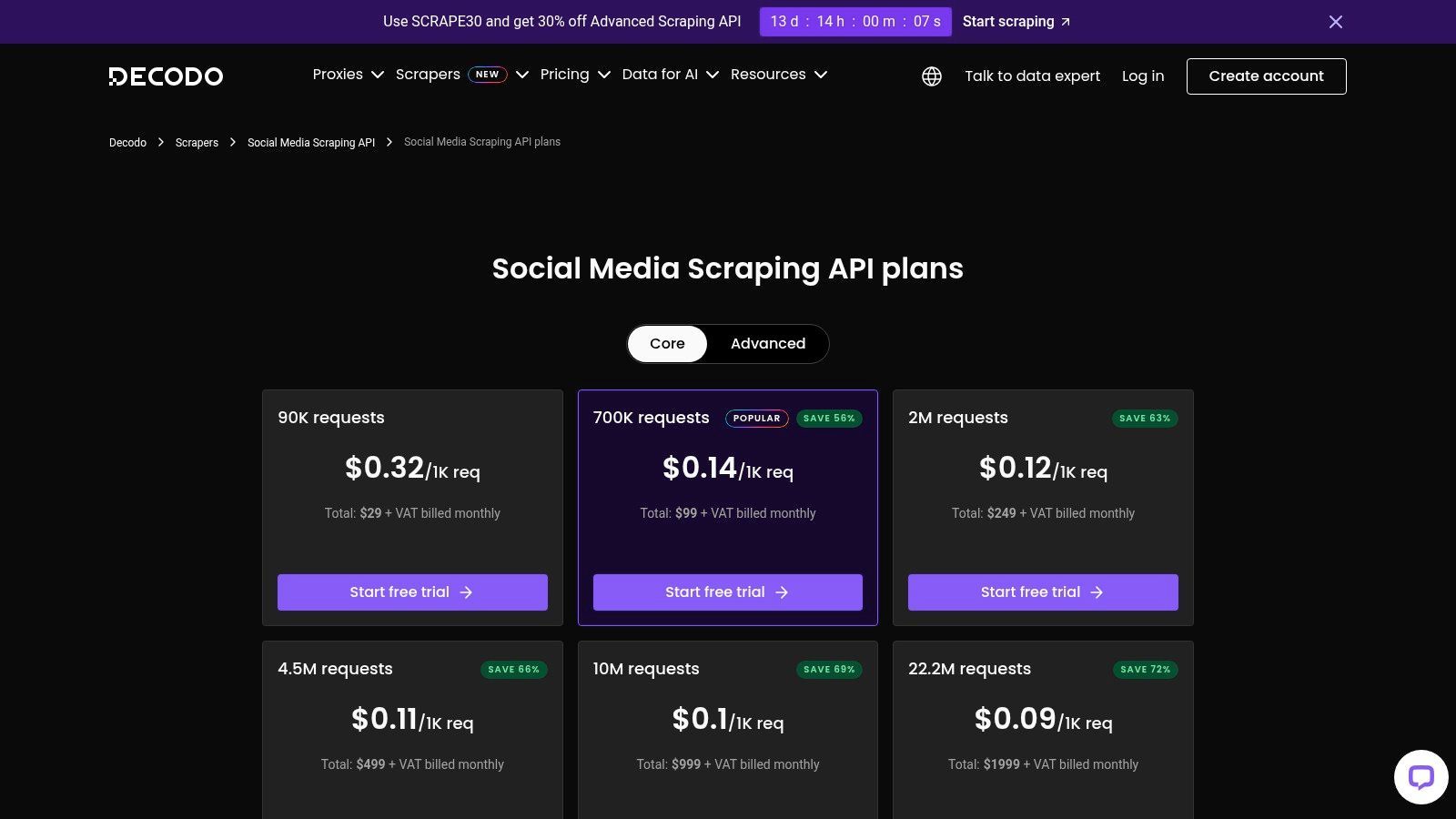
Developer API for social and public data scraping
Scraping API
No
Proxy-backed social scraping endpoints
Oxylabs
Enterprise data collection
Scraping API
No
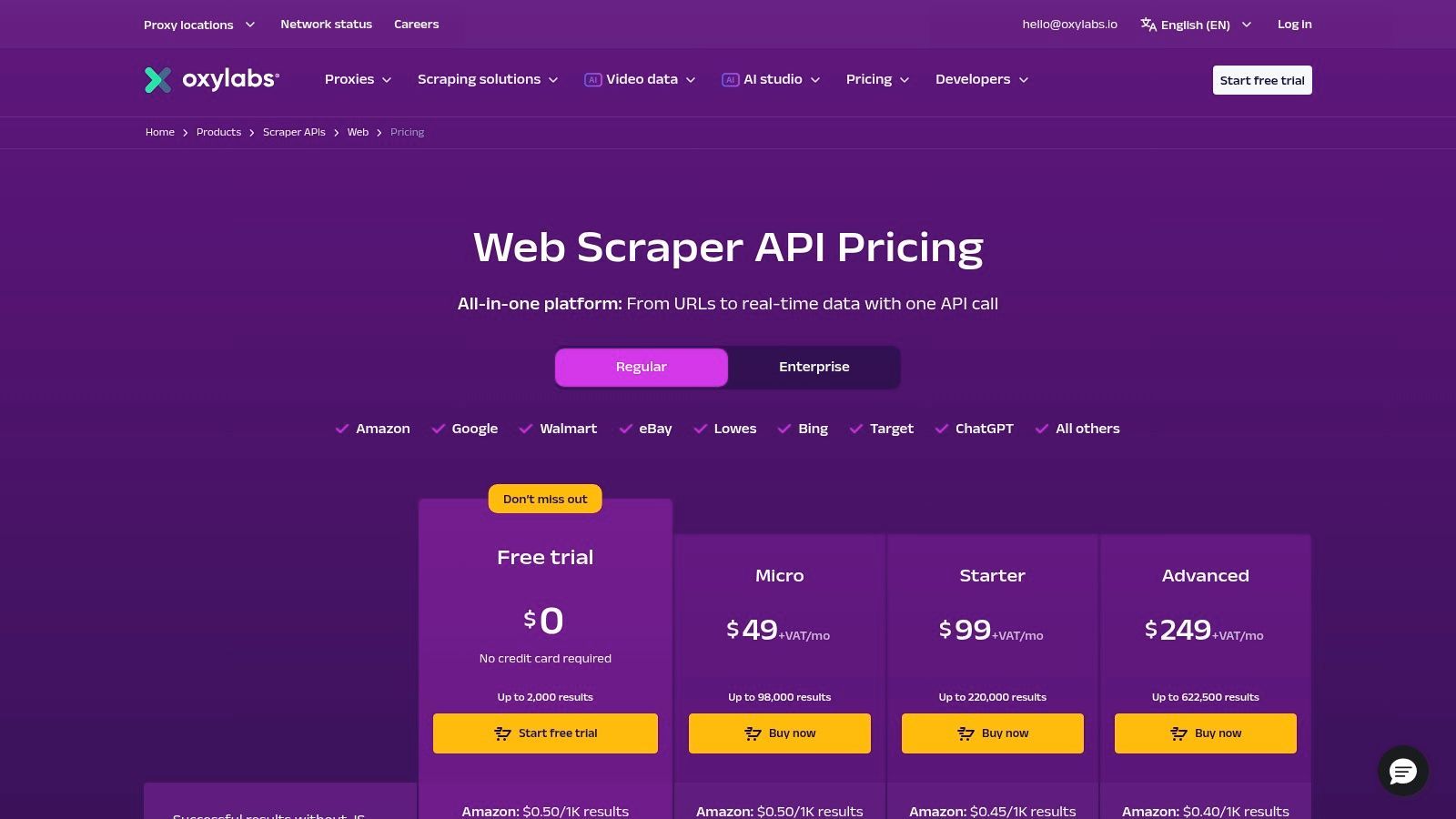
High-scale, success-based data delivery
ScraperAPI
Developers building custom scrapers
Scraping API
No
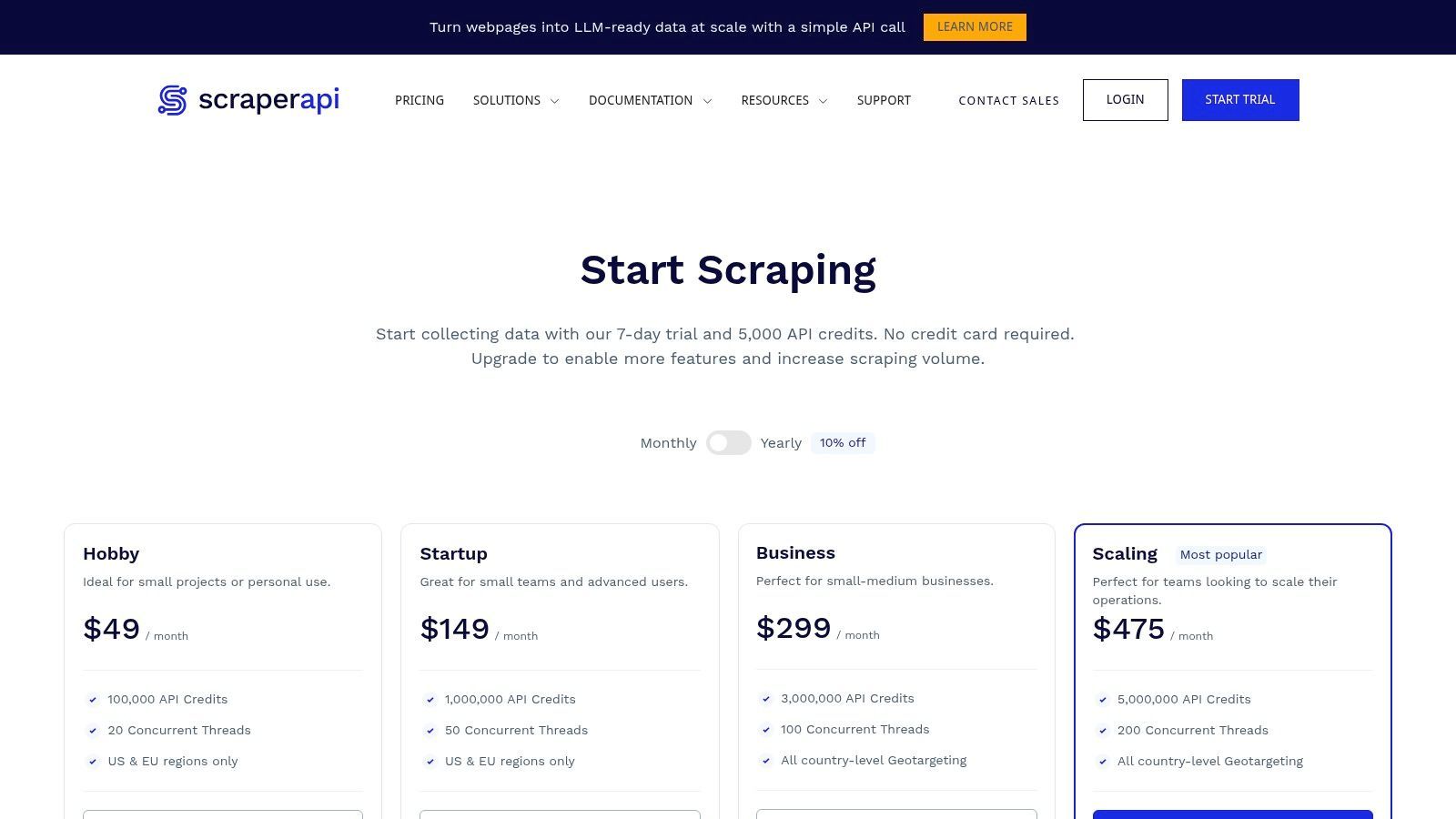
Proxy, browser rendering, and CAPTCHA handling
Quick Recommendation: Which Social Media Scraper Should You Choose?
Choose ProfileSpider if you want to extract people, company, candidate, or lead profiles from websites without writing code or building scraping templates.
Choose Apify if you want a cloud platform with ready-made scrapers, APIs, and scheduled scraping jobs.
Choose PhantomBuster or TexAu if you want social media automation workflows, not just data extraction.
Choose Octoparse, WebScraper.io, or Data Miner if you want to build your own no-code scraping workflows.
Choose Bright Data, Zyte, Decodo, Oxylabs, or ScraperAPI if you have developers and need APIs, proxy infrastructure, browser rendering, or enterprise-scale public data collection.
Not All Social Media Scrapers Solve the Same Problem
The biggest mistake is comparing every scraper as if it does the same job. A recruiter who wants to extract 50 candidate profiles from a search result page does not need the same tool as a developer building a large-scale data pipeline. A sales team building prospect lists does not need the same workflow as a market research team collecting millions of posts, comments, or engagement metrics.
That is why this guide separates tools by workflow: one-click profile extraction, social automation, visual no-code scraping, cloud scraping platforms, and developer APIs.
1. ProfileSpider: Best One-Click Social Media Scraper for Profiles, Leads, and Contacts
Best for: Recruiters, sales teams, founders, marketers, and researchers who want to extract people or company profiles from websites in one click.
Not best for: Fully automated cloud scraping jobs, low-level developer scraping APIs, or teams that need millions of posts, comments, or engagement metrics.
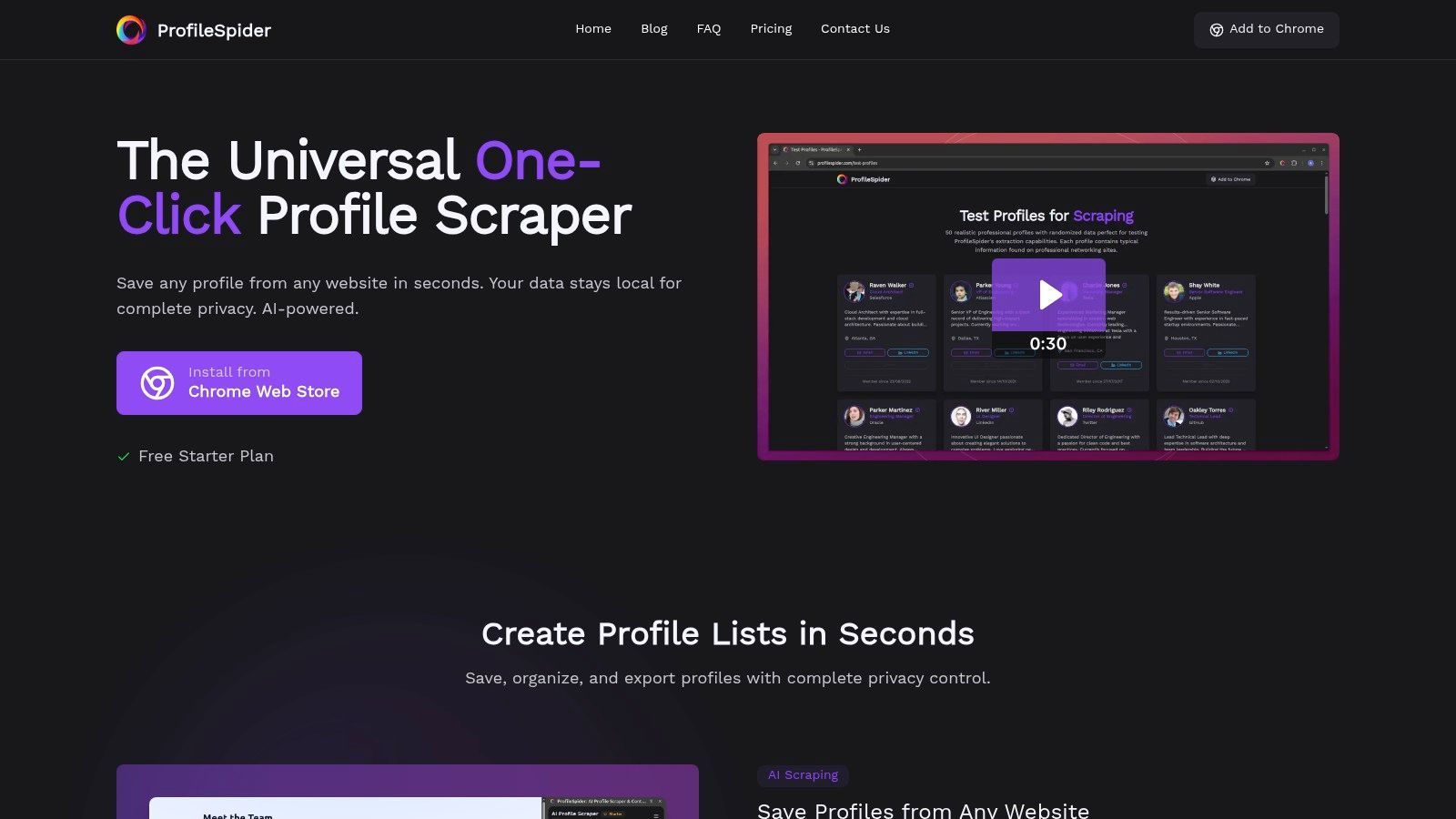
ProfileSpider is the best choice if your goal is to extract profiles, leads, candidates, or company contacts from websites without setting up a scraper. Instead of building selectors, choosing proxies, or configuring platform-specific automations, you open a page, click the extension, and let ProfileSpider detect the profile blocks automatically.
ProfileSpider works as an AI-powered Chrome extension. It analyzes the current webpage, detects single or multi-profile layouts, and extracts structured data such as names, job titles, companies, profile URLs, social links, and contact fields. This makes it useful for LinkedIn search results, GitHub profiles, company team pages, conference speaker pages, niche directories, communities, portfolio sites, and public profile pages.
For example, a recruiter can open a LinkedIn people search, a company team page, or a conference speaker page and turn the visible profiles into a structured sourcing list. A sales team can extract prospects from directories, enrich the data, find verified emails, tag profiles, and export the results to CSV, Excel, or JSON.
If you specifically need to find public social profiles connected to a person or company, use the ProfileSpider Social Link Finder. If you want to find prospects across multiple platforms, start with the People Finder. For target account research, use the Company Finder.
One-Click Profile Extraction: Extract people, company, lead, and candidate profiles from webpages with a single click.
Universal Website Support: Works on LinkedIn, GitHub, X/Twitter, directories, team pages, conference websites, communities, and other websites without pre-built templates.
Email Finder and Enrichment: Find verified business emails from extracted profiles and turn raw profile data into usable outreach lists. See also How to Find Business Email Addresses.
Local Data Storage: Extracted data is stored locally in your browser, giving you control over your lists and reducing unnecessary data exposure.
List Management: Save profiles into custom lists, add tags and notes, search your saved data, and organize prospects or candidates by workflow.
Flexible Export: Export profiles to CSV, Excel, or JSON for use in CRMs, ATS tools, spreadsheets, and outreach workflows.
Why ProfileSpider Stands Out
Most social media scrapers require setup. You either need to choose a platform-specific automation, build a scraper visually, configure selectors, work with APIs, or rely on cloud execution. ProfileSpider is different because it is designed for immediate profile extraction. You visit the page, click the extension, review the extracted data, and save or export it.
This makes it especially useful for sales and recruiting workflows where speed matters. If you are researching prospects, candidates, agencies, founders, creators, or companies, you usually do not want to build a scraping workflow first. You want to capture useful profile data and move on.
Pros and Cons
Pros
Cons
Very fast to use: One-click extraction without setup.
Chrome-based: Requires Chrome or a Chromium-based browser.
Works across many website types: Not limited to one platform.
Not a cloud scheduler: Better for active research than unattended scraping jobs.
Strong fit for sales and recruiting: Built around profiles, lists, contacts, and exports.
Not a developer API: Technical teams may prefer API-first scraping platforms.
Privacy-first workflow: Data is stored locally in the browser.
Depends on visible/public page data: Output depends on what the page exposes.
Best for: Users who want ready-made cloud scrapers, scheduled scraping jobs, APIs, and scalable scraping infrastructure.
Not best for: Non-technical users who only need quick, one-click profile extraction from the page they are currently viewing.
Apify is a powerful cloud-based web scraping and automation platform. Instead of offering a single scraper, it provides a large marketplace of pre-built scrapers called “Actors.” These Actors can collect data from websites and social platforms, run on Apify’s infrastructure, and export the results in structured formats.
The platform is designed for scalability. You can run one-off data pulls, recurring scraping jobs, scheduled automations, and API-driven workflows. For marketers, researchers, and technical operators, this means Apify can handle more complex data collection projects than a simple browser extension.
Key Features and Use Cases
Actor Marketplace: Access many ready-made scrapers for social platforms, search engines, websites, directories, and ecommerce sites.
Cloud Execution: Run scraping jobs in the cloud instead of relying on your local browser.
Scheduling: Set scrapers to run repeatedly on a daily, weekly, or custom schedule.
API Access: Integrate scraping workflows into other systems, dashboards, or data pipelines.
Flexible Export: Export results as JSON, CSV, Excel, or via API.
Pros and Cons
Pros
Cons
Large marketplace: Many ready-made Actors for different use cases.
Variable quality: Actor performance depends on the publisher and target site.
Scalable: Suitable for recurring and larger scraping jobs.
Can feel technical: More complex than one-click tools.
Good for automation: Supports schedules, APIs, and integrations.
Pricing can be confusing: Usage-based compute can be harder to estimate.
Apify is a strong choice when you need cloud scraping, scheduled jobs, APIs, or a specific pre-built scraper. For sales or recruiting professionals who simply want to extract profiles from the current page, ProfileSpider is faster and easier to use.
Best for: Sales, marketing, and recruiting teams that want no-code social media automation workflows.
Not best for: Users who only want simple profile extraction without account-based automations or cloud workflow setup.
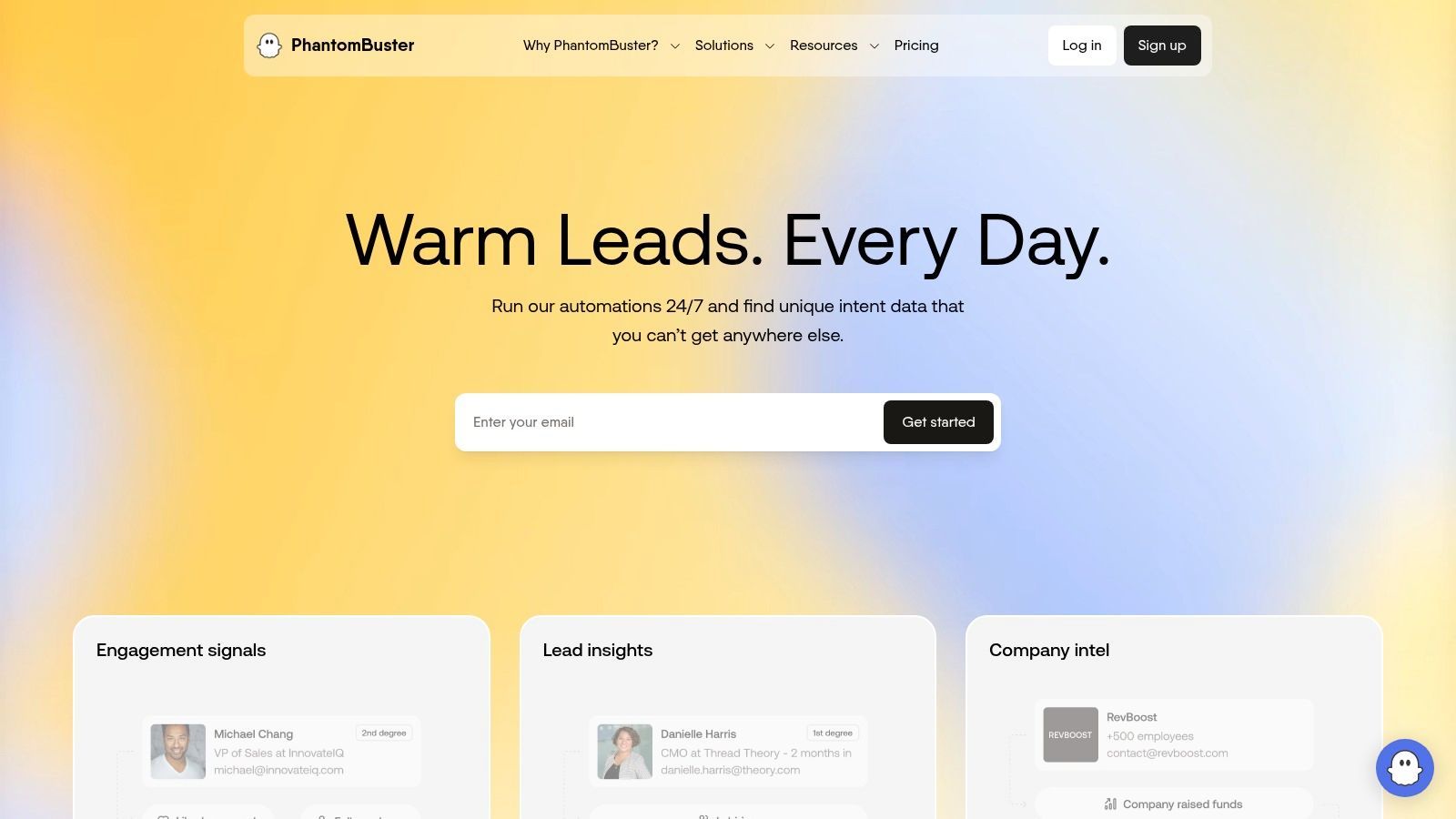
PhantomBuster is a no-code automation and data extraction platform focused on social networks and growth workflows. It uses pre-built automations called “Phantoms” that can scrape data, automate repetitive tasks, and chain actions together.
PhantomBuster is useful when scraping is part of a larger workflow. For example, you may want to collect LinkedIn profiles, enrich them, send connection requests, or automate follow-up steps. This makes it more automation-focused than a pure profile extraction tool.
Key Features and Use Cases
Pre-Built Phantoms: Use automations for LinkedIn, Instagram, X/Twitter, Facebook, and other platforms.
Cloud-Based Execution: Run automations on a schedule without keeping your browser open.
Workflow Chaining: Combine multiple Phantoms to build lead generation or social media workflows.
Exports and Integrations: Export to CSV, JSON, Google Sheets, or connect via API.
Pros and Cons
Pros
Cons
Good automation library: Useful for repeatable social workflows.
Requires account access: Often depends on logged-in social sessions.
No-code setup: Easier than building custom scrapers.
Platform-specific: Less universal than a page-based extractor.
Workflow chaining: Useful for growth and outbound systems.
Risk of account limits: Automation must be paced carefully.
PhantomBuster is ideal when you want automation around social networks. If your main goal is to extract visible profiles from websites with minimal setup, ProfileSpider is simpler and more direct.
Best for: Growth teams, marketers, and sales teams that want social automation recipes and data extraction workflows.
Not best for: Users who want a simple, browser-based, one-click profile extraction workflow.
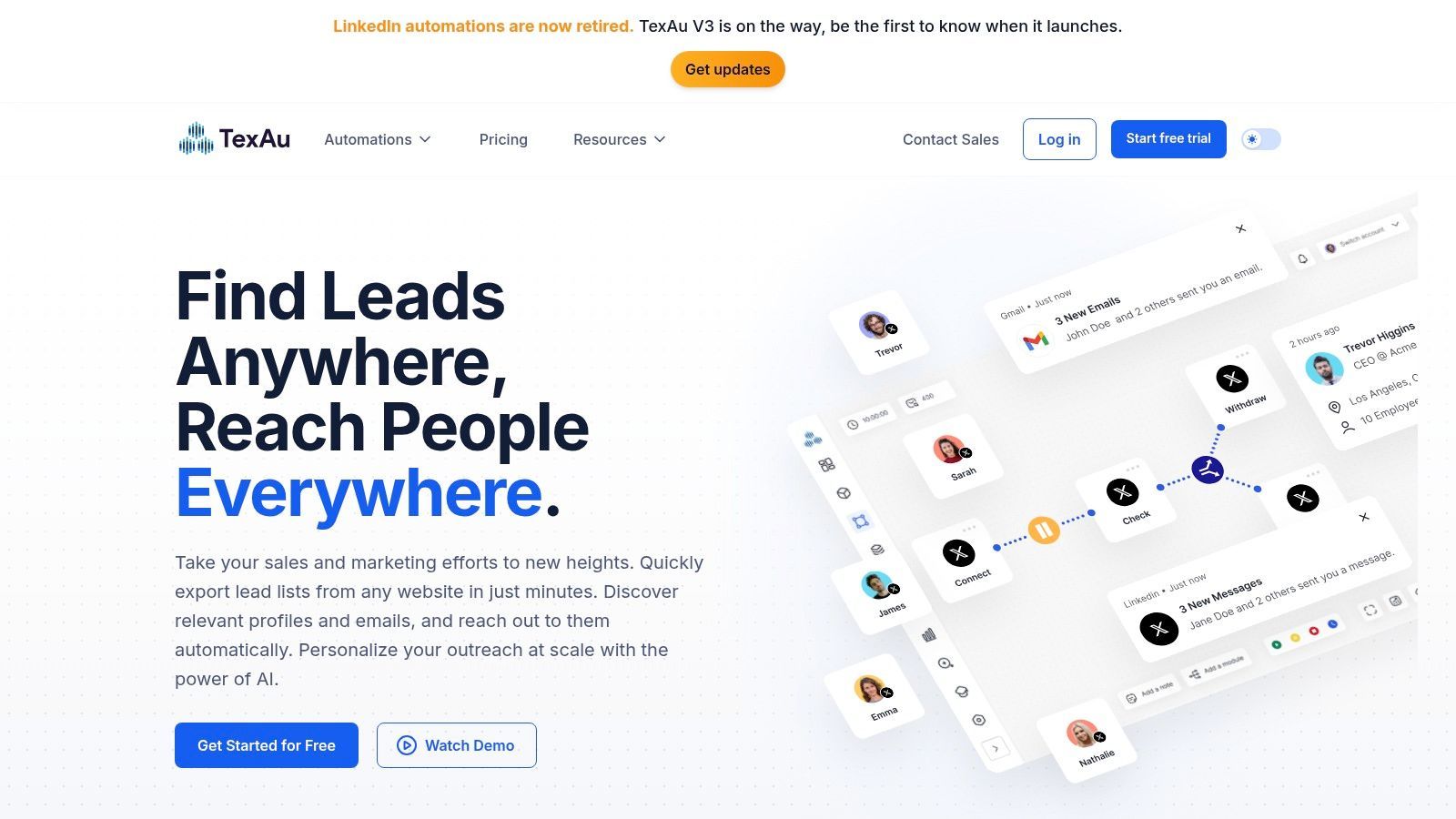
TexAu is a social automation and scraping suite designed for growth, sales, and marketing workflows. It combines data extraction with automated actions, allowing users to build workflows for platforms like LinkedIn, X/Twitter, and other social networks.
TexAu’s strength is its recipe-based approach. Instead of building from scratch, users can select pre-built automations and combine them into larger workflows. It also supports both cloud and desktop execution, giving users flexibility depending on their needs.
Key Features and Use Cases
Ready-Made Recipes: Use pre-built automations for social media scraping and growth tasks.
Cloud and Desktop Execution: Run workflows from the cloud or from your own machine.
Workflow Automation: Combine scraping with enrichment, actions, and exports.
Pacing Controls: Add delays and limits to reduce account risk during automation.
Pros and Cons
Pros
Cons
Flexible execution: Supports cloud and desktop workflows.
Learning curve: More setup than one-click extraction tools.
Good for growth workflows: Useful for outbound and automation sequences.
Interface can feel complex: Especially for first-time users.
Pre-built recipes: Reduces the need to build everything manually.
Platform changes matter: Some automations may need updates over time.
TexAu is a good choice for users who want to automate social media workflows. For fast profile extraction across many websites without configuring recipes, ProfileSpider is the easier option.
Best for: Non-technical users who want to build visual scraping workflows without writing code.
Not best for: Users who want automatic profile detection without building or configuring a scraper.
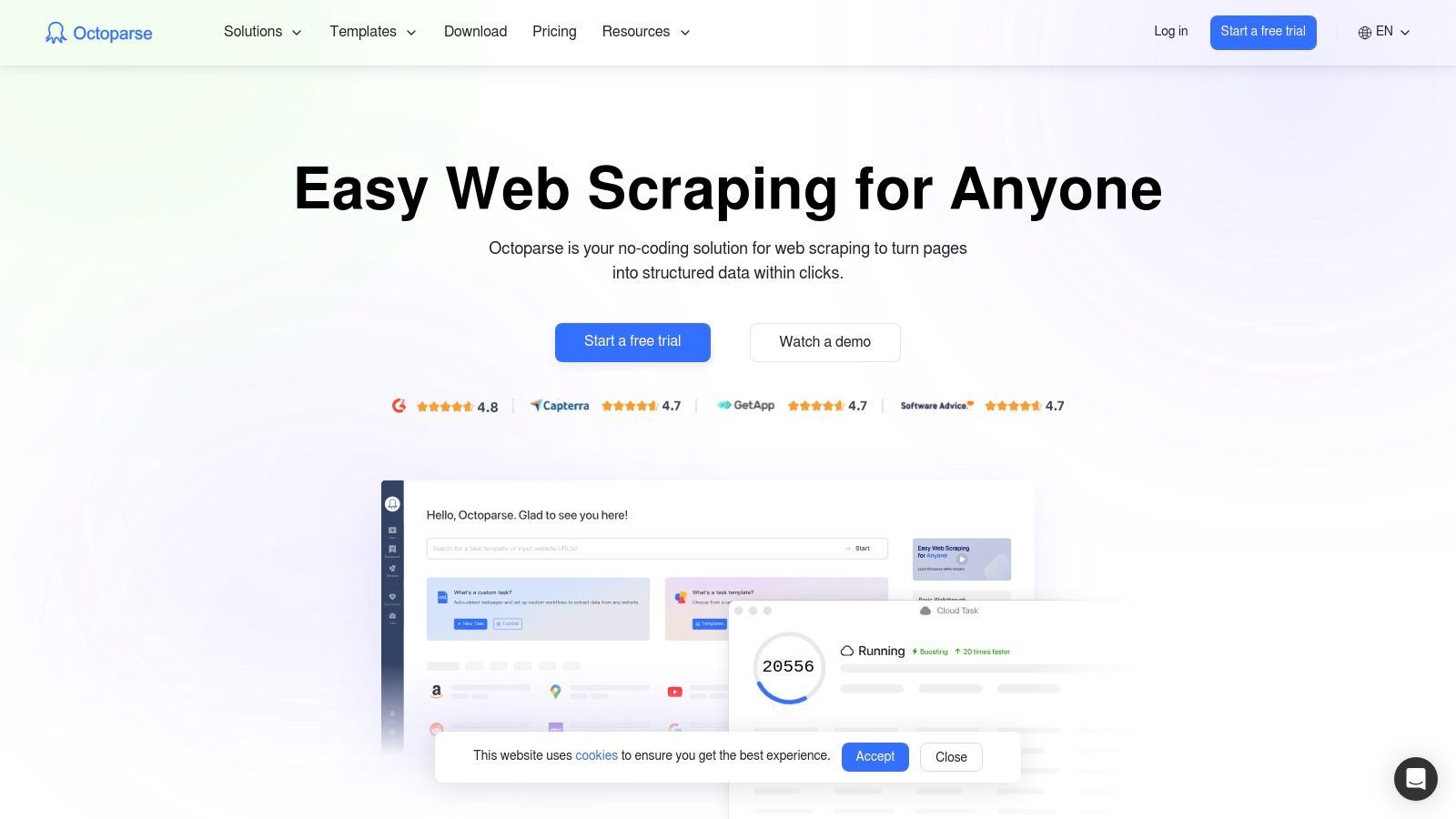
Octoparse is a no-code web scraping tool with a point-and-click interface. It lets users build scraping workflows visually, run tasks locally or in the cloud, and export structured data. It is useful for users who need more control than a one-click scraper but do not want to write code.
For social media and contact discovery workflows, Octoparse can be used to extract data from pages, lists, and websites where the user is willing to configure the workflow. It is especially helpful for repeatable scraping tasks where the page structure is predictable.
Key Features and Use Cases
Visual Scraper Builder: Click the data you want to extract and build scraping workflows without code.
Templates: Use pre-built templates for common scraping tasks.
Cloud and Local Modes: Run scrapers on your own machine or in the cloud.
Scheduled Scraping: Automate recurring data collection tasks.
Export Options: Export to CSV, Excel, JSON, databases, or other tools.
Pros and Cons
Pros
Cons
No-code control: More flexible than simple one-click tools.
Requires setup: You still need to build or adjust workflows.
Useful for recurring jobs: Good for structured pages and repeatable tasks.
Can be overkill: Too much setup for quick profile extraction.
Cloud execution available: Can scale beyond local scraping.
Complex sites can be difficult: Dynamic social platforms may require extra work.
Octoparse is a strong no-code scraping builder. But if you want automatic profile extraction from the current page without creating a workflow, ProfileSpider is faster.
Best for: Budget-conscious users who want to build custom browser-based scrapers.
Not best for: Users who want ready-made profile extraction without creating scraping rules.
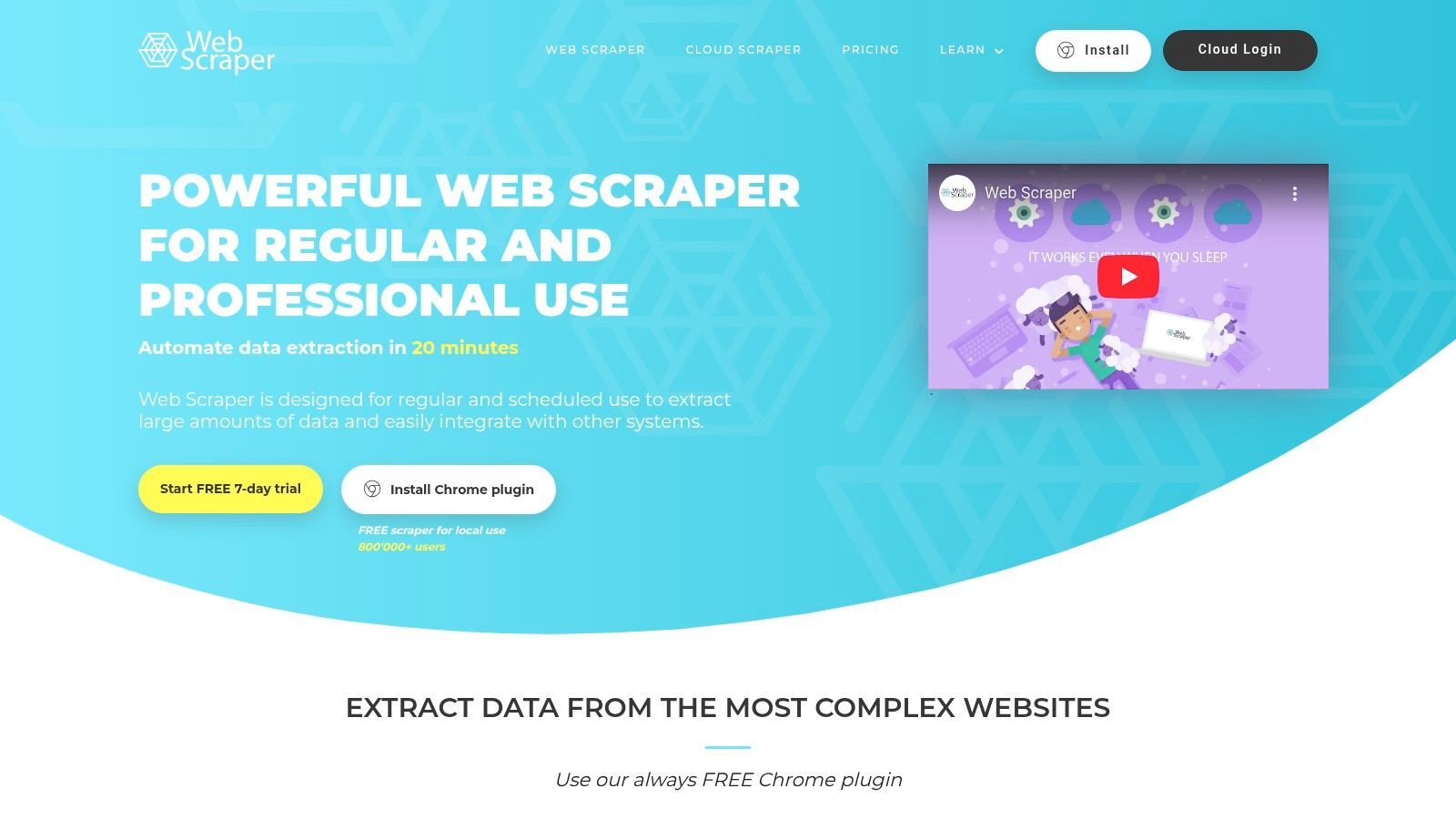
WebScraper.io is a browser-based scraping tool known for its Chrome and Edge extension. Users create custom “sitemaps” that define how the scraper should navigate pages and extract data. It offers a hands-on, DIY scraping workflow without requiring deep coding knowledge.
The extension can be used manually, while the cloud service adds scheduling, proxy support, and automation. This makes WebScraper.io a practical tool for users who want a low-cost way to build repeatable scrapers.
Key Features and Use Cases
Browser Extension: Build scrapers directly from Chrome or Edge.
Custom Sitemaps: Define extraction logic for specific websites.
Cloud Scheduler: Run scrapers automatically in the cloud.
Proxy Support: Use proxy options for more complex scraping tasks.
Export Options: Export data to CSV, XLSX, or JSON.
Pros and Cons
Pros
Cons
Affordable: Good entry point for custom scraping.
DIY setup: Users need to build their own scraper logic.
Good for structured sites: Works well when page patterns are consistent.
Not one-click: Less suitable for fast profile capture.
Cloud option: Supports scheduled scraping.
Complex social sites may be difficult: Dynamic pages can be challenging.
WebScraper.io is useful when you are comfortable building scraping rules. For sales and recruiting users who want instant profile extraction, ProfileSpider is more efficient.
Best for: Users who want simple browser-based scraping with many pre-built recipes.
Not best for: Users who need universal profile extraction, enrichment, and list management in one workflow.
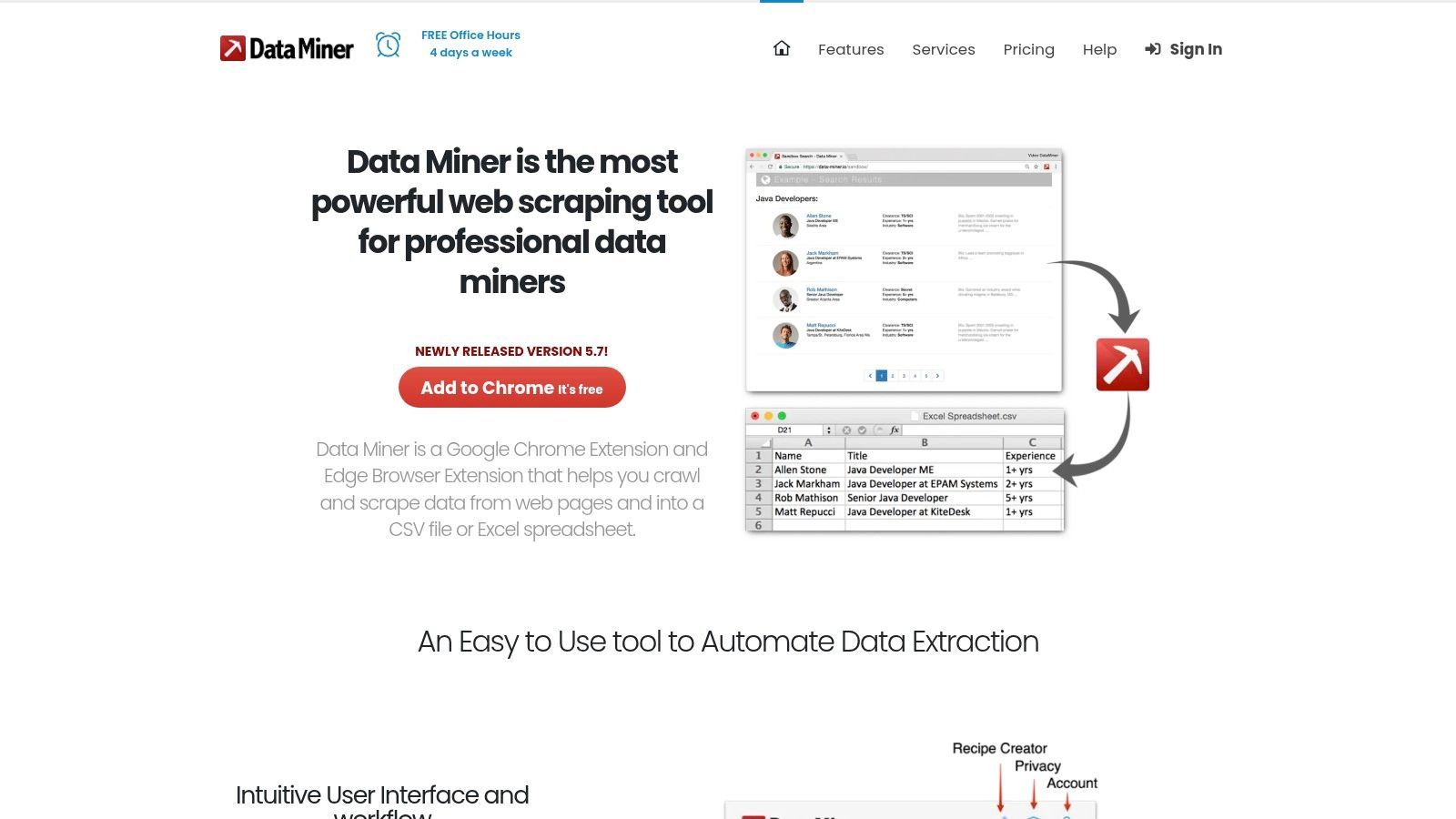
Data Miner is a browser extension for Chrome and Edge that helps users scrape data from webpages using recipes. Its large community-driven recipe library makes it useful for common extraction tasks where someone has already created a working setup.
Data Miner can extract data from lists, tables, and structured pages, then export the results to CSV, Excel, or Google Sheets. It is accessible for non-technical users, although recipe quality can vary.
Key Features and Use Cases
Large Recipe Library: Use community-created recipes for many websites.
Browser-Based Scraping: Run scraping tasks directly from Chrome or Edge.
Multi-Page Extraction: Crawl through paginated lists and extract repeated data.
Google Sheets Export: Send scraped data directly to spreadsheets.
Recipe quality varies: Depends on the author and target site.
Useful recipe library: Can save time for common websites.
Limited for advanced workflows: May struggle with complex dynamic pages.
Good export options: CSV, Excel, and Google Sheets support.
Less specialized: Not built specifically for profile lists and contact enrichment.
Data Miner is a practical low-cost scraper for simple tasks. For professional lead or candidate extraction, ProfileSpider gives you a more targeted workflow around profiles, lists, tags, enrichment, and exports.
Best for: Enterprises that need large-scale public web data, proxy infrastructure, datasets, and compliance-focused data collection.
Not best for: Individual recruiters, salespeople, founders, or small teams who just need quick profile extraction.
Bright Data is an enterprise-grade web data platform. It provides proxy networks, scraping infrastructure, APIs, and ready-made datasets for businesses that need large-scale public data collection.
Bright Data is built for data teams, developers, and enterprise organizations that need scale, reliability, and governance. It is far more powerful than a simple browser extension, but that also means it is more complex and more expensive.
Key Features and Use Cases
Large Proxy Network: Access residential, datacenter, ISP, and mobile proxy infrastructure.
Scraper APIs: Use APIs for structured data collection.
Ready-Made Datasets: Buy or access prepared datasets for research and analytics.
Enterprise Controls: Compliance, governance, and support for larger organizations.
Pros and Cons
Pros
Cons
Enterprise-grade scale: Suitable for large data operations.
Expensive for small teams: Not ideal for casual or low-volume users.
Strong infrastructure: Proxy and scraping systems for complex targets.
Technical learning curve: Requires more setup and expertise.
Dataset options: Useful when you do not want to build your own scraper.
Overkill for profile extraction: Too heavy for simple lead scraping.
Bright Data is a strong option for enterprise data collection. If you need a fast, no-code way to extract profiles from websites, ProfileSpider is much more accessible.
Best for: Developers and enterprises that need managed extraction, scraping APIs, or large-scale data services.
Not best for: Non-technical users who want a simple tool for extracting leads or candidate profiles.
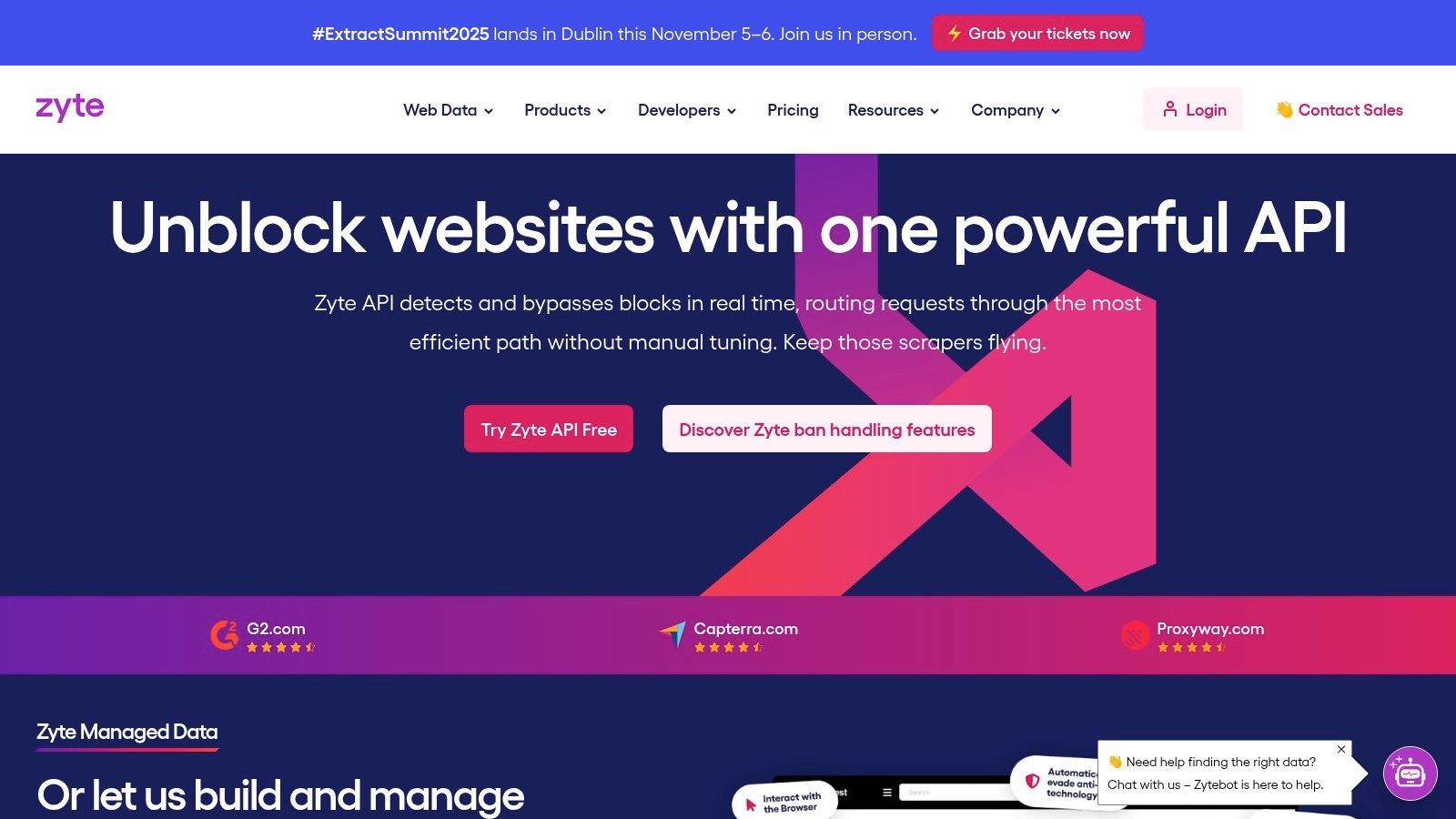
Zyte, formerly Scrapinghub, is a data extraction company known for its connection to the Scrapy ecosystem. It offers APIs, managed scraping services, and infrastructure for businesses that need reliable web data collection.
Zyte is best suited to technical teams or businesses that need more than a simple scraper. It can support custom extraction projects, API-based scraping, and managed data delivery.
Key Features and Use Cases
Zyte API: Handles browser rendering, proxies, and anti-bot complexity.
Scrapy Cloud: Deploy and manage Scrapy spiders in the cloud.
Managed Data Services: Outsource complex extraction projects.
AI Extraction: Use automated extraction features to reduce manual parsing.
Pros and Cons
Pros
Cons
Deep scraping expertise: Strong technical background.
Developer-focused: Not designed for casual users.
Managed services: Can handle complex projects for teams.
Pricing can be less transparent: Often geared toward business customers.
Good for scale: Suitable for structured data operations.
Overkill for manual prospecting: Too complex for simple profile capture.
Zyte is a strong platform for developer and enterprise scraping needs. For sales, recruiting, and marketing users, ProfileSpider gives faster results without technical setup.
10. Decodo, Formerly Smartproxy: Social Media Scraping API
Best for: Developers and businesses that need API-based social media or public web data extraction.
Not best for: Users who want a no-code interface for collecting profiles or prospects manually.
Decodo, formerly Smartproxy, offers scraping APIs and proxy infrastructure for users who want to collect data programmatically. Its social media scraping API is aimed at teams that need structured data access without managing the underlying proxy and anti-bot infrastructure themselves.
Decodo is more technical than a browser extension. It is best used by developers who need to integrate scraping into a product, backend system, analytics pipeline, or internal data workflow.
Key Features and Use Cases
Scraping APIs: Collect structured data using API requests.
Proxy Infrastructure: Use residential and mobile proxies to improve access and reliability.
JavaScript Rendering: Handle dynamic pages when needed.
Developer Integration: Connect scraping workflows to internal tools or applications.
Pros and Cons
Pros
Cons
API-first: Good for developers and product teams.
Requires technical setup: Not suitable for non-coders.
Proxy-backed: Reduces infrastructure burden.
Less useful for manual research: No simple one-click profile workflow.
Scalable: Can support larger data workflows.
Costs can rise with usage: Better suited to planned data operations.
Decodo is useful when you want API-based access to social or public data. For non-technical users who want to collect profile data directly from the browser, ProfileSpider is the better fit.
Best for: Enterprise data teams and developers who need reliable, high-volume public data collection.
Not best for: Small teams or individual users looking for a simple social media profile scraper.
Oxylabs is a premium web intelligence and proxy infrastructure provider. Its Web Scraper API helps businesses collect public data at scale while handling proxy management, rendering, and unblocking challenges.
Oxylabs is designed for technical teams and enterprise buyers. It is best when scraping is part of a larger business intelligence, monitoring, market research, or data pipeline project.
Key Features and Use Cases
Web Scraper API: Collect public data programmatically.
AI-Powered Unblocking: Improve success rates on complex websites.
Large Proxy Network: Use residential and datacenter proxies for scale.
Success-Based Pricing: Pay based on successful results.
Enterprise Support: Dedicated support and account management for larger teams.
Pros and Cons
Pros
Cons
Reliable at scale: Built for high-volume data operations.
Enterprise-focused: Not ideal for small manual workflows.
Strong infrastructure: Handles proxies, rendering, and unblocking.
Requires developers: API usage needs technical knowledge.
Good support: Suitable for business-critical data collection.
Overkill for profile scraping: Too heavy for simple lead lists.
Oxylabs is a serious data infrastructure provider. If your workflow is profile extraction for sales or recruiting, ProfileSpider is a faster and simpler alternative.
Best for: Developers who want to build their own custom scrapers without managing proxies, browsers, or CAPTCHA handling.
Not best for: Business users who want a standalone no-code tool for profile extraction.
ScraperAPI is a developer-focused scraping API. Instead of giving users a visual interface or browser extension, it provides an API endpoint that handles proxy rotation, JavaScript rendering, and anti-bot challenges. Developers send a target URL to ScraperAPI and receive the page response for parsing.
This makes ScraperAPI useful for engineering teams that want to build custom data collection systems. It is not a ready-made profile scraper, but it can be part of a custom scraping stack.
Key Features and Use Cases
Simple API Endpoint: Send a URL and receive the page response.
Proxy Rotation: Automatically route requests through proxy infrastructure.
JavaScript Rendering: Handle dynamic pages when needed.
CAPTCHA Handling: Reduce blocking and access issues.
Credit-Based Pricing: Pay based on API usage.
Pros and Cons
Pros
Cons
Developer-friendly: Easy to integrate into code.
Requires coding: You need to build parsing and data logic yourself.
Handles scraping infrastructure: Reduces proxy and browser complexity.
No user-facing scraper: Not a standalone tool for sales or recruiting.
Flexible: Can be used for many web data use cases.
Usage costs can grow: Large projects need cost monitoring.
ScraperAPI is a strong choice for developers building custom scrapers. If you want a ready-to-use profile extraction workflow, ProfileSpider is the better no-code option.
Use ProfileSpider when you want fast, manual, one-click profile extraction from websites. Use PhantomBuster when you want scheduled social media automations, chained workflows, and cloud-based actions.
ProfileSpider is simpler for collecting profiles and building lists. PhantomBuster is broader for automation, especially when you want to combine scraping with actions like connection requests, follows, or repeated platform-specific workflows.
Use ProfileSpider if you are a recruiter, sales professional, founder, or marketer who wants to extract profiles without setup. Use Apify if you want cloud scrapers, APIs, scheduling, and more control over larger scraping jobs.
Apify is more flexible and scalable, but ProfileSpider is faster for non-technical lead extraction.
ProfileSpider vs Octoparse
Use ProfileSpider when you want automatic profile detection with no configuration. Use Octoparse when you want to build custom point-and-click scraping workflows for many different page structures.
Octoparse gives more control. ProfileSpider gives faster results.
ProfileSpider vs WebScraper.io
Use ProfileSpider when you want to extract profiles immediately from a page. Use WebScraper.io when you are comfortable building custom scraping sitemaps and want a low-cost DIY scraping workflow.
WebScraper.io is more configurable. ProfileSpider is easier for profile and lead extraction.
How to Choose the Best Social Media Scraper for Your Workflow
The best social media scraper depends on what you are trying to collect and how technical your workflow is. Before choosing a tool, ask yourself these questions:
Do you need profiles, posts, comments, followers, or large datasets?
Do you want a browser extension, a no-code automation platform, or an API?
Do you need one-time extraction or scheduled recurring jobs?
Will a non-technical user operate the tool, or will developers build the workflow?
Where will the data be stored, and who controls it?
Do you need enrichment, email discovery, tagging, notes, and export?
For Recruiters and Talent Sourcers
Your core need is speed. You want to identify people, capture profile data, enrich leads or candidates, organize them into lists, and export them into the next step of your workflow. A one-click browser extension like ProfileSpider is designed for this use case because it removes setup friction.
Recruiters can also use the People Finder to discover candidate profiles before extracting and organizing them with ProfileSpider. For a broader sourcing workflow, read Recruiter Sourcing Workflow.
For Sales Teams
Sales teams usually need a fast way to turn directories, company pages, LinkedIn searches, and event pages into lead lists. ProfileSpider helps by extracting visible profiles, saving them into lists, enriching contacts, and exporting data into outreach workflows.
Sales teams can combine ProfileSpider with the Company Finder to discover target accounts and then extract decision-maker profiles from company websites, directories, and social pages. If you want to map this into a broader pipeline, read How to Build a Sales Pipeline.
For Marketers and Growth Teams
If you need recurring social media workflows, follower extraction, platform-specific automation, or multi-step growth sequences, tools like PhantomBuster and TexAu may be a better fit. They are more automation-focused than pure extraction tools.
If you want to build custom scrapers visually, consider Octoparse, WebScraper.io, or Data Miner. These tools offer more configuration than ProfileSpider, but also require more setup.
If your team needs APIs, proxy infrastructure, browser rendering, scheduled jobs, or data pipelines, consider Apify, Bright Data, Zyte, Decodo, Oxylabs, or ScraperAPI. These platforms are more technical but offer more control and scale.
Social Media Scraping Workflow: From Profile Discovery to Outreach
For lead generation and recruiting, social media scraping is usually only one step in a larger workflow. The goal is not just to collect raw profiles. The goal is to turn public profile data into useful prospect, candidate, or research lists.
Find relevant profiles: Use LinkedIn, GitHub, X/Twitter, directories, communities, Google search, or ProfileSpider tools.
Extract visible profile data: Capture names, job titles, companies, profile URLs, and social links.
Save into lists: Organize profiles by campaign, role, account, source, or priority.
Enrich missing details: Find emails, company domains, social links, or additional profile context.
Verify before outreach: Validate emails and review relevance before sending campaigns.
Export or sync: Move clean data to your CRM, ATS, spreadsheet, or outreach workflow.
Respect platform and privacy rules: Avoid private data, aggressive automation, and irrelevant mass outreach.
This workflow is where a tool like ProfileSpider fits best: it helps turn profile discovery into structured lists without requiring a custom scraper.
Final Recommendation
If you need a simple way to extract profiles and leads from websites, ProfileSpider is the most direct option in this list. It is built for people who do not want to configure scrapers, write code, manage proxies, or learn a complex automation platform.
If you need cloud automation, scheduled scraping, or large-scale data infrastructure, choose a platform like Apify, PhantomBuster, TexAu, Bright Data, Zyte, Decodo, Oxylabs, or ScraperAPI depending on your level of technical expertise.
The right choice depends on whether you want speed, automation, customization, or scale. For recruiters, sales teams, founders, and marketers who want to turn webpages into structured prospect or candidate lists, ProfileSpider is the easiest place to start.
Frequently Asked Questions About Social Media Scrapers
What is a social media scraper?
A social media scraper is a tool that extracts data from social platforms or public profile pages. Depending on the tool, it may collect profile names, job titles, company names, profile URLs, posts, comments, followers, engagement metrics, or other visible data.
What is the best social media scraper for non-technical users?
For non-technical users who want to extract profiles and leads, ProfileSpider is one of the easiest options because it works as a Chrome extension and does not require coding, selectors, proxies, or templates. For users who want visual scraper building, Octoparse, WebScraper.io, and Data Miner are also good options.
What is the best social media scraper for lead generation?
The best tool depends on your workflow. ProfileSpider is strongest for turning profile pages, directories, and people lists into structured lead lists. PhantomBuster and TexAu are better for platform-specific automation workflows. Apify is better if you need scheduled cloud scraping.
You can also start with the free ProfileSpider tools to find people, companies, and social profiles before saving leads with the browser extension.
What is the difference between a social media scraper and a social media scraping API?
A social media scraper is usually a user-facing tool that helps you collect data from social or profile pages. A scraping API is developer infrastructure that returns page data or structured results programmatically. APIs offer more scale and flexibility, but they usually require technical setup.
Can I scrape social media without coding?
Yes. Tools like ProfileSpider, PhantomBuster, TexAu, Octoparse, WebScraper.io, and Data Miner allow non-technical users to collect data without writing code. The right choice depends on whether you want one-click extraction, social automation, or visual scraper building.
Which social media scraper is best for recruiters?
Recruiters usually need names, job titles, companies, profile URLs, social links, and contact details. ProfileSpider is a strong fit because it extracts profile data from LinkedIn, company pages, directories, and niche websites without requiring a custom scraper setup.
Which social media scraper is best for sales teams?
Sales teams usually need a fast way to turn websites, directories, LinkedIn searches, company pages, and event pages into lead lists. ProfileSpider is useful for this because it extracts visible profile data, lets users organize prospects into lists, and supports exports for outreach workflows.
Which social media scraper is best for developers?
Developers should consider Apify, Bright Data, Zyte, Decodo, Oxylabs, or ScraperAPI. These tools provide APIs, infrastructure, proxy handling, browser rendering, and scheduling options that are better suited to custom scraping systems.
Is social media scraping legal?
Social media scraping depends on what data you collect, how you collect it, how you use it, and which laws or platform terms apply. Public data collection may still raise legal, privacy, or contractual issues. Avoid scraping private, sensitive, or restricted data, and use scraped data responsibly. For a broader overview, read: Is website scraping legal?
What is the easiest social media scraper to start with?
If you want to extract profiles from the page you are viewing, ProfileSpider is one of the easiest tools to start with because it works directly inside the browser. If you want to build custom scraping workflows, Octoparse or WebScraper.io may be better starting points.
Do I need a scraping API?
You only need a scraping API if you want to collect data programmatically, build an internal tool, run scraping jobs at scale, or integrate scraping into a product or data pipeline. If you are manually researching leads, candidates, companies, or creators, a no-code tool like ProfileSpider is usually simpler.