


Scraping an online directory means automatically pulling public data—like names, job titles, company details, and contact information—from a website and organizing it into a structured file such as CSV. For sales, recruiting, and marketing teams, this is one of the fastest ways to build targeted lead lists without spending hours on manual research.
This article is part of our broader guide to lead scraping. If you want the full end-to-end workflow—including lead sources, scraping methods, enrichment, data quality, CRM activation, and compliance—see: Lead Scraping Guide: How to Scrape, Enrich, and Convert Leads at Scale.
Why Manual Directory Research Slows Everything Down
Building a lead list from an online directory by hand is slow, repetitive, and difficult to scale. Copy-pasting names, job titles, company names, and contact details into a spreadsheet drains time that your team could be spending on outreach, follow-up, and closing.

The problem is not just speed. Manual collection also creates messy spreadsheets, inconsistent formatting, duplicate records, and stale data. By the time a list is finally complete, parts of it may already be outdated.
The Cost of Manual Copy-Pasting
Imagine a recruiter pulling candidates from a niche member directory or a salesperson building a prospect list from a local business association. Done manually, every profile becomes a mini data-entry job: open the profile, copy the name, paste it into a sheet, repeat for title, company, location, and website, then move on to the next record.
This old workflow creates several problems:
- Wasted hours: time gets spent on collection instead of outreach.
- Low accuracy: manual entry creates typos, broken formatting, and missing fields.
- Poor scalability: the size of your list is limited by how fast a person can copy and paste.
- Outdated results: websites change constantly, so manually collected lists go stale quickly.
Manual Prospecting vs. Automated Scraping
The gap between manual work and modern no-code scraping is significant.
| Metric | Manual Copy-Pasting | Automated Scraping |
|---|---|---|
| Time to Build a List | Hours or days | Minutes or seconds |
| Data Accuracy | Low | High |
| Scalability | Limited by human speed | High |
| Team Focus | Mostly admin work | Mostly outreach and follow-up |
| Cost per Lead | High | Low |
For most teams, the issue is no longer whether directory scraping is possible. It is whether you want your team doing manual data entry or generating pipeline.
Before You Scrape: Define the Leads You Actually Want
Before extracting anything, decide exactly what a useful lead looks like. A directory with thousands of entries is only valuable if the data matches your campaign, territory, and target audience.
A good lead profile should define:
- Who you want: job titles, functions, seniority, company type, and company size.
- Where they are: geography, region, or market segment.
- What data you need: name, title, company, email, phone, website, LinkedIn URL, or location.
- What qualifies them: industry, hiring activity, product focus, event participation, or directory category.
A clear lead profile acts as a filter. It helps you scrape fewer irrelevant contacts and collect data that is actually usable for outreach.
This also helps you choose the right source. A broad general directory might give you volume, while a niche association, conference attendee list, speaker page, or exhibitor directory often gives you better-fit leads. If your first step is finding relevant businesses before extracting profiles, the ProfileSpider Company Finder can help you identify companies that match your target market and turn them into a more focused directory scraping workflow.
The Old Way: Manual Work or Custom Code
Until recently, scraping an online directory meant choosing between two bad options: doing it manually or building a custom scraper.
Method 1: Manual Copy-Paste
This is the most common method and the least efficient. It works for very small one-off projects, but it falls apart as soon as you need dozens or hundreds of profiles.
Method 2: Custom Coding
The alternative is writing a custom scraper with tools like Python, Beautiful Soup, Scrapy, or Puppeteer. This can work well, but it requires technical skill, ongoing maintenance, and time. For most sales, recruiting, and marketing professionals, building a scraper is not the best use of their time.
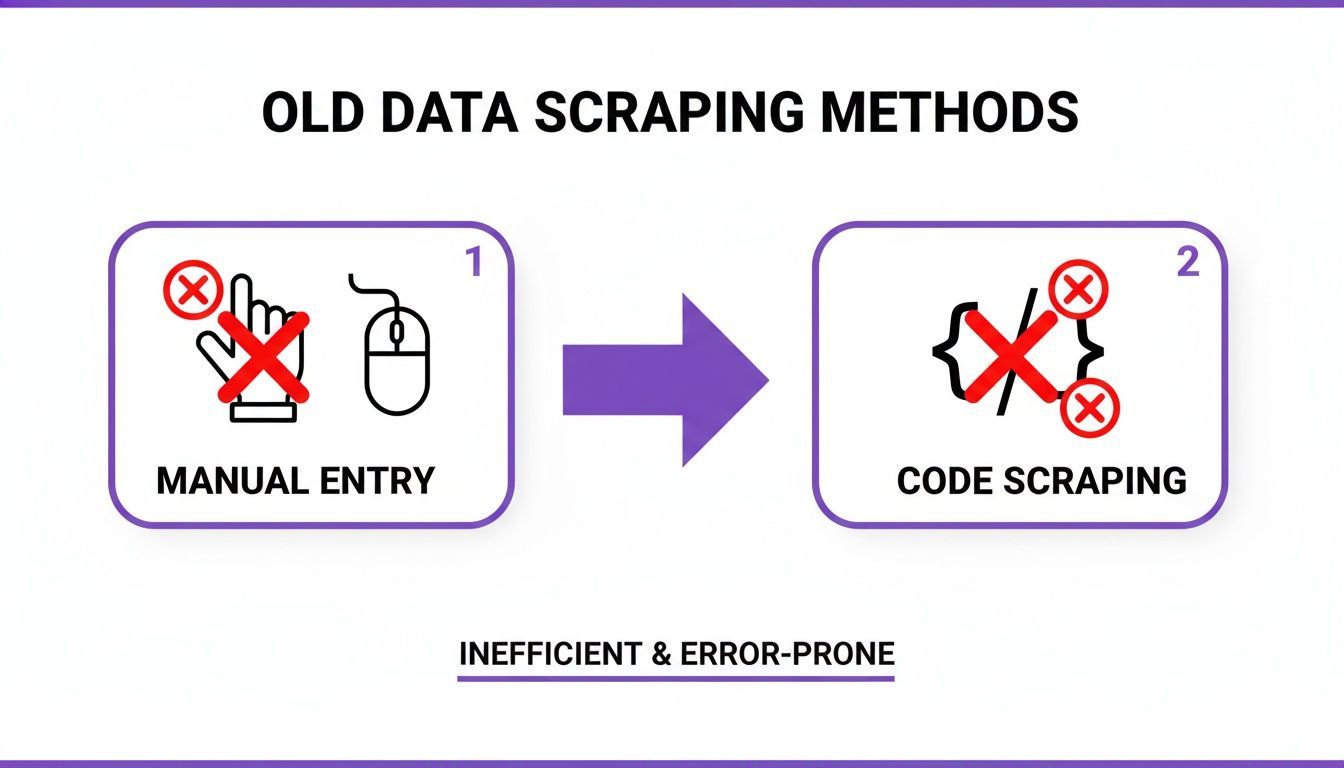
Even after a custom script is built, websites change. When a directory layout changes, scripts often break and need to be fixed. That makes code-based scraping fragile for non-technical teams that just want results.
The New Way: Scrape Online Directories in One Click
Modern no-code tools like ProfileSpider remove the need for manual data entry and custom development. Instead of inspecting HTML or hiring a developer, you install a browser extension, open the directory page, and extract profiles with a click.
How the One-Click Workflow Works
- Go to the online directory, results page, speaker list, member directory, or company page you want to scrape.
- Open the ProfileSpider browser extension.
- Click “Extract Profiles”.
That’s it. ProfileSpider scans the page, detects the repeating profile pattern, and extracts structured information such as names, titles, companies, locations, profile URLs, and other visible fields into a clean list.
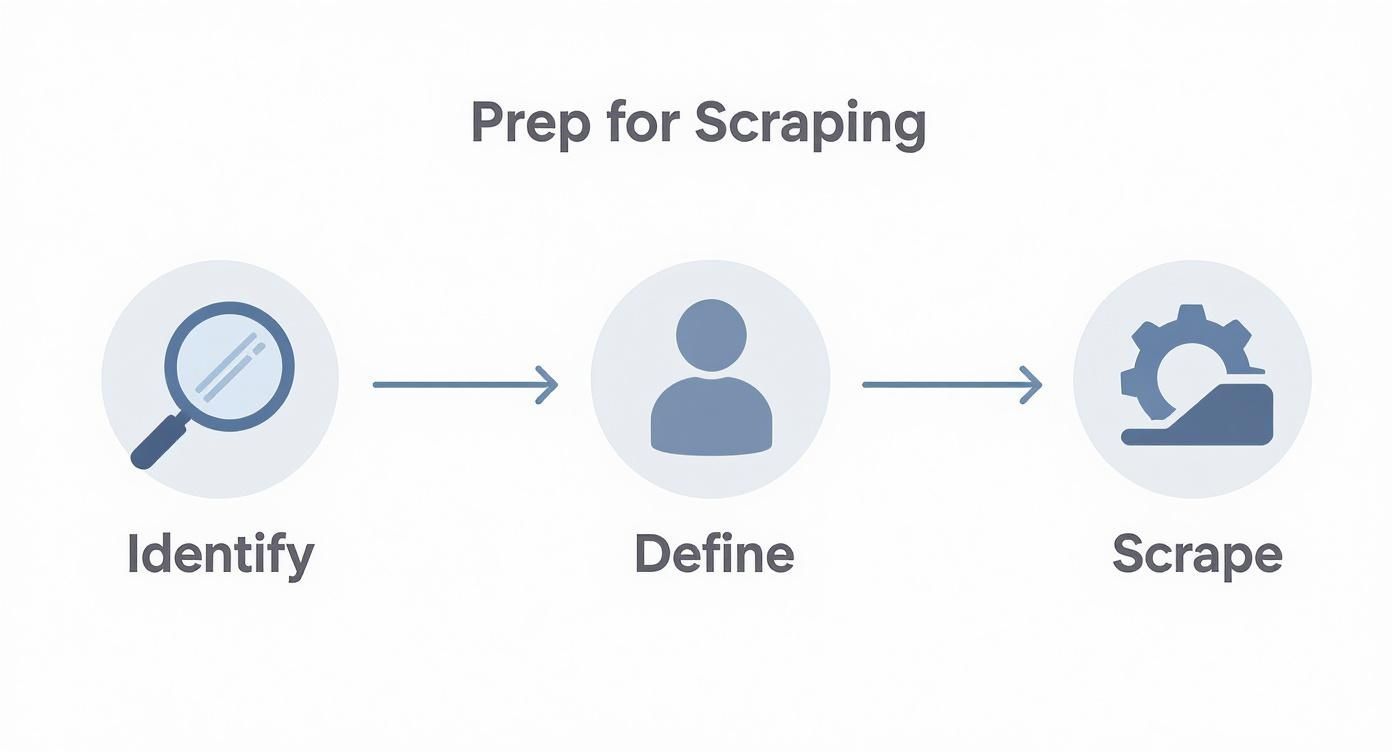
What used to take an afternoon of manual work can become a short, repeatable workflow that anyone on the team can run.
Single Profiles, Team Pages, and Directory Results
This workflow is flexible. It works whether you are looking at a single detailed profile, a company team page, a speaker list, or a search results page with many records.
- Single profile page: extract one detailed contact record.
- Team or “About Us” page: extract multiple people listed on one page.
- Directory or search results page: extract many profiles from a structured list.
This makes directory scraping useful for a wide range of tasks, from building prospect lists to collecting recruiting leads or exporting local business data to CSV.
Turning Raw Directory Data Into Actionable Leads
Scraping is only the first step. The real value comes from turning raw profile data into something your team can actually use. That means organizing it, enriching it, and preparing it for outreach.
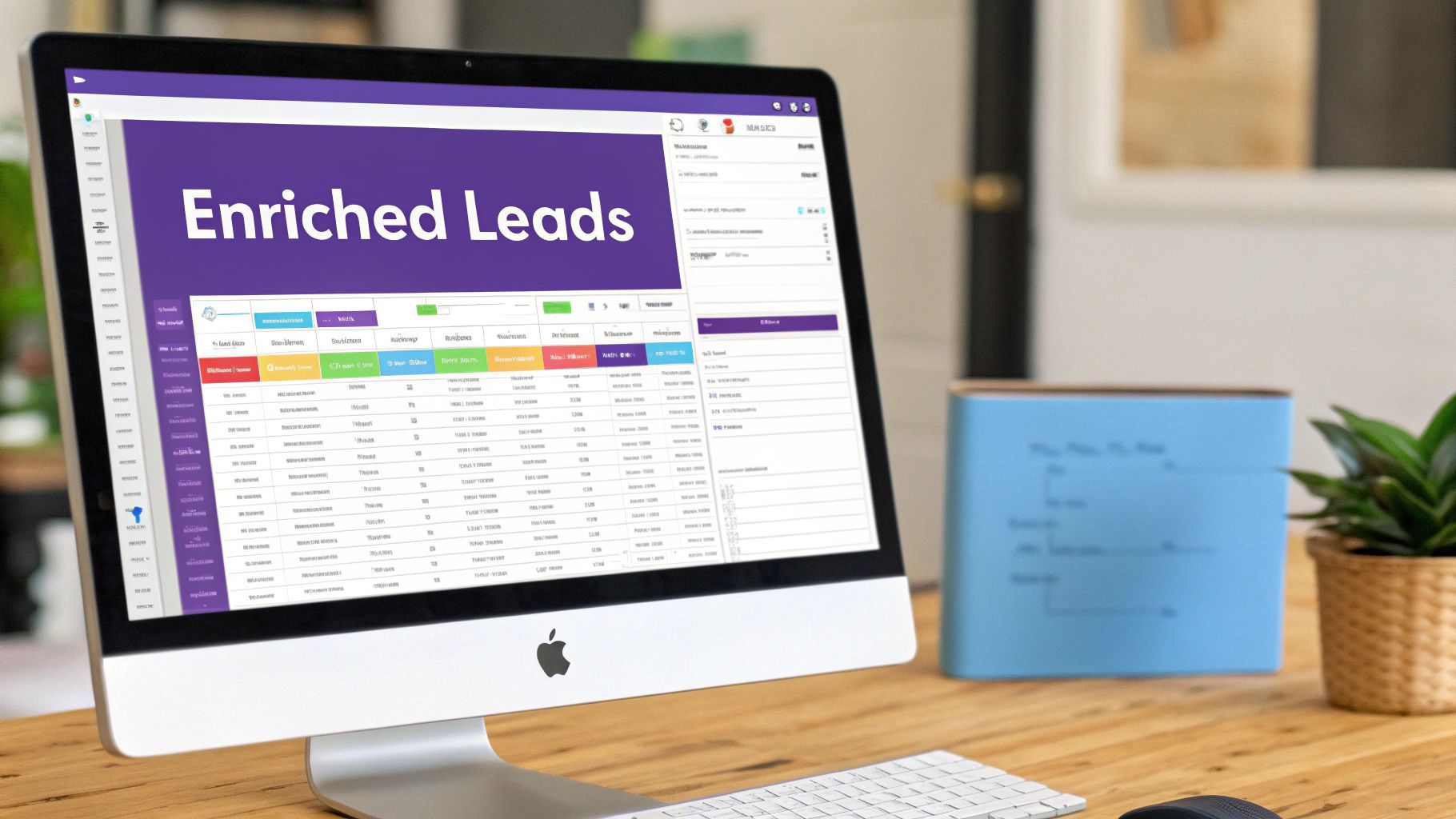
Organize Your Data Into Focused Lists
A giant spreadsheet with every scraped contact mixed together quickly becomes difficult to use. It is much better to group leads into focused lists based on campaign, source, market, or priority.
For example, you might organize profiles into lists such as:
- Conference Attendees - Berlin
- Healthcare SaaS Prospects
- Local Business Owners - Q3 Outreach
- Recruiting Pipeline - Frontend Engineers
This makes outreach more relevant and keeps your workflow clean from the start.
Add Tags, Notes, and Status
Not every scraped contact has the same value. Some are ideal prospects, some need follow-up later, and others are not a fit. Adding tags and notes helps turn a flat list into a useful working database.
- Tags:
#DecisionMaker,#Tier1,#FollowUp - Notes: “Found on trade show exhibitor page” or “Hiring SDRs in Spain”
- Status markers: contacted, not contacted, follow-up needed, not a fit
This is the difference between a raw export and a list your team can immediately act on.
Fill in Missing Details with Enrichment
Directories often show only partial data. You may get a name, title, and company, but no email or phone number. That is where enrichment becomes useful.
With ProfileSpider, you can scrape the initial list, select the profiles missing key fields, and use the “Enrich” function to gather more detail from linked profile pages or related public sources.
A typical enrichment workflow looks like this:
- Scrape the directory page.
- Review the extracted profiles.
- Select the records missing important fields.
- Click “Enrich”.
- Add the new details back into the same list.
This helps turn incomplete records into outreach-ready leads instead of forcing your team to manually chase down missing information.
Export Your Leads to CSV, Excel, or JSON
Once your data is scraped, organized, and cleaned up, the next step is exporting it in the format your team actually needs. For most users, that means CSV. But depending on the workflow, Excel or JSON may also make sense.
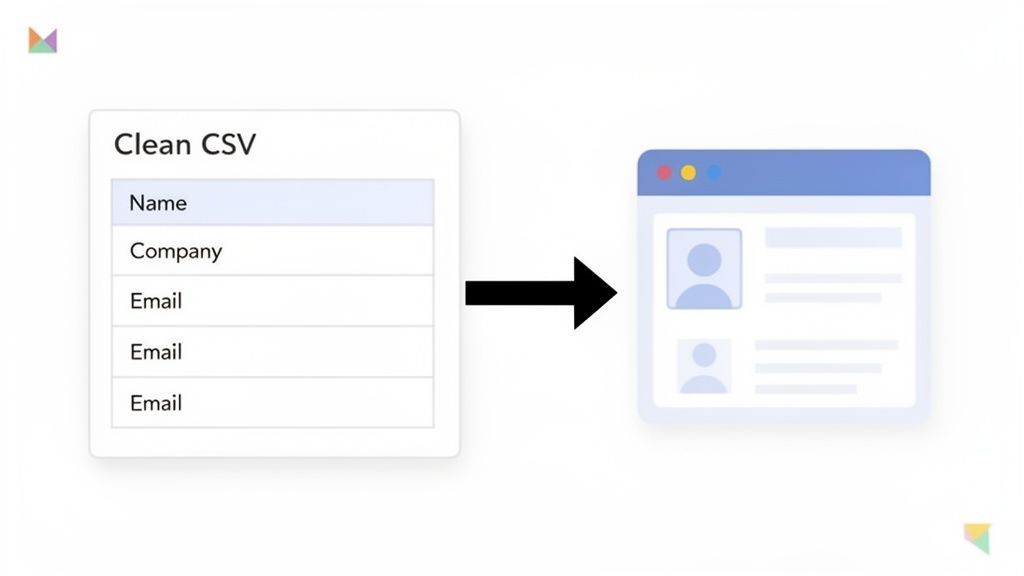
Choose the Right Export Format
- CSV: the standard format for importing leads into CRMs, ATS platforms, outreach tools, and spreadsheets.
- Excel (.xlsx): useful if you want to manually review, sort, filter, or edit data before import.
- JSON: best suited for developer workflows, custom apps, and databases.
Customize the Export Before Downloading
The best export is not just a download. It is a file that matches the system you will import into next. Before exporting, it helps to control exactly what the file contains.
A strong export workflow should let you:
- Select columns: include only the fields you need.
- Reorder fields: match your CRM or spreadsheet template.
- Rename headers: make import mapping easier.
- Remove duplicates: avoid importing the same profile twice.
This reduces cleanup work and makes the transition from scraped data to working lead list much smoother.
Example CRM Field Mapping
| ProfileSpider Field | HubSpot Property | Salesforce Field | Generic Spreadsheet |
|---|---|---|---|
| fullName | First Name / Last Name | Name | Name |
| company | Company Name | Account Name | Company |
| title | Job Title | Title | Job Title |
| Email Address | |||
| phone | Phone Number | Phone | Phone |
| website | Website URL | Website | Website |
For a full walkthrough of exporting scraped profiles, see: How to Export Profiles to CSV or Excel.
Build Better Lead Lists Without the Manual Work
If your current workflow for building lead lists still involves copying and pasting data into spreadsheets, you are spending too much time on admin and not enough time on outreach.
With a modern no-code tool like ProfileSpider, you can scrape online directories, organize leads, enrich incomplete records, and export everything into a clean CSV from one workflow. That means faster prospecting, less manual work, and lead data that is ready to use.
If you want to see the product in more detail, explore our ProfileSpider deep dive or start with the basics in our beginner’s guide to automating web scraping with no-code tools.