


You already know the problem. LinkedIn is crowded, inboxes are saturated, and broad search pulls in too many weak fits. The leads you want are often sitting on specialized directories where buyers, vendors, founders, agencies, and local operators have already organized themselves by category, geography, capability, or intent.
That’s why the best niche directories still matter. They cut down the first layer of qualification before you write a single email. A manufacturing supplier directory tells you something very different from a startup database. A physician directory tells you something different from an agency marketplace. Context matters, and directories give you that context fast.
The catch is execution. Many teams still treat directories like manual research projects. They click profile by profile, copy fields into spreadsheets, then lose momentum before the list is usable. That approach breaks as soon as you need volume, freshness, or repeatability.
The better workflow is simple. Find the directory that matches your ICP, extract the visible profiles in bulk, enrich missing details from linked pages, tag the list by segment, and move it into your CRM. Tools like ProfileSpider fit naturally into that process because they can extract profiles from directory pages, keep data stored locally in the browser, and export to CSV, Excel, or JSON. If you want to start with company discovery before extraction, the ProfileSpider Company Finder can help you find relevant companies from public sources and turn them into a more focused prospecting workflow.
1. Thomasnet
If you sell into manufacturing, industrial services, MRO, procurement, or supply chain, Thomasnet is one of the few directories that can save you from building a messy list from general web search.
The reason is simple. Thomasnet is built around industrial specificity. You can work backward from capabilities, certifications, and categories instead of guessing from a company homepage. That makes it useful when your offer only fits a narrow slice of the market, such as machine shops, injection molders, or ISO-certified suppliers.
According to Snov.io’s directory roundup, Thomasnet is described as a premier B2B directory for manufacturing and industrial sectors, with supplier discovery widely used by industrial buyers and specialized prospecting around products and services.
How I’d use it
Start with a capability-based search, not a company-name search. Filter for the manufacturing process or service you care about, then narrow by geography and any visible compliance markers on the listing pages.
After that, extract the category or supplier results page into a working list. If detail pages hold the useful contact data, use a second pass to enrich those records from linked profiles or company pages. If you need a practical workflow, this guide on how to scrape online directories to CSV step by step maps the process clearly.
Practical rule: With industrial directories, segment by capability first and territory second. If you do it the other way around, your list gets bigger but weaker.
What works
- Capability filters: They help you build lists around actual production fit.
- Compliance clues: Certifications and standards can sharpen targeting.
- Phone-first outreach: Industrial directories often support strong cold calling workflows.
What doesn’t
- Broad outreach: Thomasnet is wasted on generic B2B campaigns.
- Email-only expectations: Some profiles route through forms, so enrichment matters.
Website: Thomasnet
2. Crunchbase
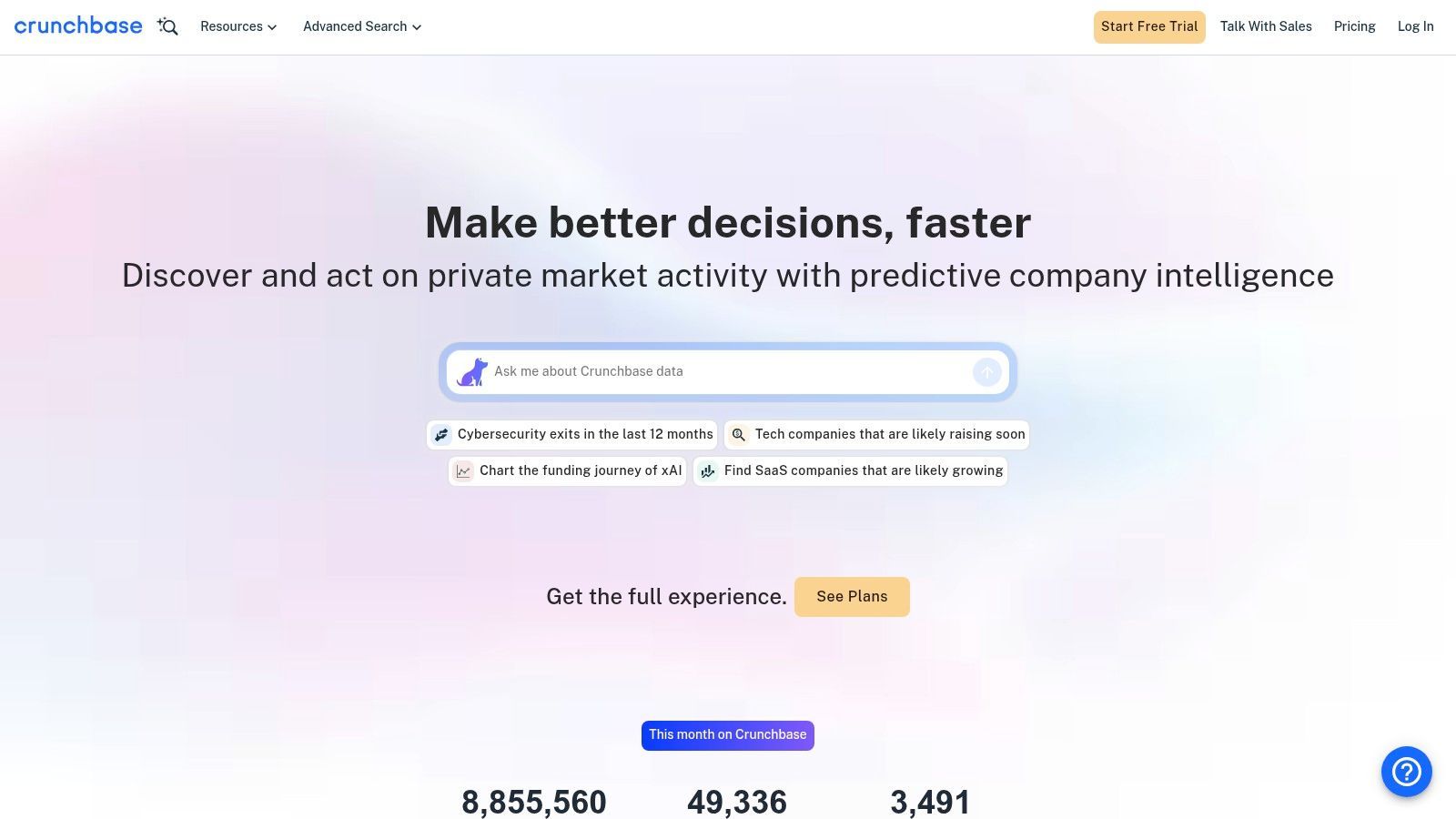
Crunchbase is less about local business discovery and more about timing. If your team sells to startups, scaleups, investors, or funded companies, the platform allows you to align outreach with visible growth signals.
That matters because a startup that just raised, hired leadership, or expanded categories usually has a more obvious reason to evaluate vendors, agencies, recruiters, and service providers. You’re not just finding a company. You’re finding a reason to reach out now.
Best use case
I like Crunchbase most for account selection, not final contact extraction. Build the target company list there, then enrich decision-makers from company pages, leadership pages, or other public sources.
That’s especially useful when you want a campaign like:
- Newly funded SaaS companies
- AI startups in a specific region
- Founder-led firms still building first sales teams
- Portfolio companies in a niche vertical
If you want a broader view of no-code workflows around directory extraction and enrichment, this rundown of best tools for scraping leads is a good companion.
Crunchbase is strongest when you need account intelligence first and contact enrichment second.
Trade-offs
- Excellent signal quality: Funding, category, and company-stage filters make message timing easier.
- Good for reusable lists: You can build prospect pools that sales can revisit.
- Not ideal for every small business segment: Smaller firms can have sparse profiles.
Website: Crunchbase
3. Wellfound
Wellfound is one of the better directories for early-stage tech companies when you care about founder-led outreach, recruiting, or selling into startup teams before they become noisy targets.
Compared with broader startup databases, Wellfound often gives a more useful feel for company stage and hiring posture. That’s important if your pitch depends on whether the company is still founder-operated, actively building, or clearly staffing a function you support.
There’s also a nice overlap here with investor and startup ecosystem research. If your prospecting playbook includes founder networks, talent demand, or startup-adjacent service providers, a niche directory of investors can complement Wellfound well.
Where it fits
Wellfound is strong when your campaign depends on startup behavior, not just startup identity. Hiring signals, team visibility, and company overviews give you more context than a plain company list.
That makes it useful for:
- Recruiters sourcing startup employers
- Agencies targeting venture-backed product teams
- Sales teams selling to founders before procurement gets formal
- Partnership teams looking for young software companies
A practical issue with startup directories is handling extraction responsibly and staying on the right side of platform terms and public-data workflows. This piece on website scraping legal considerations is worth reading before you operationalize the list-building process.
Real trade-off
Wellfound skews heavily toward tech and startup ecosystems. That’s a feature when your ICP is there. It’s a waste of time when it isn’t.
Website: Wellfound
4. BuiltWith
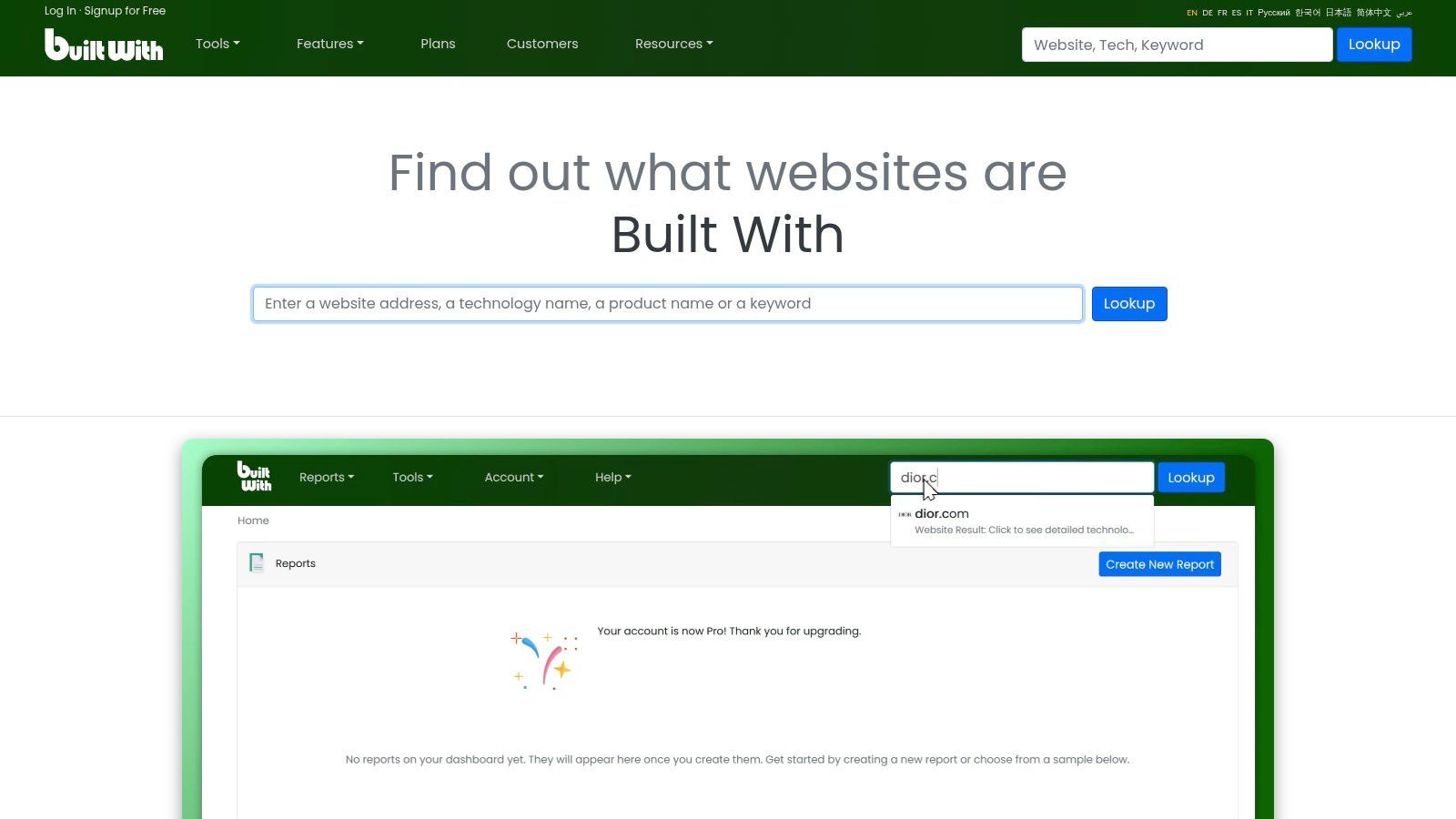
BuiltWith is a very different kind of lead source. You’re not browsing a business directory in the traditional sense. You’re using technology adoption as the qualifying signal.
That’s powerful when your product only makes sense for companies using a certain stack. If you sell a Shopify app, an analytics service, a migration offer, or a tool that replaces a specific vendor, tech-stack filtering gets you closer to actual fit than industry labels alone.
Best plays with BuiltWith
The best campaigns here are narrow and explicit.
- Competitive displacement: Target sites using a competing product.
- Partner prospecting: Find businesses already using adjacent tools.
- Vertical campaigns: Pull merchants or publishers on a known platform.
- Change-trigger outreach: Watch for visible stack shifts.
This is also where list-building discipline matters. You can pull a lot of domains quickly, but the list only becomes usable after enrichment and segmentation. This guide to niche list building strategies is relevant if you’re turning tech signals into outbound sequences.
If your offer depends on stack fit, BuiltWith can outperform broader directories because the qualifying condition is visible from the start.
Pros
- High-fit targeting: Tech use is often a direct buying clue.
- Great for partner and channel teams: You can spot ecosystem overlap fast.
- Useful for domain-first prospecting: Especially for web-native companies.
Cons
- Weak for offline-heavy businesses: No web footprint, no signal.
- Requires more enrichment: Domains alone rarely equal ready-to-email contacts.
Website: BuiltWith
5. StackShare
StackShare works best when you sell to technical teams and want a more community-shaped view of tooling than you’d get from a pure detection platform.
The appeal is context. Stack pages tell you not only that a company exists, but often what kinds of tools it publicly associates with its engineering setup. That’s useful for integration pitches, developer tooling outreach, and partnership research.
This is less of a mass local-lead engine and more of a targeted B2B research source. I wouldn’t use it to build a general outbound list for every SDR. I would use it for technical account selection, partner mapping, and account-based campaigns where stack relevance matters.
What to pull from it
Good extraction targets include:
- Company name and website
- Visible tool references
- Industry or category context
- Linked company pages for follow-up enrichment
The practical limitation is freshness. Community-driven data can be useful and still be uneven. Treat StackShare as a qualifying layer, not a final source of truth.
Where it shines
- Engineering-led SaaS
- Developer tools
- Cloud and infrastructure sales
- Integration partnerships
Where it falls short
- Geo-targeted local campaigns
- Non-technical buyer lists
- Strictly contact-led prospecting without enrichment
Website: StackShare
6. G2
You need a clean list of software companies in a specific niche by the end of the day. Broad databases give you too much noise. G2 is better when the job is category-based prospecting with a clear sales angle.
Its real value is market context. A G2 profile shows how a vendor presents the product, which category it competes in, and what nearby tools sit in the same buying conversation. That helps with partner outreach, competitor-based targeting, and service pitches where positioning matters as much as company size.
I use G2 as a structured starting point, then turn it into a working list. Pull vendors from a narrow category, extract company names, websites, product descriptions, and category labels, then run enrichment from the company site or team pages. ProfileSpider fits that workflow well because it can capture directory profiles and export the results to CSV, Excel, or JSON for the next step.
How to use it well
Start small and stay specific. A micro-category usually gives better lead quality than a top-level software category with hundreds of vendors.
Good use cases include:
- Agency prospecting by software niche
- Partner and reseller research
- Competitor adjacency mapping
- Hiring and recruiting from software subcategories
The trade-off is straightforward. G2 helps you find relevant accounts fast, but it usually stops short of giving you sales-ready contacts on its own. The ROI comes from using it as the front end of a no-code workflow, not as the final database.
Website: G2
7. Capterra
Capterra is similar to G2 in that it’s category-driven, but I use it differently. It’s often better for finding smaller or more SMB-oriented vendors that don’t always show up in broader startup or funding databases.
That makes it useful when you sell services to software companies, recruit from software niches, or build reseller and affiliate lists by software category. The category pages are usually structured enough to support quick extraction, and the company profiles often include enough product context to qualify accounts before enrichment.
A practical workflow
Start with a narrow category and region if the directory supports it. Pull the vendor names, websites, and visible positioning cues. Then visit the linked sites to extract company contacts or team profiles.
This works well for:
- Niche software vendor outreach
- Channel recruiting
- Competitor landscaping
- Local or regional software ecosystem mapping
The main issue is contact depth. Capterra is good at helping you find relevant companies. It’s not always good at handing you a decision-maker. Plan for a second step.
My take
If your market is SMB software or mid-market tools, Capterra often produces cleaner category-based discovery than broad search. If your offer depends on executive timing signals, Crunchbase is usually stronger.
Website: Capterra
8. Clutch
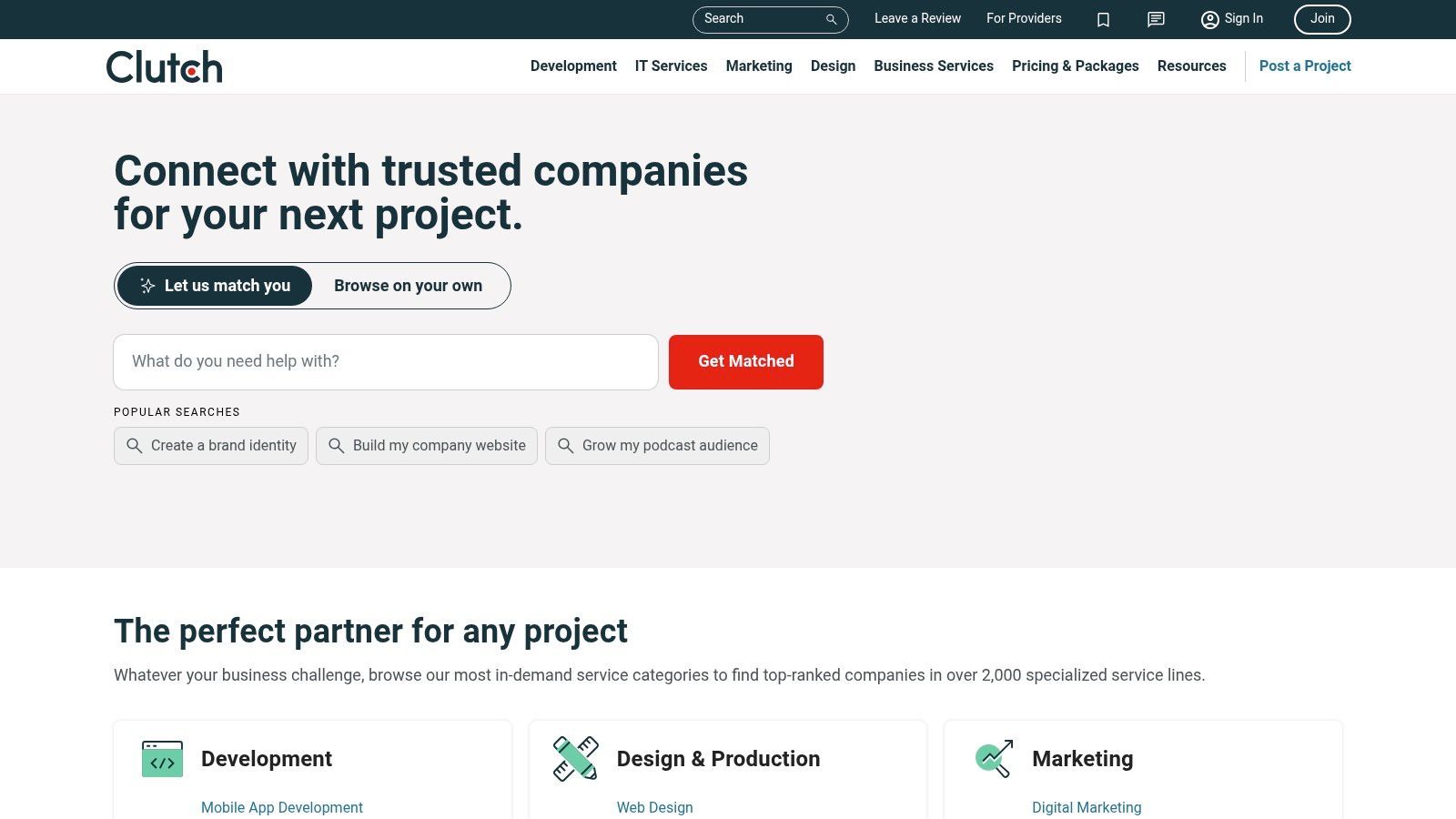
A common outbound problem looks like this. You need a list of agencies or service firms in a specific niche, but broad databases lump them together with everyone else and the segmentation breaks fast. Clutch is one of the few directories that gives enough context upfront to make that list usable.
For agency, consulting, design, development, and other B2B service markets, Clutch helps you qualify before you enrich. Profiles usually show service focus, client size, industry coverage, location, review signals, and positioning. That lets you separate firms for partner outreach, vendor sourcing, acquisition research, or direct outbound without a lot of manual cleanup.
How I use Clutch
Start with a narrow service category and geography. Extract company names, website URLs, employee-size hints, review volume, and the profile copy that shows who they sell to. Then run those domains through ProfileSpider to pull public contact points from the firm site, leadership pages, and other linked sources.
That turns a static directory page into a sales-ready working list.
Clutch works especially well for:
- Agency partnership prospecting
- White-label vendor sourcing
- Outbound to niche service firms
- Services market mapping and competitor research
The trade-off is credibility versus completeness. Clutch profiles are useful, but they are still polished marketing assets. Some firms look well-positioned on the directory and turn out to be a weak fit once you check team size, delivery model, or actual client mix on their website. I treat Clutch as a strong qualification layer, then verify before anyone sends a sequence.
My take
If you sell to agencies, consultancies, or specialized service providers, Clutch is one of the cleaner starting points on this list. It saves time on account selection. It rarely gives you the final contact record by itself, so the highest ROI comes from pairing extraction with an enrichment step.
Website: Clutch
9. Healthgrades
Healthgrades is the kind of directory that becomes extremely useful once you stop thinking like a generalist. If you sell into healthcare staffing, local services, medtech, revenue cycle support, or physician-targeted products, specialty and location filters do a lot of heavy lifting.
The structure is the win here. Medical directories tend to have repeatable profile layouts, which makes them practical for bulk extraction and follow-up enrichment. You can segment by specialty, geography, practice type, or affiliated institutions and build much cleaner healthcare lists than you’d get from broad local search.
What to expect
You usually won’t get a complete email-first list directly from physician directories. That’s normal. The better play is to extract provider records, then enrich from linked practice websites or business pages where contact methods are more explicit.
That approach works well for:
- Medical recruiting
- Territory planning
- Practice-level outbound
- Provider ecosystem research
Healthcare directories are strongest when you need structured provider data and geographic precision, not instant inbox-ready contacts.
Website: Healthgrades
10. Avvo
A common legal outbound problem looks like this. The market is large, but the buyers are fragmented across solo attorneys, small firms, and practice-specific teams. Avvo helps narrow that fast because the directory is already organized around the two filters that usually matter most in legal sales: practice area and location.
That makes it useful for agencies, legal tech vendors, intake services, staffing firms, and local B2B providers that need a focused attorney list instead of a broad professional database. Avvo profiles also tend to surface enough structured details to qualify an account before anyone starts enrichment.
How to use Avvo well
Start with a tight segment. A list of personal injury attorneys in one metro area is more workable than a national attorney list with mixed practice areas. The messaging, urgency, and buying triggers are different across family law, criminal defense, estate planning, and plaintiff-side firms.
A practical workflow looks like this:
- Filter by practice area and city: Build territory-specific lists that match how legal services are typically bought.
- Review firm context on the profile: Solo lawyers, boutique firms, and multi-office firms usually need different outreach angles.
- Extract profile and firm details with ProfileSpider: Pull names, locations, firm names, and visible profile fields into a sheet.
- Enrich in a second pass: Use the firm domain, contact page, LinkedIn, or public business records to find decision-makers and verified contact paths.
- Prioritize by fit: Focus first on firms that match your client size, service model, or geographic coverage.
The trade-off is straightforward. Avvo is strong for account identification and segmentation. It is weaker as a ready-to-send contact database. If the goal is sales-ready leads, the directory works best as the first step in a no-code workflow, not the final list.
Website: Avvo
Top 10 Niche Lead Directories Comparison
| Directory | 👥 Target Audience | ✨ Core Features | ★ Data Quality / Coverage | 💰 Export & Pricing | 🏆 Unique Strength |
|---|---|---|---|---|---|
| Thomasnet | Manufacturing buyers, sourcing teams | Supplier profiles, cert filters, RFQ tools | ★★★★ (extensive NA supplier data, cert detail) | 💰 Free search; vendor plans for outreach | 🏆 Industrial/manufacturing specificity & compliance data |
| Crunchbase | Sales to startups, investors, growth teams | Funding, leadership, AI search, reusable lists | ★★★★ (strong startup/scaleup signals) | 💰 CSV exports (limits on Pro); paid tiers | 🏆 Funding & growth signals for timed outreach |
| Wellfound (AngelList) - Recruiters, early-stage sales, founders | Company pages, hiring signals, claimable profiles | ★★★ (strong US startup coverage) | 💰 Free browse; paid recruiting products | 🏆 Hiring/recruiting signals & founder visibility | |
| BuiltWith | Tech sales, partnerships, product teams | Tech-stack lookups, alerts, API & lists | ★★★ (explicit tech-fit signals) | 💰 Pay-as-you-go & tiered plans; exports/API | 🏆 Precise tech-stack targeting for displacement/partners |
| StackShare | Dev/engineering outreach, integrations | Community stacks, tool references, browse by tool | ★★★ (community-driven coverage) | 💰 Free; enterprise stack intelligence offering | 🏆 Engineering adoption signal & tool-level targeting |
| G2 | Software buyers, vendor research, SDRs | Verified reviews, category ranks, vendor pages | ★★★★ (many products, review-based intent) | 💰 Free browsing; vendor data products paid | 🏆 Review-driven intent + granular categories |
| Capterra | SMB software buyers, channel/resellers | Category catalogs, pricing snapshots, reviews | ★★★ (broad SMB/mid-market coverage) | 💰 Free browse; vendor listings/ads paid | 🏆 SMB-focused categories with pricing cues |
| Clutch | Agency buyers, B2B services, partnerships | Case studies, budgets, client references, regions | ★★★★ (curated service profiles with budgets) | 💰 Free search; vendor profiles/ads paid | 🏆 High-signal agency profiles with budget & clients |
| Healthgrades | Medtech sales, staffing, local services | Provider profiles, specialties, reviews, locations | ★★★★ (nationwide physician/hospital data) | 💰 Free browse; enrichment needed for emails | 🏆 Standardized medical profiles & geo/specialty filters |
| Avvo | Legaltech, local B2B/B2C, attorney sourcing | 1.1M+ lawyer profiles, ratings, practice filters | ★★★★ (extensive US legal coverage) | 💰 Free browse; paid advertising/listings | 🏆 Massive attorney dataset with practice-area granularity |
Stop Searching, Start Connecting
Niche directories work because they narrow the field before your team spends time on outreach. They aren’t magic. They just remove a lot of wasted motion.
A broad search gives you volume with weak context. A niche directory gives you context with built-in qualification. Thomasnet tells you what a supplier does. Crunchbase tells you where a company is in its growth story. BuiltWith tells you what a site runs on. Clutch tells you how a service firm positions itself. Healthgrades and Avvo organize professionals by specialty and location in ways that matter for outreach.
This approach is the strategy behind the best niche directories for finding leads. Don’t ask one source to do everything. Use each directory for the job it does best.
A practical workflow looks like this:
- Pick one directory that matches your ICP closely: Don’t start with ten.
- Search by the strongest buying signal available: Capability, funding stage, tech stack, specialty, or category.
- Extract results in batches: Category pages and result pages are usually more efficient than one-by-one profile collection.
- Enrich from linked detail pages or company sites: That’s where missing emails, phones, and role context usually appear.
- Tag aggressively: Segment by territory, niche, company type, or outreach angle before export.
- Move fast into outreach or CRM review: A list sitting in a spreadsheet has no ROI.
What usually doesn’t work is over-collecting. Teams scrape huge batches, skip segmentation, and end up with a bloated file nobody trusts. Smaller, cleaner, better-labeled lists win. They’re easier to route, easier to message, and easier to update.
ProfileSpider is one relevant option if you want to turn directory pages into structured lead lists without a coding workflow. It can extract profiles from website pages, store the data locally in your browser, and export to CSV, Excel, or JSON. That’s useful when you’re dealing with directories that are rich in public profile data but poor at giving you a clean export path.
The fastest way to improve your lead generation isn’t always finding a new channel. Sometimes it’s using a better source and a better extraction process. Pick one directory from this list, build one focused segment, enrich it properly, and launch a campaign from it. That’s how static directories turn into pipeline.