


You already know the bottleneck if you have ever built a prospect list from a company directory by hand. One tab has the directory. Another has your spreadsheet. A third has LinkedIn or the company site because the directory listing is incomplete. By the time you finish a page, your list is already messy.
That work does not create pipeline. It delays it.
The practical fix is to stop treating directories like reading material and start treating them like structured datasets. When you understand how to scrape company directories, you can turn category pages, association member lists, marketplace listings, and conference directories into usable lead lists without spending half a day on copy and paste. The difference is not only speed. It is also consistency, cleaner exports, and fewer manual mistakes.
The End of Manual Data Entry
A recruiter opens a trade association directory at 9:00 a.m. By 10:30, they have 47 rows in a spreadsheet, half the company names need cleanup, and several listings still need websites or LinkedIn profiles. A sales rep working a marketplace directory runs into the same problem. The task looks simple until copy and paste turns into formatting fixes, duplicate checks, and missing fields.
Manual collection fails at scale because the work is slow and the mistakes are expensive. One bad URL or mis-copied company name can break enrichment, create duplicate records in the CRM, or send outreach to the wrong account. For sales and recruiting teams, that means fewer usable leads per hour and more cleanup before anyone can act on the list.
Scraping changes the unit of work. Instead of handling one listing at a time, you capture the repeated data structure on the page and turn it into rows from the start. In a browser-based workflow, that also reduces a common operational risk. Server-side scrapers often trigger rate limits, CAPTCHAs, or IP blocks faster, which can kill a list-building session halfway through and force a restart. A privacy-first setup that runs in the browser often gets farther with less friction because it behaves more like a real user session.
The payoff is practical. Company directories already organize information in patterns that map cleanly to a CRM or applicant tracking workflow:
- Core company fields: Name, website, category, location
- Qualification signals: Industry, size clues, service focus, market segment
- Useful destination links: Profile URL, company site, social pages
- Follow-up paths: Detail pages you can revisit for enrichment or verification
Once the data starts structured, the rest of the workflow gets faster. Review the rows, remove obvious junk, export, and send the list where it needs to go. If your team plans to push records straight into sales ops, this guide on feeding your sales pipeline automatically from web scraping data covers the handoff.
Good scraping also cuts rework downstream. Clean fields are easier to dedupe, enrich, score, and route than notes pasted from five tabs. This represents a significant shift. You are not just extracting data. You are setting up a collection process that protects lead quality from the first page.
The directories worth scraping usually share one trait. They present listings in a repeated, predictable format. That includes:
- Software marketplaces: G2 category pages, alternatives pages
- Association directories: Trade groups, chambers, member databases
- Conference sites: Sponsors, exhibitors, speakers, public attendee lists
- Local and niche directories: Vertical portals with standardized listings
- Partner and reseller pages: Ecosystem directories with company profiles
If you want the operating rules that keep those collections stable, especially around blocking, pacing, and page handling, review Modern Web Scraping Best Practices.
Planning Your Scrape and Staying Compliant
Bad scraping starts before the first click. The usual failure is not technical. It is strategic. People target the wrong directories, pull the wrong fields, and ignore compliance until they get blocked.
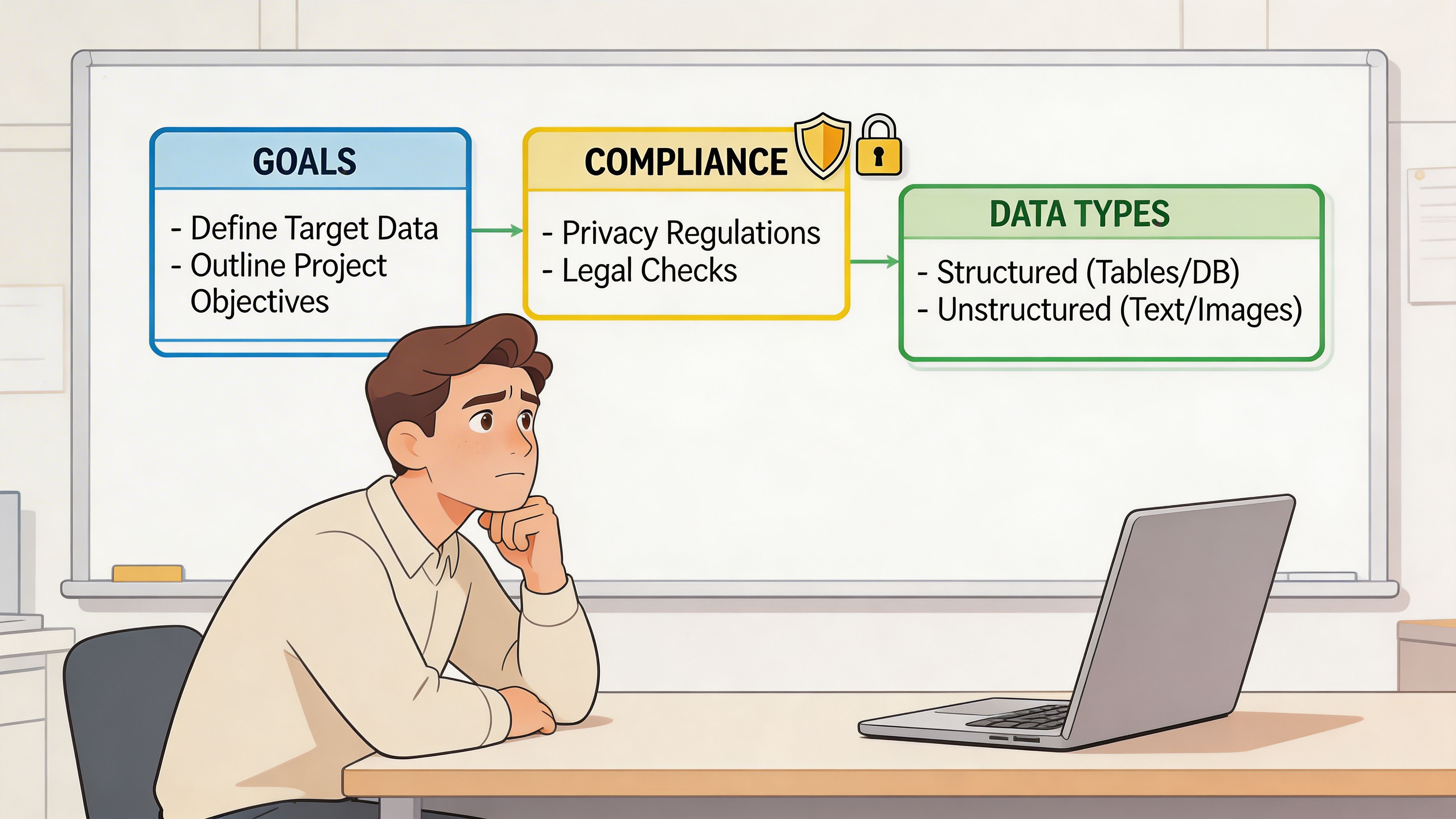
Start with a simple sentence. Define your ideal customer profile in one line. “B2B SaaS companies selling to finance teams in North America” is enough. “Mid-size logistics firms hiring operations managers” is enough. That sentence tells you which directories matter and which pages inside them are noise.
Build a collection plan before you extract anything
Use a short checklist.
- Pick the directory type: Marketplace pages are strong for structured firmographics. Association directories are strong for niche coverage. Conference sites are strong for timely lists.
- Choose company pages or people pages: Company pages usually expose cleaner business fields. People pages often need more enrichment work later.
- Define required fields: Name, website, category, HQ, employee range, title, phone, email, or profile link. If a field is optional, mark it optional now.
- Decide your stopping rule: Stop when you have enough records for the campaign, not when you have scraped everything visible.
This sounds basic, but it prevents the common mistake of extracting hundreds of rows that do not fit your campaign.
Compliance is not optional
Many scraping guides are weak on this point. They focus on extraction and skip risk.
Recent guidance in the scraping space has emphasized that aggressive behavior matters. Guides often overlook that recent court rulings and the EU AI Act of 2025 now treat scraping that bypasses CAPTCHAs or rate limits as unauthorized access in some contexts, and 68% of directory scrapers were blocked within 24 hours in 2025 due to newer detection methods (Datablist).
That does not mean “never scrape.” It means scrape in a way that stays inside reasonable boundaries.
A practical pre-flight routine:
- Check the site’s robots.txt and terms: Especially if you plan repeated collection.
- Separate public business data from personal data: The compliance burden is different.
- Avoid bypass behavior: If you are forcing your way through CAPTCHAs or hammering rate limits, risk goes up fast.
- Collect only what you need: Extra fields create extra storage and governance work.
- Document source and date: That helps later when records go stale or need review.
For a useful non-promotional companion resource, ScreenshotEngine’s guide to Modern Web Scraping Best Practices is worth reading before you scale.
Key takeaway: Sustainable scraping is boring on purpose. Modest request patterns, clear field selection, and public pages keep you productive longer than brute-force extraction.
If you need a legal framing focused on practical use rather than theory, this overview is helpful: https://profilespider.com/blog/website-scraping-legal
Choosing Your Scraping Method
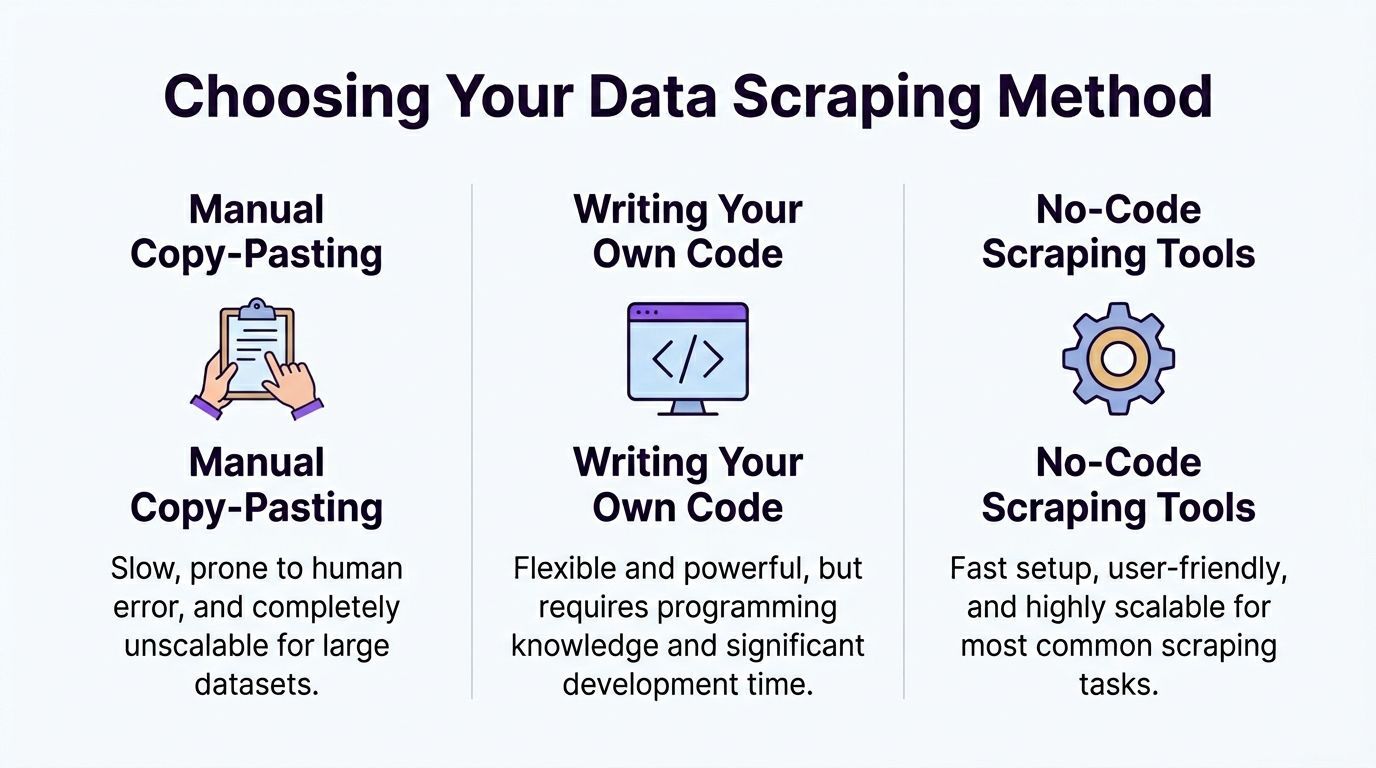
There are three ways to do this. Only one makes sense for most sales, recruiting, and marketing teams.
The trade-off table
| Method | Where it works | Where it fails | Best fit |
|---|---|---|---|
| Manual copy-paste | Tiny lists, one-off research | Slow, inconsistent, miserable to scale | Solo research tasks |
| Custom code with Scrapy, Puppeteer, Playwright | Complex sites, engineering-led workflows | Ongoing maintenance, selector breakage, setup time | Technical teams |
| No-code tools | Most directory, profile, and listing pages | Edge cases still require review | Recruiters, sales teams, marketers |
Manual work is still common because it feels safe. It is also the most expensive use of a skilled person’s time.
Custom code gives you control, but that control comes with maintenance. Directory layouts change. Pagination changes. Anti-bot logic changes. A workflow that worked last week can fail today.
Where prebuilt scrapers fit
Prebuilt marketplace scrapers can be effective when you need a known directory like G2 and want a fast starting point. Verified data shows that prebuilt scrapers for directories like G2 can reach 98% structured data completeness on category and listing pages, but they also face a 25% block rate without proxy support (Web Scraper).
That is the core trade-off. You get scale and convenience, but you may also inherit cloud detection issues, proxy complexity, and brittle configurations.
Why browser-based no-code tools make sense for business users
If your job is building pipeline, not maintaining scraper code, no-code wins most of the time. The most practical versions run in the browser, extract directly from the rendered page, and let you review results before export.
One example is ProfileSpider, a browser extension that scans pages for repeated people or company profiles, stores extracted data locally in the browser, and exports to CSV, Excel, or JSON. That kind of workflow fits non-developers because it removes selector setup and avoids a full cloud scraping stack.
The privacy angle matters too. Browser-based collection can reduce some of the friction that comes with server-side scraping because the page is rendered where you browse, not routed through a shared scraping backend.
For a grounded comparison of these approaches, this internal breakdown is useful: https://profilespider.com/blog/ai-scraping-vs-traditional-scraping
A Step-by-Step Workflow with ProfileSpider
A typical scrape starts with a live directory page open in your browser and a clear target in mind. You are not building a crawler from scratch. You are collecting a usable list without getting blocked, over-collecting irrelevant fields, or creating cleanup work for the sales or recruiting team later.
Step 1 define the target page
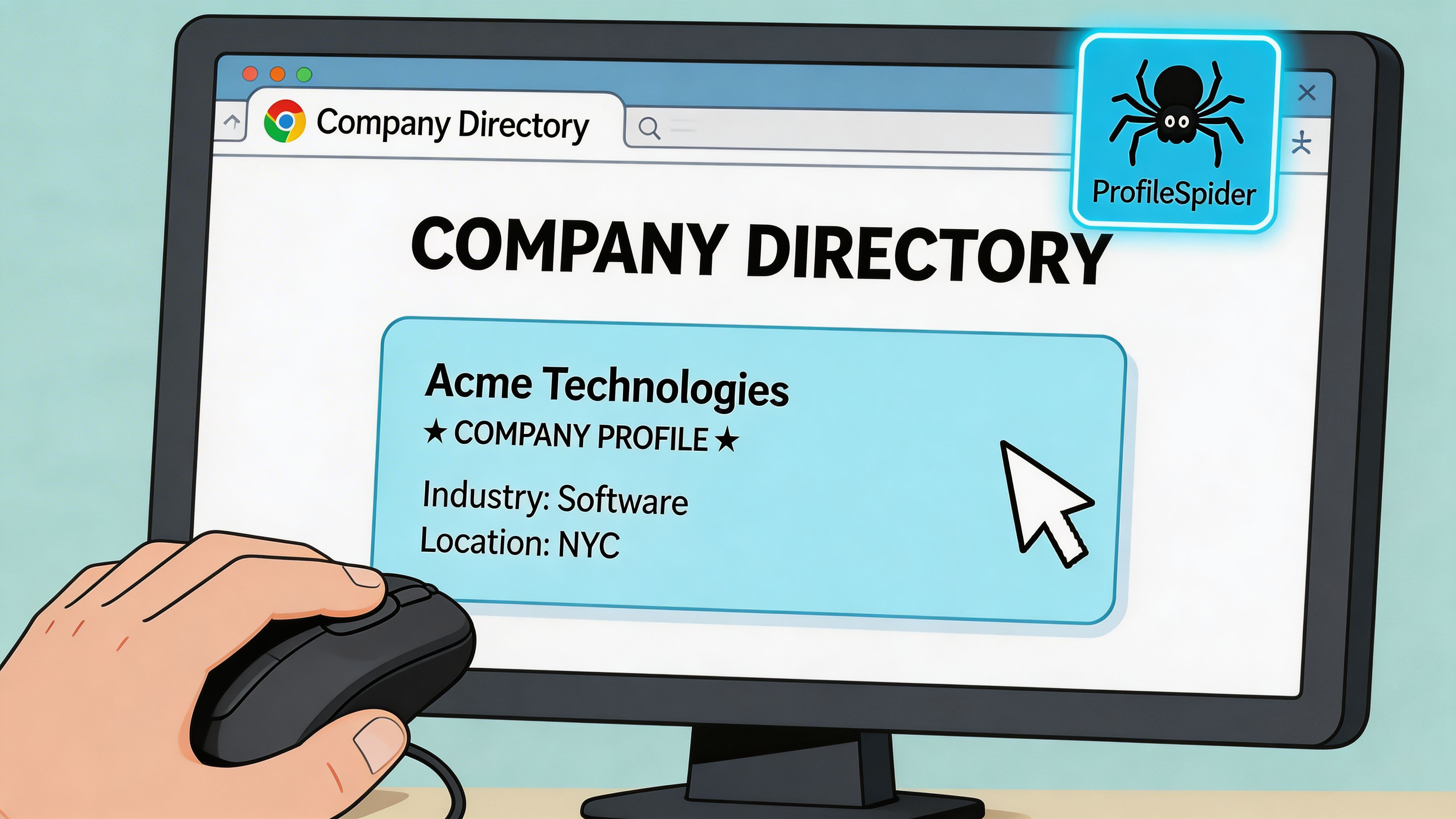
Start on a page with repeated profile cards. Good candidates include G2 category pages, trade association member directories, conference sponsor lists, and partner pages.
The page needs enough structure for the tool to recognize each company or person as a distinct record. It also needs enough business value to justify the scrape. If the page only shows a company name and a logo, skip it. If it includes category, location, short description, or a path to a richer detail page, keep going.
This first choice affects the whole run. Pick a weak page and you get a weak list.
Step 2 run profile detection
Open the extension in the browser and run Extract Profiles. ProfileSpider scans the rendered page and identifies repeated profile blocks without manual selector setup.
That approach holds up better on real directories because those pages are messy. They often include promoted listings, lazy-loaded cards, hidden elements, and layout changes between categories. Browser-side detection handles more of that variation because it works on the page as it loads in your session. The business advantage is simple. Fewer missed records, fewer broken runs, and less time spent debugging why a cloud scraper suddenly stopped pulling leads.
Step 3 handle pagination and enrich only what matters
If the directory spans multiple pages, set pagination before you start. Then decide whether you only need list-page data or whether the job needs a second pass into each company profile.
Many lead generation workflows lose efficiency at this point. Sales teams often scrape every possible field because they can. Then they import a bloated file full of low-value data and spend hours sorting it out. A better approach is narrower. Pull broad coverage from the list page, then enrich only the subset worth qualifying further.
Use the detail-page pass when the list page is too thin and the extra fields will change routing or outreach:
- Contact data: emails, phone numbers, social links
- Firmographic data: headquarters, employee range, industry focus, service area
- Qualification data: descriptions, categories, hiring signals, partner status, notes
For recruiting, that second pass can surface hiring pages or team details that never appear in the main directory. For outbound sales, it can reveal whether the account fits your ICP before anyone touches the CRM.
Step 4 review, merge, and tag before export
Do a quick review inside the tool before exporting. Merge obvious duplicates, remove junk records, and tag the accounts that need different follow-up paths.
This step saves real downstream work. Duplicate records create duplicate outreach. Unreviewed exports create ownership conflicts in the CRM. Bad rows waste enrichment credits and sales rep time.
Useful tags are simple and operational. Mark records as priority accounts, recruiting targets, partners, competitors, or manual review. That gives the next person in the workflow context without forcing them to re-check the source page.
If you want a closer look at the browser-side setup, field extraction logic, and export flow, the ProfileSpider product analysis walks through the mechanics.
Cleaning Exporting and Using Your Data
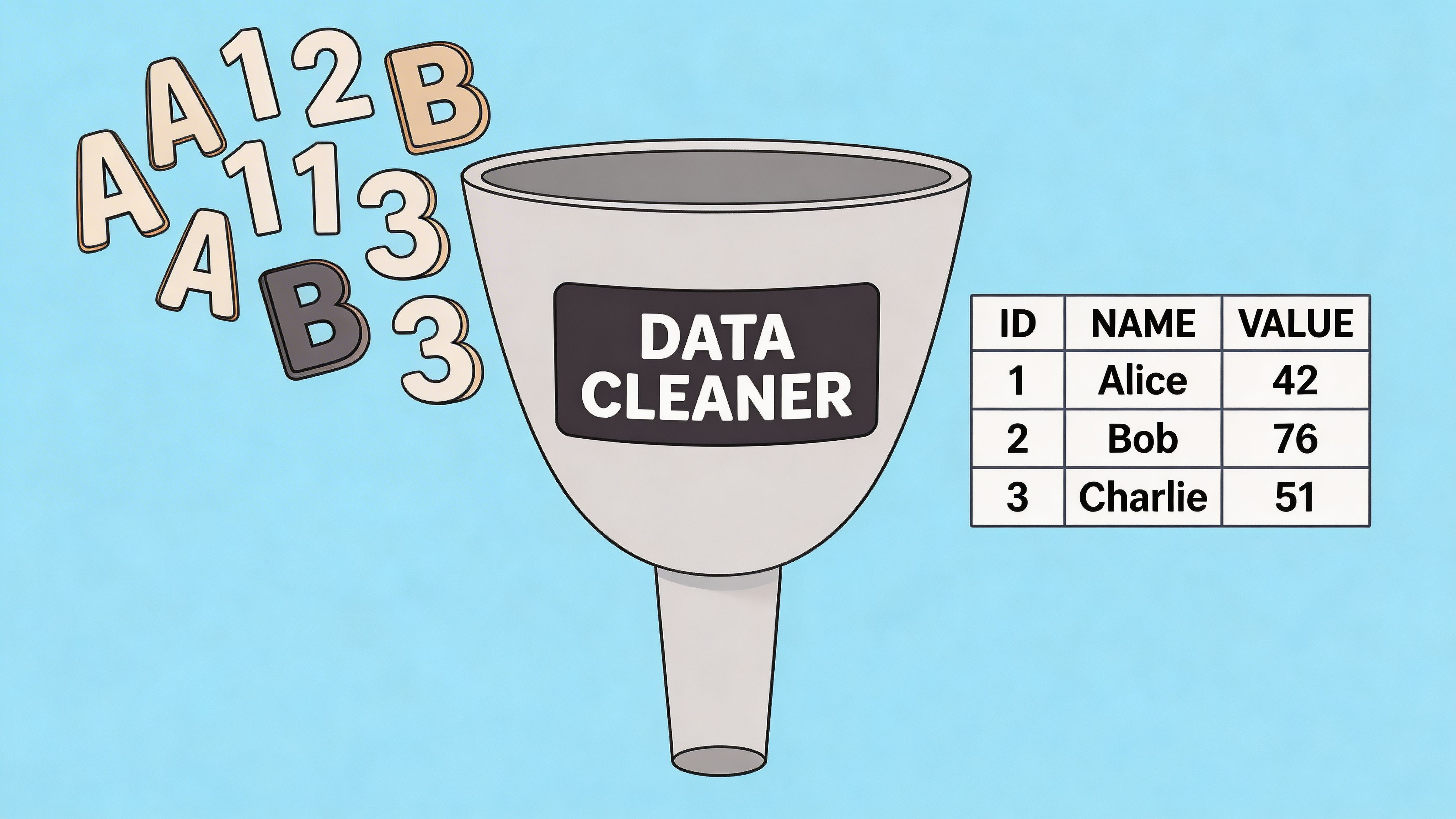
Raw extraction is only a draft. The usable asset is the cleaned list.
What to clean first
Start with duplicate records. Directories often list the same company under multiple categories, locations, or sponsored placements. If you skip deduplication, your outreach sequence will expose the mistake.
Then normalize your core fields:
- Company names: Remove obvious formatting differences
- Websites: Keep one canonical URL format
- Categories: Map similar labels into one internal taxonomy
- Locations: Standardize city, state, country naming
- Titles or roles: Group close variants when relevant
A lot of teams postpone this and try to clean after import. That creates extra work because the CRM now contains the mess.
Segment before you export
A flat export is less useful than a segmented one.
Create lists based on how the data will be used. Sales teams might split records into target accounts, partners, and competitors. Recruiters might split by hiring priority, geography, or function. Marketers might separate sponsors, speakers, agencies, and publishers.
That light structure does two things. It speeds up routing, and it avoids forcing every downstream user to reinterpret the same raw file.
Choose the export format your stack expects
CSV is usually the safest starting point because almost every CRM and ATS can ingest it. Excel helps when someone needs to review or annotate before import. JSON is useful if another automation tool is consuming the data.
When you export, match columns to the destination system on purpose. If the CRM has fields for company, website, phone, industry, owner, and source, do not dump twenty miscellaneous columns into the import and hope ops sorts it out later.
A practical final pass:
- Remove weak records that do not meet your minimum fields.
- Check a sample manually to confirm the data looks right.
- Add source labels so users know where the record came from.
- Import into a staging list first before pushing to the full database.
Key takeaway: Scraping saves the most time when cleanup happens before CRM import, not after.
Troubleshooting and Advanced Best Practices
You can get through a clean test run in five minutes, then lose an afternoon on the first real directory.
The usual failure points are predictable. The page renders records only after scroll. Selectors break because the site changed one class name. Rate limits kick in after a few fast page loads. If you are collecting leads for sales or recruiting, those failures are not just technical noise. They stall list production and leave reps waiting on data.
When the page looks loaded but the scraper returns almost nothing
This usually happens on JavaScript-heavy directories. The browser shows a full list, but the initial HTML contains only a shell, placeholders, or the first few records.
Treat that as a collection problem, not a retry problem. Re-running the same setup ten times usually produces the same empty export.
A better sequence is:
- Load the page fully in the browser before extracting anything
- Scroll in controlled passes so lazy-loaded records render
- Capture profile or company URLs first if the list view is unstable
- Pull core fields on pass one and save enrichment for a second pass
This is one reason browser-based tools such as ProfileSpider hold up better on modern directories. They work from the page as it is rendered, which avoids a lot of the gaps you get from simple server-side requests.
When anti-bot systems start slowing you down
Anti-scraping is a revenue problem in disguise. If your IP gets blocked or your session starts hitting challenges, lead flow stops. The cost is missed outreach volume, delayed recruiting pipelines, and more manual work.
Common triggers include:
- Fast, repetitive page loads
- Large batches with no pauses
- Cloud traffic patterns that look automated
- Scripts that fail to render or interact with the page like a real browser session
The fix is usually restraint. Slow the run down. Reduce the page count. Collect only what the team will use. If a directory starts pushing back, stop the run and adjust the workflow instead of forcing retries that get the session burned faster.
Why a privacy-first browser workflow is often more stable
Running extraction in the browser you are already using changes the risk profile.
You still need to respect site terms and collect only public business-context data. But operationally, local browser execution avoids some of the fingerprints that come with centralized scraping infrastructure. It also keeps prospect data from bouncing through extra systems before export, which matters for teams that care about compliance and data handling.
That does not make the process invisible. It makes the process closer to normal browsing behavior, which is often enough to keep collection stable on directories that punish obvious automation.
Advanced habits that keep runs usable
The biggest gains usually come from small decisions made before the scrape starts.
- Run during off-peak hours when directories are less congested and session behavior stands out less
- Use backup selectors for high-value fields if the site changes layout often
- Break large jobs into batches by page range, category, or geography
- Log failures by type so you can separate rendering issues from blocking issues
- Recheck a small sample after each batch before you commit to the next one
- Review failed records manually instead of hammering the same URLs again
One more trade-off matters here. A slower run that completes is worth more than an aggressive run that gets blocked halfway through. In lead generation, consistency beats theoretical maximum volume.
Reliable directory scraping comes from controlled collection, clean browser rendering, and disciplined exports. That is what keeps the workflow usable for CRM imports, recruiter pipelines, and repeat prospecting.