In today's competitive sales, recruiting, and marketing environments, manually collecting contact information is a significant bottleneck. It’s slow, inconsistent, and pulls your focus away from high-value activities like closing deals, sourcing top talent, or building strategic partnerships. This is where the best tools for scraping leads become indispensable.
Lead scraping tools help you collect names, job titles, company details, social profiles, websites, emails, and other useful prospect data from websites, directories, search results, and public profile pages. The right tool can turn hours of copy-paste work into a repeatable workflow for building targeted lead lists.
However, not every tool solves the same problem. Some tools help you scrape visible profile data from websites. Others give you access to large B2B databases. Some focus on email finding, enrichment, automation, or CRM activation. Choosing the right option depends on whether you need fresh leads from the open web, verified contact data, automated outreach, or a complete sales intelligence platform.
This guide cuts through the noise. We will analyze the 12 best tools for scraping leads, breaking down their specific strengths, ideal use cases, and practical limitations. We'll explore everything from universal, one-click AI scrapers that require zero technical skill to comprehensive databases and complex automation workbenches. Each option includes screenshots and direct links to help your evaluation.
By the end, you'll have a clear understanding of which tool best fits your workflow, budget, and strategic goals. You will be equipped to choose the right platform to build high-quality lead lists faster and more effectively, ultimately accelerating your pipeline and driving better results.
This article is part of our broader guide to lead scraping. If you want the complete end-to-end workflow—including lead sources, scraping methods, enrichment, data quality, CRM activation, and compliance—see: Lead Scraping Guide: How to Scrape, Enrich, and Convert Leads at Scale.
Quick Recommendation: Best Lead Scraping Tool by Use Case
If you are comparing lead scraping tools, start with the workflow you actually need. A recruiter sourcing candidates from public profiles has different requirements than a sales team buying B2B contact data or a growth team building complex enrichment workflows.
| Use case |
Best type of tool |
Good fit |
| Scrape visible profiles from websites, directories, and team pages |
Browser-based AI profile scraper |
ProfileSpider |
| Build B2B contact lists from a large database |
Sales intelligence platform |
Apollo.io, ZoomInfo, UpLead |
| Find or verify business emails |
Email finder and verifier |
Hunter.io, Snov.io |
| Run automated workflows across platforms |
No-code automation platform |
PhantomBuster, Clay |
| Target companies by technology stack |
Technographics database |
BuiltWith |
| Enrich inbound CRM leads |
CRM enrichment platform |
Clearbit by HubSpot |
For most sales, recruiting, and prospecting workflows, the highest-impact setup is simple: find a relevant page, extract the visible profiles, save the leads into a list, enrich missing data, find emails where needed, and export the final list to your CRM or outreach tool.
What to Look for in a Lead Scraping Tool
The best lead scraping tool is not always the tool with the largest database or the longest feature list. It is the tool that fits your source, your workflow, and your activation process. Before choosing a platform, evaluate these factors:
- Lead source: Are you scraping public websites, social profiles, directories, Google results, LinkedIn/X-ray results, or using an existing B2B database?
- Data type: Do you need names and roles, company data, profile URLs, emails, phone numbers, social links, or enriched firmographics?
- Workflow speed: Can the tool extract data in one click, or does it require setup, selectors, templates, or technical configuration?
- Enrichment: Can it fill in missing emails, company domains, profile details, or additional contact fields after extraction?
- Export options: Can you export to CSV, Excel, JSON, your CRM, or your recruiting system?
- Compliance and control: Does the tool give you control over where your data is stored and how it is processed?
- Cost model: Are you paying per profile, per email, per export, per seat, per automation run, or per page processed?
If your goal is to collect leads from the open web, a flexible profile extraction tool is usually a better starting point than a closed database. If your goal is to buy verified B2B contacts at scale, a database or enrichment platform may be more appropriate. For a deeper workflow overview, see our guide on how to scrape leads with AI.
1. ProfileSpider
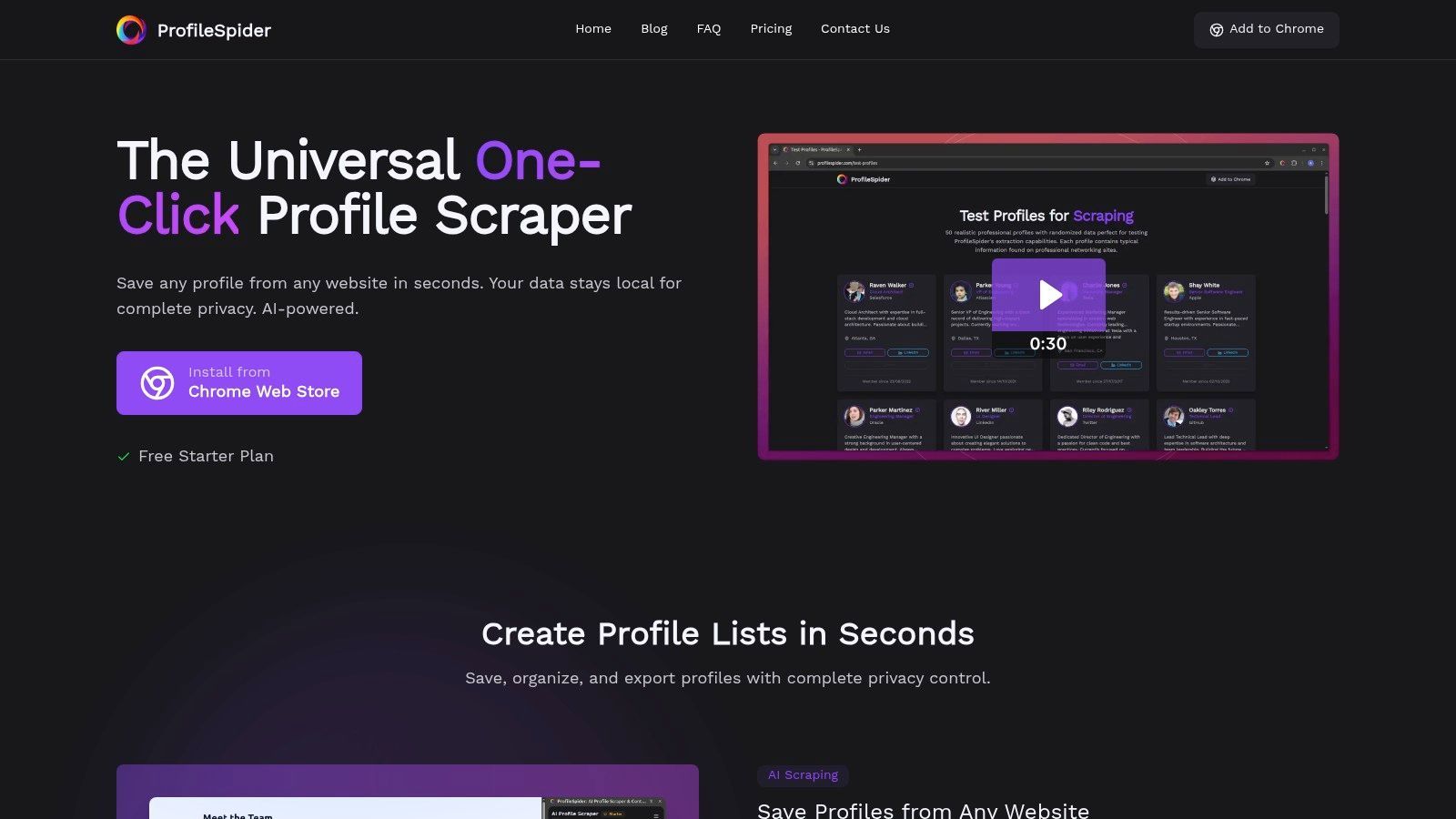
ProfileSpider earns its top spot as a featured choice for its simplicity, flexibility, and speed, making it one of the best tools for scraping leads from real websites. It operates as an AI-powered Chrome extension that transforms pages with visible profile or company information into structured, actionable lead lists with a single click.
Its core strength lies in its "zero-setup" AI extraction engine. Unlike tools that require users to define data points with CSS selectors or XPath, ProfileSpider automatically detects and captures profiles from diverse sources like LinkedIn search results, company team pages, online directories, conference speaker pages, recruiting databases, agency directories, and public profile listings. As a modern, no-code, one-click alternative, it's designed for business professionals, not developers.
Key Features and Strengths
ProfileSpider's design philosophy prioritizes speed, flexibility, and user privacy. Instead of forcing users into a fixed database, it lets them extract leads from the websites and pages they already use for prospecting.
- Universal AI-Powered Scraping: Automatically identifies and extracts contact details such as names, titles, companies, profile URLs, social links, and other visible lead data from single or multiple profiles on many types of pages.
- Local-First Privacy: Extracted data is stored locally in your browser, giving you more control over your lists and reducing unnecessary third-party data exposure.
- Integrated Contact Management: Functions like a lightweight lead workspace. Users can tag contacts, add notes, merge duplicates, and organize leads into unlimited lists directly within the extension.
- Built-in Enrichment: The tool can visit profile detail pages or related pages to find and fill in missing contact details, helping users move from raw scraped profiles to more complete lead records.
- Email Finding Workflow: ProfileSpider can support the next step after scraping: finding business emails for saved leads where enough company or profile data is available.
- High-Volume Extraction: Paid plans can process higher numbers of profiles per page, making it efficient for building lead lists from directories, search results, and profile-heavy pages.
- Flexible Export Options: Export curated lists to CSV, Excel, or JSON formats for use in CRMs, Applicant Tracking Systems, spreadsheets, or outreach workflows.
Practical Use Cases
This tool is especially useful for professionals who rely on fresh, niche, or source-specific lead data. Sales teams can build targeted prospect lists from industry directories, agency listings, event pages, or company websites. Recruiters can source candidate pipelines from public profiles, GitHub pages, university staff pages, portfolio directories, and niche communities. Marketers can collect contacts for outreach, partnerships, PR, research, and account-based campaigns.
ProfileSpider is also useful when traditional lead databases are too broad, outdated, expensive, or missing the niche audience you need. Instead of searching inside a fixed database, you can start from the pages where your actual target audience appears.
Pricing and Availability
ProfileSpider offers a flexible credit-based pricing model. A credit is consumed for each page processed, regardless of how many profiles are found on that page, up to the limit of your plan.
- Free Plan: Includes free credits for testing the workflow and processing a limited number of profiles per page.
- Paid Plans: Starter, Pro, and Power tiers increase the profiles-per-page limit and monthly credit allowance.
- Credits: Plans include subscription credits, with additional top-up credits available for extra capacity.
The extension is available for Google Chrome and Chromium-based browsers such as Edge, Brave, and Opera.
Website: https://profilespider.com
2. Apollo.io
Apollo.io integrates a massive B2B contact database directly with a full suite of sales engagement tools. This all-in-one approach makes it a powerful option because it closes the loop between finding a prospect and contacting them. Instead of exporting a list and importing it elsewhere, sales and marketing teams can build a filtered list of contacts and immediately enroll them in an email or call sequence within the same platform.
Its strength lies in this unified workflow. The platform offers a robust free tier that allows users to test its core functionality, making it highly accessible for small businesses and individual contributors. The Chrome extension is particularly useful for enriching profiles on LinkedIn and company websites, pulling contact data directly into your Apollo instance.
Key Features and Use Cases
- B2B Database: Search a large contact database with filters like job title, company size, location, and technologies used.
- Integrated Sales Engagement: Launch multi-step email sequences with A/B testing, make calls with a built-in dialer, and track activity.
- Data Enrichment: Enrich existing CRM records with emails, direct dials, and firmographic data.
- Best For: SMB and mid-market sales teams who need a unified platform for both lead sourcing and outreach.
Limitations and Pricing
While powerful, Apollo is not primarily a tool for scraping arbitrary websites. It is best understood as a B2B database and sales engagement platform. Data quality can vary by region, role, and industry, and higher-volume usage may be affected by plan limits or fair-use rules. For a deeper analysis of how its features compare to a dedicated profile scraper, you can learn more about ProfileSpider vs. Apollo.
Pricing: Offers a free plan with limited credits. Paid plans scale based on credits, users, and advanced features.
Website: https://www.apollo.io
3. ZoomInfo (SalesOS)
ZoomInfo's SalesOS platform is a dominant force in the enterprise B2B data space, making it one of the best tools for scraping leads for large, established teams. It goes beyond simple contact lookups by layering buyer intent signals, website visitor identification, and deep organizational charts on top of its extensive contact database. This comprehensive approach allows sales and marketing organizations to not only find leads but also understand their buying signals and prioritize outreach effectively.
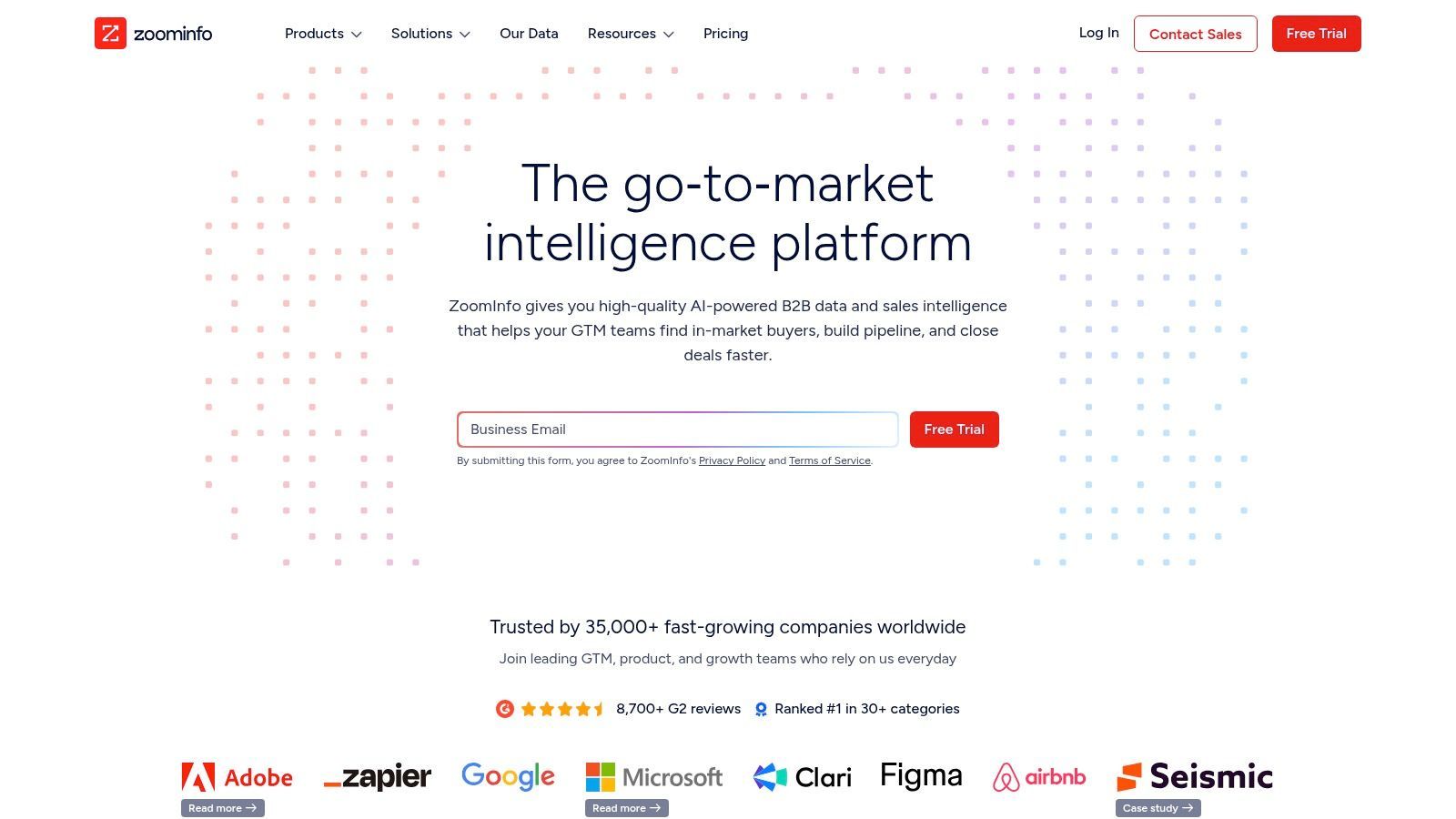
The platform's strength is its enterprise-grade data governance and deep integration capabilities. For large teams that need to sync accurate data across their CRM and marketing automation platforms, ZoomInfo provides robust tools for enrichment and management. Its reputation for high-quality direct dials and a vast, US-centric dataset makes it a premium choice for organizations where data accuracy at scale is a primary concern.
Key Features and Use Cases
- Massive B2B Database: Access extensive contact, firmographic, and technographic data with a strong focus on the US market.
- Buyer Intent Signals: Identify companies actively researching your solutions and target them with timely outreach.
- Website Visitor Tracking: Identify companies visiting your website and turn them into actionable leads for your sales team.
- Best For: Enterprise and large mid-market sales teams requiring a premium data intelligence platform with strong governance and CRM integration features.
Limitations and Pricing
ZoomInfo's primary drawback is its enterprise-focused pricing and contract model. Pricing is quote-only, often requiring a significant annual investment and potentially complex contract terms. It is less accessible for smaller businesses, freelancers, and individual recruiters who need a lightweight way to collect leads from websites.
Pricing: Custom quote-based pricing only. Typically involves a significant annual commitment.
Website: https://www.zoominfo.com
4. Lusha
Lusha has established itself as a go-to platform for B2B contact data, prioritizing simplicity and speed. It's a popular choice for scraping leads because it offers a straightforward, credit-based system that allows individuals and small teams to quickly find direct dials and verified email addresses. Its Chrome extension is central to the user experience, enabling prospectors to pull contact information directly from professional profiles and company websites.
This focus on accessibility makes it a useful asset for sales professionals and recruiters who need contact data on the fly without complex configurations. The platform’s clean interface and credit system remove some of the guesswork often associated with lead generation tools, letting users focus on outreach rather than platform management.
Key Features and Use Cases
- Browser Extension: Find contact details for prospects while browsing professional networks, CRMs, or company websites.
- Prospecting Platform: Build targeted lead lists from scratch using filters like industry, location, company name, and revenue.
- Data Enrichment & API: Integrate Lusha with your CRM or use its API to enrich existing contact records.
- Best For: Individuals, SMBs, and recruitment agencies that need a simple tool for finding direct contact information quickly.
Limitations and Pricing
The primary limitation is its credit model, where different data types can consume different credit amounts. This can deplete allowances quickly for call-heavy teams. Lusha is also more focused on contact lookup and enrichment than flexible scraping from arbitrary web pages.
Pricing: Offers a free plan with a limited number of credits per month. Paid plans provide more credits and advanced features like bulk enrichment and CRM integrations.
Website: https://www.lusha.com
5. Hunter.io
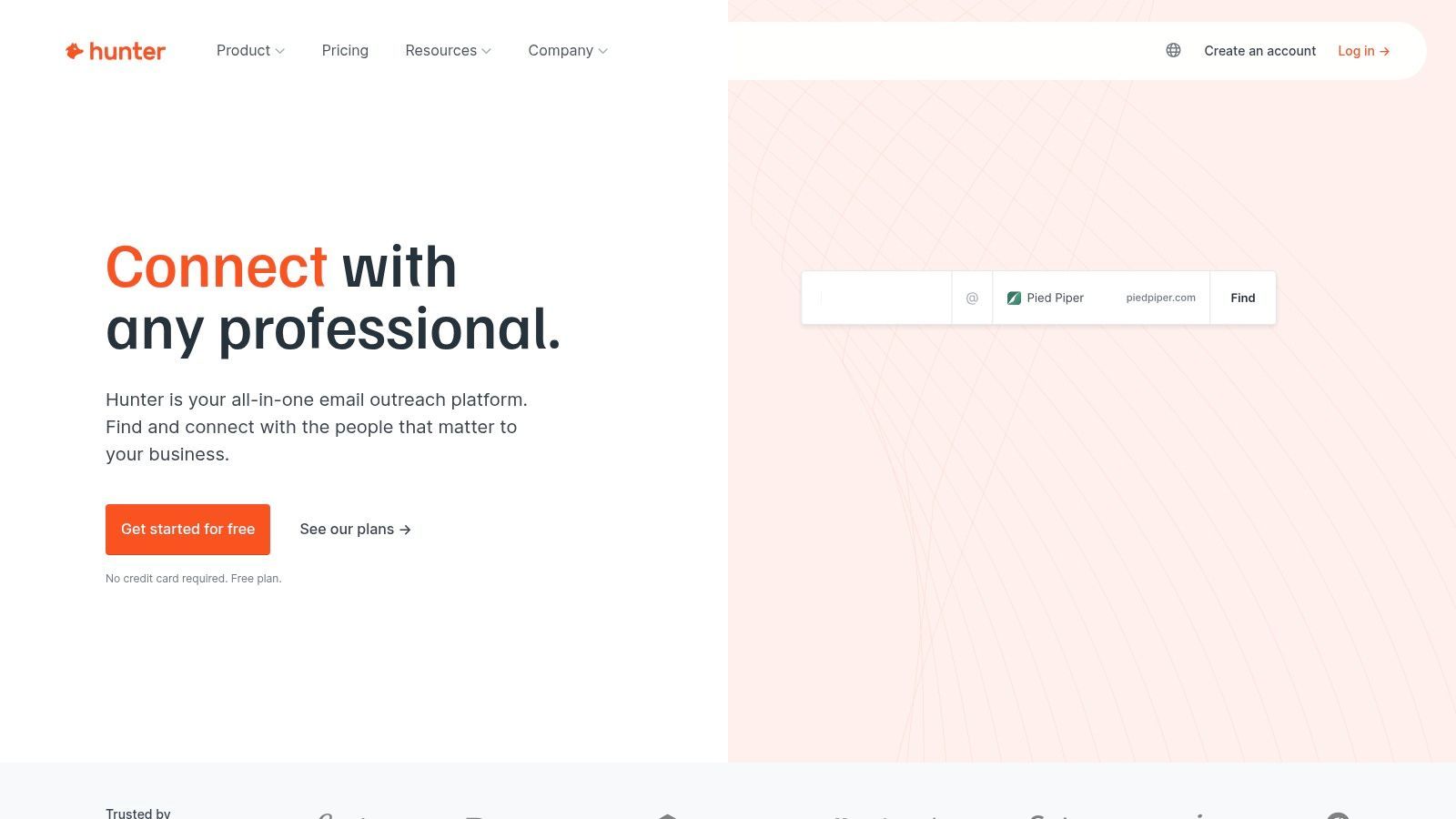
Hunter.io has built its reputation on doing one thing exceptionally well: finding and verifying professional email addresses. It's one of the best tools for scraping leads when your primary goal is clean, email-centric outreach. Instead of offering a broad suite of sales engagement features, Hunter focuses on email discovery and verification, making it a favorite for teams prioritizing list quality and deliverability.
The platform is straightforward. You can search for emails associated with a specific domain, find the email of a specific professional, or upload a bulk list for verification. Its simplicity and transparent, credit-based pricing model make it accessible for freelancers, startups, and small marketing teams who need reliable email data without a complex, long-term commitment.
Key Features and Use Cases
- Domain Search: Find email addresses associated with a company website, often with source references.
- Email Finder & Verifier: Locate a specific individual's email with their name and company, then verify lists in bulk.
- Campaigns: A lightweight outreach tool for sending simple, personalized email sequences and tracking their performance.
- Integrations: Offers a browser extension, a Google Sheets add-on, and API access for email-finding workflows.
- Best For: Sales development representatives, marketers, and founders who need verified email lists for cold outreach campaigns.
Limitations and Pricing
Hunter’s primary focus on email means it lacks the broader profile extraction, direct-dial, CRM, and intent data features found in other platforms. It works best after you already have a company domain, prospect name, or lead list. For more details on effective email acquisition strategies, see our guide on how to find business email addresses.
Pricing: Includes a free plan with limited monthly searches. Paid plans scale based on search and verification volume.
Website: https://hunter.io
6. Snov.io
Snov.io positions itself as a cost-effective, all-in-one cold outreach automation platform, making it one of the best tools for scraping leads for small to mid-sized businesses. It combines prospect finding on company websites and professional profiles with email verification and multi-step drip campaigns. This integrated approach allows users to source contacts and immediately engage them without needing to juggle multiple subscriptions.
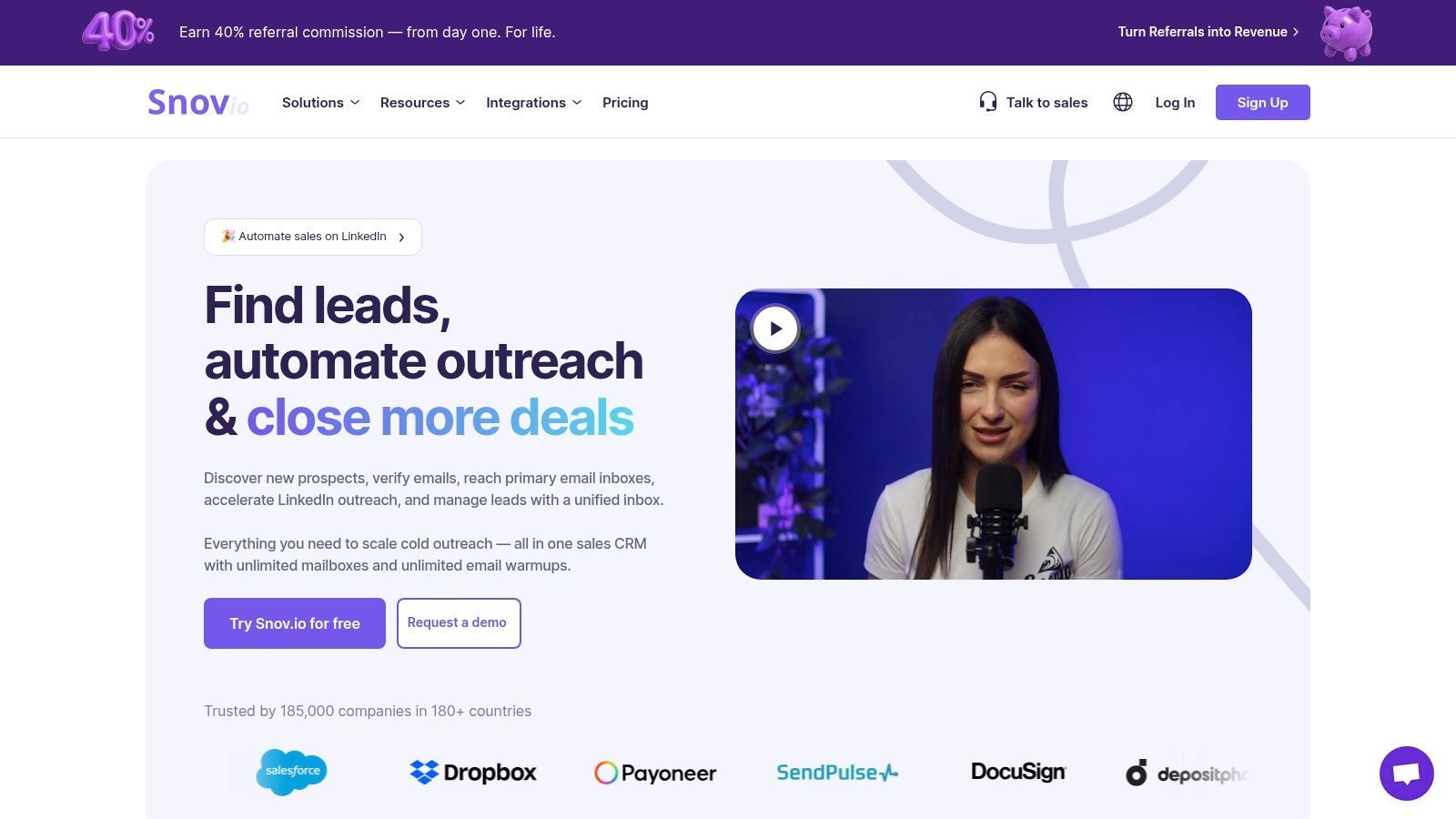
Its primary strength lies in its transparent, credit-based system and team-friendly structure. The platform is especially well-suited for sales and marketing professionals who prioritize an email-first outbound strategy and need verification and deliverability tools built into their workflow.
Key Features and Use Cases
- Email Finder & Verifier: Discover and validate email addresses from company domains, professional networks, and bulk lists.
- Email Drip Campaigns: Build and launch automated, personalized email sequences with triggers, delays, and performance tracking.
- Technology Checker: Identify the technology stack a company uses to better qualify and personalize outreach.
- Best For: SMBs and startups that need an affordable solution for email-centric lead generation and outreach automation.
Limitations and Pricing
While Snov.io is a strong all-rounder for email outreach, it is less focused on scraping visible profile data from arbitrary websites. Some automation capabilities may also require additional setup or add-ons, depending on the workflow.
Pricing: Offers a free plan with limited credits. Paid plans include more credits and outreach features.
Website: https://snov.io
7. UpLead
UpLead carves out its space in the market by focusing on one critical factor: data accuracy. It positions itself as a premium B2B contact database that emphasizes verified emails and direct dials. This commitment to quality makes it one of the best tools for scraping leads for teams that prioritize connection rates over sheer volume and cannot afford to waste time on bounced emails or incorrect phone numbers.
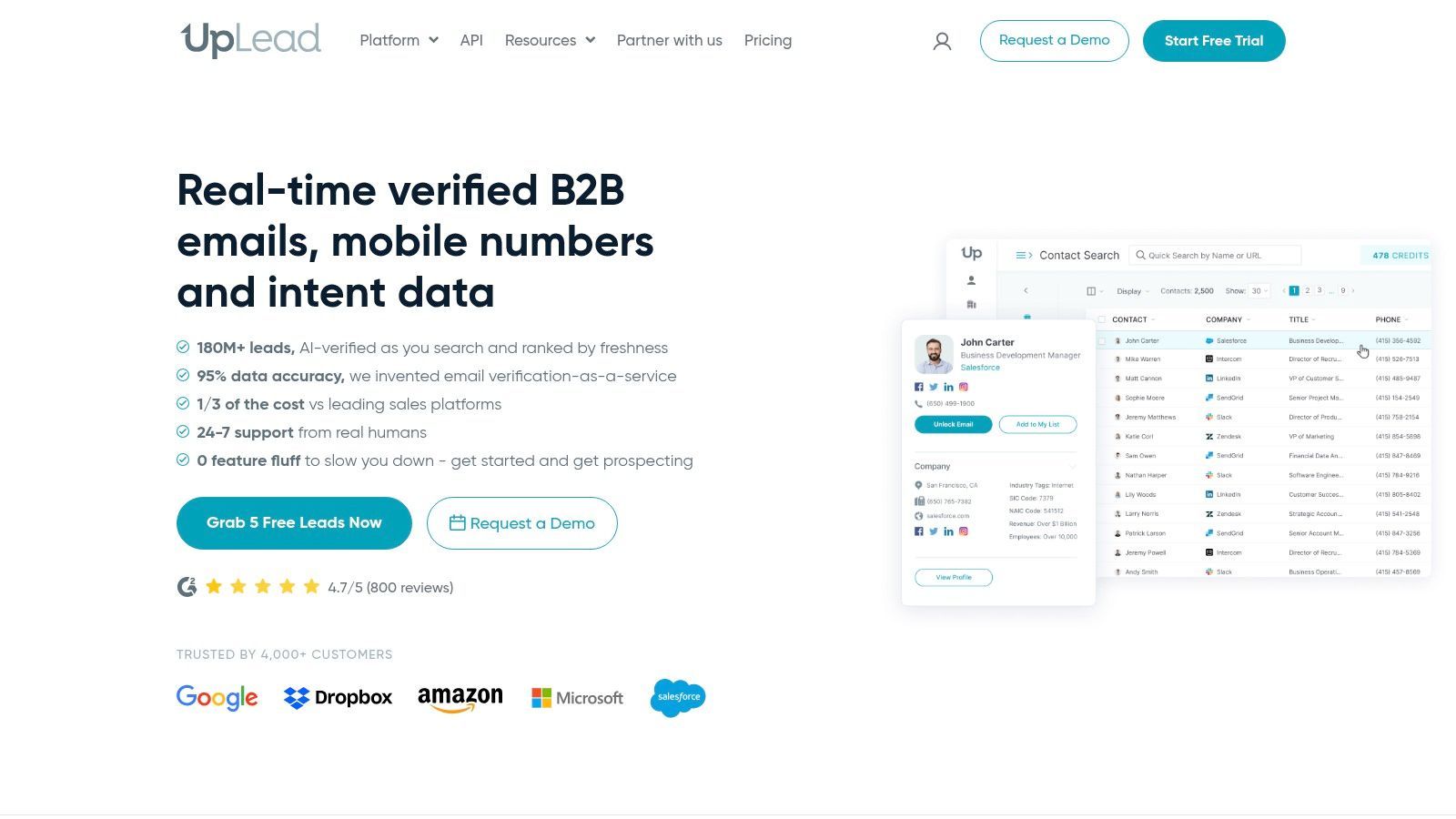
The platform’s strength lies in its verification process. When users export contacts, UpLead aims to provide current and usable contact data. Combined with technographic capabilities, this allows sales teams to build targeted lists of companies using specific software and then reach relevant decision-makers with confidence.
Key Features and Use Cases
- Email Verification: Helps improve deliverability by verifying emails before outreach.
- Technographics Data: Identify prospects based on the technologies they use, from CRMs and marketing automation to analytics tools.
- Direct Dials and Mobile Numbers: Provides access to phone data for key contacts, depending on availability and plan.
- Best For: SMB and mid-market sales teams who need high-accuracy contact data and transparent pricing for targeted outreach campaigns.
Limitations and Pricing
While its accuracy positioning is valuable, UpLead is still a database-first platform rather than a flexible website scraping tool. Users looking to scrape niche directories, public profile lists, or custom pages may need a separate extraction tool before using enrichment or outreach workflows.
Pricing: Offers a free trial. Paid plans scale based on credit volume and feature access.
Website: https://www.uplead.com
8. RocketReach
RocketReach specializes in providing a fast and direct path to contact information, making it a go-to tool for recruiters and sales professionals who prioritize speed and simplicity. Its core strength is a lookup-centric workflow, primarily driven by a browser extension that quickly finds emails and phone numbers for contacts on professional networks and company websites. This makes it an efficient choice for targeted, on-the-fly lead generation rather than complex, bulk data scraping projects.
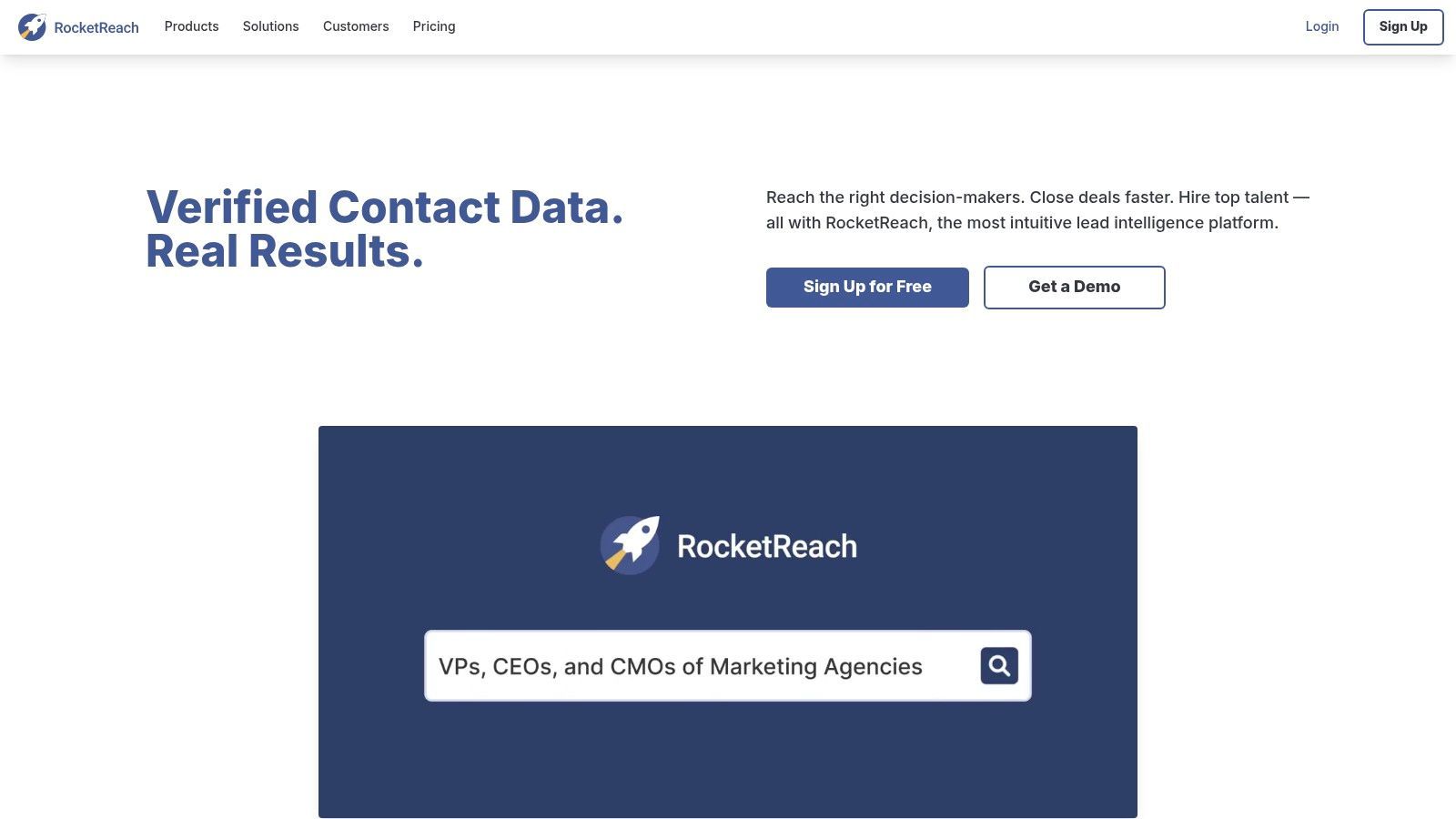
The platform is popular because it allows users to start with a limited number of lookups and test its data accuracy before committing to a plan. For teams, RocketReach offers shared plans and API access, enabling integration with existing CRMs and sales tools to streamline data flow.
Key Features and Use Cases
- Browser Extension: Find contact details for individuals on professional networks, company websites, and online profiles.
- Bulk Lookups: Upload a list of names or profile URLs to find contact information for multiple prospects.
- API Access: Integrate RocketReach’s data directly into applications, CRMs, or other business systems for automated enrichment.
- Best For: Recruiters and sales reps who need to quickly find contact information for specific, high-value targets.
Limitations and Pricing
The primary limitation is its lookup-based workflow. RocketReach is useful when you already know who you want to contact, but it is less suited for extracting full lead lists from arbitrary websites, directories, or profile-heavy pages.
Pricing: Starts with a limited free plan. Paid plans increase lookup volume and unlock team or API features.
Website: https://rocketreach.co
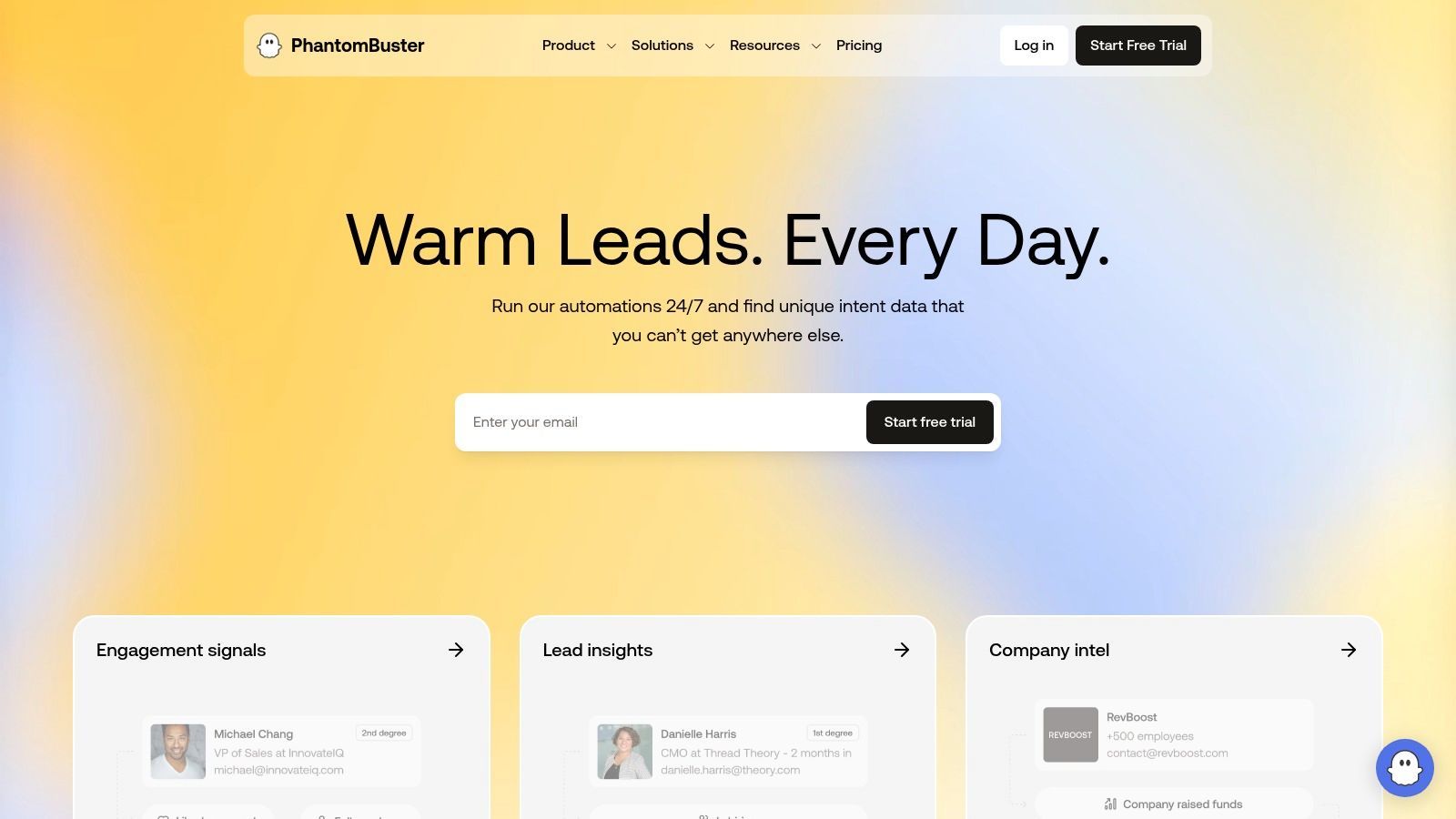
9. PhantomBuster
PhantomBuster carves out a unique space as a no-code automation platform that goes beyond simple data extraction. It offers a library of pre-built "Phantoms" designed to perform specific actions on major web platforms. This approach allows users to build custom lead generation sequences from sources like LinkedIn or Google Maps without writing code, making it a flexible tool for growth hackers and marketers.
Its main advantage is the ability to chain different automations together to create multi-step workflows. For instance, a user can collect a list of profiles, enrich them with company data, and then send the results to a spreadsheet or another tool. The automations run in the cloud on a schedule, providing a recurring workflow for ongoing lead generation.
Key Features and Use Cases
- Pre-built Automations: A large library of automations for collecting data from social platforms, maps, and other sources.
- Cloud-Based Execution: Automations run on PhantomBuster's servers, allowing scheduled and recurring tasks.
- Workflow Integration: Export data to Google Sheets, CRMs, or other systems through integrations and APIs.
- Best For: Marketers and growth hackers who need to build custom, automated lead generation sequences across multiple platforms.
Limitations and Pricing
The platform operates on a system of execution time and slots, which can be limiting for users needing large-scale or frequent scrapes. Users must also be careful with platform rules, rate limits, and account safety, especially when automating actions on social networks. For a more detailed comparison, see ProfileSpider vs. PhantomBuster.
Pricing: Offers a free trial with limited execution time. Paid plans increase execution time, slots, and team features.
Website: https://phantombuster.com
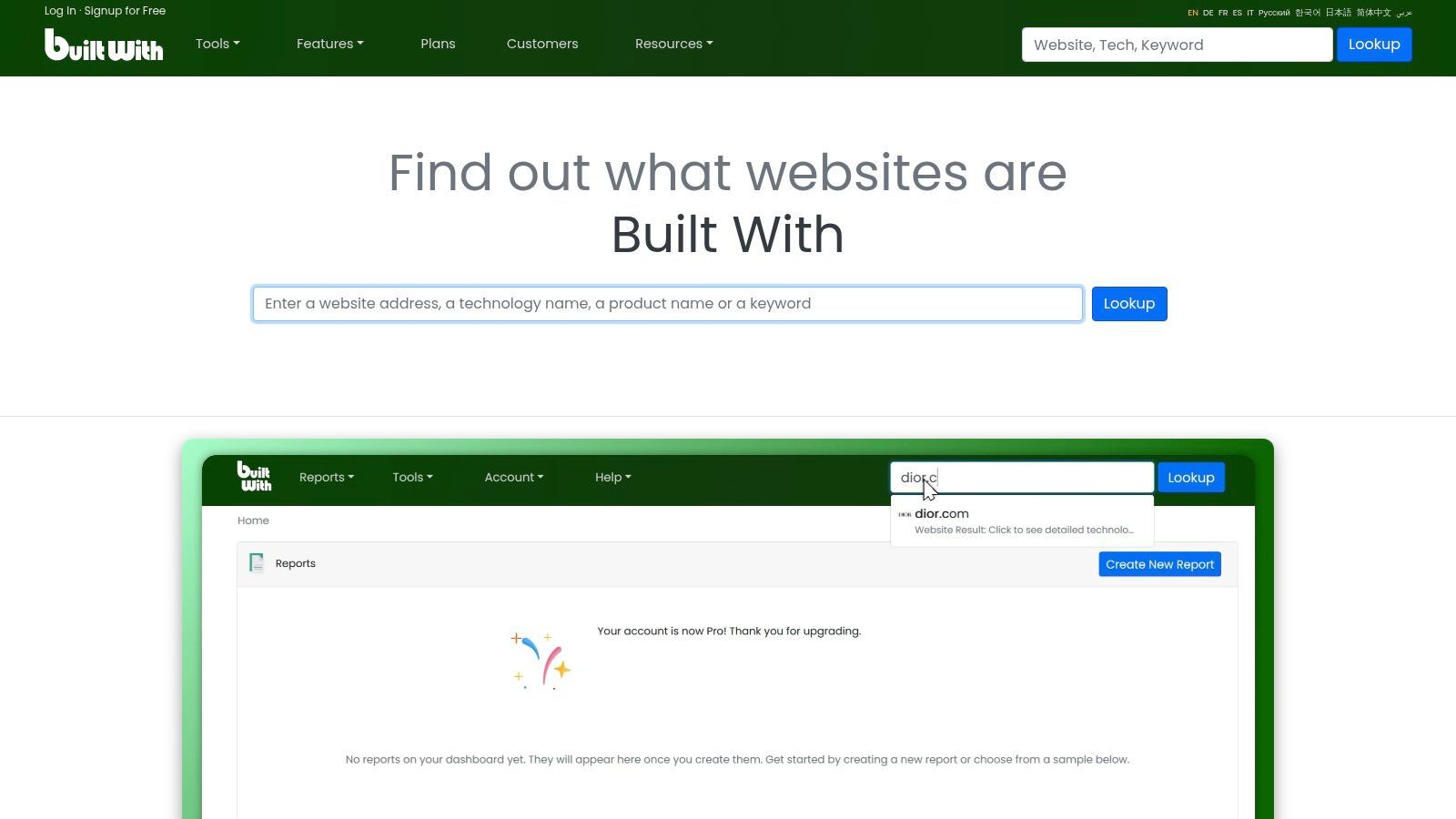
10. BuiltWith
BuiltWith takes a unique approach to lead generation by focusing entirely on technographics. Instead of providing contact details, it tells you what technologies a website is built with, from its e-commerce platform and analytics tools to its CRM and advertising networks. This makes it valuable when your ideal customer profile is defined by the software companies use.
This platform excels at creating high-signal lists for account-based marketing. For example, a marketing agency specializing in Shopify SEO can generate a list of websites using Shopify. The workflow is straightforward: identify a technology, filter the results, and export a list of domains. That data can then be enriched with contacts using a separate email finder, CRM, or lead scraping workflow.
Key Features and Use Cases
- Technographics Index: Access web technology data across a large number of active websites, with historical trends.
- Targeted List Building: Create lead lists based on specific technologies, keywords, or industry categories.
- Data Export & API: Export lists as CSV/Excel files or integrate the data directly into your systems via API.
- Best For: B2B sales and marketing teams targeting companies based on technology stack, and SaaS companies conducting competitor analysis.
Limitations and Pricing
The primary limitation of BuiltWith is that it does not provide direct contact information like emails or phone numbers. The lists it generates contain company domains, which must then be enriched using a separate contact-finding tool. It is best used as an account discovery tool, not as a complete lead scraping solution.
Pricing: Paid plans are typically positioned for business users and teams that need recurring access to technographic lists.
Website: https://builtwith.com
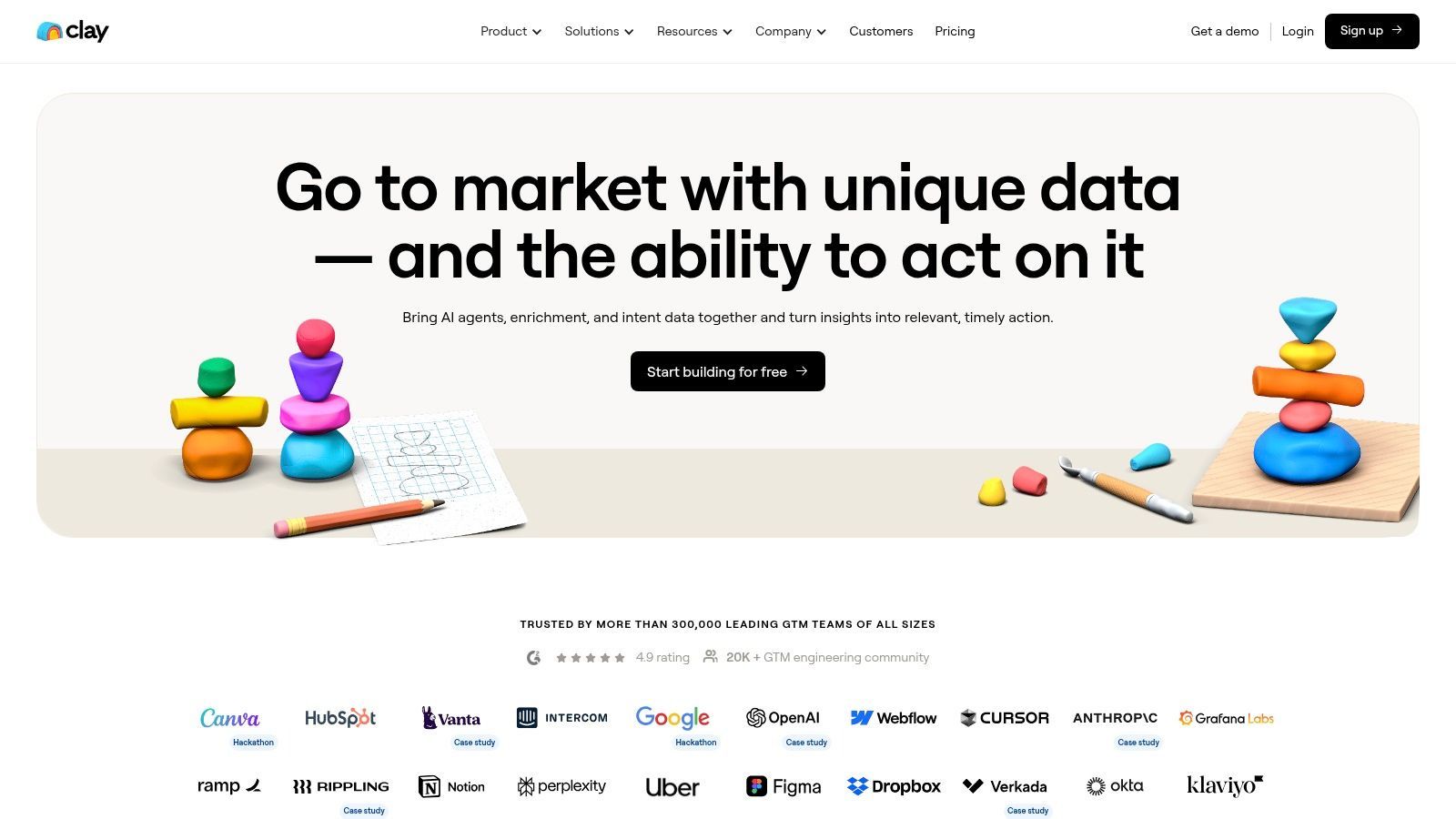
11. Clay
Clay positions itself less as a static database and more as a dynamic enrichment and automation engine. It aggregates many data providers, allowing users to build custom workflows for prospecting and personalization. This makes it an ideal tool for teams that need flexibility, because you can chain together multiple data sources and AI actions to find, enrich, and personalize outreach to prospects.
Instead of providing a single dataset, Clay acts as a workbench. You can start with a list of companies, find employee profiles using integrated services, enrich them with social and company data, and then use AI to write personalized opening lines for outreach. This approach is ideal for sophisticated outbound teams and agencies running highly targeted campaigns.
Key Features and Use Cases
- Data Provider Aggregation: Access many data sources through a unified workflow and credit system.
- AI Personalization: Use AI to research prospects and create personalized outreach messages at scale.
- Waterfall Enrichment: Try multiple providers in sequence to find emails, phone numbers, or company data.
- Best For: Growth teams, agencies, and advanced sales professionals who need custom, multi-step enrichment and personalization workflows.
Limitations and Pricing
The platform's greatest strength, its flexibility, also creates a steeper learning curve compared to point-and-click databases or browser extensions. Users must plan their workflows carefully and monitor credit consumption, especially when using AI and premium data sources. Clay is less suited for users who simply want to open a webpage and extract visible profiles in one click.
Pricing: Starts with a free plan. Paid plans provide more credits, AI features, and integrations.
Website: https://www.clay.com
12. Clearbit by HubSpot (Breeze Intelligence)
HubSpot's acquisition and integration of Clearbit, now branded as Breeze Intelligence, is not a traditional lead scraper but a powerful enrichment engine living inside your CRM. Instead of actively scraping external sites for new leads, it enriches incoming leads from forms and identifies companies visiting your website. This makes it useful for maximizing the value of leads that are already showing intent on your own digital properties.
Its primary strength is its integration within the HubSpot ecosystem. When a new contact fills out a form, enrichment can append additional data points such as job title, company size, location, and firmographic context. It transforms your inbound funnel from a list of email addresses into a more detailed roster of qualified prospects.
Key Features and Use Cases
- Real-Time Data Enrichment: Adds attributes to new and existing contacts inside HubSpot.
- Form Optimization: Shorten forms while enriching records in the background.
- Reverse IP Visitor Reveal: Identify companies visiting your website for account-based marketing and sales follow-up.
- Best For: Marketing and sales teams already operating within HubSpot who want to maximize the value of inbound leads and website traffic.
Limitations and Pricing
The tool's greatest strength is also its main limitation: it is tied to the HubSpot ecosystem and is not a standalone scraper for external lead generation. Its value depends heavily on your inbound traffic volume and CRM workflow. For a deeper look at how it fits into the broader market, explore this overview of the best data enrichment tools.
Pricing: Functionality depends on HubSpot plan, credits, and add-on packages.
Website: https://www.hubspot.com/products/clearbit
Top 12 Lead-Scraping Tools Comparison
| Tool |
Best for |
Type |
Pricing style |
| ProfileSpider 🏆 |
Scraping visible profiles from websites, directories, and search results |
Browser-based AI scraper |
Free plan + credits |
| Apollo.io |
B2B prospecting and sales engagement |
Sales intelligence platform |
Free plan + paid seats/credits |
| ZoomInfo |
Enterprise B2B data and intent signals |
Enterprise data platform |
Quote-based |
| Lusha |
Quick email and phone lookups |
Contact lookup tool |
Credit-based |
| Hunter.io |
Finding and verifying business emails |
Email finder |
Free plan + search credits |
| Snov.io |
Email finding and outbound sequences |
Email outreach platform |
Credit-based |
| UpLead |
Verified B2B contacts and technographics |
B2B database |
Credit-based |
| RocketReach |
Fast contact lookups for known prospects |
Contact lookup database |
Lookup-based |
| PhantomBuster |
No-code automation workflows |
Automation platform |
Execution-time based |
| BuiltWith |
Finding companies by technology stack |
Technographics database |
Subscription |
| Clay |
Advanced enrichment and outbound workflows |
Enrichment workbench |
Credit-based |
| Clearbit by HubSpot |
Enriching inbound leads inside HubSpot |
CRM enrichment |
HubSpot add-on/credits |
Best Lead Scraping Workflow: From Source Page to Outreach List
The tool you choose matters, but the workflow matters just as much. A good lead scraping process should not stop at raw data extraction. The goal is to turn a page, directory, search result, or database into a usable list that your sales, recruiting, or marketing team can act on.
- Find a relevant source: Start with a directory, public profile page, company team page, search result, event page, niche community, or B2B database.
- Extract structured lead data: Capture names, titles, companies, profile URLs, websites, social links, and other useful fields.
- Clean and deduplicate: Remove duplicate records, incomplete profiles, and irrelevant contacts.
- Enrich missing fields: Add company domains, profile details, emails, phone numbers, locations, or firmographic data where appropriate.
- Segment the list: Use tags, notes, filters, and lists to separate prospects by role, market, seniority, source, or campaign.
- Export or activate: Send the final list to CSV, Excel, your CRM, ATS, or outreach platform.
This is where a tool like ProfileSpider is especially useful: it helps you start from the web pages where your prospects already appear, then move toward a cleaner lead list without building a custom scraper or copying profiles manually.
The Final Click: Automating Your Way to a Fuller Pipeline
Navigating the landscape of the best tools for scraping leads reveals a clear truth: the right platform is the one that fits your source, workflow, budget, and technical comfort level. We've explored a dozen powerful solutions, from comprehensive B2B intelligence platforms like ZoomInfo and Apollo.io to flexible automation workbenches like PhantomBuster and Clay. Each offers a different path to building a richer, more actionable pipeline.
The core takeaway is that manual prospecting is no longer a sustainable strategy for high-performing teams. Automation is not just a convenience; it is a practical advantage that helps reclaim time from repetitive research and list building. By delegating data collection, cleanup, and enrichment to the right tools, your team can focus on the human elements of business: building relationships, writing relevant outreach, qualifying opportunities, and closing deals.
How to Choose Your Ideal Lead Scraping Tool
As you make your final selection, filter your options through these critical lenses. Move beyond the marketing copy and focus on the practical application for your specific role, whether you're a recruiter, marketer, founder, agency operator, or sales professional.
-
For Maximum Simplicity and Speed: If your primary goal is to extract contact information from websites, directories, public profiles, or social pages with zero technical friction, a no-code, one-click solution is your best bet. A tool like ProfileSpider excels here, because it is designed for professionals who need fast, usable lead data without learning selectors, APIs, or scraping frameworks.
-
For Deep B2B Intelligence: When your strategy requires more than contact details, such as company firmographics, funding data, intent signals, and CRM-level governance, a full-suite platform may be necessary. ZoomInfo, Apollo.io, and UpLead provide large databases and enrichment workflows for teams that need scale and structure.
-
For Hyper-Customized Automation: If you need to build intricate, multi-step workflows that chain together data sources and actions, a flexible automation tool may be the answer. Clay and PhantomBuster offer building blocks for custom scraping, enrichment, and outreach workflows.
-
For Focused Email Discovery: If you already have company names, domains, or prospect names and mainly need business email addresses, dedicated tools like Hunter.io or Snov.io can provide an efficient and cost-effective solution.
Implementing Your Tool for Long-Term Success
Once you've chosen your tool, successful implementation is key. Remember that a scraped lead is only the starting point. The true value is unlocked through clean data, careful segmentation, respectful outreach, and a strong follow-up process.
Before launching campaigns, review your data quality, remove irrelevant contacts, and make sure your outreach is relevant to the person you are contacting. If you are collecting business contact data for outreach, it is also worth reviewing lead scraping best practices and your compliance obligations before scaling volume.
Ultimately, the best tools for scraping leads are those that act as a catalyst for growth, not a distraction. They should help you move faster from source discovery to a clean, usable lead list. Whether you choose a browser-based scraper, a B2B database, an enrichment tool, or a full automation platform, the goal is the same: build better lists, waste less time, and turn more of your research into real pipeline.
If you want the fastest way to start, try ProfileSpider: open a page with relevant profiles, extract the leads, save them to a list, enrich missing details, and export when you are ready.