


Let’s be honest, nothing kills your lead gen momentum faster than hitting a digital wall. You're in the zone, pulling valuable profiles for your next outreach campaign, and then suddenly—403 Forbidden. Access denied. It’s a huge headache for anyone in sales, recruiting, or marketing.
The Real Reason You Get Blocked While Scraping Leads
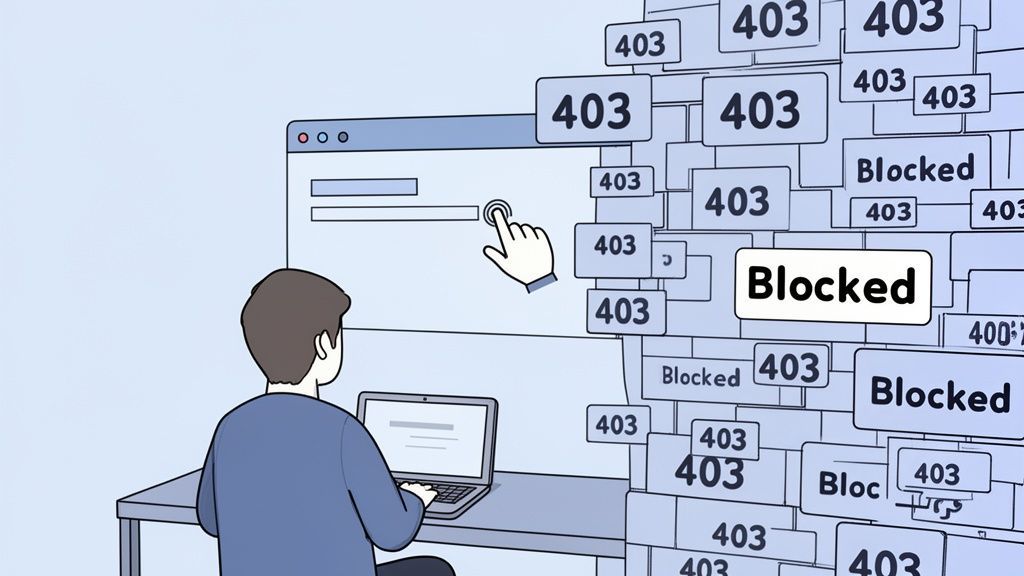
The real challenge isn't just grabbing the data; it's doing it without setting off a website’s automated alarms. Modern sites are smart. They're built to spot and shut down any activity that doesn't look like it's coming from a real person clicking around.
This guide is your non-technical roadmap to navigating common traps like IP bans, rate limits, and CAPTCHAs. And no, you don't need to be a developer to pull this off. The secret to scraping leads long-term is to think and act like a human, not a bot.
Why Your Scraping Efforts Fail
So, what's actually getting you blocked? Most of the time, it's because the tools or methods you're using are way too aggressive. Firing off hundreds of requests in a minute from a single IP address is a dead giveaway. That kind of velocity screams "automation!" to any anti-bot system.
Here are the usual suspects:
- Scraping Too Fast: This is the #1 reason. Sending too many requests in a short time is the easiest way to get flagged.
- Predictable Patterns: Bots often move in a straight, logical line, page by page. Real users are messy. They jump around.
- Suspicious Identity: Your digital footprint, or "User-Agent," might be screaming "I'm a script!" instead of "I'm a normal Chrome browser."
- Single IP Address: All that activity coming from one place? It’s a massive red flag that’s easy for sites to track and block.
The Rise of Smarter Scraping
Web scraping is a big deal, and it's only getting bigger. The global market is projected to hit $2.7 billion by 2035. That growth has kicked off an arms race, with anti-bot technology getting more sophisticated every day. With so many bad bots out there, websites are on high alert. This makes it crucial for legitimate lead generators to adapt.
The most effective way to avoid getting blocked is to stop acting like a robot. Forget complex code and brute-force automation. The best approach is to use tools and methods that perfectly mimic how a real person browses the web.
This is exactly why local, browser-based tools like ProfileSpider work so well. It’s a simple Chrome extension that operates within your real browsing session. Because it works at your pace, its activity is practically indistinguishable from you just clicking around yourself.
This simple shift in strategy means you can focus on what matters—finding high-quality leads—instead of constantly fighting with anti-bot systems.
If you want to dive even deeper, check out this excellent guide on how to scrape a website without getting blocked. And for a look behind the curtain, you might also be interested in our article on what sales tools don't tell you about lead scraping.
Mastering a Human-Like Scraping Speed

The quickest way to get your scraper shut down is to act like a robot. Think about it: if you ran up to a librarian and rattled off 100 questions in 10 seconds, they’d show you the door. Websites do the exact same thing when they get hit with a storm of high-speed data requests.
This is where rate limiting enters the picture. It's a website's built-in defense mechanism to keep from being overwhelmed. If you fire off too many requests too quickly from the same IP address, the server will block you—sometimes temporarily, sometimes for good. For anyone building a lead list, this is probably the most common roadblock you'll hit.
The trick isn't to find a way to smash through that wall. It's about adopting a more "human" rhythm that mimics how a real person browses.
The Traditional Method: Coding Delays and Backoffs
For developers, the standard approach involves writing code to slow a scraper down and make it look less robotic.
- Static Delays: The easiest place to start is adding a fixed pause of 2-5 seconds between each request. This immediately eases the load on the server.
- Randomized Delays: A smarter approach is to vary the timing. A scraper that pauses for exactly two seconds every time is still a dead giveaway. Randomizing the delay between 3 and 7 seconds better imitates the natural, irregular patterns of human browsing.
- Exponential Backoff: When a site sends a
429 Too Many Requestserror, the worst thing you can do is keep going. The technical solution is to code an "exponential backoff"—pausing for 10 seconds, then 20, then 40 if the error persists. This signals to the server that you're not a malicious bot.
While effective, these methods require coding knowledge and constant tweaking, which is a major hurdle for sales and marketing professionals who just want the leads.
IP blocking and rate limiting are the primary obstacles in web scraping. Best practices suggest implementing polite delays of 2-5 seconds between page requests—the most effective way to avoid triggering a block. You can discover more insights about the lead scraping compliance checklist on ProfileSpider.com.
The One-Click Workflow: How ProfileSpider Simplifies It
For sales pros, recruiters, and marketers, all this talk of delays and backoff strategies can sound like a developer's headache. And honestly, it is. That technical overhead is exactly why a no-code, one-click solution is a game-changer.
A tool like ProfileSpider, which runs as a Chrome extension, solves the rate-limiting problem by design. It works at a human pace because you are the one driving the action.
The workflow couldn't be simpler:
- Find a page: Manually navigate to a page with the profiles or leads you want.
- Click to extract: Click the ProfileSpider button in your browser.
- Get the data: The tool instantly extracts the data from that single, already-loaded page.
There are no rapid-fire automated requests happening behind the scenes. The "delay" between extractions is built-in—it’s the time it takes you to find the next page and click again. This one-page-at-a-time process is fundamentally safer and flies completely under the radar of most anti-bot systems, letting you focus on finding prospects, not tweaking code.
Making Your Scraper Look More Human
Going too fast isn't the only thing that gets you blocked. Websites have gotten incredibly good at analyzing your digital signature to spot automated bots. If you want to scrape leads without constantly hitting a wall, you need to blend in by mimicking a real user's browser, not just their speed.
This all comes down to managing your digital ID card—the bundle of technical details your browser sends with every single request.
The Traditional Method: Faking Your Digital ID Card
Developers spend a lot of time trying to make their scripts look like real browsers. This involves faking two key things:
- The User-Agent: This is a line of text that identifies your browser (like Chrome) and operating system. A generic or missing User-Agent is a massive red flag. The technical solution is to maintain a list of real User-Agents (e.g.,
Mozilla/5.0 (Windows NT 10.0; Win64; x64) ...) and rotate them with each request. - The Browser Fingerprint: This is a much more advanced technique where websites collect dozens of subtle details—like your screen resolution, installed fonts, and browser plugins—to create a unique profile of you. Faking all these details correctly without inconsistencies is a huge technical challenge. A script claiming to be a Mac user but having Windows-only fonts is an instant giveaway.
Getting this right requires constant updates and a deep understanding of how browsers work.
The whole game of modern web scraping now hinges on mimicking authentic human browsing. AI-powered tools are now hitting accuracy rates up to 99.5% on complex sites because they get these tiny details right. You can dive deeper into these web scraping statistics and trends on Scrapingdog.com.
The One-Click Workflow: How ProfileSpider Simplifies It
For anyone who isn't a developer, manually managing User-Agents and browser fingerprints just isn't happening. This is where your choice of tool becomes absolutely critical.
The simplest, most effective solution is to use a tool that operates directly inside your real browser.
That's exactly how ProfileSpider works. Since it's a Chrome extension, it doesn't need to fake being a browser—it uses the one you're already in. Every request it sends on your behalf automatically carries your real, completely legitimate browser fingerprint and headers.
This no-code approach gives you a massive leg up:
- Zero Configuration: Forget managing lists of User-Agents or worrying about fingerprinting. Your activity is inherently authentic because it’s coming from your actual browser session.
- Indistinguishable from You: From the website's point of view, the data extraction looks exactly like you clicking around and browsing normally. There are no suspicious signals to flag.
By working within your existing browser environment, ProfileSpider completely sidesteps one of the most complex technical challenges in scraping. It’s a foundational reason why browser extensions can be a much safer bet for targeted lead generation, as they avoid the very red flags that get other tools shut down. You can learn more about how platforms scrutinize these tools in our post on why Chrome extensions get blocked on LinkedIn.
Managing Your IP Address With Proxies
If you fire off hundreds of requests from the same digital address in a short burst, you might as well be waving a giant red flag at the website's security system. This is precisely why managing your IP address—your computer's unique signature on the internet—is such a big deal for avoiding blocks.
The Traditional Method: Using Proxy Networks
The classic developer solution is to use proxies. A proxy is an intermediary server that masks your real IP address. By routing requests through a large pool of different proxies, a scraper can make it look like the traffic is coming from many different users, not just one.
There are two main types:
- Datacenter Proxies: These are fast and cheap, but they come from commercial data centers, making them easy for websites to identify and block.
- Residential Proxies: These are IP addresses from real home internet connections. They are much harder to detect but are significantly more expensive and technically complex to manage.
For any serious, large-scale data harvesting, a rotating residential proxy network is essential. But for most sales pros and recruiters, it's an expensive and complicated setup that's complete overkill.
A quick word of warning: never, ever use free, public proxies. They are notoriously slow, unreliable, and often used for shady activities. That means their IPs are almost certainly already blacklisted on the very sites you want to access.
This decision tree gives you a simplified look at the thinking behind appearing more human online, where the goal is to avoid leaving any bot-like fingerprints.
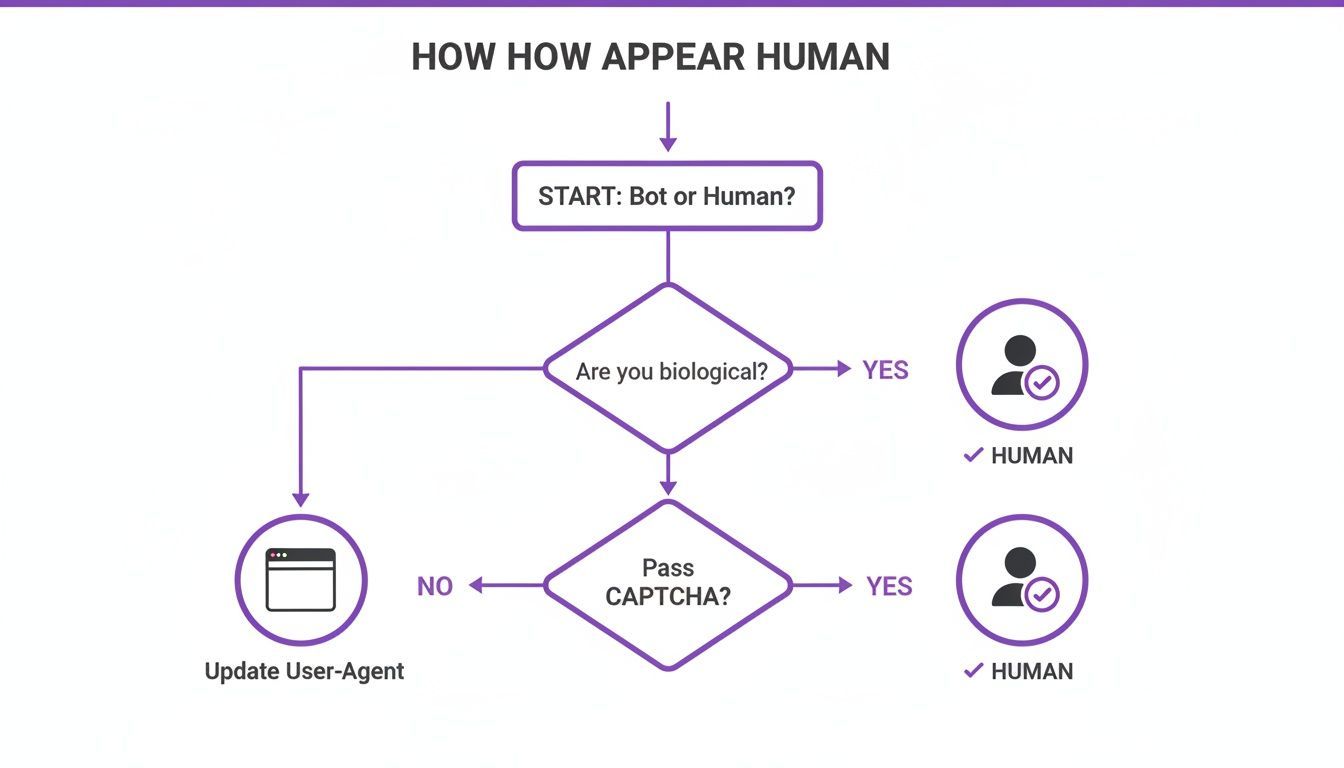
The core idea is simple: mimicking a real user's digital identity, from their browser signature right down to their IP address, is the key to flying under the radar.
The One-Click Workflow: How ProfileSpider Simplifies It
For sales reps, recruiters, and marketers, the game isn't mass data harvesting—it's targeted lead generation. You’re not trying to download the entire internet; you’re looking to grab a few hundred high-quality profiles for your next outreach campaign. In that scenario, paying for and wrestling with a complex proxy network is just unnecessary.
This is where a local-first, browser-based scraper offers a much smarter alternative.
Tools like ProfileSpider operate directly from within your browser, using your own IP address and authentic browser fingerprint. While that might sound counterintuitive, it's a massive advantage for moderate, targeted scraping. You can learn more about this approach in our guide covering lead scraping best practices.
Because you are manually navigating between pages and clicking to extract data, your activity is naturally paced and looks completely human. A website's server just sees a normal user, logged in from a legitimate residential IP, browsing around. There are no suspicious signals to raise an alarm.
This workflow gives you the best of both worlds:
- It cuts out the cost and headache of managing a proxy network.
- It maintains a human-like signature that's far less likely to get you blocked than a script hammering a site from a data center.
By using your own browsing session, you sidestep one of the most technical hurdles of scraping and gain a higher degree of authenticity. It lets you focus on what really matters: building your lead list without all the technical overhead.
Dodging CAPTCHAs and Login Walls
Once you’ve got your scraping speed and digital signature looking human, you’ll run into the next layer of defense: CAPTCHAs and login walls. These are the digital bouncers for high-value data, specifically designed to shut down automated scripts. Getting around them is non-negotiable for consistent lead generation.
The Traditional Method: Solving CAPTCHAs and Automating Logins
This is where traditional scraping becomes a real cat-and-mouse game.
- CAPTCHAs: Those annoying "I'm not a robot" tests are almost always triggered by aggressive, bot-like activity. The developer's solution is often to integrate a third-party CAPTCHA-solving service, which adds cost and complexity. The best way to deal with them is to avoid triggering them in the first place by being less robotic.
- Login Walls: On professional data goldmines like LinkedIn, you can't see anything useful without being logged in. A server-based script has to perfectly imitate the login process, which means managing session cookies and authentication tokens. This is an incredibly fragile process that breaks easily and requires constant maintenance.
The One-Click Workflow: How ProfileSpider Simplifies It
A browser-based scraper like ProfileSpider makes these technical nightmares a complete non-issue. Since it’s a Chrome extension, it works from inside your browser, using the session you're already logged into.
The concept is simple but powerful: if you can see the data on your screen, the tool can grab it. Your browser is already handling the authenticated session, and the extension just piggybacks on top.
This approach completely sidesteps the need to manage cookies or session data—one of the most common points of failure for old-school scraping methods. For a deeper dive, you can learn more about how scraping restrictions work in our post on what to do if LinkedIn restricted my account for scraping.
This no-code workflow means:
- Login walls become irrelevant: You're already logged in. The tool works with your active session.
- CAPTCHA risk is minimized: Your human-paced, manual navigation is far less likely to trigger a CAPTCHA in the first place.
For anyone who isn't a developer, the takeaway is clear. Forget wrestling with login scripts and CAPTCHA solvers. A tool that works with your natural browsing activity lets you focus on finding great leads on protected platforms, without getting tripped up by the technical defenses designed to keep bots out.