What Is a No-Code Web Scraper?
A no-code web scraper is a tool that extracts structured data from websites without requiring you to write Python, JavaScript, browser automation scripts, or custom scraping logic. Instead of coding selectors and crawlers manually, users usually work through a browser extension, visual editor, recorder, template, or AI-powered extraction engine.
No-code scrapers are commonly used to collect:
- Lead data: names, job titles, companies, websites, profile URLs, social links, and emails.
- Recruiting data: candidate profiles, roles, skills, portfolio links, and public profile information.
- Company data: business names, categories, locations, websites, descriptions, and contact details.
- Ecommerce data: product names, prices, availability, ratings, reviews, and competitor listings.
- Research data: directory listings, article metadata, event speakers, public datasets, and market intelligence.
The main advantage is speed. A no-code scraper lets non-technical users collect data directly from web pages. The main tradeoff is flexibility: simple tools are fast but limited, while powerful tools can handle complex websites but require more setup.
1. ProfileSpider
ProfileSpider solidifies its position near the top of this 2026 comparison by focusing on one of the most valuable no-code scraping use cases: extracting people and company profiles from websites. It is built for recruiters, sales reps, marketers, founders, agencies, and researchers who need lead or candidate data quickly without configuring selectors, scraping recipes, or workflows.
Unlike general-purpose scrapers, ProfileSpider is designed around one-click AI profile extraction. You open a page with visible profiles, click the extension, and ProfileSpider detects structured profile data automatically. This makes it especially useful for company team pages, directories, event speaker pages, public profile lists, recruiting sources, search results, and niche communities.
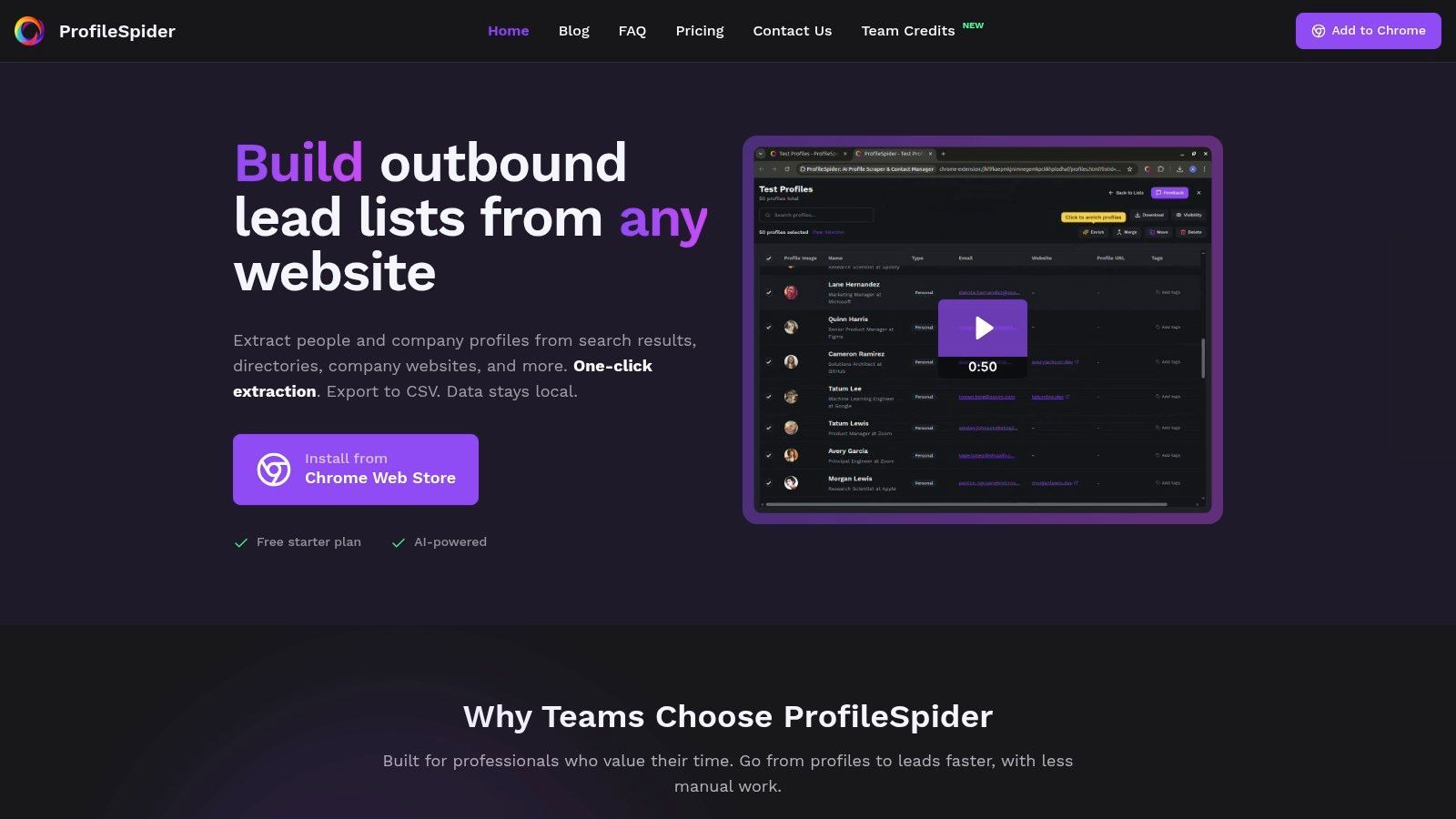
ProfileSpider also takes a different approach to privacy and workflow control. Instead of forcing users to send every list through a cloud scraper, it works from the browser and helps users save extracted profiles into organized lists. From there, users can enrich missing details, find emails where enough company or profile data is available, and export to CSV, Excel, or JSON.
For more context on how no-code scraping fits into lead generation, see our guide on how to scrape leads with AI.
Key Strengths and Use Cases
The platform's standout feature is intelligent profile detection. The AI can parse many different page layouts and extract useful fields such as names, job titles, company details, websites, social URLs, profile links, and contact information where visible.
- Sales Prospecting: Build targeted lead lists from online directories, industry association websites, agency lists, partner pages, and event pages.
- Recruiting: Source candidate profiles from public portfolios, GitHub pages, professional communities, company team pages, and niche directories.
- Marketing and Partnerships: Collect profiles of creators, speakers, journalists, experts, or potential collaborators from public websites.
- Lead Enrichment: Enrich saved profiles by visiting profile or company pages and filling in missing details where available.
- Export Workflows: Export curated lists to CSV, Excel, or JSON for CRMs, ATS tools, spreadsheets, or outreach platforms.
The built-in contact management system functions like a lightweight lead workspace, allowing users to tag, annotate, deduplicate, and organize profiles into lists directly inside the extension. This makes ProfileSpider one of the best no-code web scrapers for professionals focused on people, company, and lead data.
Pricing and Access
ProfileSpider uses a flexible credit-based system that is accessible to individuals and teams.
- Free Plan: Lets users test the core workflow and process a limited number of profiles per page.
- Paid Plans: Starter, Pro, and Power plans increase profiles-per-page limits and monthly credits.
- Credit Model: Credits are consumed when pages are processed, with top-up credits available for extra capacity.
- Availability: Works on Chrome and Chromium-based browsers such as Edge, Brave, and Opera.
Visit ProfileSpider: https://profilespider.com
2. Octoparse
Octoparse is a powerful no-code web scraper that bridges the gap between simple browser extensions and fully custom-coded solutions. It operates as a downloadable desktop application where users visually build scraping tasks by pointing and clicking on website elements. This visual workflow makes it approachable for non-technical teams who need to extract data from complex, dynamic websites, but it does require more configuration time than one-click solutions.
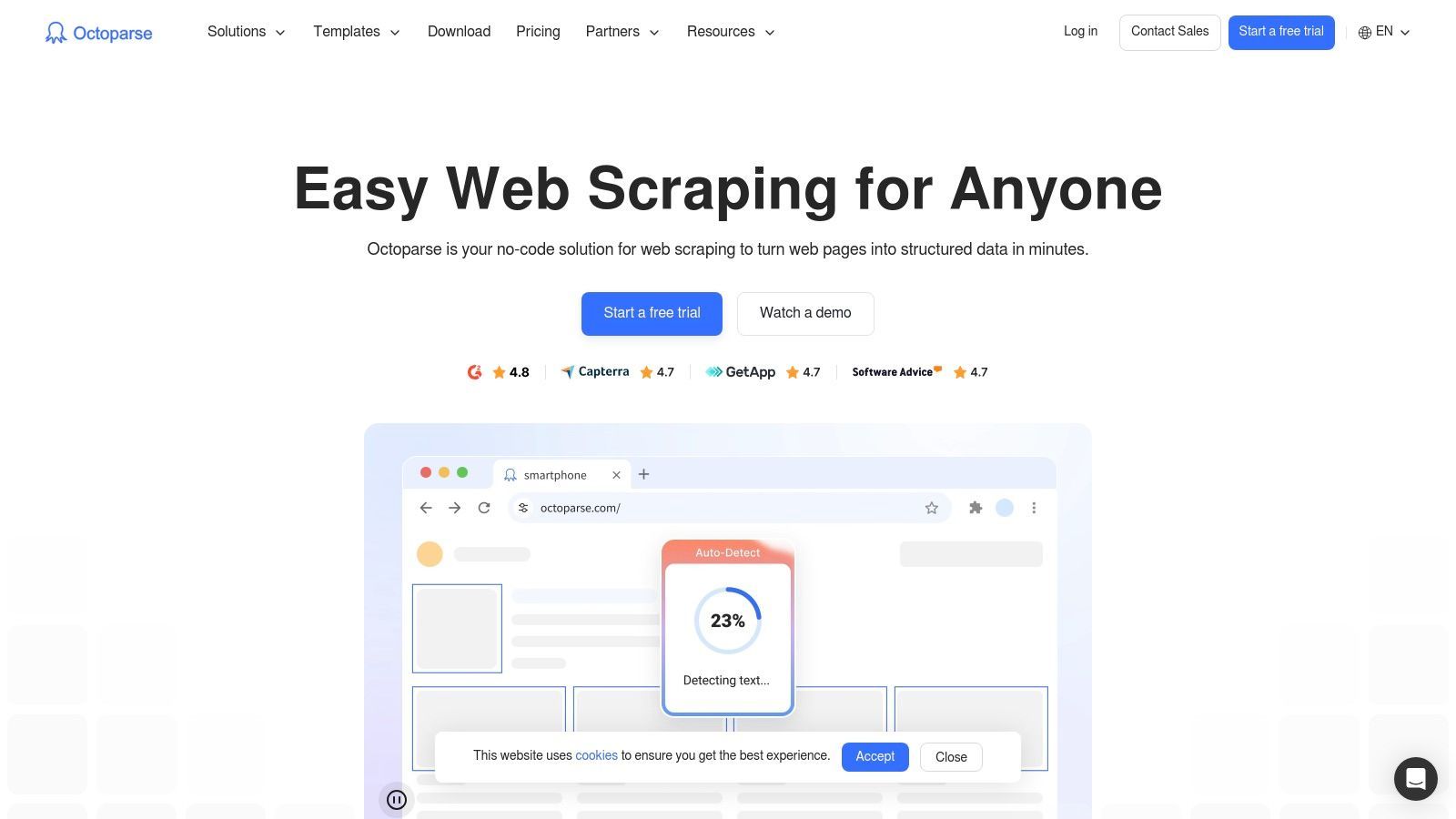
What sets Octoparse apart is its hybrid execution model. You can run tasks locally on your machine or push them to Octoparse's cloud platform for scheduled extraction. This flexibility makes it a strong contender among the best no-code web scrapers for businesses that need both hands-on control and automated scalability. Its template library for popular websites also provides a head start for common data collection projects.
Core Features & Use Cases
- Extraction Method: Visual point-and-click workflow builder that can handle pagination, clicks, dropdown menus, and dynamic pages.
- Best For: Ecommerce product monitoring, real estate listings, directories, and structured research datasets.
- Anti-Blocking: Offers optional cloud-based IP rotation and CAPTCHA-related services depending on plan and setup.
- Pricing: Free plan for limited use, with paid plans for cloud extraction and advanced features.
- Export Options: CSV, Excel, JSON, databases, and Google Sheets depending on plan.
Octoparse is a good choice for repeatable, scheduled scraping projects that require more control than a simple browser extension. Its learning curve is steeper than one-click tools like ProfileSpider, but it is more approachable than writing your own scraper.
3. ParseHub
ParseHub is another veteran in the visual web scraping space, often considered a direct alternative to Octoparse for teams needing to tackle complex, multi-page data extraction without writing code. It functions as a desktop application where you build scrapers by clicking on website elements. Its strength lies in handling interactive sites with pagination, filtering, and multi-step navigation.
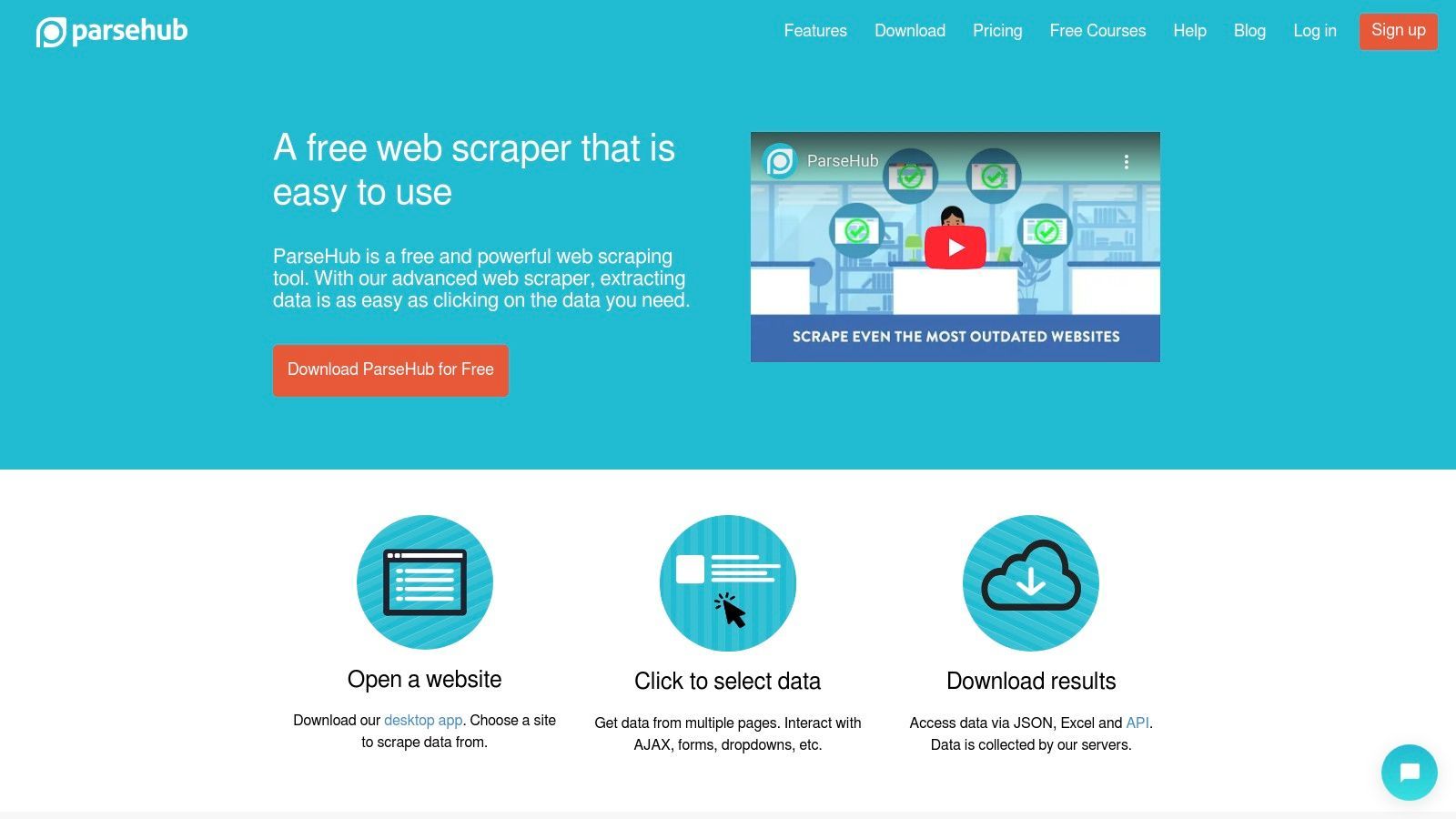
ParseHub projects can run on its cloud infrastructure, which means you can schedule tasks without keeping your own computer active. This makes it useful for ongoing monitoring projects, competitor research, price tracking, and large multi-page datasets. It is one of the best no-code web scrapers for dedicated recurring data projects, though not the fastest option for casual users.
Core Features & Use Cases
- Extraction Method: Desktop-based visual workflow builder with cloud execution.
- Best For: Large datasets, ecommerce scraping, real estate portals, directories, and multi-page research projects.
- Anti-Blocking: Paid plans include features such as IP rotation to help reduce blocking.
- Pricing: Free plan for smaller projects, with paid plans for higher capacity and faster runs.
- Export Options: JSON, CSV, and API access.
ParseHub is powerful, but it is better suited to data analysts and research teams than to recruiters or sales reps who need quick profile lists. For people-data workflows, a profile-focused scraper is usually more direct.
4. Browse AI
Browse AI takes a record-and-play approach to data extraction. Instead of building a scraper through selectors and rules, you record actions on a website using its browser extension, and Browse AI creates a robot to repeat those steps. This makes it intuitive for users who prefer to show the tool what to do rather than configure a scraper manually.
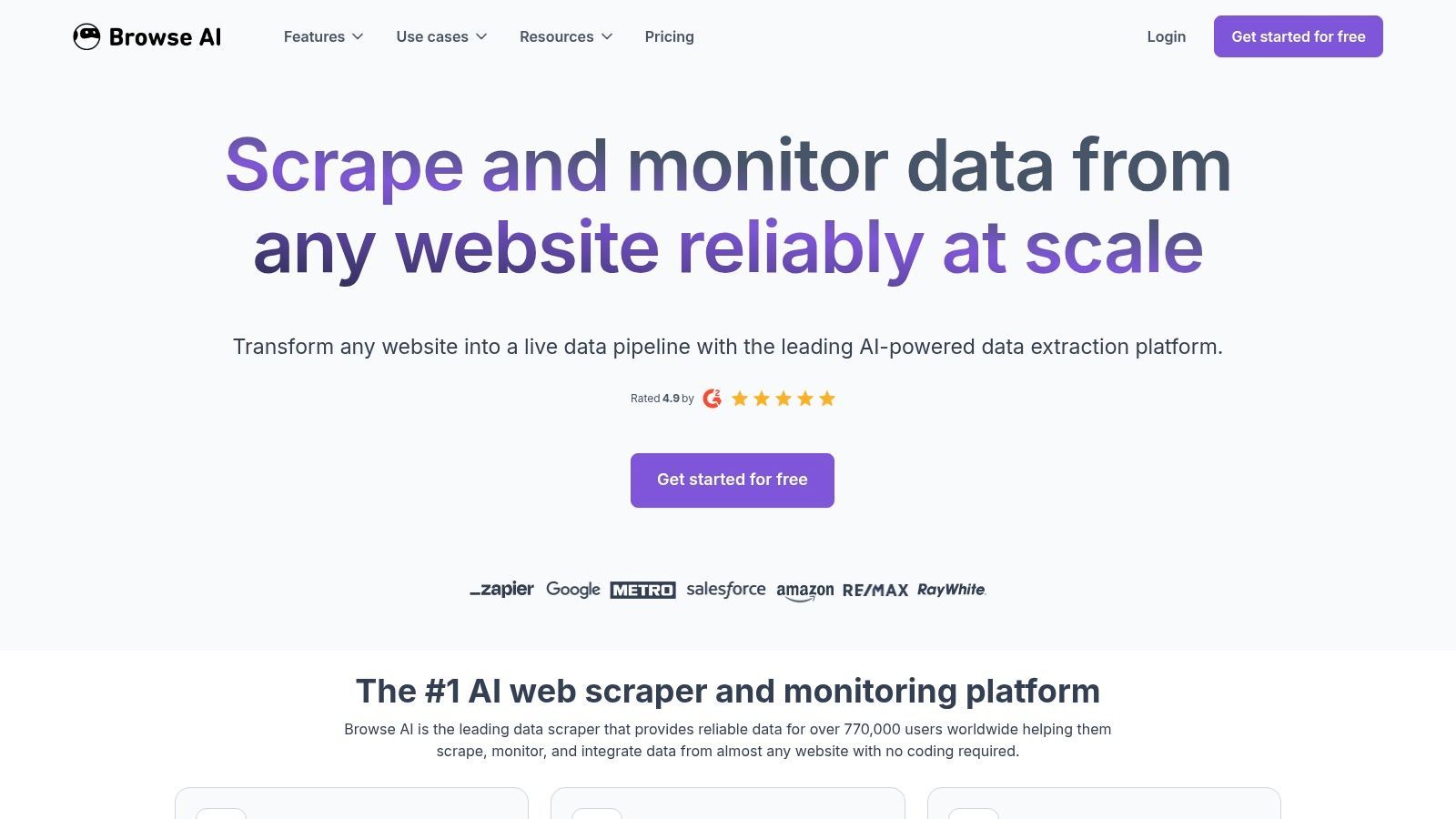
The platform is cloud-first, meaning extraction and monitoring happen on Browse AI's servers. This is helpful for scheduling, alerts, and integrations. Browse AI is especially useful for website monitoring, competitor tracking, and pushing updated data into tools like Google Sheets, Airtable, Zapier, or Make.
Core Features & Use Cases
- Extraction Method: Browser-based recorder that learns from user actions and runs robots in the cloud.
- Best For: Page monitoring, price tracking, competitor updates, job listings, and change alerts.
- Anti-Blocking: Uses cloud infrastructure and proxy options depending on plan and target.
- Pricing: Credit-based pricing with a free plan and paid tiers.
- Export Options: CSV, Google Sheets, Airtable, Zapier, Make, webhooks, and APIs.
Browse AI is strong for monitoring and recurring tasks. For recruiters and sales teams, it is more useful for tracking company pages or job boards than for fast one-click extraction of profile lists.
5. Web Scraper (webscraper.io)
Web Scraper is one of the most recognized names in no-code scraping, known for its popular browser extension for Chrome and Firefox. It uses a sitemap model where users visually teach the scraper how to navigate a site and which elements to extract.
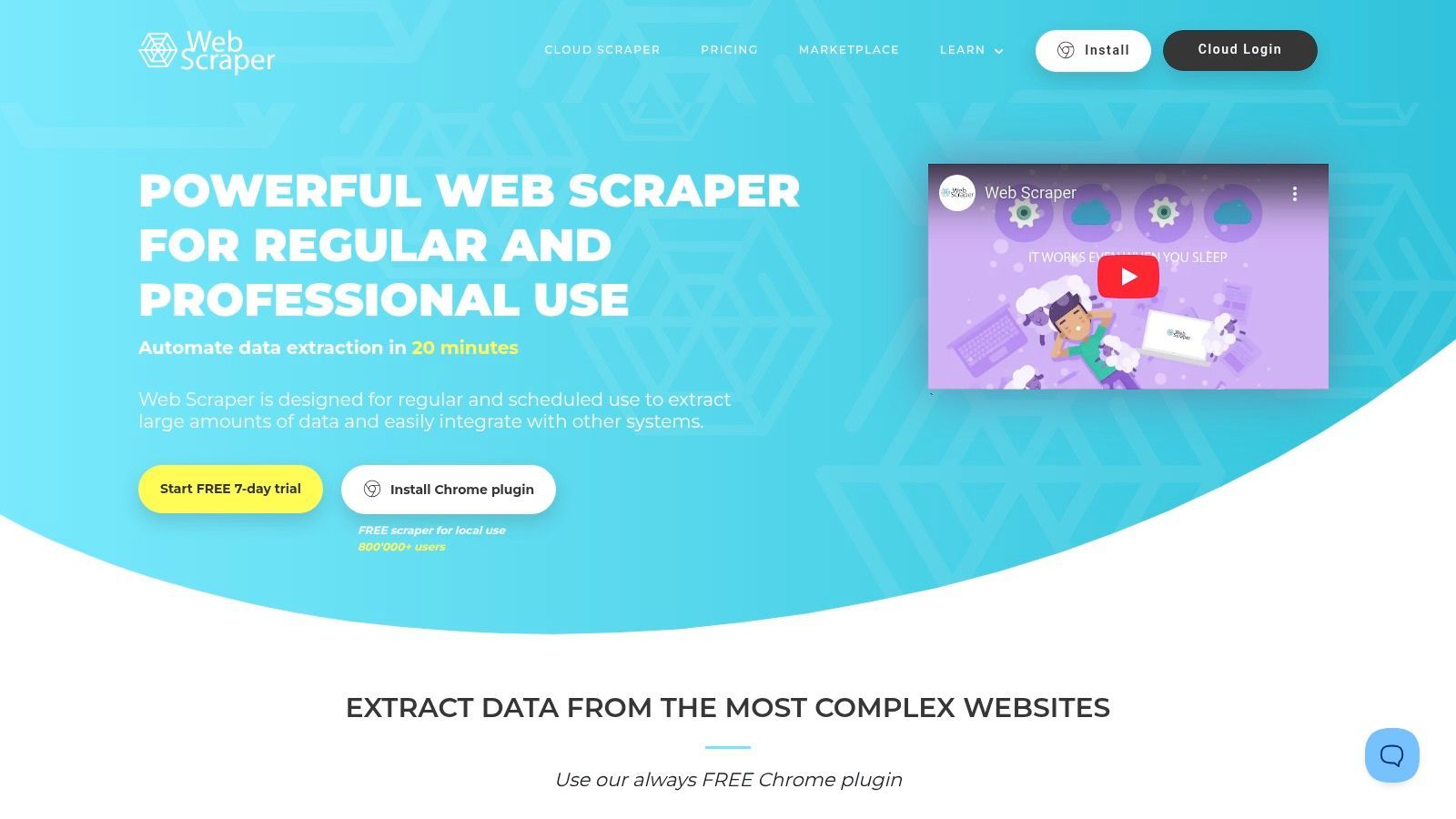
The platform’s strength is its hybrid model. You can run scrapes locally for free through the browser extension or subscribe to its cloud service for scheduled and parallel extraction. This makes Web Scraper a flexible tool for both learning no-code scraping and running repeatable scraping jobs.
Core Features & Use Cases
- Extraction Method: Sitemap-based visual selector for navigation and data extraction rules.
- Best For: Product data, directories, article listings, forums, and repeatable structured extraction tasks.
- Anti-Blocking: Cloud plans include additional capabilities for larger jobs and basic blocking resistance.
- Pricing: Free browser extension with paid cloud plans.
- Export Options: CSV, XLSX, JSON, webhooks, and integrations depending on plan.
Web Scraper is a good all-around tool for users willing to learn the sitemap concept. It is less automatic than AI-based tools, but it gives users more control over repeatable extraction recipes.
6. Data Miner
Data Miner is a browser-based scraping extension for Chrome and Edge that excels at quick, targeted extractions. It uses a recipe system: users can select from a large library of public recipes for common websites or build their own by pointing and clicking on the data they need.
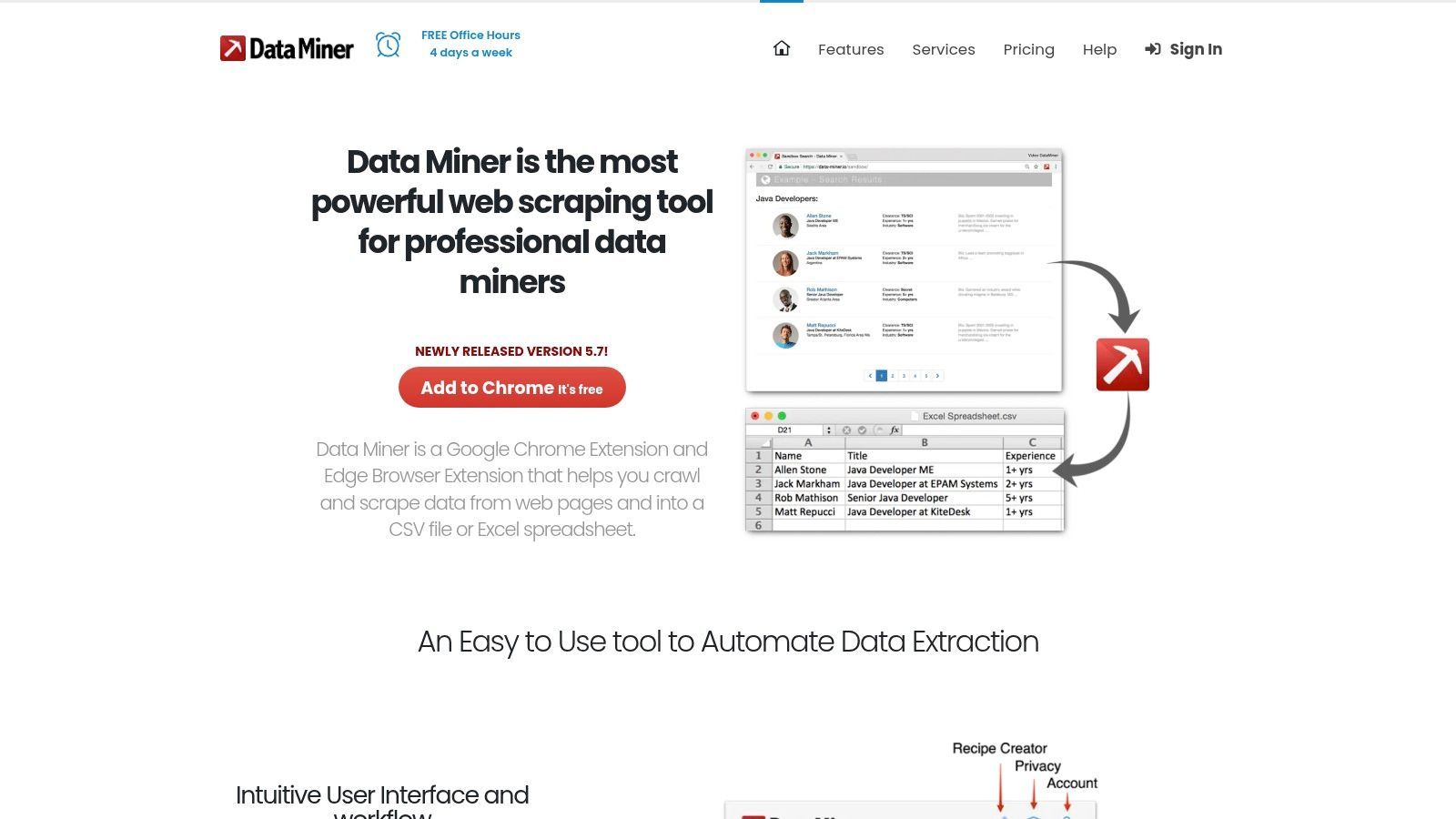
This recipe-driven approach makes Data Miner useful for sales reps, recruiters, researchers, and operators who repeatedly extract similar data from the same websites. However, because it is browser-based and recipe-dependent, it can be less reliable on websites that change layouts frequently or use stronger anti-scraping protections.
Core Features & Use Cases
- Extraction Method: Browser extension with point-and-click recipe builder and public recipe library.
- Best For: Tables, directories, search result pages, list pages, sales prospecting, and recruiting research.
- Anti-Blocking: No built-in proxy infrastructure in the extension workflow.
- Pricing: Free plan with page limits and paid upgrades for more usage.
- Export Options: CSV, Excel, and Google Sheets.
Data Miner is useful when a recipe already exists or when you repeatedly scrape the same type of page. If the tool breaks, our guide on why a Data Miner scraper is not working may help diagnose common issues.
7. Instant Data Scraper
For professionals who need data immediately without setup, Instant Data Scraper is one of the simplest options available. It is a free browser extension that automatically detects list-based or tabular data on the page you are viewing and exports it to a spreadsheet format.
The appeal is speed and simplicity. There is no account setup, workflow builder, recipe system, or cloud configuration. You install the extension, visit a page, click the icon, preview the detected data, and export.
Core Features & Use Cases
- Extraction Method: Automatic table and list detection inside a browser extension.
- Best For: Quick one-off exports, simple directories, list pages, tables, and ad-hoc research.
- Anti-Blocking: None. It runs from your browser and IP address.
- Pricing: Free.
- Export Options: CSV and Excel.
Instant Data Scraper is excellent for quick extracts from simple pages. It is less suitable for professional lead workflows that require lists, enrichment, deduplication, notes, tagging, or repeatable sourcing projects. For more details, see our Instant Data Scraper guide.
8. SimpleScraper
SimpleScraper is a lightweight no-code web scraper built for speed, automation, and structured data access. It operates through a Chrome extension for defining recipes locally, which can then be run on demand or automated in the cloud.
Its key differentiator is that it can turn websites into structured API endpoints. This makes SimpleScraper useful for users who want to push web data into dashboards, apps, workflows, or automation systems without building a scraper from scratch.
Core Features & Use Cases
- Extraction Method: Point-and-click Chrome extension for recipe creation, with cloud automation and API endpoints.
- Best For: Live data feeds, dashboards, monitoring, price tracking, and app integrations.
- Anti-Blocking: Cloud-based execution, with performance depending on target website and plan.
- Pricing: Credit-based model with a free tier and paid plans.
- Export Options: JSON APIs, webhooks, Google Sheets, Airtable, and integrations.
SimpleScraper is a good fit when you need clean structured data flowing into another system. For users focused on quick profile extraction or lead list building, a dedicated profile scraper will usually be faster.
9. Apify
Apify is a web scraping and automation platform that can serve both no-code users and developers. It is built around a marketplace of prebuilt cloud programs called Actors, which can perform tasks such as scraping Google Maps, monitoring websites, collecting ecommerce data, or extracting social platform data.
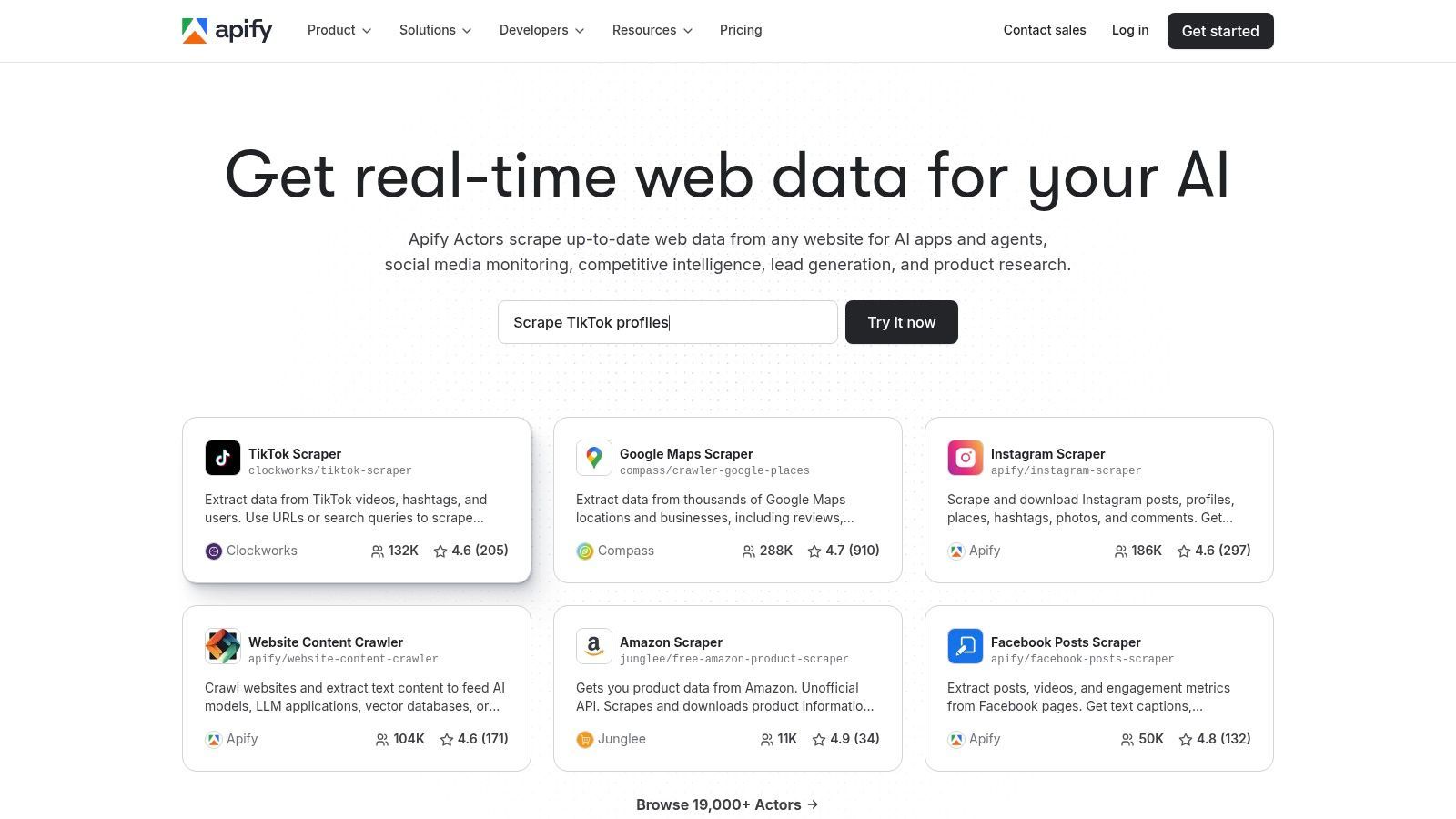
Apify is more flexible and technical than most simple no-code scrapers. Non-technical users can run ready-made Actors, while developers can build custom Actors for complex or large-scale projects. This makes Apify a strong option when your scraping needs may grow beyond simple browser extraction.
Core Features & Use Cases
- Extraction Method: Marketplace of prebuilt Actors plus support for custom development.
- Best For: Scalable scraping jobs, Google Maps scraping, ecommerce monitoring, APIs, and custom automation projects.
- Anti-Blocking: Proxy services and infrastructure options for more resilient scraping.
- Pricing: Free tier and usage-based paid plans.
- Export Options: CSV, JSON, Excel, XML, HTML, APIs, and datasets.
Apify is powerful and scalable, but it is less direct for sales reps or recruiters who simply want to capture profiles from a page. It is best for teams that want a cloud scraping platform with room for custom development.
10. Dexi
Dexi positions itself as an enterprise-grade digital commerce intelligence platform. It moves beyond simple no-code scraping into managed data extraction, monitoring, and delivery for brands, retailers, and market research teams.
Dexi offers both self-service tools and managed services. Teams can use visual extraction tools, but the core value is often in outsourced setup, maintenance, and reliable delivery. This is useful for organizations that treat web data as a mission-critical business intelligence asset.
Core Features & Use Cases
- Extraction Method: Visual bot builder and managed data extraction services.
- Best For: Enterprise price monitoring, competitor assortment tracking, brand compliance, and review data.
- Anti-Blocking: Managed scraping infrastructure, proxies, and maintenance as part of enterprise workflows.
- Pricing: Quote-based enterprise pricing.
- Export Options: BI integrations, data warehouses, custom APIs, and managed delivery formats.
Dexi is best for large organizations that need managed web intelligence, not for individuals or small teams looking for a quick no-code scraper.
11. Outscraper
Outscraper is a web data platform with a suite of prebuilt scrapers for specific high-demand sources such as Google Maps, Google business profiles, reviews, and company contact data. Instead of building a scraper from scratch, users choose a supported scraper, enter search criteria, and receive structured results.
This makes Outscraper useful for local lead generation, local SEO research, competitor review analysis, and business directory-style datasets. Its pay-as-you-go model is also helpful for users who have occasional or project-based needs and do not want a recurring subscription.
Core Features & Use Cases
- Extraction Method: Prebuilt scrapers for specific platforms and data types.
- Best For: Google Maps leads, local business data, reviews, place data, and company contact research.
- Anti-Blocking: Managed by the service behind the scenes.
- Pricing: Pay-as-you-go credits with some free usage.
- Export Options: CSV, Excel, JSON, Parquet, and API access.
Outscraper is fast and practical for supported sources. The main limitation is that it is not a general-purpose scraper for arbitrary websites.
12. PhantomBuster
PhantomBuster is a no-code automation platform focused on lead generation, social workflows, and outreach automation. Rather than offering a point-and-click scraper for any website, it provides prebuilt automations called Phantoms for specific platforms and tasks.
PhantomBuster’s strength is workflow chaining. Users can connect multiple Phantoms to create sequences, such as extracting profiles, enriching contacts, sending data to a spreadsheet, or triggering outreach workflows. This makes it popular with growth marketers, sales teams, and recruiters who want automation beyond simple data extraction.
Core Features & Use Cases
- Extraction Method: Prebuilt automation templates for specific sites and tasks, with workflow chaining.
- Best For: Sales lead generation, social media workflows, recruiting automation, and multi-step prospecting sequences.
- Anti-Blocking: Cloud execution with session-based workflows; users must manage rate limits and platform rules carefully.
- Pricing: Free trial and paid plans based on execution time and usage limits.
- Export Options: CSV, JSON, Google Sheets, CRMs, and integrations.
PhantomBuster is powerful for workflow automation, but users should be careful with platform terms, rate limits, and account safety. For safer, user-controlled profile collection, a browser-based workflow may be more appropriate.
Top 12 No-Code Web Scrapers — Quick Comparison
| Tool |
Best for |
Type |
Pricing style |
| ProfileSpider 🏆 |
Lead lists, profile extraction, recruiting, sales prospecting |
AI browser scraper |
Free plan + credits |
| Octoparse |
Complex websites, directories, scheduled scraping |
Visual workflow scraper |
Free plan + subscriptions |
| ParseHub |
Large multi-page scraping projects |
Visual workflow scraper |
Free plan + paid tiers |
| Browse AI |
Website monitoring, alerts, and integrations |
Cloud recorder scraper |
Credit-based |
| Web Scraper |
Repeatable local scraping and sitemap-based extraction |
Browser extension + cloud |
Free extension + cloud plans |
| Data Miner |
Recipe-based extraction from known sites |
Browser extension |
Free plan + subscriptions |
| Instant Data Scraper |
Quick table and list exports |
Free browser extension |
Free |
| SimpleScraper |
Live APIs and structured data feeds |
Chrome extension + cloud API |
Free tier + credits |
| Apify |
Scalable scraping jobs and prebuilt actors |
Cloud scraping platform |
Usage-based |
| Dexi |
Enterprise ecommerce intelligence |
Managed scraping platform |
Quote-based |
| Outscraper |
Google Maps, reviews, and local business data |
Source-specific scraper |
Pay-as-you-go |
| PhantomBuster |
Social automation and lead generation workflows |
No-code automation platform |
Subscription + execution limits |
Best No-Code Web Scraping Workflow: From Page to Usable Data
The right tool is only part of the workflow. To get useful data without wasting time, you need a clear process from source selection to export.
- Define the source: Decide whether you are scraping directories, team pages, product pages, search results, public profiles, review sites, or marketplaces.
- Choose the right scraper type: Use a profile scraper for people data, a visual scraper for complex pages, a monitoring scraper for recurring changes, or a marketplace scraper for known sources.
- Extract only useful fields: Focus on the fields you need, such as names, titles, companies, URLs, emails, prices, descriptions, or ratings.
- Clean and deduplicate: Remove duplicate rows, irrelevant records, blank fields, and low-quality data.
- Enrich where needed: Add missing company domains, emails, phone numbers, firmographics, or profile details. See our guide to the best data enrichment tools.
- Export or sync: Move the final dataset to CSV, Excel, Google Sheets, your CRM, ATS, database, or outreach workflow.
If your workflow is focused on sales, recruiting, or people data, a tool like ProfileSpider can help you go from source page to lead list quickly: extract visible profiles, save them into lists, enrich missing details, find emails, and export when ready.
Making Your Final Choice: Which No-Code Scraper Wins?
The best no-code web scraper depends on your real workflow. There is no single winner for every use case. A product data analyst, a recruiter, a sales rep, and a data engineer all need different things from a scraper.
If you need complex multi-page scraping, tools like Octoparse, ParseHub, Web Scraper, and Apify are strong options. If you need website monitoring and integrations, Browse AI and SimpleScraper are better fits. If you need local business data, Outscraper is more direct. If you need social workflow automation, PhantomBuster may be useful, but it requires careful handling of platform rules.
For recruiters, sales teams, and marketers, the criteria are different. The goal is not just generic web data. The goal is often people data: names, roles, companies, profile URLs, websites, social links, and contact details that can become candidate lists, prospect lists, or outreach datasets.
The Deciding Factors: Speed, Simplicity, and Control
When your objective is building a pipeline of candidates or sales leads, you usually cannot afford to spend hours configuring recipes or debugging selectors. Setup time directly reduces time available for sourcing, outreach, and qualification.
This is where ProfileSpider has a clear use-case advantage. It is not trying to be the most configurable scraper for every website. It is designed to be the fastest way to extract visible people and company profiles from pages you are already viewing.
For people-data workflows, the best scraper is often the one that gets you from a relevant page to a clean lead list with the least setup.
Privacy and control also matter. Some cloud-based tools process data on remote servers. That can be acceptable for many scraping projects, but recruiters and sales teams handling personal or professional profile data may prefer a more controlled browser-based workflow.
Your Actionable Next Steps
To make your final decision, use this checklist:
- Define your primary use case: Lead lists, candidate sourcing, ecommerce monitoring, market research, local business data, or automation?
- Check the page complexity: Is the data visible on one page, spread across many pages, hidden behind interactions, or updated over time?
- Assess your technical tolerance: Do you want one-click extraction, a visual builder, a recorder, a recipe system, or a cloud platform?
- Decide where data should live: Browser, CSV, Excel, Google Sheets, CRM, ATS, API, data warehouse, or automation tool?
- Review compliance and site rules: Especially when collecting personal data, platform data, or data from sites with strict terms. Our website scraping legal guide explains the main considerations.
- Test with a real page: Use the same website and data type you actually need, not a generic demo page.
Ultimately, the best no-code web scrapers of 2026 help you collect useful data without writing code. The right choice is the tool that fits your source, your workflow, your privacy needs, and your export destination.
If your goal is to build lead or candidate lists from public websites, try ProfileSpider: open a page with visible profiles, extract the data, save leads into lists, enrich missing details, and export when you are ready.