

A no-code web scraper Chrome extension is one of the fastest ways to extract website data without writing scripts, configuring selectors, or building a crawler from scratch. Instead of copying names, job titles, company details, and profile links into a spreadsheet manually, you can extract structured data directly from the page you are viewing in Chrome.
This makes Chrome extensions especially useful for recruiters, sales teams, marketers, and researchers who need a practical, browser-based workflow. If the goal is speed and simplicity, a no-code extension is often the easiest way to move from a live webpage to a usable lead list or research dataset.
In this guide, you’ll learn what a no-code web scraper Chrome extension is, how it works inside the browser, when it is the best option, and what to look for when choosing one.
What Is a No-Code Web Scraper Chrome Extension?
A no-code web scraper Chrome extension is a browser add-on that lets you extract structured data from websites directly inside Chrome. Instead of writing scraping code or manually selecting HTML elements, you use an interface in the browser to capture data from the page you are already visiting.
That data can include:
- Names
- Job titles
- Company names
- Profile URLs
- Websites
- Locations
- Emails or contact fields, when available
The biggest advantage is convenience. A Chrome extension sits exactly where the work is happening: in your browser, on the live webpage, at the moment you want to extract the data.
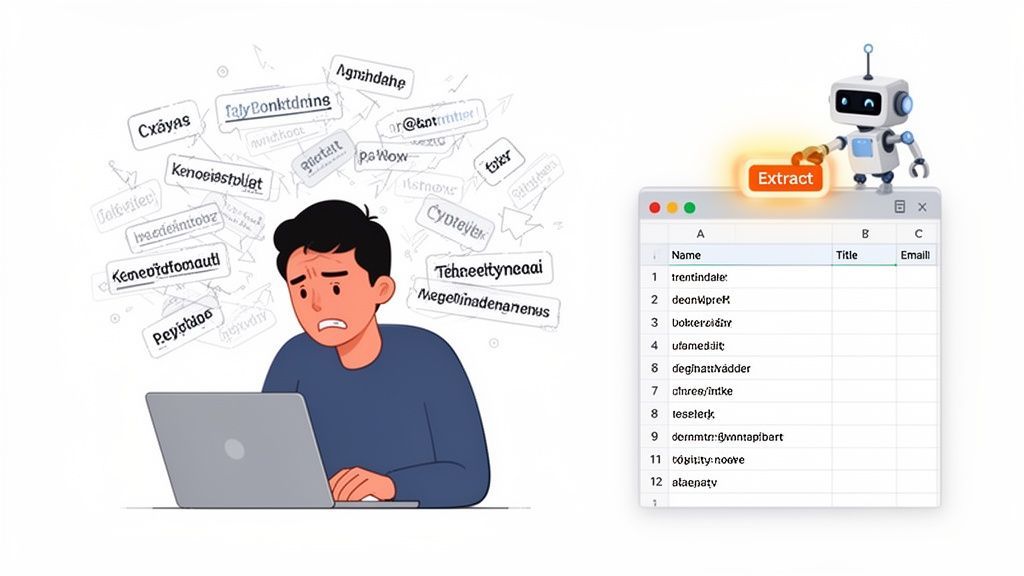
Why People Use Chrome Extensions for Scraping
Compared with manual collection, a browser extension removes a lot of friction:
- No coding required: You do not need Python, selectors, or scraping libraries.
- Faster collection: You can extract multiple profiles from a page in seconds.
- Less context switching: You stay in Chrome instead of bouncing between tabs, scripts, and spreadsheets.
- Lower setup time: Extensions are often much faster to install and start using than standalone scraping tools.
That makes the format especially attractive for non-technical users who want a simple, repeatable workflow.
Why Use a Chrome Extension Instead of Other Scraping Tools?
Not every scraping workflow needs a cloud platform or a custom crawler. In many everyday use cases, a Chrome extension is the better fit because it is fast, visual, and easy to use on the page in front of you.
The Browser Is Where the Work Already Happens
If you are sourcing candidates, researching companies, building lead lists, or reviewing directories, the work usually starts in Chrome. You are already opening search results, team pages, speaker lists, directories, and profile pages in the browser.
A Chrome extension fits directly into that workflow. Instead of exporting URLs into another tool or building a separate scraping job, you can extract data at the moment you discover it.
It Is More Practical for Single-Page and Visible-Page Extraction
A browser extension is especially strong when you want to extract:
- Profiles on a search results page
- People listed on a team page
- Companies in a directory
- Speakers on an event page
- Businesses from a local listing or marketplace page
These are all use cases where the data is visible in the browser and can be captured immediately without building a more complex scraping workflow.
Chrome Extensions Are Easier for Non-Technical Teams
A lot of no-code tools still introduce complexity through templates, selectors, recipes, or rule builders. Chrome extensions can reduce that friction because they are designed for direct interaction with the live webpage.
With a tool like ProfileSpider, the browser-based workflow is simple: open the page, launch the extension, and extract the profiles. That is a much more accessible entry point for teams who want the result without having to learn scraping mechanics first.
If you want a broader introduction to the topic, our guide on automating web scraping with no-code tools covers the basics.
How a No-Code Chrome Scraper Works Inside the Browser
When you open a webpage in Chrome, the browser renders a structured document behind the scenes. A no-code web scraper Chrome extension uses that structure, along with pattern recognition, to identify repeatable data blocks such as profile cards, listings, or company entries.
In practical terms, the extension looks for structured patterns on the page and turns them into rows of data.
From Page Layout to Structured Output
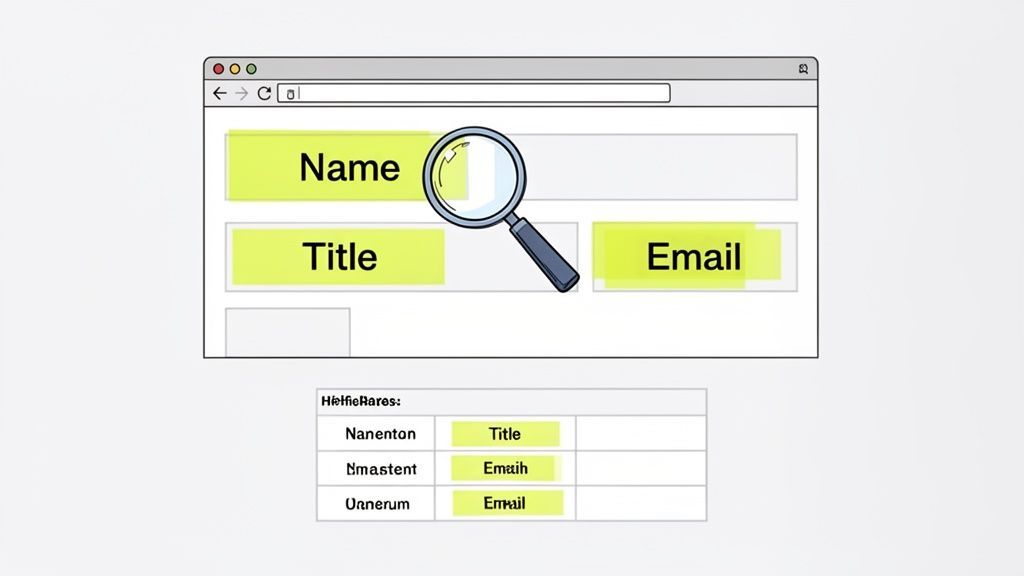
Most modern websites display repeating units of information. A team page may list name, role, and LinkedIn link for each employee. A directory may show company name, category, website, and location for each listing. A conference page may include speaker headshots, titles, and organizations.
A scraping extension works by detecting those repeated patterns and extracting the useful fields into a structured format.
The best Chrome scraping extensions are not just copying text. They are identifying repeated records on a live webpage and converting them into a clean list you can review and export.
Why AI Helps
Modern no-code scrapers work better when they use AI or smart pattern recognition. That matters because websites are rarely perfectly tidy. Some pages mix people and companies together. Others use dynamic components, unusual layouts, or inconsistent formatting.
With AI-assisted extraction, the tool can do a better job recognizing meaningful fields and separating useful data from surrounding clutter.
This is especially important on JavaScript-heavy pages. If you want a more specific walkthrough for those cases, read our guide on how to scrape a dynamic website with a Chrome extension.
People vs Company Detection
One of the most useful capabilities in a browser-based scraper is the ability to distinguish between different record types.
- People profiles often include a name, role, company, and social or contact information.
- Company profiles usually include a business name, website, industry, location, and business details.
That distinction matters because the workflow is different depending on your goal. A recruiter may want candidate profiles, while a sales team may want company records or decision-makers from team pages. A tool like ProfileSpider is built for profile-focused extraction, which makes it especially relevant for these kinds of browser-based use cases.
Who Benefits Most from a No-Code Web Scraper Chrome Extension?
This type of tool is most valuable for professionals who regularly discover useful data while browsing and want to capture it immediately.
Recruiters
Recruiters can extract candidate names, roles, companies, and profile links from search results, speaker lists, community pages, or public talent directories without manually copying every entry into a spreadsheet.
Sales Teams
Sales reps and SDRs can collect account and contact data from company directories, local listings, team pages, and niche industry websites to build targeted outreach lists faster.
Marketers
Marketers can use a Chrome extension to gather creator lists, partner targets, relevant brands, speakers, or companies for campaign research and outreach planning.
Researchers and Operators
Researchers, founders, and operators can extract structured data from directories, association sites, competitor pages, and public listings to support market mapping and analysis.
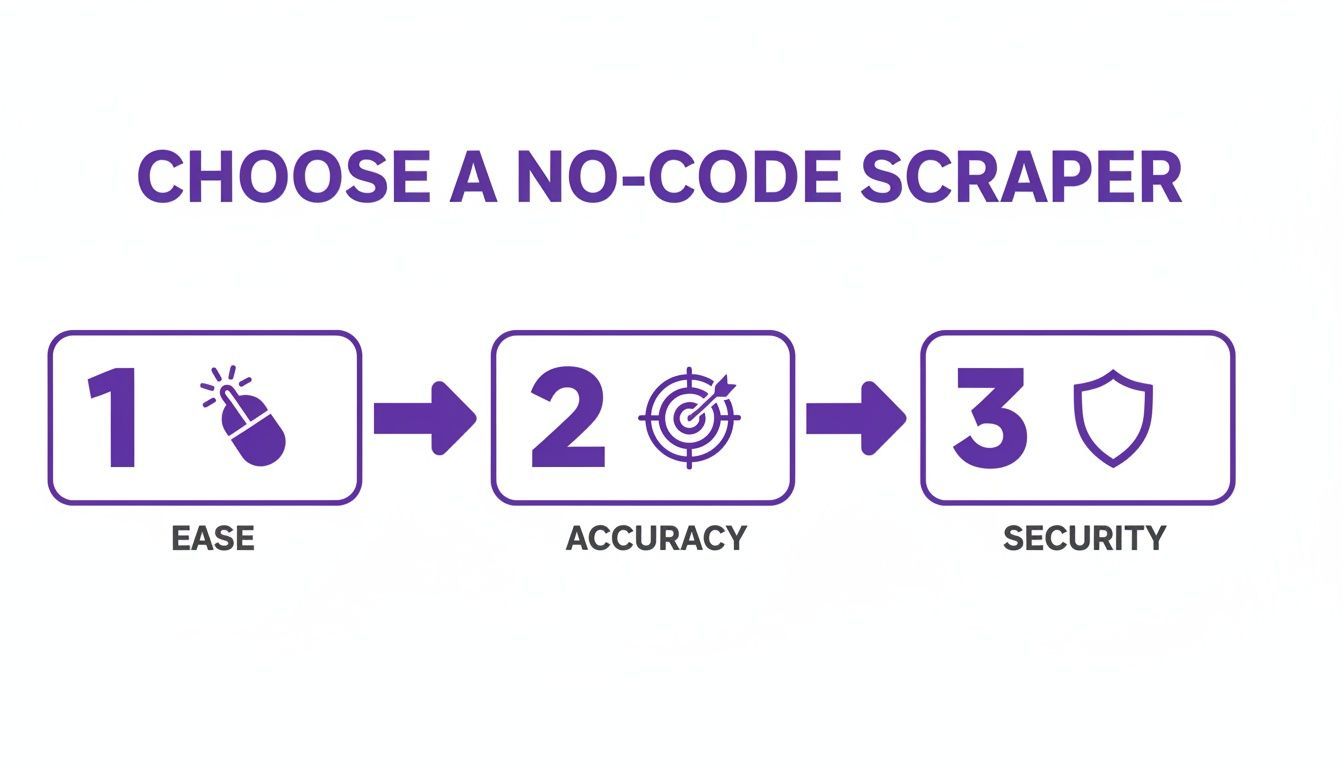
What to Look for in a No-Code Chrome Scraper
There are many scraping extensions in the Chrome ecosystem, but they are not equally useful. The best choice is not the one with the longest feature list. It is the one that fits how you actually work inside the browser.
1. One-Click or Low-Friction Workflow
If the extension still forces you to build rules or configure selectors on every site, it is only partially “no-code.” A strong browser-based tool should keep the workflow simple and let you move quickly from page to extraction.
2. Accurate Field Recognition
The extension should correctly detect names, roles, companies, links, and other useful fields. Poor extraction quality creates cleanup work later, which defeats the point of automation.
3. Compatibility with Different Public Websites
The tool should work beyond one or two platforms. If your workflow includes directories, team pages, conference sites, or niche listings, versatility matters.
4. Data Review and Organization
Extracting data is only part of the workflow. The extension becomes much more useful if it lets you review results, remove noise, organize entries into lists, or add notes before export.
5. Export Flexibility
You should be able to export the structured data into formats like CSV or Excel so you can move it into your CRM, ATS, spreadsheet, or outreach workflow.
6. Data Control and Privacy
It is worth understanding where the extracted data goes. Some tools rely heavily on cloud storage. Others keep the workflow more local. If you are collecting sensitive lead or candidate data, this can be an important evaluation factor.
Feature Checklist
| Feature | What to Look For | Why It Matters |
|---|---|---|
| Browser-based workflow | Runs directly on the page you are visiting | Reduces friction and keeps extraction close to the discovery moment |
| One-click extraction | Minimal setup or rule building | Makes the tool usable for non-technical teams |
| AI or smart parsing | Recognizes fields and repeated records automatically | Improves output quality and reduces cleanup |
| Profile-focused extraction | Handles people and company records well | Useful for recruiting, sales, and outreach workflows |
| Export support | CSV or Excel output | Makes handoff into other systems easier |
| Data control | Clear storage and privacy model | Important for security and operational confidence |
If you want to compare more browser-based options, see our roundup of the top free Chrome extensions for web scraping in 2025.
Step-by-Step: Using a No-Code Web Scraper Chrome Extension
The biggest advantage of a Chrome extension is that the workflow is direct. You find the page, open the extension, extract the records, and export the result.
Step 1: Open a Page with Structured Listings
Start with a public webpage that contains repeated records. Examples include:
- A company team page
- A speaker lineup
- A member directory
- A business listing page
- A people search results page
Step 2: Launch the Extension
Click the extension icon in Chrome to open the scraper interface. Because the tool lives in the browser, it can work directly with the page you are already viewing.
Step 3: Extract the Profiles or Records
Run the extraction. The extension scans the page and returns the structured records it identifies. In a good workflow, this should take only a few clicks and very little setup.
With ProfileSpider, the emphasis is on profile extraction from live pages in the browser, which makes it especially useful when the goal is to turn visible page content into an organized list quickly.
Step 4: Review and Organize
Before exporting, review the extracted results. Clean up obvious issues, check for duplicates, and organize the records into a list that matches the project or campaign you are working on.
Step 5: Export the Data
Export the results into CSV or another structured format so you can continue the workflow in your CRM, ATS, spreadsheet, or outreach tool.
If your goal is to turn extracted browser data into pipeline value, our article on how to feed your sales pipeline automatically connects scraping directly to CRM workflows.
When a Chrome Extension Is the Best Choice
A Chrome extension is usually the best fit when:
- You want to scrape data from pages you are actively browsing
- You need a fast, low-setup workflow
- You are working with visible profile or listing pages
- You want non-technical team members to use the tool
- You care more about speed and usability than about large-scale crawling infrastructure
In other words, if your use case starts with “I’m already on the page and want to capture this data now,” a browser extension is often the right format.
When a Chrome Extension May Not Be Enough
Chrome extensions are highly practical, but they are not the right fit for every scraping scenario. You may need something more advanced if you want to:
- Crawl thousands of pages automatically
- Run large-scale scheduled jobs in the background
- Build complex multi-step scraping pipelines
- Handle advanced pagination across many URLs
For many sales, recruiting, and research workflows, though, that level of complexity is unnecessary. A browser-based tool is often the faster and more efficient solution.
Privacy, Safety, and Responsible Use
Using a no-code web scraper Chrome extension does not remove the need to act responsibly. Whether you scrape manually or with a browser tool, it is still important to focus on public data, respect site terms, and handle information appropriately.
As a rule, it is smart to:
- Review the website’s terms of service
- Focus on publicly accessible information
- Be careful with personal data
- Use extracted data within legitimate business or research workflows
If you want a deeper look at responsible collection practices, read our guide on how to scrape leads safely and ethically.
Why Storage Model Matters
It is also worth looking at how the extension handles data after extraction. If your workflow includes candidate lists, lead lists, or contact records, understanding where that information is stored matters for privacy and control.
A useful scraping extension should not only make extraction easy. It should also give you clarity and confidence about how your data is handled after capture.
Final Thoughts
A no-code web scraper Chrome extension is one of the most practical ways to extract data from websites when your workflow happens inside the browser. It is fast to install, easy to use, and well suited to visible-page extraction for sales, recruiting, marketing, and research.
If your team wants a browser-based way to capture profile data without writing code, a Chrome extension is often the most direct solution. And if your focus is profile extraction, list building, and easy export from live webpages, ProfileSpider is built specifically for that use case.